
DOWNLOAD THE APP


Customer Services
Copyright © 2025 Desertcart Holdings Limited
DOWNLOAD THE APP

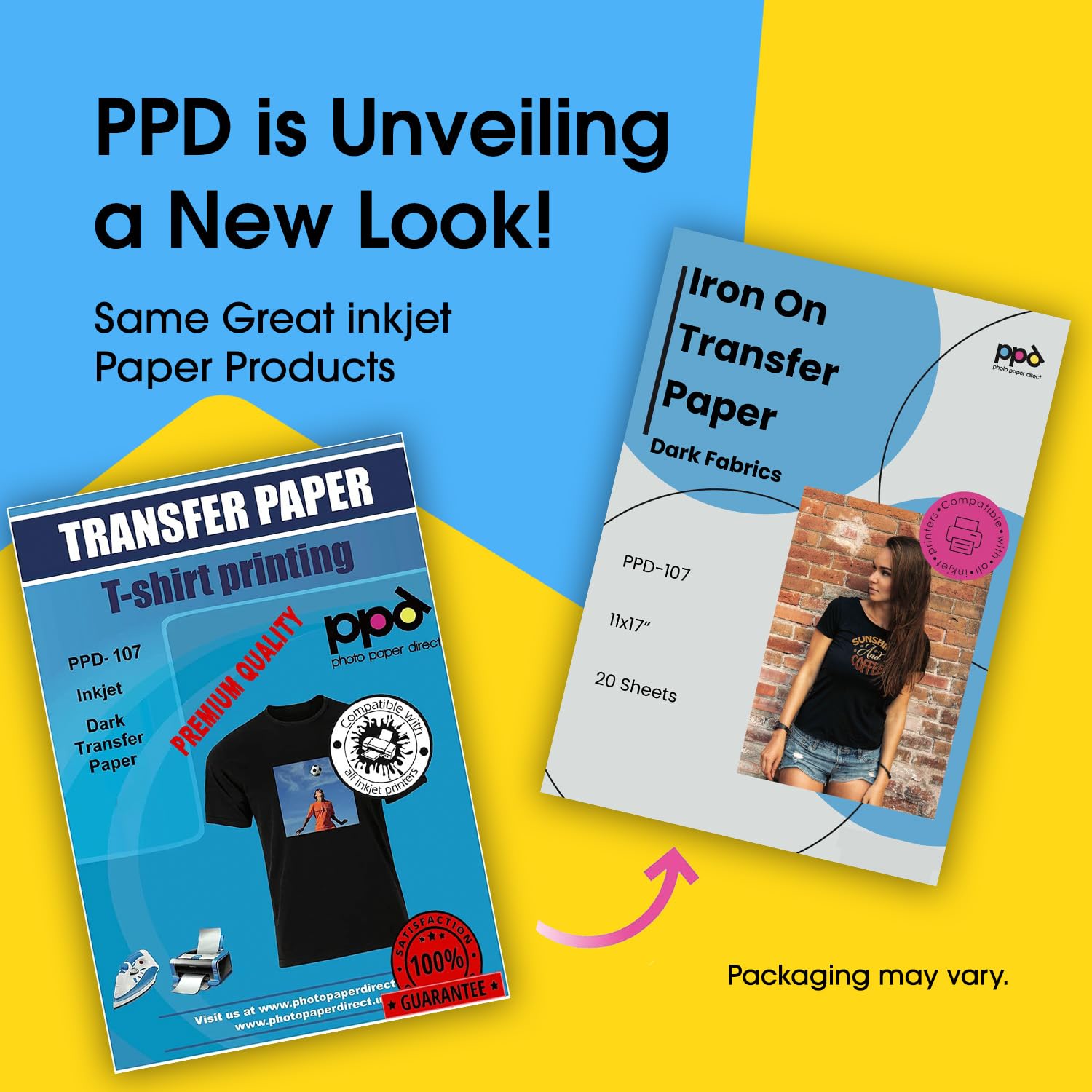


🔥 Make your dark fabrics pop with pro-grade transfers that last!
PPD’s 20-sheet pack of 11x17" inkjet iron-on heat transfer paper delivers professional-quality, vibrant, and durable transfers designed specifically for black and dark cotton fabrics. Perfect for hobbyists, schools, and craft groups, it offers large-format sheets compatible with standard inkjet printers and cutting machines, ensuring easy, precise application and long-lasting results that resist cracking and fading through multiple washes.


| ASIN | B07BHTW61Y |
| Best Sellers Rank | #2,132 in Arts, Crafts & Sewing ( See Top 100 in Arts, Crafts & Sewing ) #7 in Sewing Heat Transfer Paper |
| Brand | PPD |
| Brand Name | PPD |
| Brightness | 85 |
| Color | Dark (20 Sheets) |
| Customer Reviews | 4.3 out of 5 stars 96,755 Reviews |
| Item Dimensions L x W | 17"L x 11"W |
| Manufacturer | Photo Paper Direct |
| Material Features | Biodegradable |
| Paper Finish | Matte |
| Paper Size | 11 x 17 Inches |
| Paper Weight | 20 |
| Sheet Count | 20 |
| Sheet Size | 11 x 17 Inches |
| Unit Count | 20 Count |
S**.
Good
PPD Inkjet Premium Iron-On White and Light Colored T-Shirt Transfers Paper is a game-changer for DIY enthusiasts like me. These 8.5x11-inch sheets (Pack of 20) have been a lifesaver when it comes to creating custom designs on my favorite clothing items. The quality of the transfers is outstanding. The colors appear vibrant and true to the original design, whether it's a bold graphic or a delicate illustration. I've used other transfer papers before, but none have matched the crispness and durability of PPD's product. What sets this transfer paper apart is its versatility. Whether I'm working with white or light-colored fabrics, the results are consistently impressive. It adheres well to the fabric and doesn't peel or crack even after multiple washes. One thing I appreciate is the ease of use. The instructions are clear, and the printing process is hassle-free. It's great for creating personalized gifts, team shirts, or simply updating my wardrobe with unique designs. In conclusion, PPD Inkjet Premium Iron-On White and Light Colored T-Shirt Transfers Paper has become my go-to choice for all my DIY apparel projects. It offers exceptional quality, versatility, and ease of use. I highly recommend it to anyone looking to add a creative touch to their clothing.
N**N
PPD Inkjet PREMIUM Iron-On White and Light Color T Shirt Transfers Paper (LTR 8.5x11”)
As someone who enjoys customizing my clothing with unique designs, I recently tried the PPD Inkjet PREMIUM Iron-On White and Light Color T Shirt Transfers Paper. Here's a comprehensive review based on my experience: Quality of Print: The PPD Inkjet Premium Iron-On Transfers Paper lives up to its promise of delivering high-quality prints. The colors appear vibrant, and the details of the design are well-reproduced on the transfer paper. The white and light colors come out vividly, creating a professional-looking finish on the fabric. Ease of Use: One of the standout features of this transfer paper is its ease of use. The printing process is straightforward, and the instructions provided by PPD are clear and easy to follow. The paper feeds smoothly through most inkjet printers, and the prints transfer seamlessly onto the fabric during the ironing process. Compatibility: I found that the PPD Iron-On Transfers Paper works well with various inkjet printers, ensuring compatibility for a wide range of users. The sheets are standard letter size (8.5x11 inches), making them suitable for most printers commonly found in households or offices. Durability on Fabric: After several washes, the transferred designs on the fabric remain intact and vibrant. The colors don't fade quickly, and the prints exhibit good durability.
S**D
Best Printable Heat Transfer ever!!
Best printable heat transfer paper on the market. I’ve tried 5 different brands on Amazon and this is the only one that is reliable for me. Many others won’t peel correctly or you have to wait 24 hours after printing or don’t last after one wash. PPD is perfect. It last for many washes and I actually put it through the dryer on low heat and never have any problems, I know it is recommended to air dry and I accidentally dried a printed shirt. To my surprise it came out of the dryer perfectly. Never buying another brand again!!
Q**K
Good Quality
Why did you pick this product vs others?: This was the first time I used this paper and it worked great for me. The quality of the paper was good, the peeling was very easy and the transfer was quick and easy. I followed the directions & everything worked great. I did need to increase the resolution of pictures to get the look I wanted, but if you’re looking for something bright and of real photo quality I would try a different type of paper.
F**Y
When used correctly these are amazing PLEASE READ
I've been using this brand dark transfer papers for. awhile now, with a heat press machine, and I'm almost always happy with the results. First, when using heat press, make sure it is set at 375 and for 13-15 secs (max). Set to hard pressure. Also, I use no less than 350 in resolution for my images and they come out so so SO colorful and clear. Resolution is important. Also, understand that if you're running a tshirt merch business, your customers may be sending you a flawed image. Take the time to clean up any images you use, increase the resolution, increase the vibrancy, etc. Make sure your screen brightness is up so that you're viewing the image on your computer screen accurately (color-wise). I have had zero issues cutting my images on this paper. Also, zero issues peeling the image. I definitely recommend having a 2nd person help if you are trying to arrange peeled images to a shirt while its under the heat press. The images WILL curl under heat and that makes it impossible to press. INSTEAD, invest in a teflon pad/pillow and have your 2nd person hold it directly under the heat on the press so that it blocks the heat while you arrange your peeled images. ALSO, you can arrange the peeled images on the shirt OFF the heat press and you and your 2nd person can carefully carry the shirt to the heat press (while the parchment paper is already placed on top of shirt) IF you are heat pressing an image on a material that hasn't been pre-washed and is a dark color, there is a chance that, that color may bleed through the image. I do a lot of printing on shirts that I've tie dyed and I've found that I have to wash the shirts twice to avoid any color bleeding through. To anyone doing a big order, do ONE shirt and wash before doing the entire order so you can see how it holds up. Lastly, this product listing doesn't really specifically say to use sublimation ink. It says to use regular ink. So if you've been using regular ink and you're unhappy with the color quality, this is likely why. USE SUBLIMATION INK!!!!! Sublimation ink is compatible with inkjet printers and it costs about the same to fill/refill. You can find this ink online easily. SN: I mentioned parchment paper......not sure what everyone else is using but I use high quality parchment paper between my shirts and the heat press. Make sure the parchment paper is not folded, creased, torn etc or it will leave an imprint in your image. DO not use butcher paper. Bad idea, learn from me! After you're done pressing, let the parchment paper remain for about 30 seconds before peeling off. Do not move the shirt or fold or wash for, well, as long as you can until its time to wear or package (But allow shirt to cool UNMOVED for at least an hour before handling). I can't think of anything else but I read all the bad reviews on this product and most of them sounded like issues that are fixable with the tips I included here. My customers LOVE their shirts and hoodies. The only time I've had issues is when my printer was acting up, which was an ink and false paper jam issue, not a transfer paper issue. DO NOT FORCE JAMMED PAPER OUT EVER! Instead, turn the printer off and on and this will push the stuck paper through. Hope this helps!
L**T
Read review for tips on best chance of success
These iron on transfers worked okay once I learned the tricks. Print on a color printer. Cut the design down to just outside the out edge of the design. Use the pressing paper on top of the design to press the design to the fabric. Here is the "trick": WAIT FOR THE DESIGN TO COMPLETELY COOL before you peel off the backing. Cooling gave me the most success. I did have a few designs that tore and did not adhere to spite lots of heat during the pressing and letting it completely cool. The transfer leaves a mild stiff feel to the fabric. I used these on quilt blocks and I don't like the stiffness that was added to the fabric of a quilt. I might use the rest of the papers on a bag but not something that touches the skin.
M**.
Great quality and so versatile!
I used this on white cotton quilting fabric to make pillows of our cats, for my son to take with him back to his college dorm. I used an app to remove the background from the cat photo, then saved the photo as a PDF, and printed it out taking up 2 pages so that the cats were life-size. I purposefully left the white around the cat so that you cannot see the edges of the transfer when I sewed it. It was a little hard getting the two sheets lined up in the middle of each cat where I had to join the two image halves, but as long as they are perfectly butted up to each other or ever so slightly overlapped, you can’t really tell. I made two mini catnip toys of my son, for the cats, as a joke as well. Once you print the image, the color looks a little dark and dull and matte, but after ironing it on the color becomes richer and brighter. The instructions were very thorough and easy to follow, I have never done transfers like this before and had no problems. I also made 2 shirts for my other son. I used 100% cotton T-shirt’s. They look very professional and the images are extremely well adhered. I messed up a tiny bit where I apparently didn’t cut the top of one image in an exactly straight line, but it’s fine. I love how the transfer is also a little stretchy and soft so that it moves with the shirt well. I haven’t washed them yet but if anything changes after washing, I’ll update the review. I would definitely use these again!
J**B
Not a replacement for silkscreen, but the best at what it does!
We are an Independent record store that puts the "Y" in "DIY". So when international Record Store Day came around, we were still in our first 6 months of business. That meant that any swag would have to be done on the cheap until we can get traction to get proper screenprinted gear. We bought these Iron on transfers knowing that the print would be real stiff, and they may not last as long as more expensive methods. But, for our application, they turned out GREAT! But, that is because we tempered our expectations and FOLLOWED THE INSTRUCTIONS!!! First off: Those who say this stuff doesn't stick... read the directions! Odds are people tried using an ironing board and did not use enough heat and pressure. You have to be CONSISTENT and firm! We did it directly to a steel and masonite table. Also, if you dont have the highest heat possible, you will get discoloration. Not because the vinyl is melted too much, but because it is not melted ENOUGH. I went with 30 seconds to a minute longer than I thought I should, and when I did they came out perfect. The colors were more muted than I was expecting, but I feel it was the cheap printer. The vinyl is stiff, so wearing a big print on a T shirt won't breathe as well and it will probably crack over time. But, on the canvas tote bags they look and feel AWESOME! We got so many compliments and, if you bother to watch the instructional videos and read the instructions, you will get stunning results.
Trustpilot
2 weeks ago
3 days ago