
DOWNLOAD THE APP


Customer Support

Desert Online General Trading LLC
Warehouse # 7, 4th Street, Umm Ramool, Dubai, 30183, Dubai
DOWNLOAD THE APP
Customer Support
Desert Online General Trading LLC
Warehouse # 7, 4th Street, Umm Ramool, Dubai, 30183, Dubai



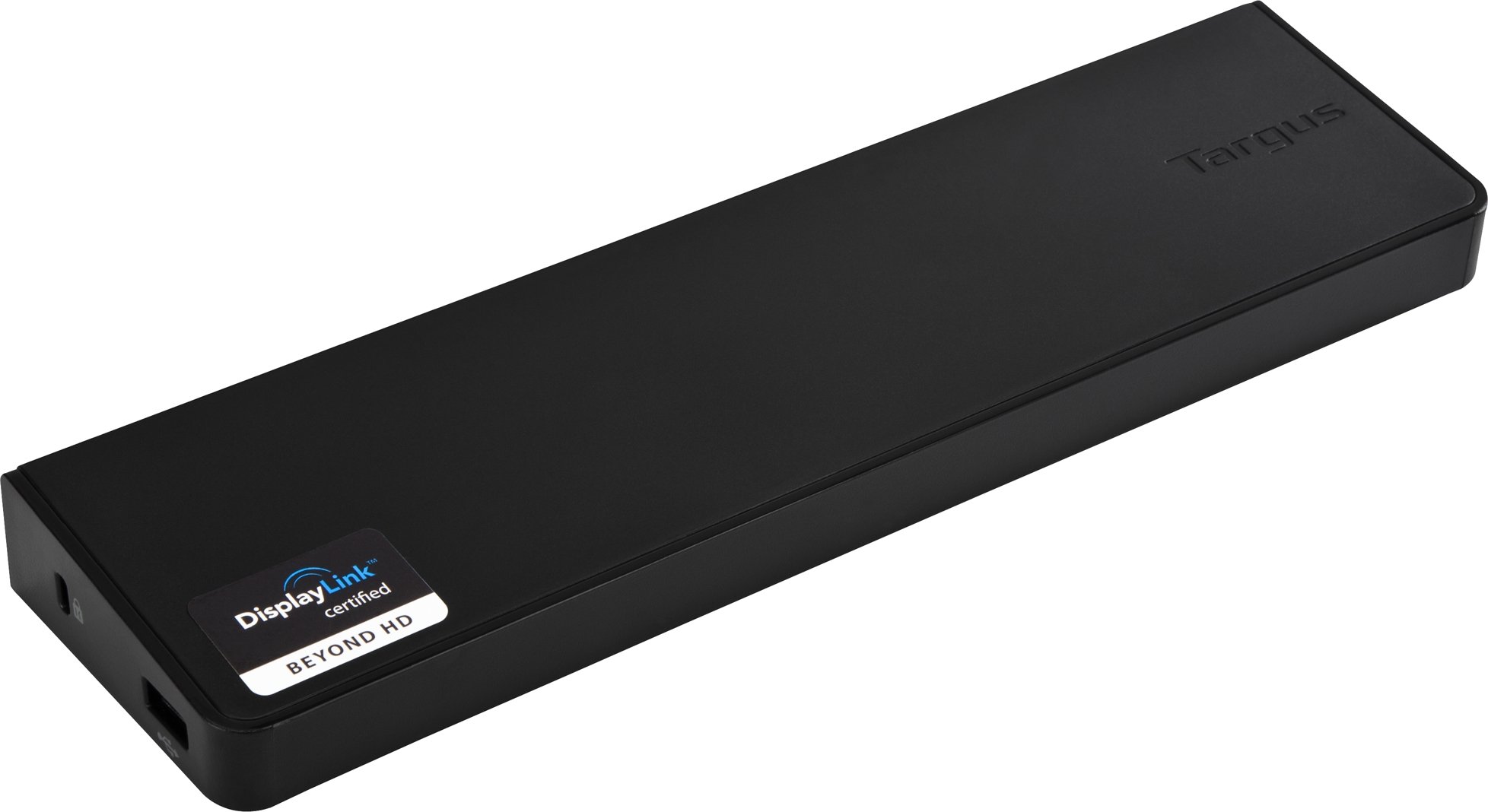
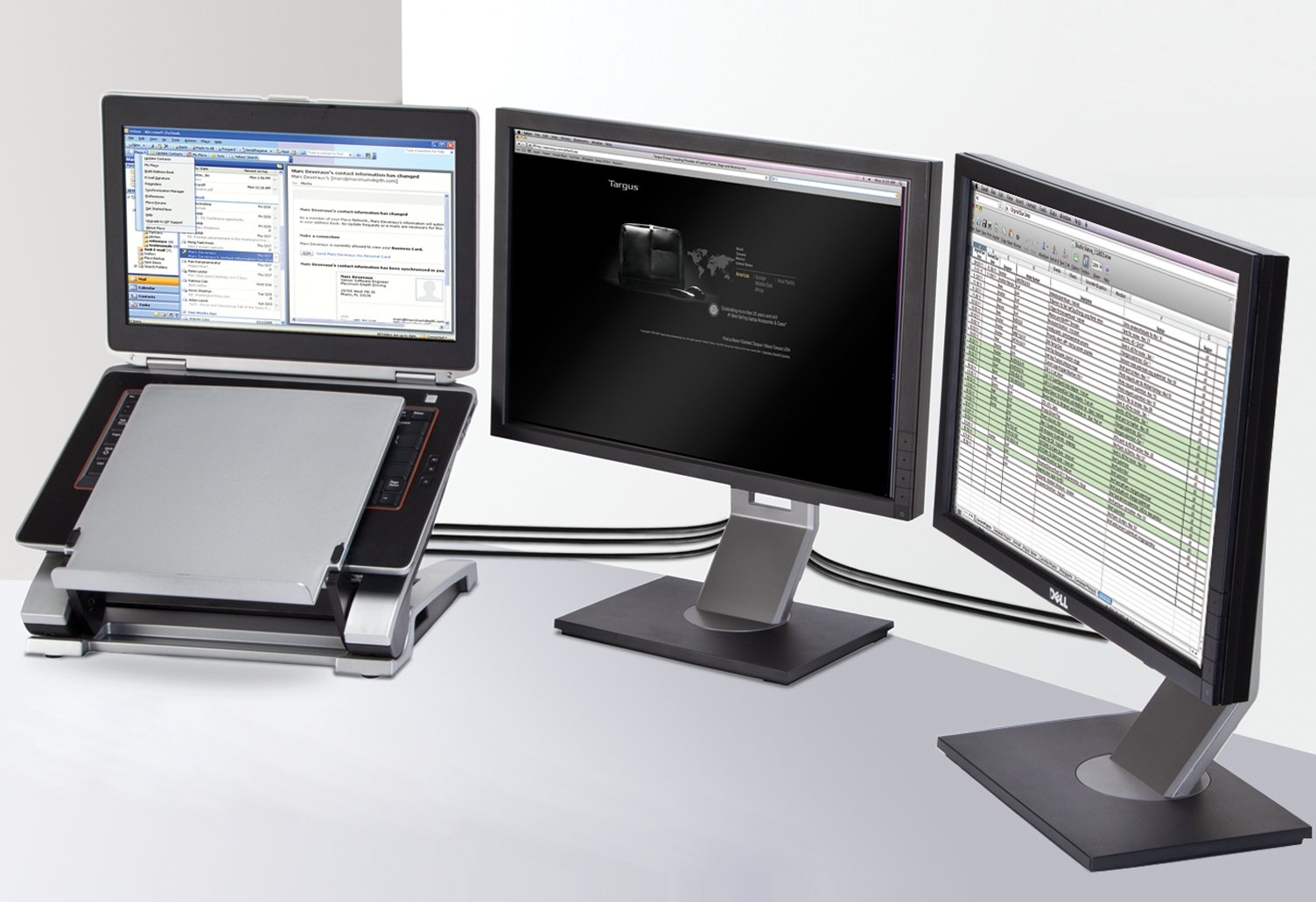
🚀 Elevate your workspace — dock, display, dominate!
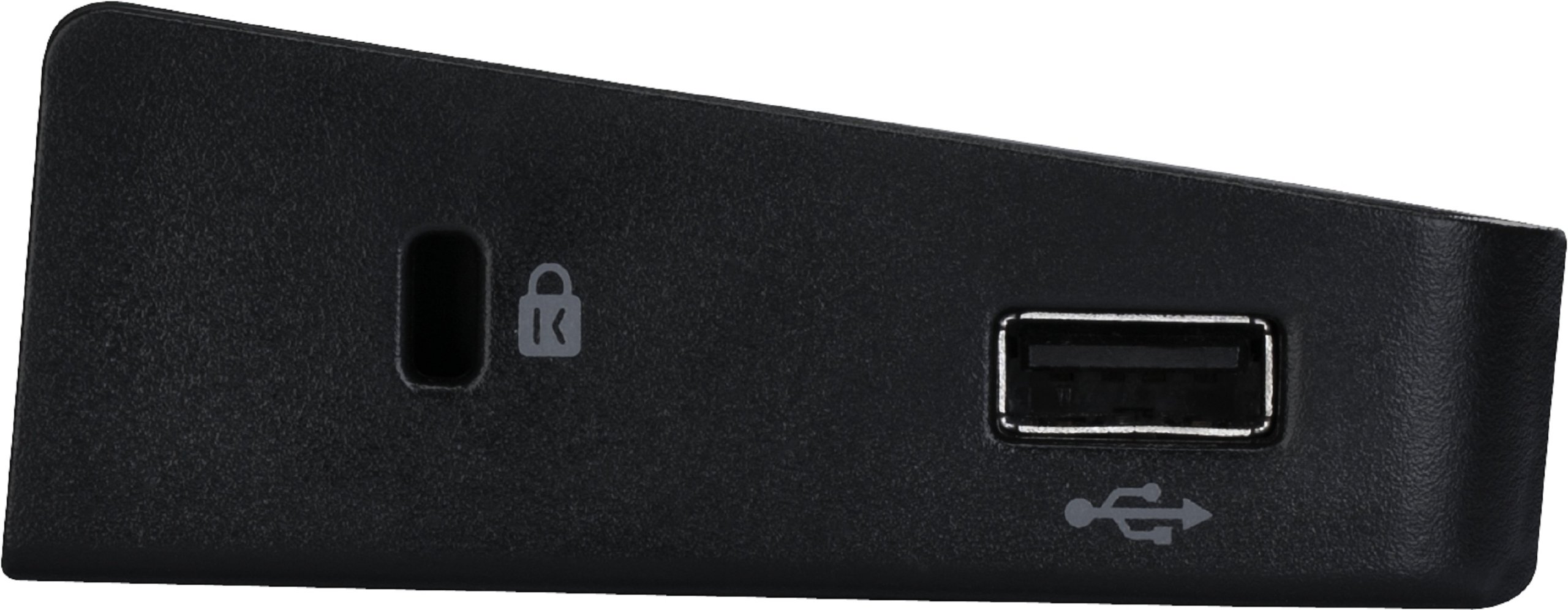
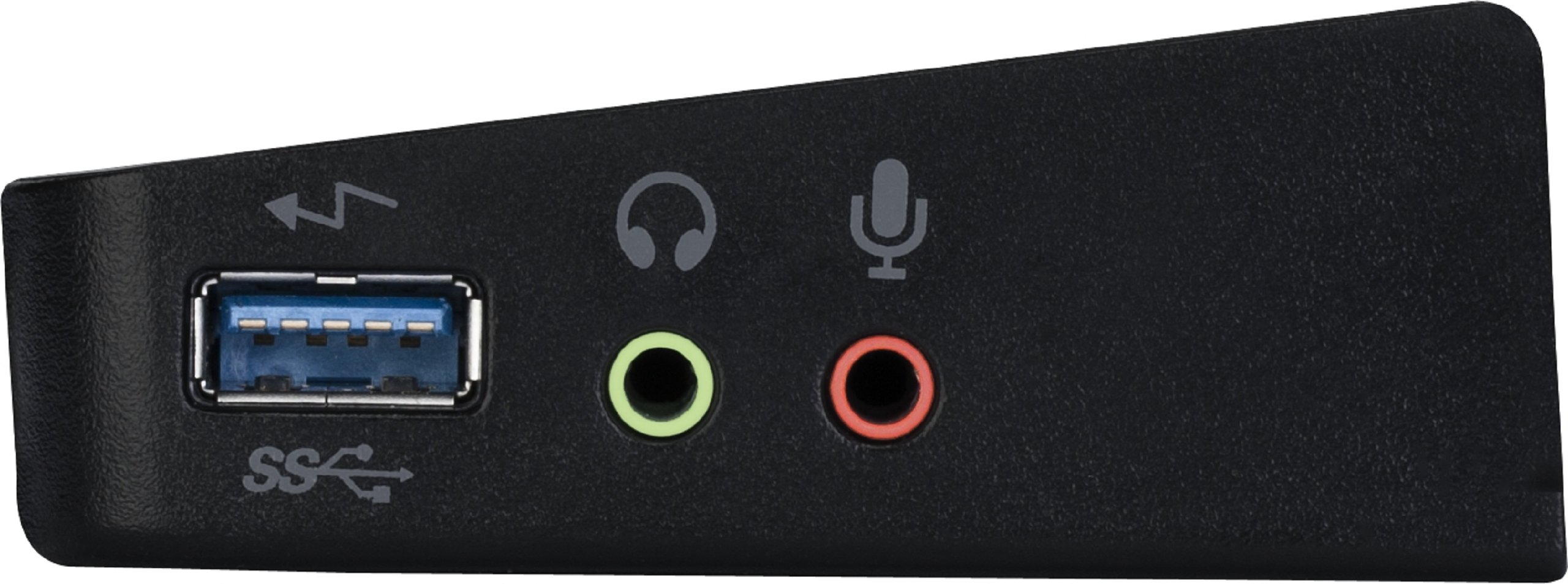
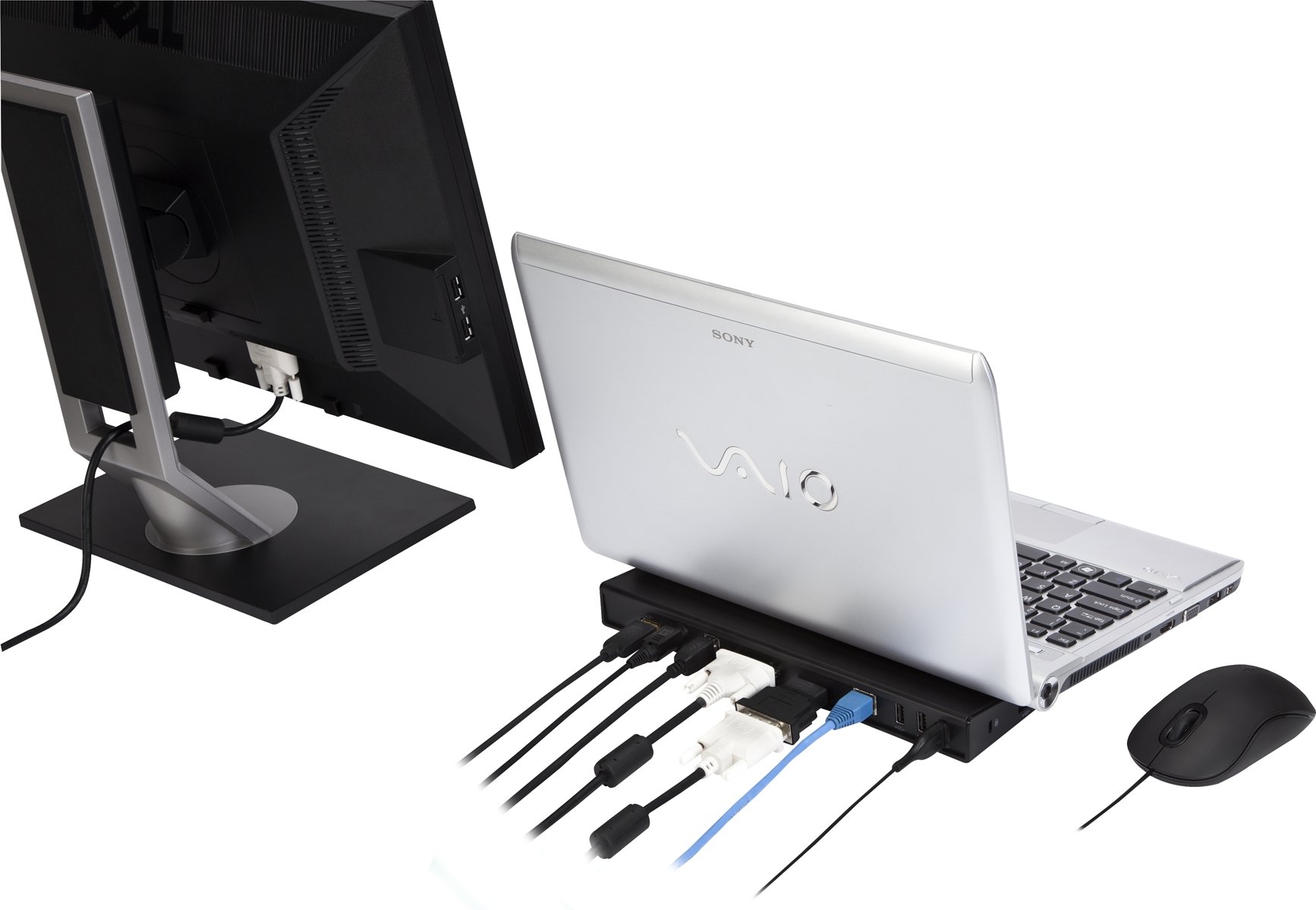
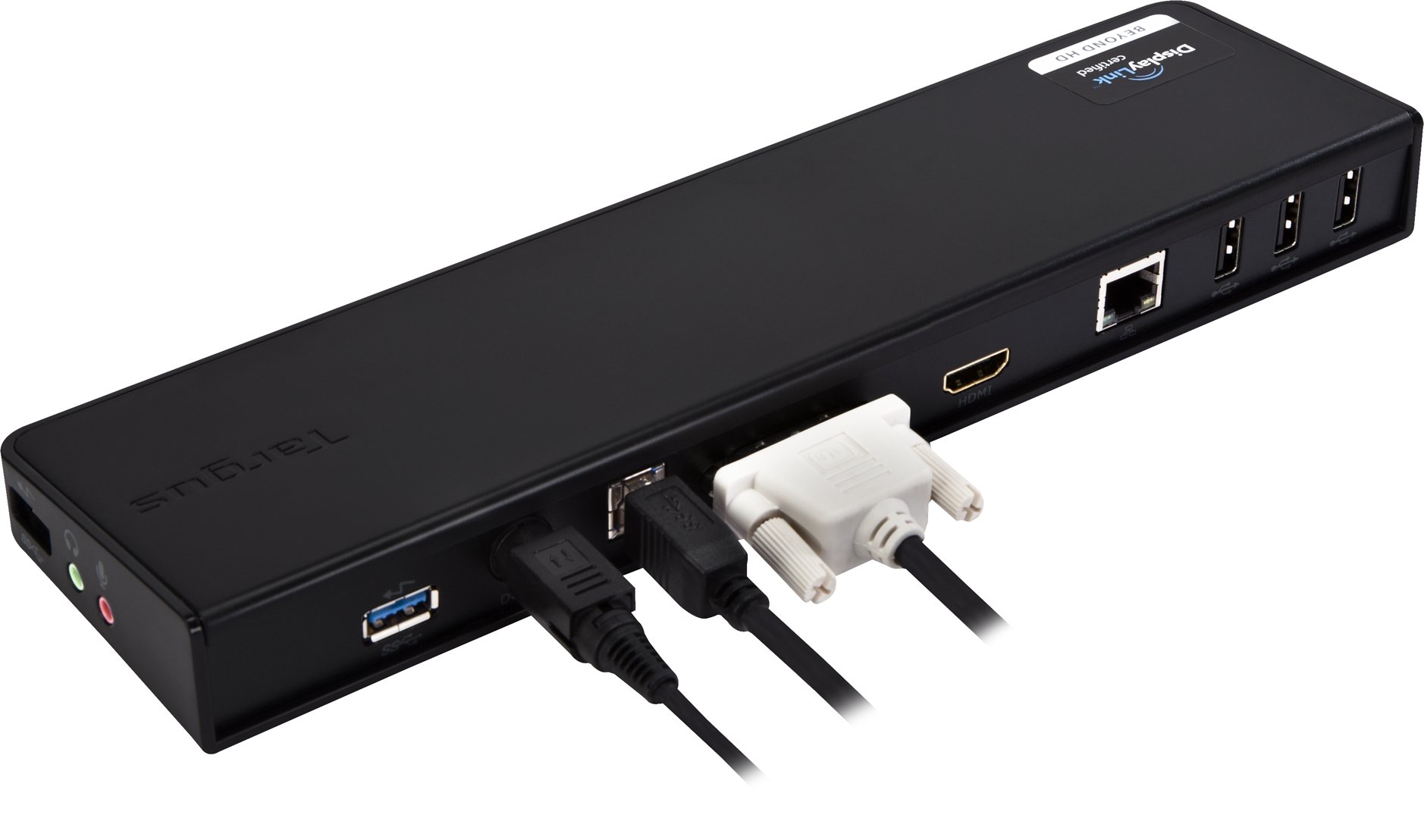
The Targus ACP70USZ Universal USB 3.0 Docking Station transforms your laptop into a powerhouse workstation with dual HD video outputs, six USB ports including two ultra-fast USB 3.0, and a Gigabit Ethernet port. Its sleek wedge design saves desk space while improving airflow, and compatibility spans Windows, Mac, and Android devices. Perfect for professionals craving a clutter-free, high-performance setup that keeps them connected and ahead.
| Standing screen display size | 22 Inches |
| Number of USB 2.0 Ports | 4 |
| Brand | Targus |
| Item model number | ACP70USZ |
| Operating System | Mac OS 9, Windows 10, Windows 7 |
| Item Weight | 1.9 pounds |
| Product Dimensions | 10.63 x 2.83 x 1.46 inches |
| Item Dimensions LxWxH | 10.63 x 2.83 x 1.46 inches |
| Color | Black |
| Manufacturer | Targus |
| Language | English |
| ASIN | B005YR1PV2 |
| Is Discontinued By Manufacturer | No |
| Date First Available | March 30, 2011 |
S**T
Great solution for dual screen on ultrabooks
I am in the market for new laptops for me and my wife, unfortunately the sleeker ones have no docking station and support for dual external monitors. Over the years I have become addicted to external dual monitors and the boost in productivity they give you. Not having dual monitor support was a deal breaker for me and would have seriously limited my options.Well, until I discovered this gadget!I have ordered one and I am writing this review from a old Dell Latitude E4200 running Windows 8 with two external 24" 1920x1080 monitors, audio streaming, keyboard, mouse and network all going at the same time over USB 2.0!!I have tried this also on a variety of laptops (Lenovo - USB 2, Acer Aspire S7 - USB 3) and a Samsung tablet (also USB 2). All of them were running Windows 8.On my old-ish laptop I have observed CPU usage around 15-20% for the DisplayLinkManager software that runs the conversion with everything going on: dual monitors, keyboard, mouse, network and audio streaming. Stopping audio streaming reduces the CPU usage. When activity on the screen is limited CPU usage is also reduced. Running a game will bring up CPU usage for the DisplayLinkManager process.Bottom line, the more you do, the more CPU it's going to use. On my laptop, again a 3-year old piece of hardware, all runs with acceptable performance on the "Balanced" power plan and I am totally satisfied with it.What makes me hope for the best is also that doing all this over USB 3.0 should get better due to faster performance of the port and using a more powerful CPU would also improve performance as I have see on the more powerful laptops I have tried.Setup is relatively straightforward, just go to the DisplayLink web site and do not bother with the included DVD. Version 7.0 M3 of the drivers was released on November 22nd.Install the drivers *before* connecting anything, plug the USB cable and that's it.
G**S
Excellent product. Excellent updates.
I purchased one of these devices to use at home with my Surface Pro. I wanted something I could quickly plug into using the USB port on my Surface in order to give me a monitor, external keyboard and mouse and the ability to plugin a USB headset. This device has performed extremely well.After using it at home for about a month, I purchased the identical device for my office desktop. Again, it worked flawlessly.I'm seeing no delay at all with my video (and I use very large high-resolution monitors in my home and office).Today I installed the Windows 8.1 update and my external monitor stopped working. After about two minutes of searching the web, I found the latest drivers, installed them, and I was back in business. These guys had new drivers out before the general release of the new Windows.I understand that I could plug in a second external monitor if I wanted to. I have not yet tested that, so cannot comment on the performance with that configuration.I'm delighted with this and would recommend it for anyone who is considering a USB-based docking station.
C**T
Works like a charm...
I bought this docking station after I upgraded my 3 year old laptop, because I felt that I needed more display area to do my work, and occasionally for entertainment. I have a Studio 1555 with 8 GB DDR2 RAM, a 750 GB HDD, and a 2.2 GHz Core 2 Duo. The Studio, being a multimedia laptop, has always had a mid-range video card (ATI Radeon 4570). (I would not recommend trying this with a low end video card, since even my dual 24" 1920x1080 HD displays occasionally lag with the video card I have). I have heard that some people are running 5 displays off this docking station successfully. There is one HDMI, one DVI, and one VGA port on the back of this docking station. Targus provides a HDMI/DVI adapter and a VGA/DVI adapter, so theoretically with splitters, up to 6 monitors can be run on this docking station, provided your laptop has a sufficiently powerful video card(s), and a fast enough USB connection. Another note about the occasional lagging: I am running this through USB 2.0 since my laptop is 3 years old, so that may be the cause.Basically, this docking station was plug and play from the start. It comes with a driver CD, but the drivers should be installed automatically when it is first plugged in. Once the drivers were successfully installed, I plugged in my monitors and 5.1 surround sound, and once those device drivers were installed, Windows started giving me options to set up multiple displays.This product is great, but I had to deduct one star for the following reasons:1. There are no drivers for use on Linux. I searched the net and the Targus website in case there were downloadable drivers available, but I couldn't find anything. Being a computer programmer, I was hoping to be able to run my dual displays especially in Linux. However it is an easy workaround to virtualize Linux from Windows, and despite being slower, it is still usable.2. My computer boots considerably slower after the installation of this device. I originally had a 320 GB hard drive that was pretty much full, so I backed up my data and reinstalled Windows 7 Home Premium on a fresh 630 GB partition of a 750 GB hard drive. This got rid of all the startup bloatware that comes with a Dell computer and freed up some more space for my data. My computer booted and logged in after 20 seconds as opposed to a typical 90 seconds for full boot and log-in. After I installed this docking station, it boots at a similar rate, but the log-in is much slower. I'm not sure whether this is the Targus drivers that are causing the slowdown or Windows 7 deciding where to send the display at log-in time, as it happens even when my computer is not docked. This is an inherent disadvantage of a USB docking station, as the USB ports are only mounted at user log-in and are dismounted at user log-out.
Trustpilot
3 weeks ago
1 month ago