
DOWNLOAD THE APP


Customer Services
Copyright © 2025 Desertcart Holdings Limited
DOWNLOAD THE APP
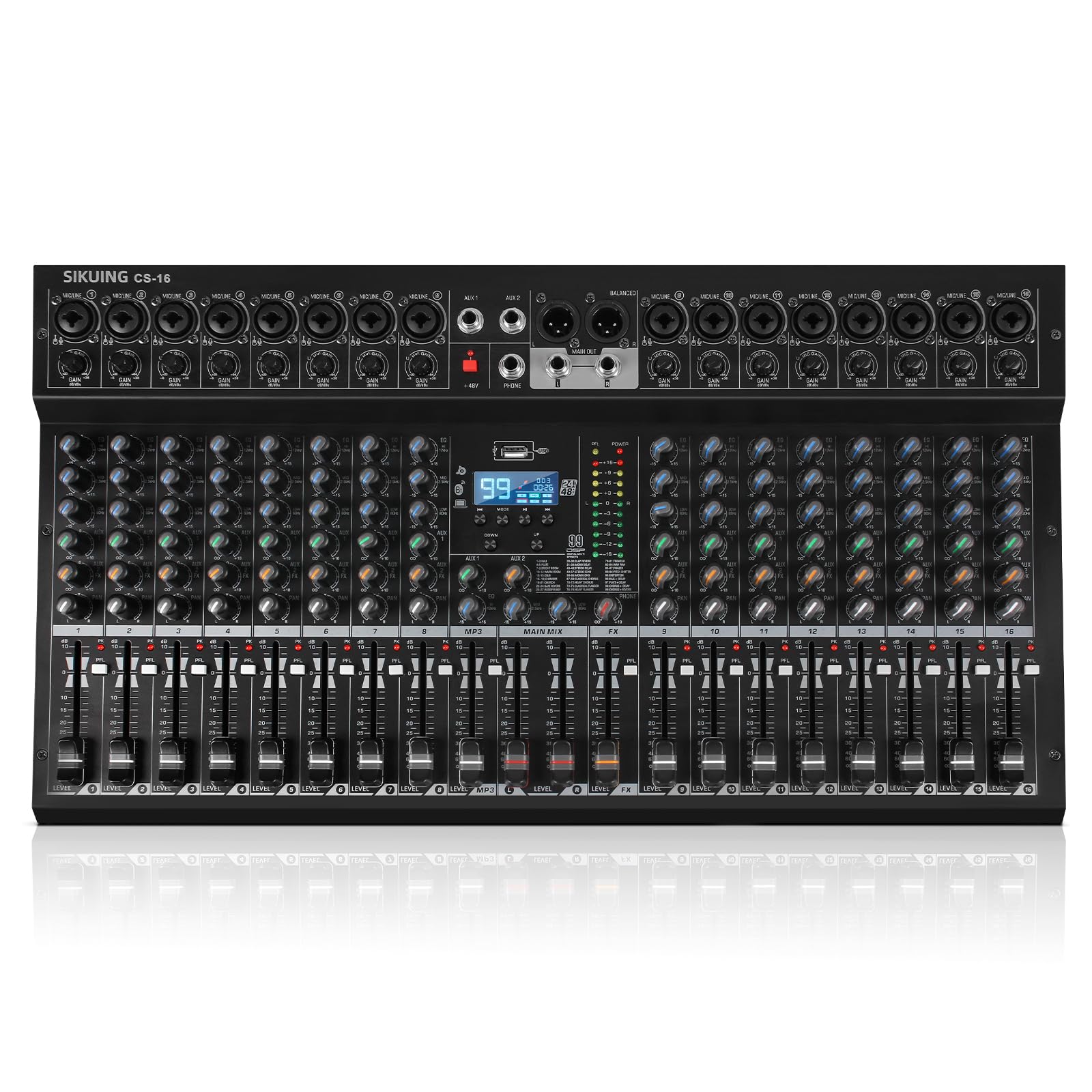
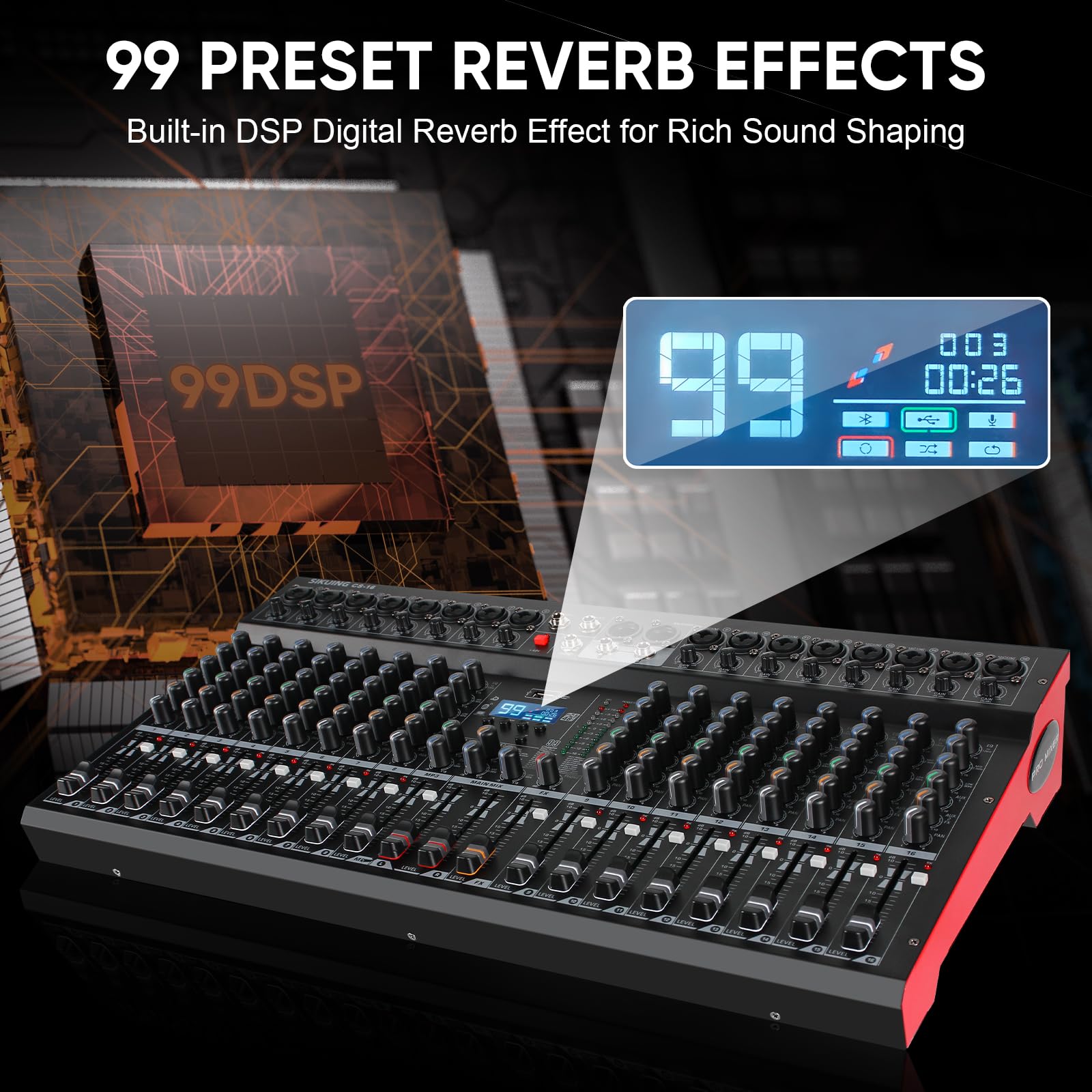
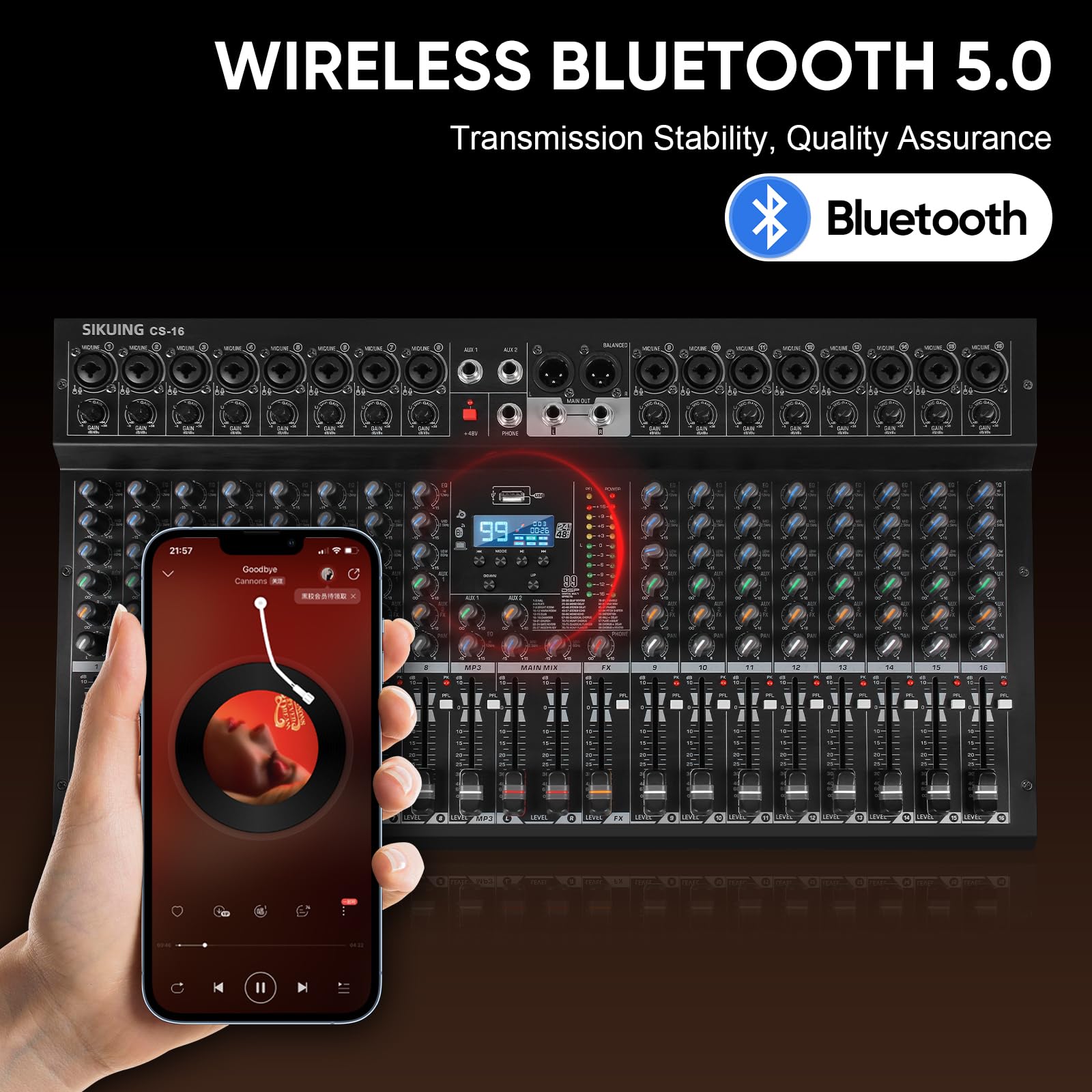
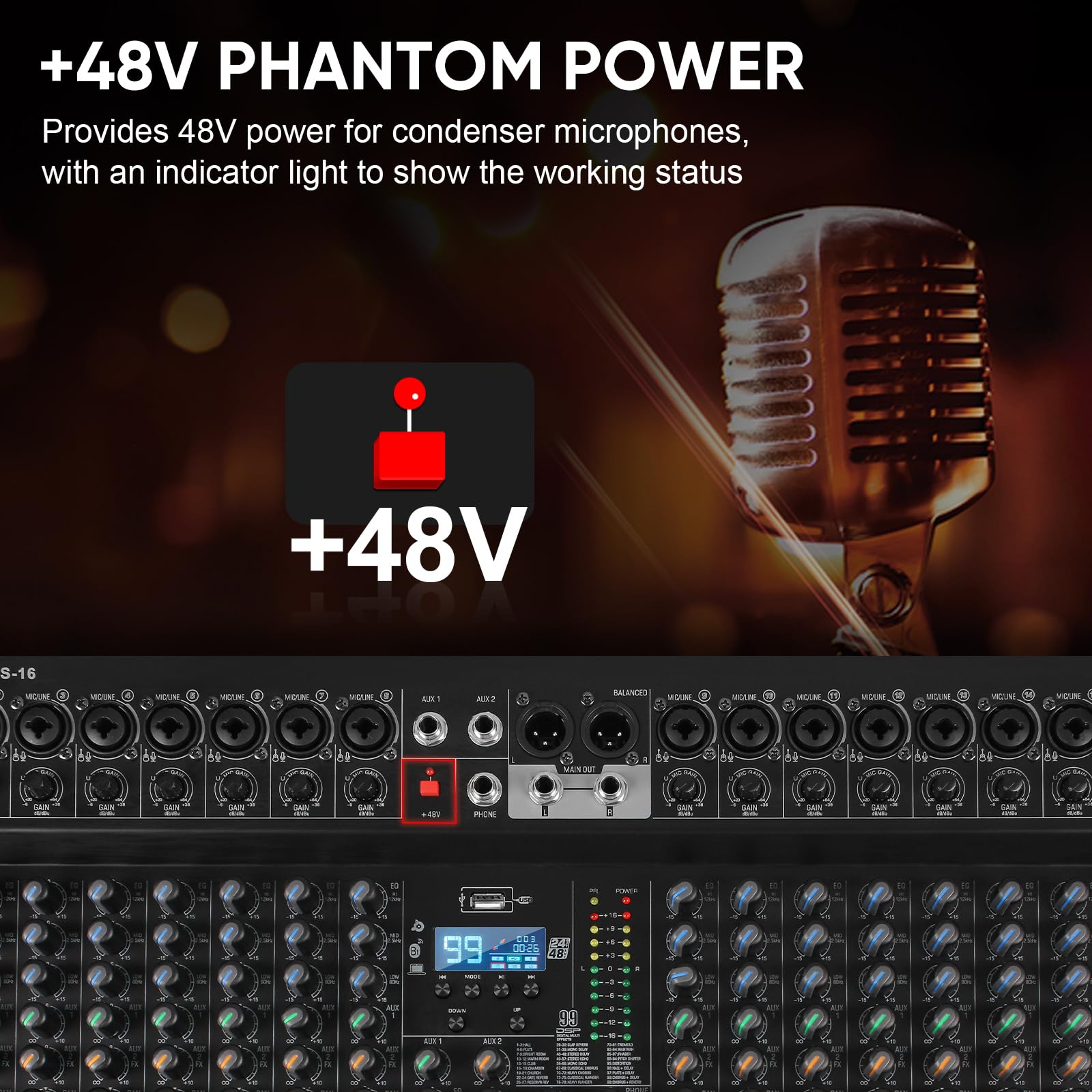
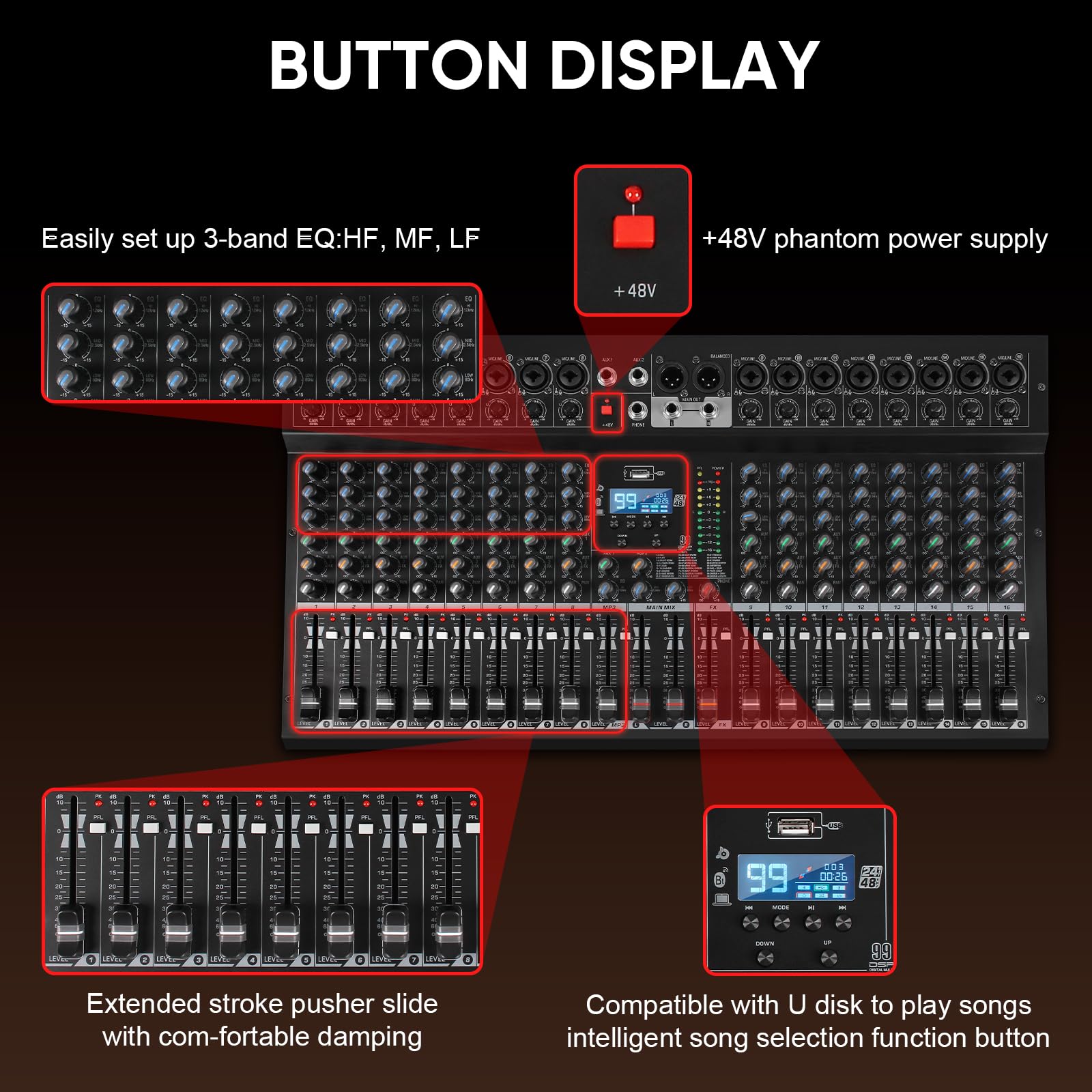
🎧 Elevate your sound game—mix like a pro, anywhere, anytime!
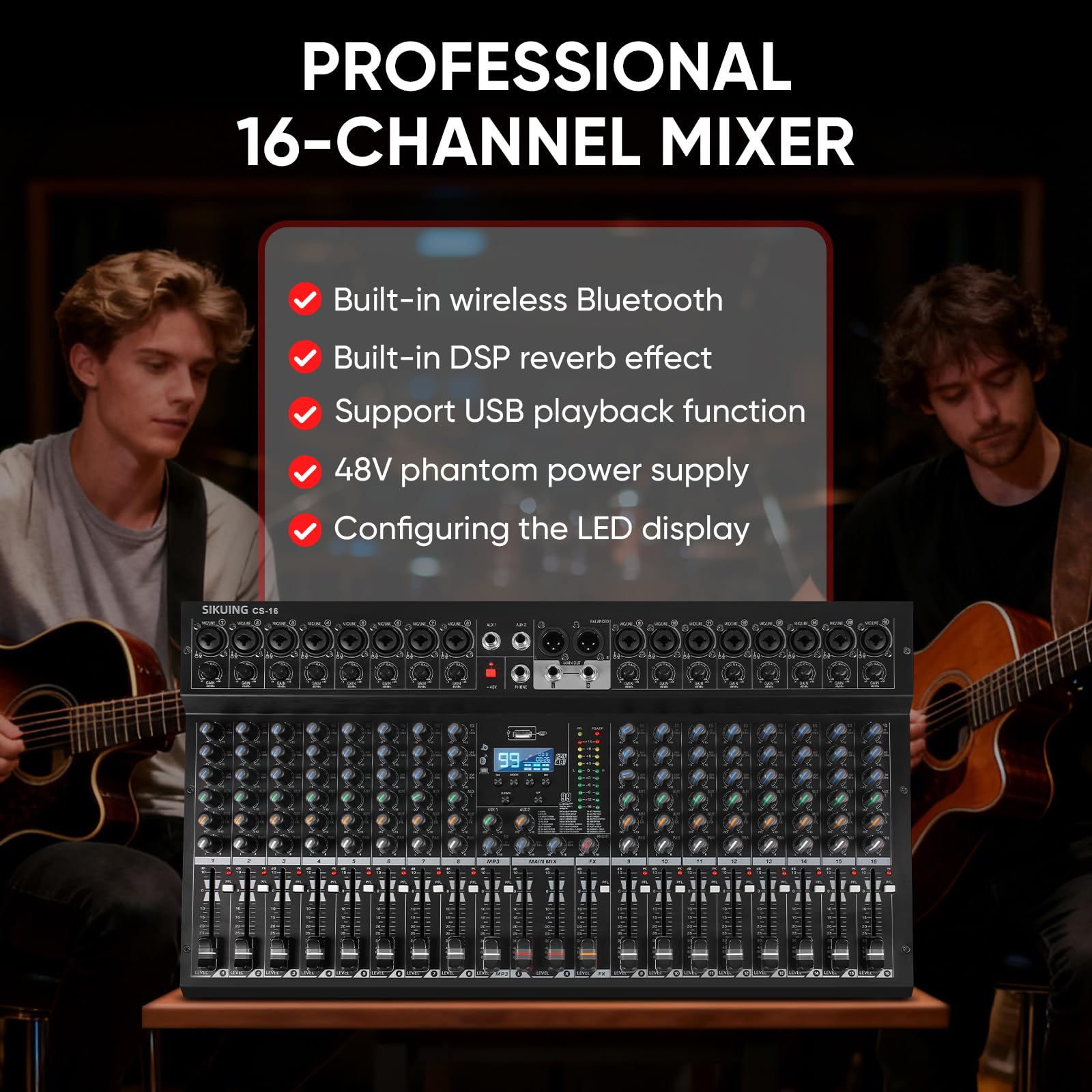
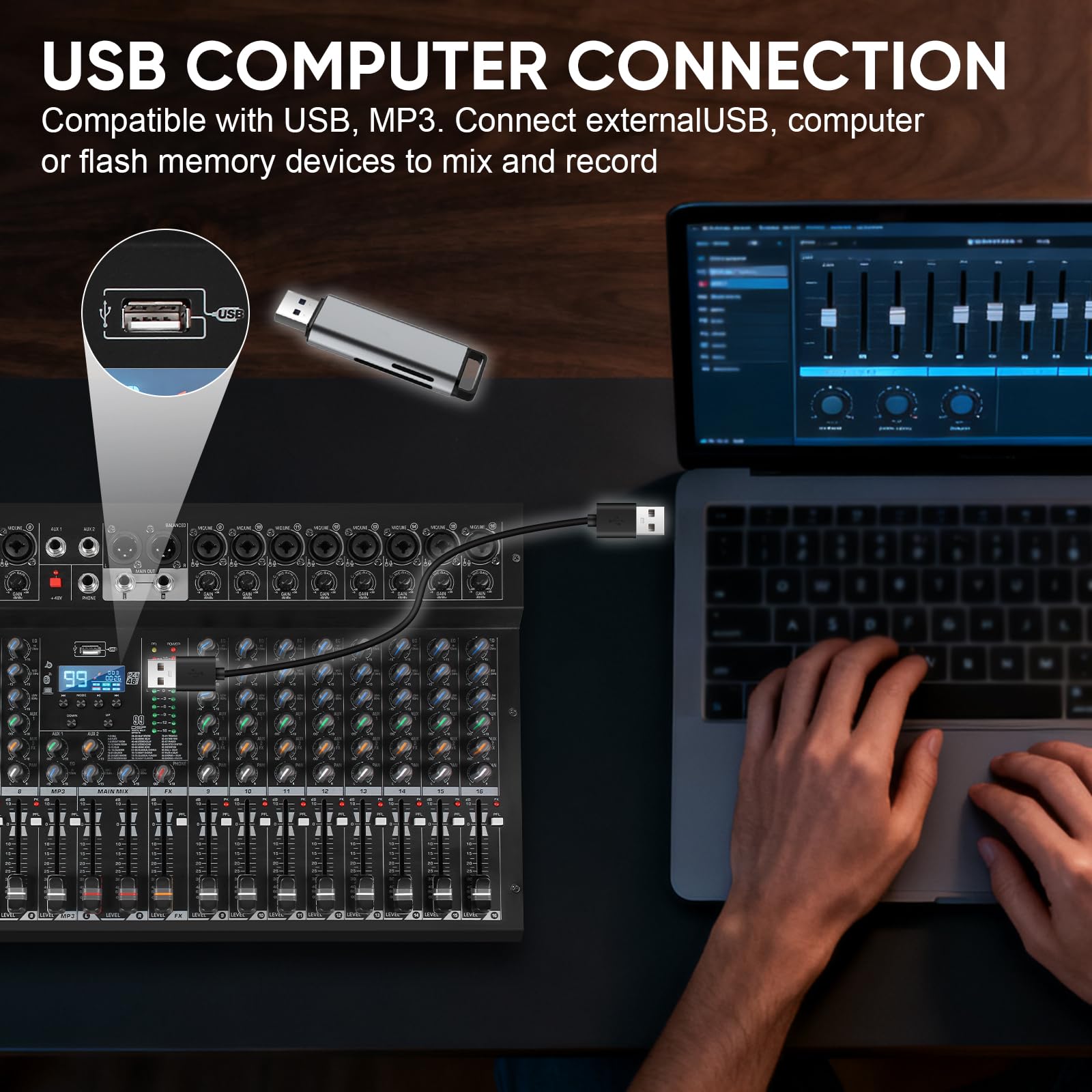
The SIKUING CS-16 is a compact, professional 16-channel audio mixer designed for live sound, studio recording, and DJ performances. It features 99 DSP effects, Bluetooth 5.0 wireless streaming, USB recording, and +48V phantom power for condenser mics. With precise gain control, 3-band EQ per channel, and intuitive operation, it delivers clean, versatile audio mixing at an unbeatable price point, making it ideal for millennial professionals seeking studio-quality sound with modern connectivity.


| ASIN | B0FZBJCDD7 |
| Best Sellers Rank | #47,182 in Musical Instruments ( See Top 100 in Musical Instruments ) #275 in DJ Mixers #14,579 in Music Recording Equipment |
| Customer Reviews | 4.5 4.5 out of 5 stars (2) |
| Date First Available | November 3, 2025 |
| Item Weight | 10.78 pounds |
| Item model number | CS-16 |
| Package Dimensions | 23.82 x 13.98 x 6.3 inches |
| Power Source | Corded Electric |
H**B
Not quite "Pro"
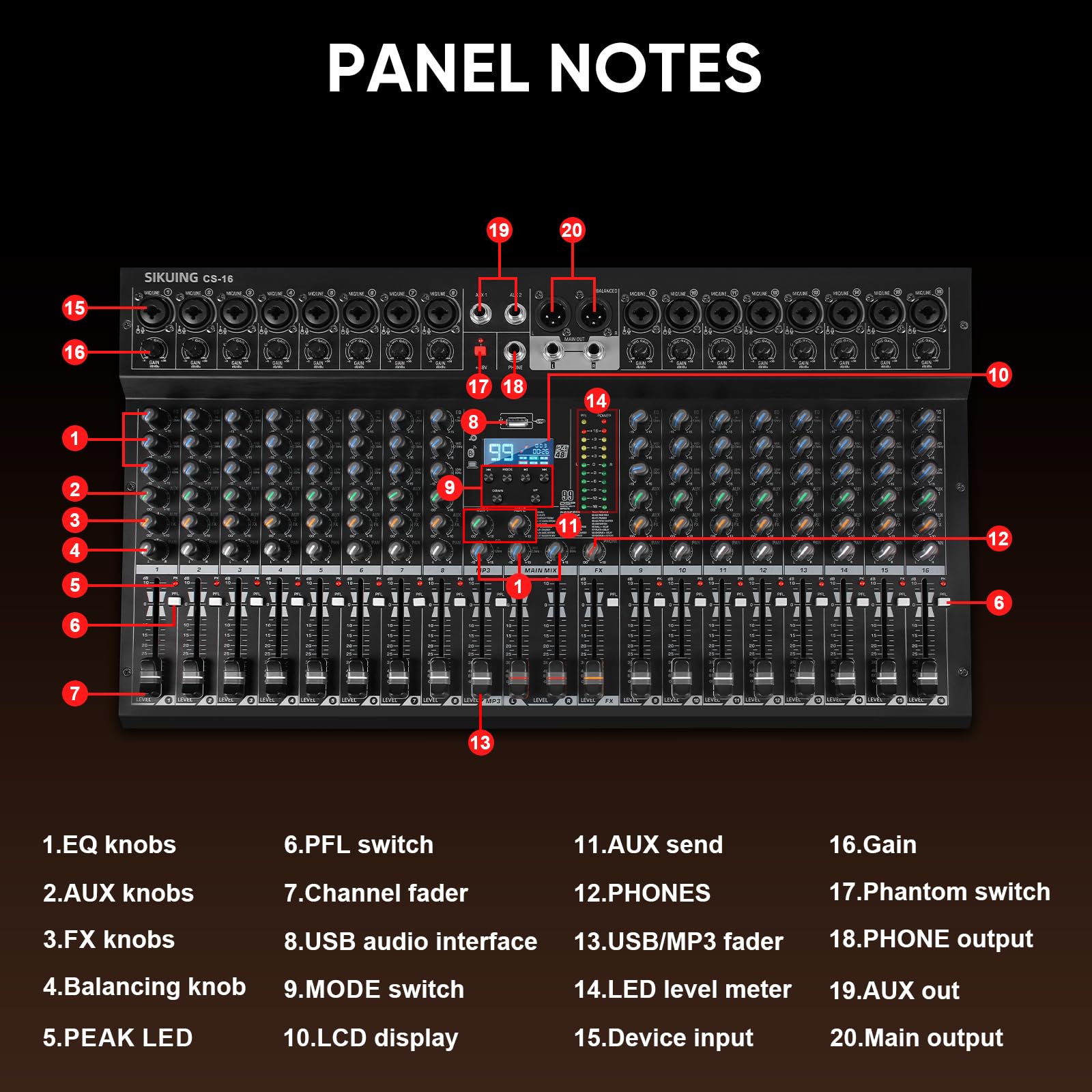
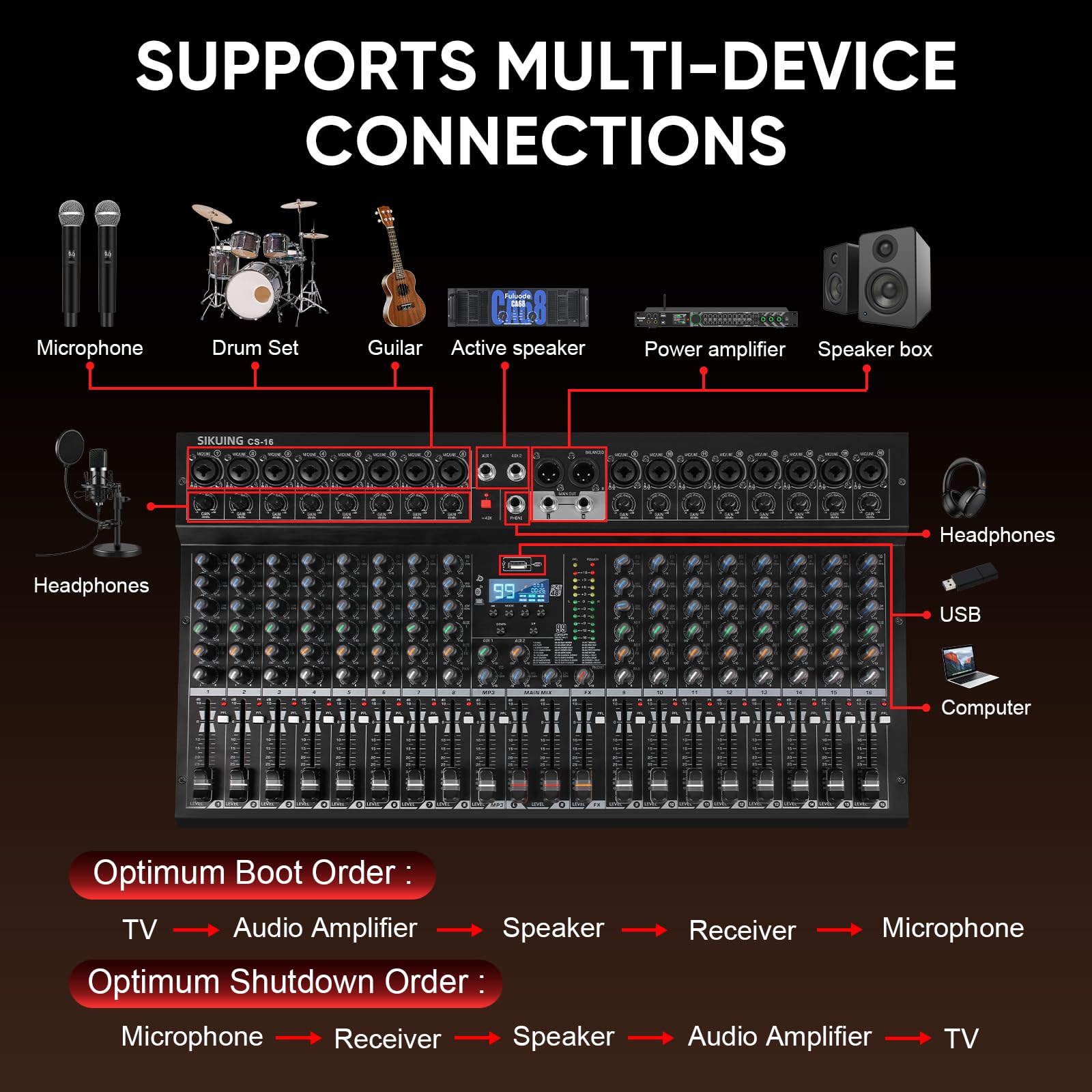
I really like this mixer! It has a good clean sound. The 99 built-in DSP effects are wonderful. Each channel has a 3-band equalizer that lets you shape the treble, mid-range, and bass frequencies of each audio source. There is also a 3-band equalizer for the master mix. The controls have just the right amount of resistance that gives everything a solid feel. The User Manual omits many details that you would want to know. So, I have gone to some lengths here to provide additional information. If you purchase one of these mixers, you may want to copy this review and keep it as a supplement to the guide. I like the fact that every channel is mono. Many of the big-name mixers claim to be 16 (or 24) channels only to discover that they are actually 8 (or 12) mono and 4 (or 6) stereo channels. I recommend that you should get the CS-16. It's only $33 more than the CS-12, and $57 more than the CS-8. As you continue to read, it will become clear why you want all 16 channels. Each channel has a Neutrik-style combination XLR/TRS input jack. If an XLR connection is used, the signal passes through a pre-amplifier. This is intended for microphones. If a TRS (or TS) connection is used, the signal is not pre-amplified. This is intended for line-level sources. No matter which connection is used, the input level is controlled by the "Gain" trim pot. Both the XLR (microphone) and TRS (line) inputs are balanced, however an unbalanced line input, using a TS plug, can be used. The microphone preamps provide strong clean amplification of the mic-level signals. The built-in Bluetooth receiver and USB port provide an additional input that is nice to have, but a few important aspects are missing. It comes into a stereo fader (labeled "MP3") that has neither a balance nor a pan control. There is no way to combine the left and right channels of a stereo track for a mono feed to the audience, unless you tie (or mix) the left and right main outputs. Also, the MP3 channel has no Aux sends or EQ controls. If you are using AUX 1 as a monitor mix, your talent will not be able to hear their BT or MP3 tracks, nor will you be able to include them in the DSP effects. So, if you need a mono mix of tracks from BT or USB, or if you want to apply effects to them, or if you want to include them in your Aux 1 monitor mix, you will need to use an external device and bring it in on a fader channel (one reason to get the CS-16). As you may have noticed, both the BT and USB sources share the MP3 fader. You can only use one of them at a time. The BT receiver feeds the fader when nothing is plugged into the USB port. When a USB drive is inserted, you can switch between BT and USB modes. This is a reasonable limitation since it is highly unlikely that someone will want to use a track from a BT connection and one from a USB drive at the same time. If you play or sing to accompaniment tracks, the MP3 player can be quite handy. Instead of bringing a tablet or MP3 player to your gig, you can simply bring a USB stick! However ... The MP3 player automatically advances to the next file. In fact, when you insert a USB drive into the port, the first cut starts playing immediately. You can change the USB play mode between: File Name Order, Shuffle, One File Repeating. What you cannot do is, play one file and stop until Play (or Next) is pressed. That may work well for pre-show house music, but it's not what you want when you're performing! You want to be able to complete a song, say a few words, and start the next song when you are ready. Here's my work-around: I created a 15-minute silent MP3 file. I put a copy of that file before each track on the USB stick. I rename each MP3 file with a leading track number, to match the set list order, like this: 01.mp3 02 First Song Title.mp3 03.mp3 04 Second Song Title.mp3 05.mp3 06 Third Song Title.mp3 ... and so on The odd-numbered files are copies of the 15-minute silent MP3. When each track completes, the MP3 player automatically advances to the next "song" which will be 15 minutes of silence. More than sufficient time to either press the stop button, or just let it roll while you introduce the next song. Press the "Next" button when you're ready to continue the show. After the last track, the MP3 player cycles back around and automatically plays the first track again. That, and the fact that it starts playing the first cut when inserted, is why you want the first one to be silence. The USB includes a recorder which can be handy. It records the main mix to a stereo MP3 file and places it in a "\MV_REC" folder (which will be created if needed) in the root of the USB drive. It is hard-wired to create stereo MP3 files using a sample rate of 44.1 kHz and a bit rate of 192 kbps. The first file recorded is "00001.mp3" and the file number is incremented with each subsequent file recorded. If there are already files in the "\MV_REC" folder, it will determine what the next file number will be so as not to overwrite any existing files. The recording quality is excellent, but I'm not sure why they didn't use a 320k bit rate (again, not quite "Pro"). If you are recording on a USB drive, you will not be able to play a track from the BT connection. And, you cannot play an existing MP3 file from the USB while recording to another file. The USB recognizes only MP3 files, which can be at any sample and bit rate. You can have other types of files on the USB drive, but only the MP3 files are used. The MP3 files can be in subdirectories. The display shows only the track number, no file names or titles. Keep a list. And run through your set list before you go on stage! As I mentioned earlier, each channel (except the MP3) has a mono fader with a pan control. If you have a stereo source, use two channels to mix the left and right signal into mono. Or, use the pan controls to maintain stereo separation. This is another reason why you want the CS-16. There are 2 Aux buses. Aux 1 is Pre-fader. Aux 2 is Post-fader. This is what you want if they can't be switchable. Aux 1 is typically used as a monitor mix that is independent of the fader levels. This lets your talent hear a mix that may be a little different than what the audience hears. Aux 2 is typically the effects mix. When you increase or lower the level of a mic or instrument via its fader, the level being fed to the effects processor follows. This keeps "phantom" sounds out of the reverb from sources that have been faded out. The channel's audio input signal is processed by the EQ controls before it goes to the Aux sends or faders. So, both Aux 1 (pre-fade monitor) and Aux 2 (post-fade effects) are sent audio that has been shaped by the channel's equalization settings. Both Aux buses have outputs with master volume controls. The Aux 1 output can be used to feed the on-stage monitor or a wireless in-ear system. The Aux 2 mix is fed to the internal DSP effects processor. The DSP output returns on the FX fader (also a stereo fader) to the right of the Main Mix faders. There is no way to add the DSP output to the Aux 1 mix. The Aux 2 mix can also be fed to an external device via the Aux 2 output. The feed to the internal DSP effects is still active even when there is a plug in the Aux 2 output. If you want to use the Aux 2 mix without the internal effects, keep the FX fader down. The Aux 1 and Aux 2 mixes have output sends. But they do not have any returns. If you plan to use an external effects processor, or something that you want to return to the mix, you can use one of the input channels (another reason why you want the CS-16). There are also no Group buses or sub-faders. If you need a group, there are a couple of work-arounds. If Aux 1 is available, you can use it as a group (but only in mono). Keep all the faders down for the audio sources that will be members of the group. Use their Aux 1 sends to mix the levels. Then, take the Aux 1 output and patch it into the line input of an unused channel. That channel's fader is now the Group Sub-Master (another reason why you want the CS-16). But, here's a better idea ... Buy a CS-8 or CS-12 (or even another CS-16) and use it as your Group sub-mixer. You will have complete control over the members of the group, their levels, EQ settings and dedicated DSP effects. Patch the Main outputs of that mixer into an available channel (or 2 if you're doing a stereo mix) which becomes the Group Sub-Master(s). Quite an affordable solution at these price points. The channels do not have Mute buttons. Yes, the work-around is simply to bring the fader all the way down. But that requires you to mark (or remember) the level settings for the muted channels. You want to be able to set the levels during sound check, then mute the channels until they are needed. It is faster and cleaner. Also, without a Mute button, unless you remember to turn down the Aux 1 send for that channel, its audio is still being fed to the monitor mix. "Pro" mixers have mute buttons. The "PFL" (Pre-Fade Listen) buttons are nice, but given a choice, I would rather have a Mute button in that location. But the most significant shortcoming that keeps this mixer out of the "Pro" league is this: The Main Outputs are NOT Balanced! In fact, none of the outputs are balanced. The Main XLR outputs deliver an unbalanced signal on pin 2 (Hot/+) and pin 1 (Ground). The 1/4" output jack is only a TS (not a TRS) with its Tip tied to XLR pin 2. XLR pin 3 (Cold/-) is a mystery. There is no signal on it, but it is not tied to ground. Pin 3 to ground measures about 100 ohms. I suppose that is sufficient to keep it from being an open, unterminated, line, which could induce hum and static into the Cold/- side of a balanced input connection. None of the output connectors (XLR nor 1/4") provide a balanced signal. The User Manual says that the mains are (item 20 on page 5), but they are not. You can use a standard XLR female to male cable to connect the mixer to an amp and pretend that it is a balanced connection. It will work. But you won't have the protection provided by a balanced audio line. The safest and cleanest way to connect the XLR Main outputs to the balanced input of a device would be to use a cable with an XLR-Female connector to a TS-Male plug. These usually tie pin 3 to ground. Or, just use an unbalanced TS-Male to TS-Male shielded cable from the 1/4" output jacks. I don't care for the red side panels. I realize that beauty is in the eye of the beholder, but in my opinion, it makes the mixer look like a toy. The big "Pro Mixer" nameplate reinforces that image. But that is purely esthetic and has nothing to do with its performance, which is excellent. I was impressed with the responsiveness of their customer support. Before purchasing the CS-16 I posted a question and got a quick response from them. I replied with a follow up question which also received a timely answer. Their text was clear and easy to read, but unfortunately, not entirely correct. They said both Aux sends were pre-fader and that all outputs (Mains and Auxs) were balanced. Even with all these shortfalls, I really, really, do like this mixer. It provides most everything I need for my application. And I am able to come up with work-arounds for the rest. The sound quality is excellent, and it is clean and strong. It is light and does not take up a large footprint (the CS-16 is less than 24" wide). At $160 it is a bargain. And when I purchased it, there was a coupon available that brought the price down to $128. I truly wanted to give this a 5-star rating, but that would not be an honest review. It is definitely a 4-star mixer at a really good price!
D**Y
Professional equipment as a cheap price
’ve been using this SIKUING 8 Channel Mixer for my home setup and I’m incredibly impressed with the performance. It offers a professional level of control that I didn't expect at this price point. Why I’m so happy with it: Audio Quality: Every channel has amazing sound quality. It delivers clean, professional audio that makes even home recordings sound studio-grade. Versatile Effects: The 99 DSP effects (including reverb and delay) give you so much room for creativity. Being able to fine-tune the reverb for karaoke or live performances is a huge plus. Modern Connectivity: The Bluetooth and USB recording features are seamless. I can easily stream music from my phone or record directly to my PC without needing extra interfaces. Phantom Power: The 48V Phantom Power works perfectly for my condenser microphones, providing the steady power needed for high-quality vocal capture. Full Control: Having a 3-band EQ and independent gain controls for each channel allows for precise mixing. The knobs feel smooth and the build quality is rugged enough for travel. Quick Tip: If you're using it for streaming, the built-in USB interface makes it incredibly easy to manage game sounds and voice commentary simultaneously. This mixer is an absolute steal for anyone looking for professional equipment at a cheap price. Highly recommended!
Trustpilot
1 month ago
3 weeks ago