We remain fully operational. Our teams are working around the clock to ensure your deliveries continue safely.

DOWNLOAD THE APP


Customer Services
Copyright © 2025 Desertcart Holdings Limited
DOWNLOAD THE APP




🚀 Print Fast, Print Smart, Print Quiet — The Future of 3D is Here!
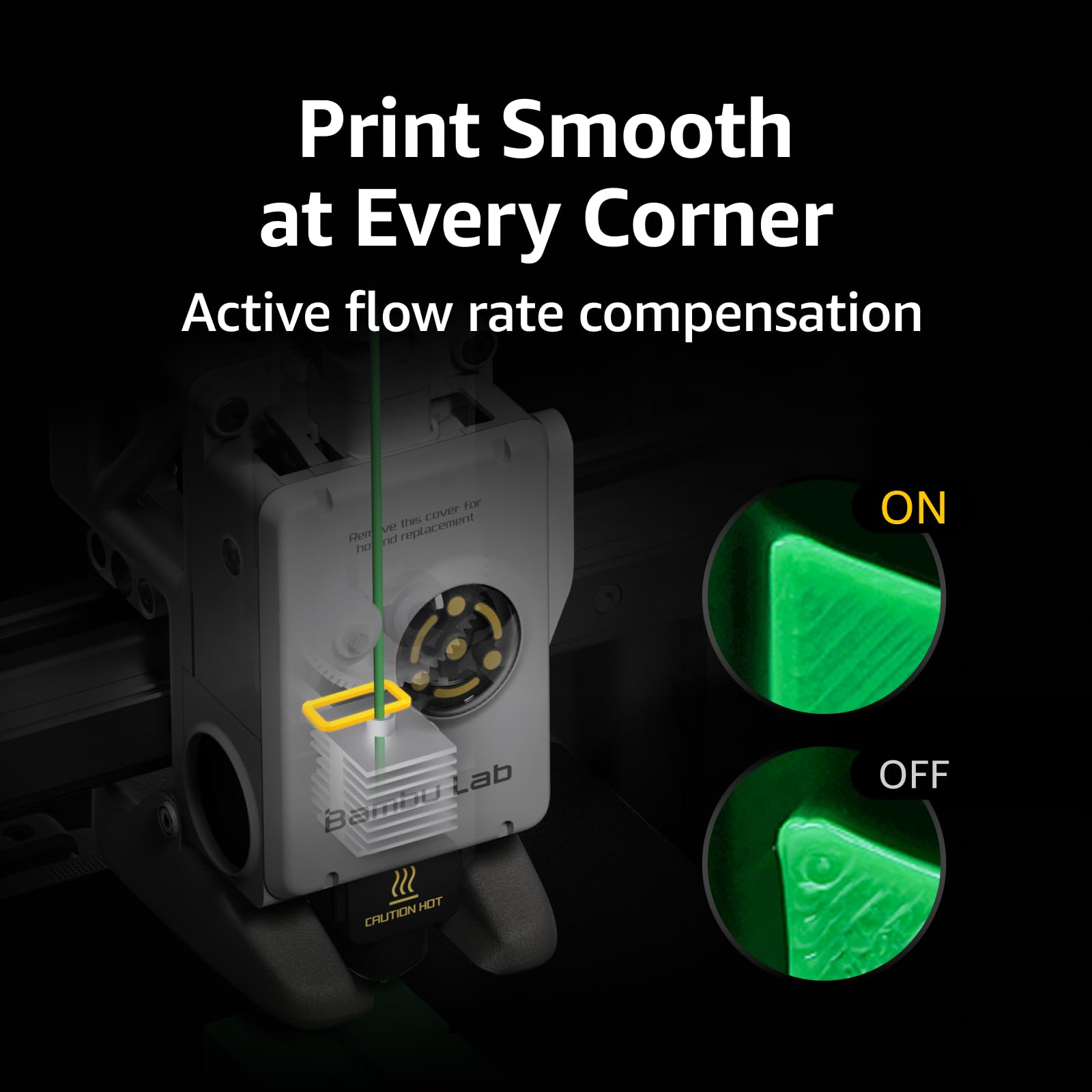
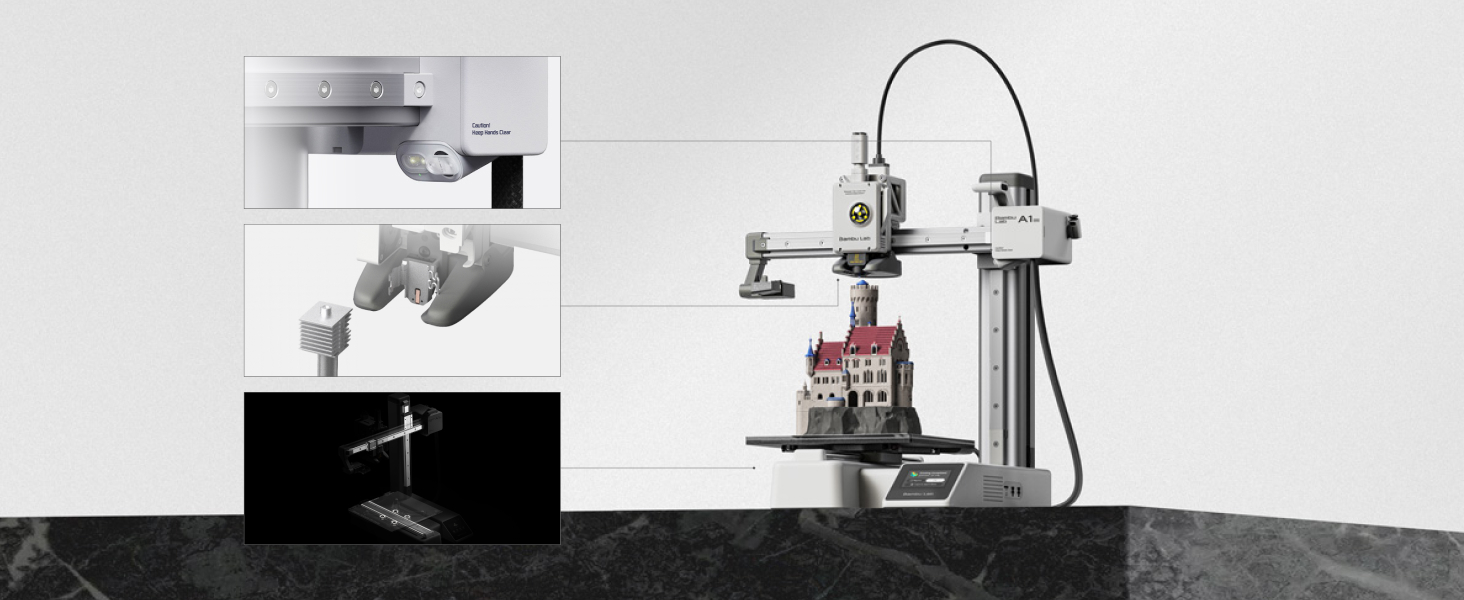
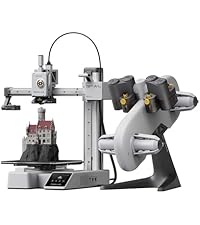
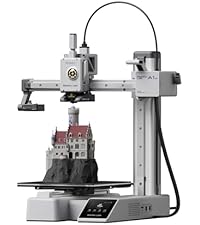
The Bambu Lab A1 Mini 3D Printer redefines desktop 3D printing with industry-leading 10,000 mm/s² acceleration, multi-color printing via AMS Lite, and full-auto calibration for flawless results. Designed for professionals and hobbyists alike, it offers a near plug-and-play experience with setup under 20 minutes, a user-friendly touchscreen, and ultra-quiet operation at ≤48 dB. Compact yet powerful, it delivers high-speed, precise prints with active flow rate compensation, making it the ultimate tool for creative innovation in a sleek, quiet package.






| ASIN | B0CRYJBKQQ |
| Best Sellers Rank | #21,673 in Industrial & Scientific ( See Top 100 in Industrial & Scientific ) #40 in 3D Printers |
| Customer Reviews | 4.7 4.7 out of 5 stars (914) |
| Date First Available | October 30, 2024 |
| Item Weight | 17.82 pounds |
| Item model number | PF002-M-AU |
| Manufacturer | Shenzhen Tuozhu Technology Co., Ltd |
| Product Dimensions | 15.21 x 16.77 x 17.94 inches |
G**L
Great and affordable printer
This is a nice little 3d printer. This is my 2nd printer. My original one was a Creality Ender3 Pro. This one is extremely easy to install, setup and run when compared with my other printer. It plays a little sound when its powered on. It play a noise when the project start and ends. Here are my thoughts on pros and cons. I'm sure there's also tons on video review about it. Pros: - Easy setup and print - comes with bambu studios and its own slicer - comes with a sample filament. - kids friendly - * auto calibration / bed leveling and vibration is AWESOME, for a device with this price. - print really nice with the proper setting. - pretty quite device, we barely notice that its on until it play a cute tune when its done. - make sure the print the scraper handle as your first print. It's quite useful. - the heat plate is higher quality than most printer at this price point. Cons: - I don't like that you need to create an account and login with your wifi to setup the device. There is an option to use a mini USB card, which brought me to the 2nd cons - did not come with a mini usb card. The company expect all users to create a login and sign on to wifi for printing. - it waste alot of filament during the warmup phase. Creating alot of poop. Each time you print, it waste and squeeze out filament. - it sometimes get jam when the filament is fine. And it would need a button press and filament purge. Good thing is you can resume the progress. Overall: great beginner 3d printer, built sturdy and with alot of features to take the hassle out of printing and just provide alot of cool and fun prints. The reason I don't print as much is because it takes so long to level the bed and calibrate it and this little bambu lab makes it easy to just print. My 9yr old enjoys printing his toys, Legos etc.
M**.
The greatest printer of all time handes down (PLS BAMBU LAB GIVE ME A FREE sprinter i got the mini
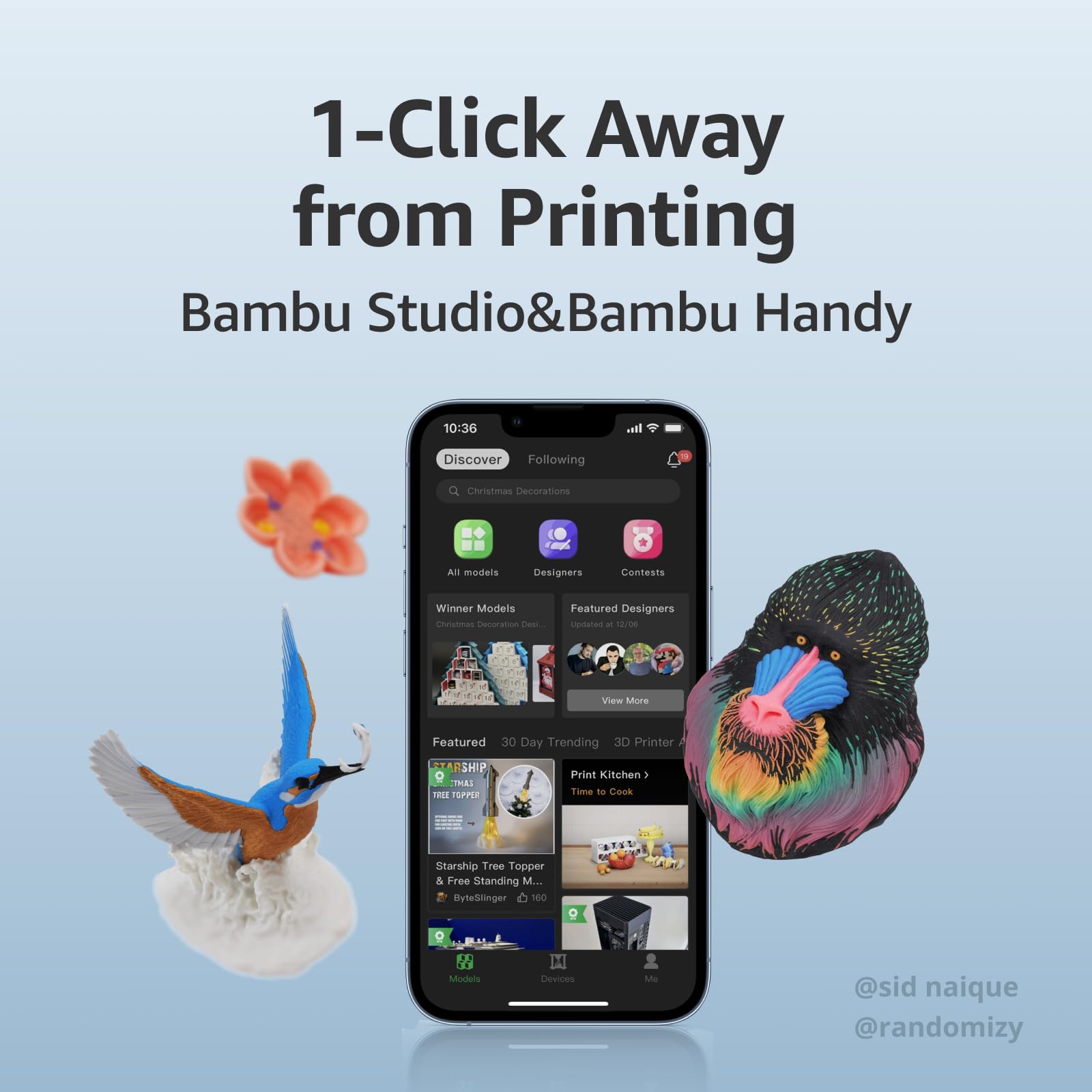
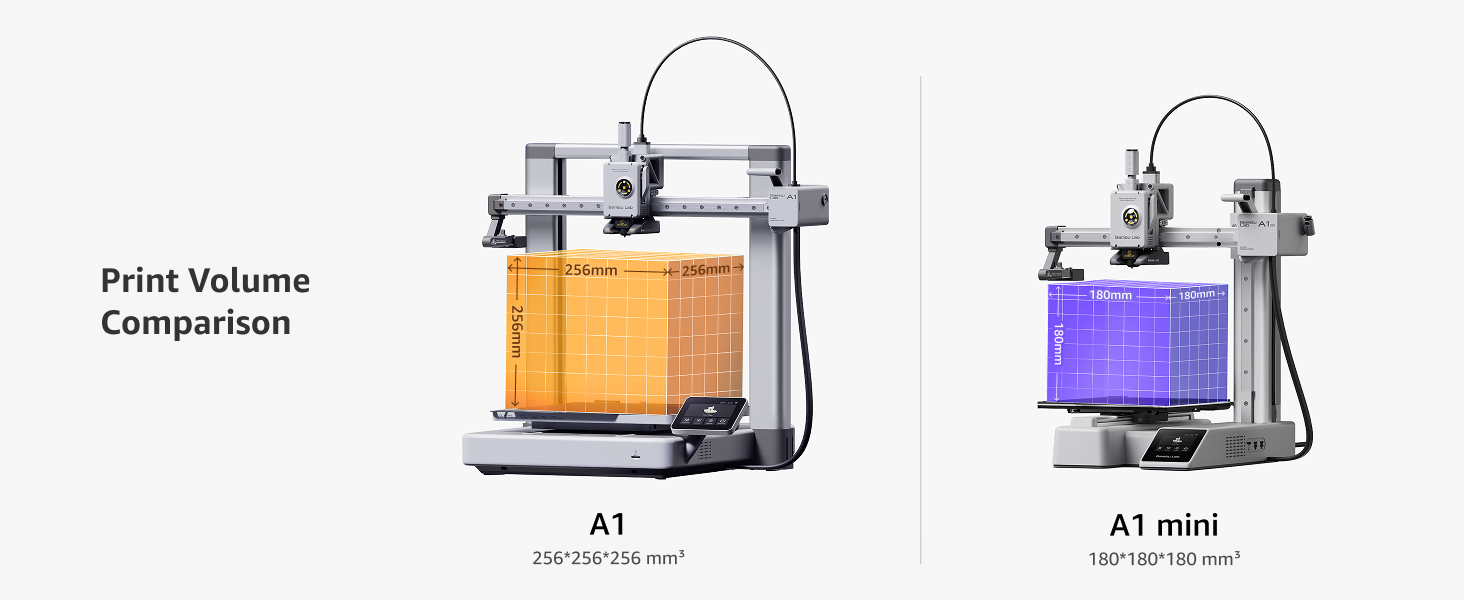
BAMBU LAB PLS GIVE ME A FREE PRINTER THE BIG ONE I BOUGHT THE MINI PLS The Bambu Lab A1 Mini is an absolute masterclass in engineering that has completely redefined the landscape of desktop 3D printing in 2026, delivering a truly seamless, "plug-and-play" experience that was previously thought impossible at this price point. From the moment you open the box, the attention to detail is staggering; the machine arrives nearly fully assembled, allowing even a complete novice to go from unboxing to their first high-quality print in under twenty minutes. What truly sets this machine apart is its sophisticated suite of automated features, specifically the full-auto calibration system that meticulously handles Z-offset, bed leveling, vibration resonance, and even active motor noise cancellation without any manual intervention from the user. This level of automation ensures that the dreaded "first layer struggle" is a thing of the past, as the A1 Mini consistently produces flawless results with a success rate that puts much more expensive industrial machines to shame. Despite its compact 180mm cube build volume, this "mini" powerhouse is remarkably fast, utilizing an advanced motion control system that allows it to maintain incredible precision even at high speeds, turning out a perfect "Benchy" in a fraction of the time required by older Cartesian printers. The integration with the Bambu Lab ecosystem is the icing on the cake; the Bambu Handy app and the MakerWorld platform allow you to browse thousands of models and start a print with a single tap from your smartphone, providing a modern, connected workflow that feels years ahead of the competition. When paired with the AMS Lite, the A1 Mini becomes a multicolor marvel, handling filament swaps with surgical precision and allowing for creative expressions that were once reserved for high-end professional setups. The machine is also whisper-quiet, making it the perfect companion for an office desk or a small apartment where space and noise are primary concerns. The build quality feels premium, the user interface on the touchscreen is snappy and intuitive, and the quick-swap nozzle system makes maintenance or switching between detail and speed an absolute breeze. In an industry often plagued by constant troubleshooting and hardware tinkering, the A1 Mini stands out as a reliable tool that just works, allowing the user to focus entirely on the joy of creation rather than the mechanics of the machine. It is rare to find a product that so perfectly balances affordability, high-end technology, and user-friendliness, but Bambu Lab has achieved exactly that, making the A1 Mini the undisputed champion for hobbyists, educators, and professionals alike who demand excellence in a compact package. If you are looking for the most friction-less entry into the world of 3D printing or simply want a reliable workhorse to add to your farm, this is, without question, the best investment you can make this year—a resounding five-star achievement in every possible metric.
L**S
After 2 weeks of using, its good, and the price was not bad
M**M
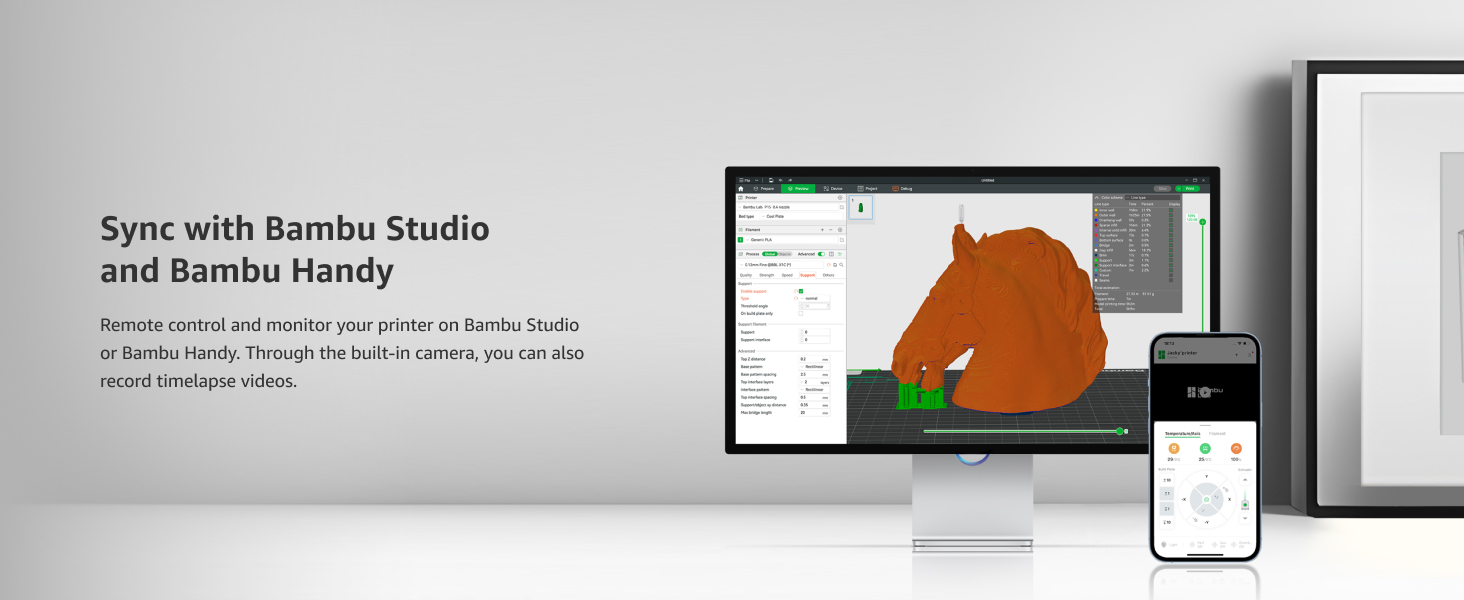
Simple and easy to setup. Can go straight to printing from uour phone. Then when your confident you can explore getting models from other places.
A**ー
ブラックフライデーでお得になってたので購入しました。 面倒な設定等も全部自動でやってくれるので3Dプリンターの知識が無い、初心者の方でも気軽に始められる素晴らしい機械(機会)だと思います。 3Dモデルを専用スマホアプリ(Bambu Handy)、PC ソフト(Bambu Studio)で見つけて印刷だけで終わりです。 専用アプリ、ソフトも凄く使いやすいです。直感でいけますし、慣れてきたら自分で設計した物を印刷できます。 印刷時間もかなり早い方だと思います。 音は説明には静かだと書いてありますが、サイレントモードの時のdBだと思います。 普通のモードだとかなりの騒音があります。 主な騒音は印刷開始時に発生する振動キャリブレーション?とファンの音です。 動画に載せて起きますので参考にどうぞ。 設置スペースは奥行510幅360高さ450mm位は必要です。 スプール(フィラメントのでかいボビン)設置するスペースを省いたら省スペース化出来ると思います。 本体足元のサイズは奥行310幅200mm位です。 防振対策で防振ゴム、ジェル+石プレート等工夫されてる方がいらっしゃいますのでサイズ等は参考程度に。 A1 miniを買ったらまず3P→2P変換アダプタを必ず用意して下さい。 無いと普通のコンセントに入りません。 付属のフィラメントはすぐに無くなってしまうので1kg等のスプールを購入すると良いと思います。 対応する素材PLA、PETG、TPU、PVAみたいです。 まだPLAしか使った事が無いですが、それだけでも色々作れるのでまずはPLAをオススメします。 メーカーはBanbu製ならそのまま設定できますが、社外製の物は設定にない場合があります。 その場合Banbu Studioのソフトから対応する社名等探して導入する形になると思います。 無い場合でも既存のBanbu製フィラメント設定で問題無く印刷出来ます。 今の所ELEGOO製のフィラメントを使ってBanbu製のフィラメント設定で使ってますが問題無いです。 セッティング方法は説明書が軽くしか書いて無いので、不安な場合はYouTube等に上がってる「Banbu Lab a1 mini」セッティング方法で調べたらすぐ出てきます。 レザー用刻印を作りたくて自分で描いた物をプリントして上手く出来たのでそのやり方を…… 全部無料で出来ます。 まず白黒で作った画像をSVGcode(登録無し)というブラウザ上でjpg、bmp等の画像をSVG形式に変換させます。 そのまま保存すればPCにダウンロードされます。 そして次に登録だけ必要になりますが無料の Tinkercad これもブラウザで3Dデザイン作成、インポートエクスポートも出来る物になります。 登録の際は生年月日にご注意下さい。(間違えて未成年にすると親等の許可が必要になるとかでめんどくさい事になります) .STL形式でエクスポートした物をBanbu Studioで読み込ませれば読み込んでくれます。 後は調整をして印刷で出来上がります。 どうぞご参考までに。
C**L
Fantastica, sencilla de usar y gran calidad y velocidad
山**郎
3Dプリンターを初めて購入したので比較はできないのですが、少なくとも何も考えずに電源を入れて、初期データのプリントをしたり、ダウンロードしたデータを印刷したり、CADで自分でデータを作って印刷したりとしましたが、インクジェットプリンターと大して変わらないぐらい、何の問題も起きませんでした。 組み立ても特に難しいことはないですし、キャリブレーションも自動で行ってくれるので、特に手間取ることもありませんでした。 少しだけ印刷可能な大きさが小さいとは思いますが、その分魂魄に収まっているのだと思いますし、それ以外は何も気になることがなく、それだけよくできた3Dプリンターなのだと思います。 3Dプリンターをレビューされているような方々がお勧めする理由がよくわかりました。
Trustpilot
1 week ago
2 months ago