
DOWNLOAD THE APP


Customer Services
Copyright © 2025 Desertcart Holdings Limited
DOWNLOAD THE APP




🔗 Connect Beyond Limits!
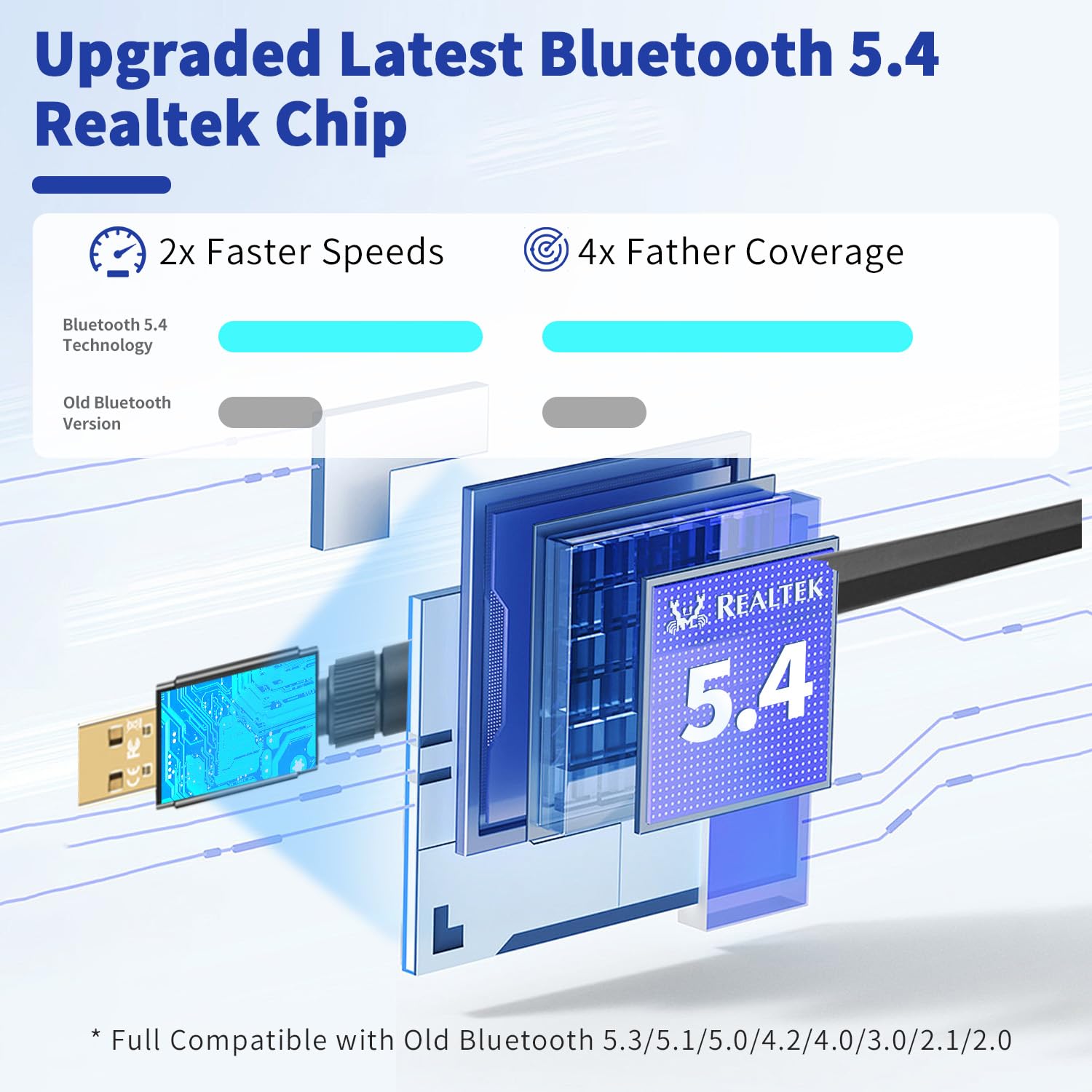
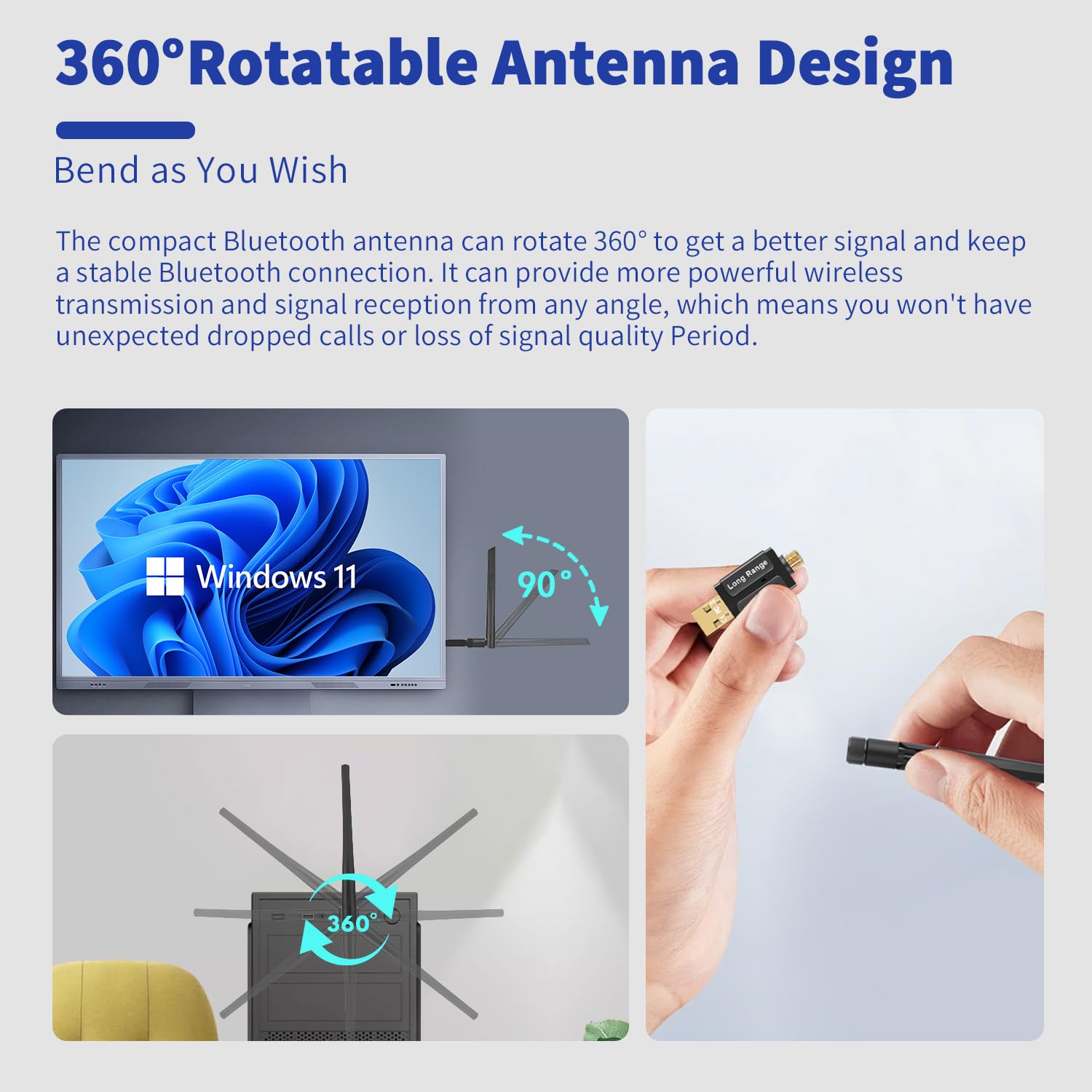
The BT548 Long Range Bluetooth 5.4 USB Adapter is designed for PC and laptop users, enabling Bluetooth functionality for a variety of devices. With advanced Bluetooth 5.4 technology, it offers faster data transfer rates, an impressive range of up to 492ft, and the ability to connect up to 5 devices simultaneously. Compatible with Windows operating systems, this adapter is perfect for enhancing your wireless experience.


| Data Link Protocol | Bluetooth, USB |
| Data Transfer Rate | 3 Megabits Per Second |
| Compatible Devices | Any Non-Bluetooth PC/Laptop/DeskTop/Computer with Windows 11/10/8.1/7 OS, Wireless Bluetooth Connected with any Bluetooth Mouse/Mice/KeyBoard, Bluetooth Pairing with any Bluetooth Headphones/Speaker for Music/Calling, Work with most of Bluetooth Printer and Bluetooth Game Controller, Bluetooth Connection with any SmartPhone for File Transfer |
| Hardware Connectivity | USB, Bluetooth 4.0, USB 3.0, Bluetooth 5, USB 2.0, Bluetooth 2.0, Bluetooth 3.0 |
| Item Weight | 3 Grams |
| Item Dimensions L x W x H | 5"L x 2.6"W x 0.27"H |
| Color | Black |
J**N
This was what I need, fast and the value amazing
Wow, this was a significant asset for my work computer. Is very easy to connect it to the regular USB port (universal), and everything worked like the computer had drivers. I was surprised when I did the experiment of walking through all my offices and going to the second floor, and the signal was strong.The sound quality is perfect and is compatible with every device I have with access to Bluetooth, even the printers and TV. For me the value of this is the best because I don't ask my boss to bring me money to buy it, is something simple that I can use in my home or office.
T**R
Great Bluetooth range!
This works great! Before i couldn't use my headphones without being super close to my computer, but now i can be outside and it still sounds crystal clear!
O**N
Needs Better Instructions but works. Wish it stated which driver was best. Realtek 5.3 driver.
It took me a little bit to get it to work. Had to install it, then let the driver load and then unplug it and restart my machine and then plug it back in. After that it works all the time. Previously I tried plugging and unplugging it and that did not work. I also tried uninstalling it and reinstalling it and that did not work. Seemed like installing it and restarting my machine with it unplugged and then plugging it back in worked. Hope that helps. One of those combinations made it work so you might try those if you have isssues.
C**.
Worth the money!
Bought this for my PC so I could Bluetooth to my cricut and it was easy set up and works amazing! I recommended this item to everyone! It was worth the money!
E**R
Did not work for me.
This is a review of "Latest Bluetooth 5.3 USB Adapter for PC Desktop, Wireless Transmitter Dongle for Windows 11/10/8.1/7 Computer Laptop, Plug & Play, Pair w/Bluetooth Headset Speaker Keyboard Mouse Printers "I plugged it in and my windows 11 pc recognized it however none of my devices "saw" it. I returned it and got a more brand name one that works fine (in the same USB port as I had this one in). Amazon refunded promptly.
E**M
Bueno
Es buen antena y facil de instalar, como mi board no traia Bluetooth solo fue conectarla y al instante ya podia conectar cualquier dispositivo a mi pc, los audifonos y todo, no tiene tanto retraso el sonido al momento de jugar.
-**-
Changing from earlier 1-star
While my initial review is still valid for initial installation issues, after fiddling with other settings and seeing bluetooth appear in the device manager I was able to get all BT devices operational again. A huge relief - it turns out to be a very inexpensive fix after finding my laptop wifi/BT card was soldered to the motherboard and not replaceable. I love the range of this antenna, so I worked my way up to 5 stars.------------While trying to install this device a driver tried to load. My up-to-date Windows 11 laptop popped up an error saying "A driver cannot load on this device." Further explanation added "A security setting is preventing this driver from loading. You'll need to adjust your settings to load this driver." So being curious I followed the directions for changing these settings and another pop-up box alerted me that this setting was related to the Memory Integrity, and the setting is explained to "prevent attacks from inserting malicious code into high security processes" In other words, install at the peril of your computer's security. See photo.
M**N
Works great, exactly as expected.
I plugged it into a Windows 10 system with no Bluetooth and within seconds I could search and add any Bluetooth device from a mouse to my goal, a Bluetooth headset. The driver firmware is detected as version 12.55 something indicating it is being recognized as version 5.3.The range is not stellar or not as good as my phone, but exactly as spec at about 30 feet or 10 meters. If I go out of range and come back, it reconnects right away and works perfectly.
Trustpilot
2 weeks ago
2 weeks ago