We remain fully operational. Our teams are working around the clock to ensure your deliveries continue safely.

DOWNLOAD THE APP


Customer Services
Copyright © 2025 Desertcart Holdings Limited
DOWNLOAD THE APP


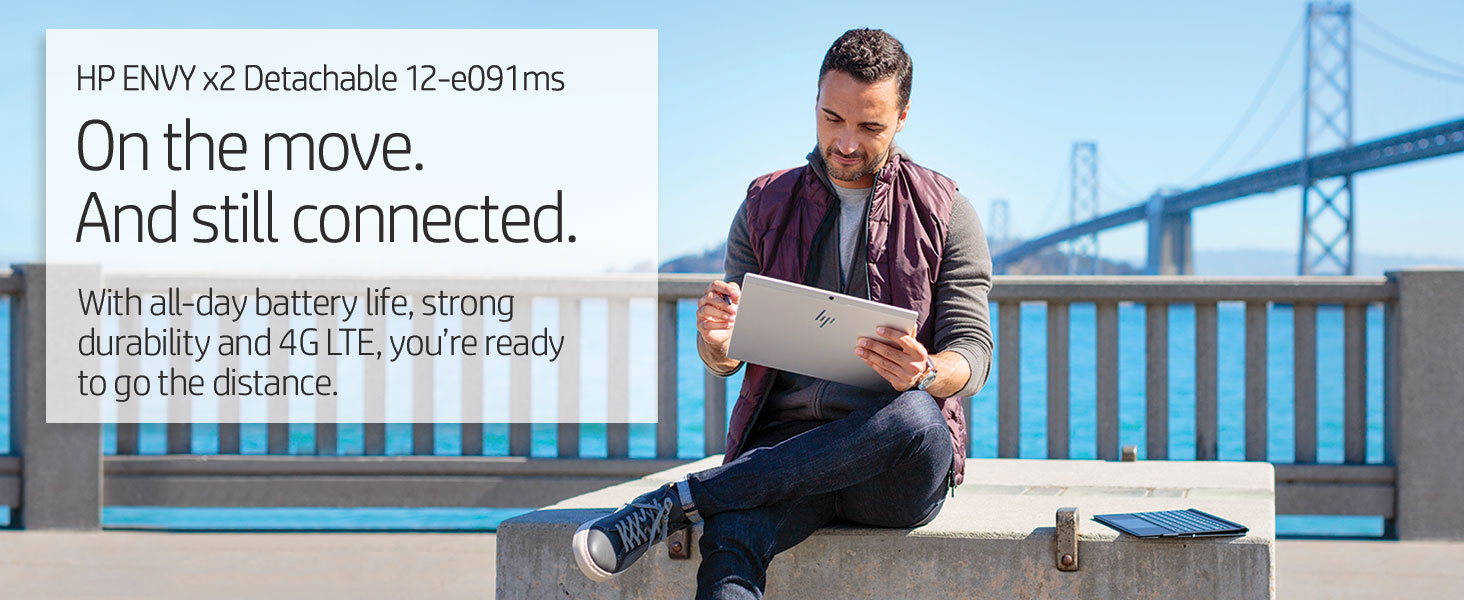
🚀 Power, Portability & Precision — Your Ultimate On-the-Go Workmate
The HP Envy x2 is a sleek 12.3-inch detachable laptop powered by a Qualcomm Snapdragon 835 processor, featuring built-in 4G LTE for seamless connectivity, up to 22 hours of battery life, and an included HP Digital Pen. Designed for professionals who demand mobility without compromise, it combines a vibrant WUXGA+ touchscreen protected by Corning Gorilla Glass with a lightweight form factor and Windows 10 OS, making it ideal for multitasking, creative work, and staying productive anywhere.
| ASIN | B07C7XY7GS |
| Average Battery Life (in hours) | 22 Hours |
| Batteries | 1 Lithium Ion batteries required. (included) |
| Best Sellers Rank | #224,204 in Computers & Accessories ( See Top 100 in Computers & Accessories ) #4,343 in 2 in 1 Laptop Computers |
| Brand | HP |
| Card Description | Integrated |
| Chipset Brand | Qualcomm |
| Color | Silver |
| Computer Memory Type | DDR4 SDRAM |
| Customer Reviews | 4.0 4.0 out of 5 stars (83) |
| Date First Available | May 1, 2018 |
| Flash Memory Size | 128 GB |
| Hard Drive | 128 GB Universal Flash Storage |
| Hardware Platform | PC |
| Item Dimensions LxWxH | 8.28 x 11.53 x 0.27 inches |
| Item Weight | 1 pounds |
| Item model number | 3SR51UA#ABA |
| Max Screen Resolution | 1920x1080 Pixels |
| Memory Speed | 3733 MHz |
| Number of Processors | 1 |
| Operating System | Windows 10 |
| Power Source | AC & Battery |
| Processor | 2.2 GHz Snapdragon |
| Processor Brand | Qualcomm |
| Product Dimensions | 8.28 x 11.53 x 0.27 inches |
| RAM | 128 GB LPDDR4x-3733 SDRAM |
| Rear Webcam Resolution | 1 MP |
| Screen Resolution | 1920 x 1280 |
| Series | 3SR51UA#ABA |
| Standing screen display size | 12.3 Inches |
| Voltage | 3.7 Volts |
| Wireless Type | 802.11ac |
T**S
Wow...better than my HP Spectre Folio in many ways
This is a versatile light computer. What I like the best is that battery last for at least 19 hours consistently and I typically only charge it every 2-3 days. I have been using it everyday for over a month and have been very impressed with battery and inking capability. I have a business where we now use these devices for all of our photos, document signing and distribution to customers. Our employees also all have Skype phone numbers ($30/yr) and mobile SIM card through MintMobile for $300/yr so they can make and receive phone calls from customers with Skype and do work with this little miracle for about $1000 per employee per year! The keyboard is a excellent in any position but the touchpad click functionality may not work as well when on your lap if it is not on a sturdy surface at the bottom where it sits. So I use the touch gestures more often when not on solid surface. As the manager of my business I purchase "a high end computer" (HP Spectre Folio - Windows 10 Home) but find myself using this HP Envy x2 more often mostly because I never need to charge it during the workday (the Folio has be charge ever 6-7 hours if I don't want to risk it running out before the end of the day). But the other reasons I use the HP Envy x2 is because it can do everything I need using Windows 10 S Mode besides ScanSnap Scanner software, Chrome, TurboTax, and anything else that needs to be installed through emulation). I have been afraid to cover from Windows 10 S to Windows 10 Home because I heard that you cannot cover back to S-mode if its too slow. So if Microsoft can get ARM processor to run other software without converting out of S Mode or under emulation (Home)...it would be perfect! The best part is that you can use some Surface Pro covers from Amazon with this unit to protect it. Best Windows 10 on ARM PC hands-down.
D**N
Great Potential, Terrible Execution
Just got HP Envy X2 yesterday and completed initial setup. Updates started while still in Windows S mode. Windows 10 1803 gave me the Desktop location unavailable error message and I was not able to use Windows or even Reset PC. Fortunately, I already had a USB-C to USB-A adapter and was able to download HP Recovery Software after spending 45 min or so on phone with tech support. They sent me an email link to download and had to use a non-Sandisk USB. Finally got back to factory default, switched to Windows 10 Pro and Envy would not update. It didn't do the same as yesterday, just failed to update. Ended up downloading the Windows 10 Update Assistant and updated directly. Appears to be doing fine now. As far as the device, it seems great. Screen is bright and sharp, speakers are quite good, pen works great, keyboard and trackpad have nice tactile response and the pen is very smooth. I will update more, including battery life, after a bit of use. UPDATE: Another Windows Update, another crash. Windows for Snapdragon is not ready for primetime. Besides the multiple incompatible apps and inability to install VPN software needed for work, this thing keeps failing on almost any Windows update. Then I would have to restore back to factory image and go from there, no thanks. It's going back to Amazon today. I am not going to stake my future on Windows with a Snapdragon processor until they put significant improvement to get it up to basic functionality. Too bad, great potential but terrible execution.
N**O
Great and lightweight
After much debate, I took the plunge and bought a Always Connected PC. So far, it's been excellent, no lag at all if you stick to the native apps. The one x86 application I did try out was Chrome. It took a bit longer to launch than usual but was stable. Performance wise it can keep up with the iPad and Android tablets IF you stay with the native apps it has. Battery life is awesome, I obtained two days of battery using this device to type essays, browse the web, check email, and watch Twitch Always on for 4 or 5 hours each day (7-8 hours screen on time per day for 14 hours total). That's extremely good against my XPS 15, which does the same for one entire day (Screen on time around 7-8 hours) before running out of juice. Extremely happy and will recommend to students and workers who are moving around a lot but don't need a lot of power
S**E
GREAT Device if you know what it is...
This is a great device if you know what it is designed for. First think of this as an advanced tablet and not a laptop. The idea is that this competes with something like an iPad Pro. This is not a competitor to a Surface Pro or a Surface Book 2, both of which I own. This device is for those who need extreme portability and battery life, and need to be online at all times. The battery life is amazing. I used it from 7am to 4 Pm and still had over 50% life left and this was on Cellular. The performance is fine for MS Office Suite and web work. I don't do photoshop on it, or edit videos. But for all the tools you will need in a client meeting, its excellent. I run between this and my desktop, and my laptop. Its great being always connected. I can grab it and run out and its always fully updated with my latest emails and files synced through One Drive. Do not get this device as a replacement for your high powered notebook or desktop. This is a professional tablet replacement for getting work done on the go when you need the most portable footprint. One thing the reviewers mention is the poor performance in Google Chrome, and that is true. I use Edge and it works great for me, I am heavy into the Microsoft ecosystem (office, one drive, skype, etc), and its clear those applications run better than Chrome.
O**S
La tableta presentó errores al intentar actualizar el sistema operativo a Windows 10 pro, la version S no permite instalar aplicaciones afuera de la microsoft store lo cual limita en gran medida el desempeño y posibilidades de la tableta. Tiene un muy buen diseño, sin embargo, tuve que regresarla ya que se colapso en la actualización y no pude resolverla.
Trustpilot
3 weeks ago
1 month ago