
DOWNLOAD THE APP



Desert Online General Trading LLC
Warehouse # 7, 4th Street, Umm Ramool, Dubai, 30183, Dubai
DOWNLOAD THE APP
Desert Online General Trading LLC
Warehouse # 7, 4th Street, Umm Ramool, Dubai, 30183, Dubai

🚀 Unlock your iPhone’s full potential with speed, space, and security!
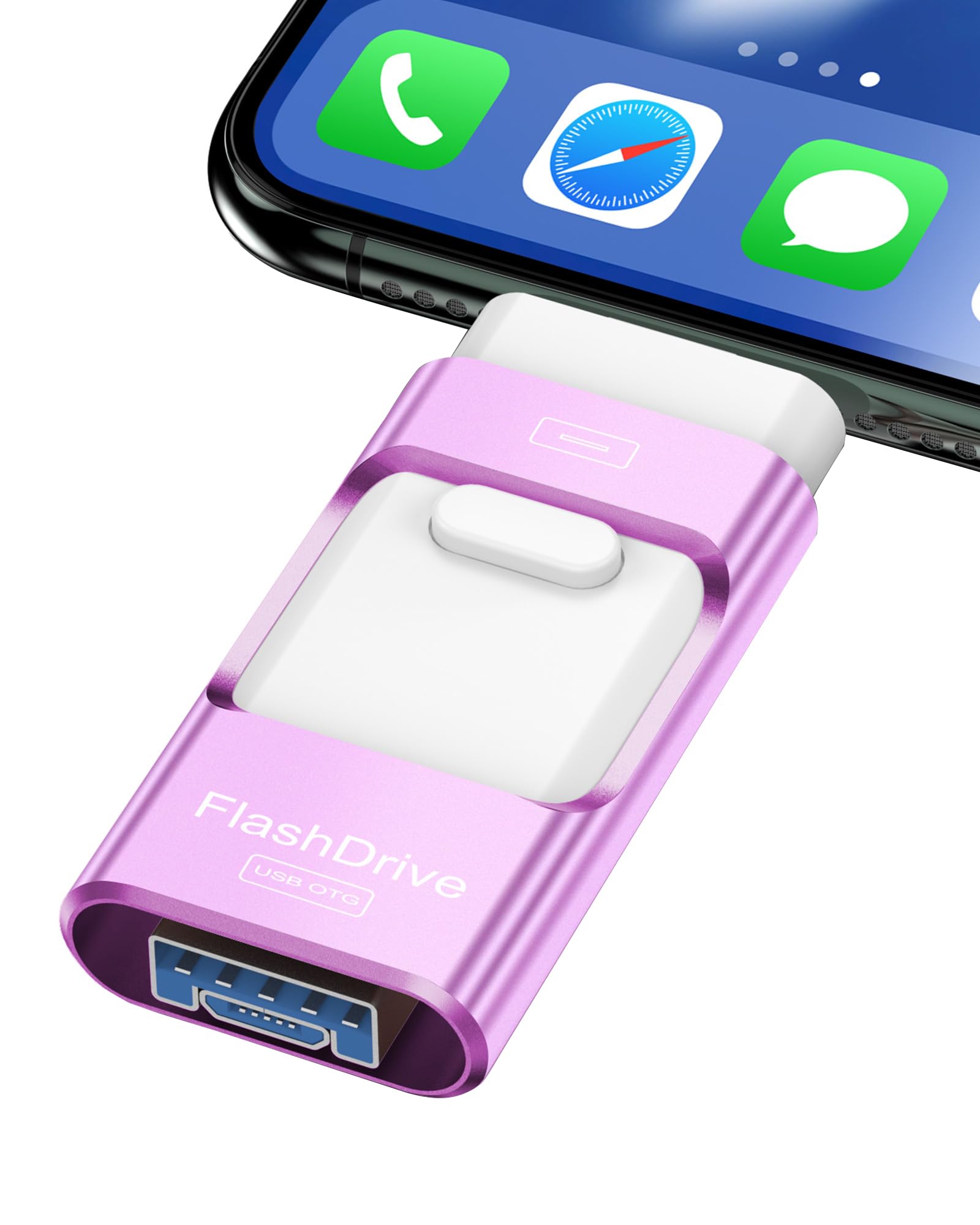
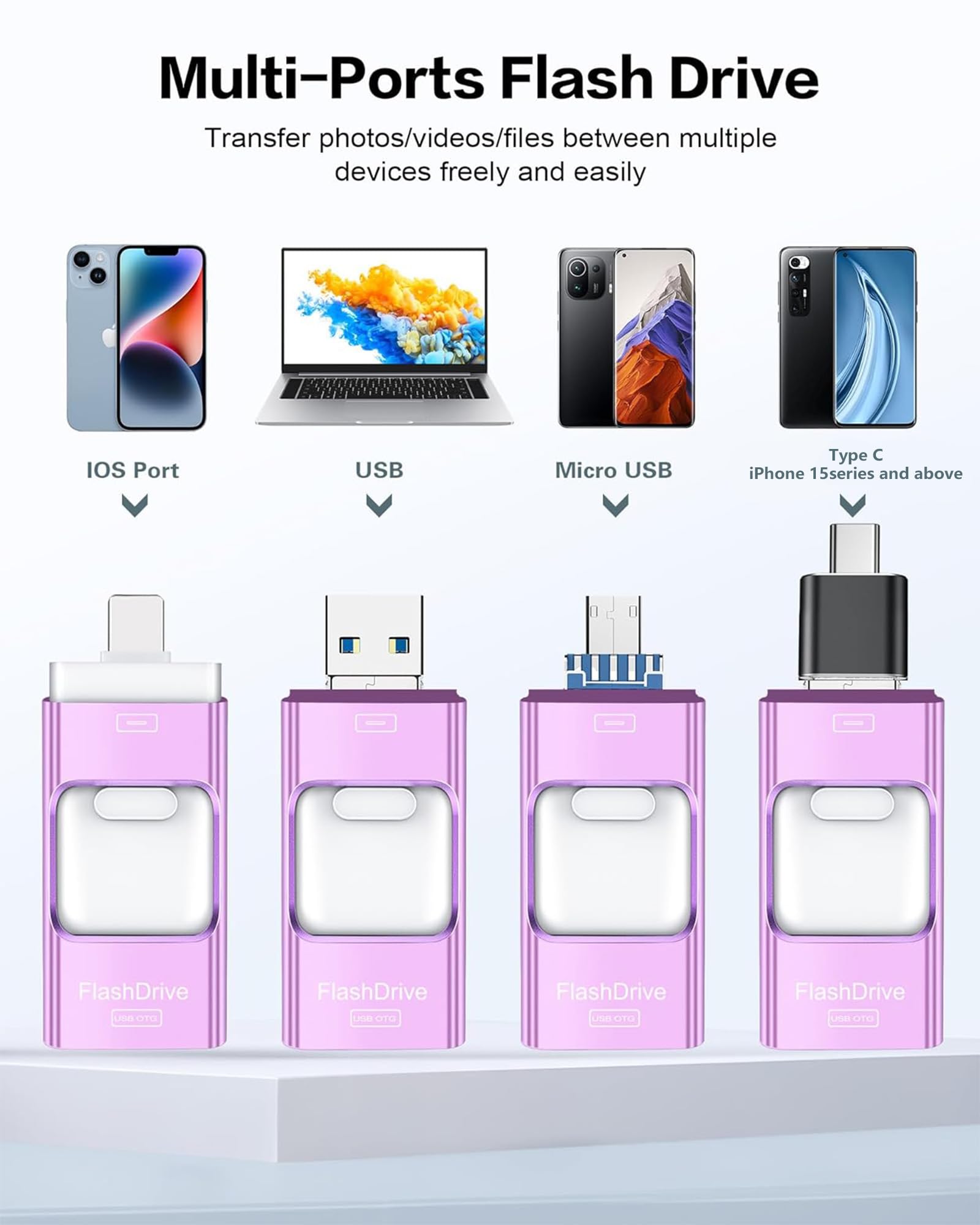
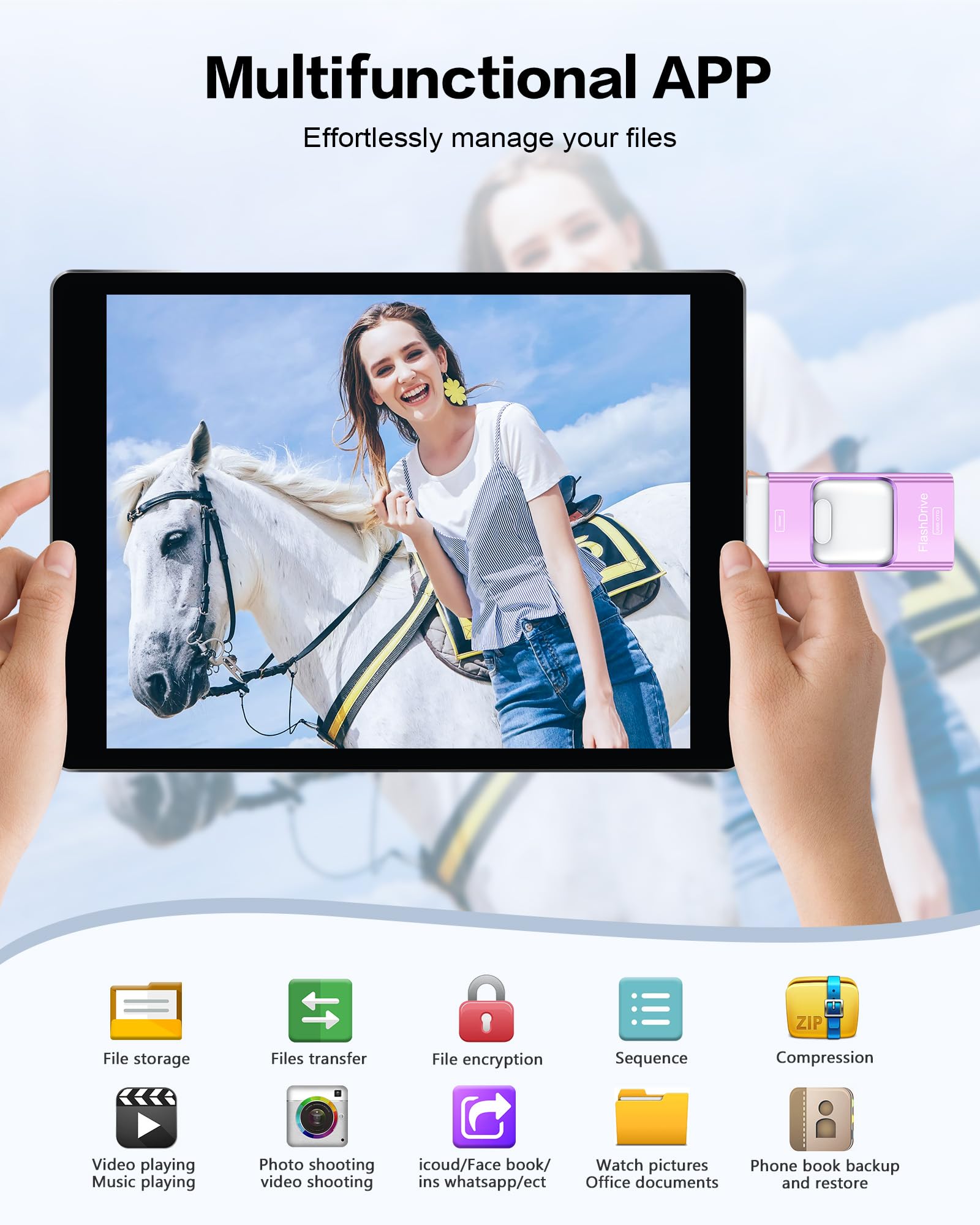
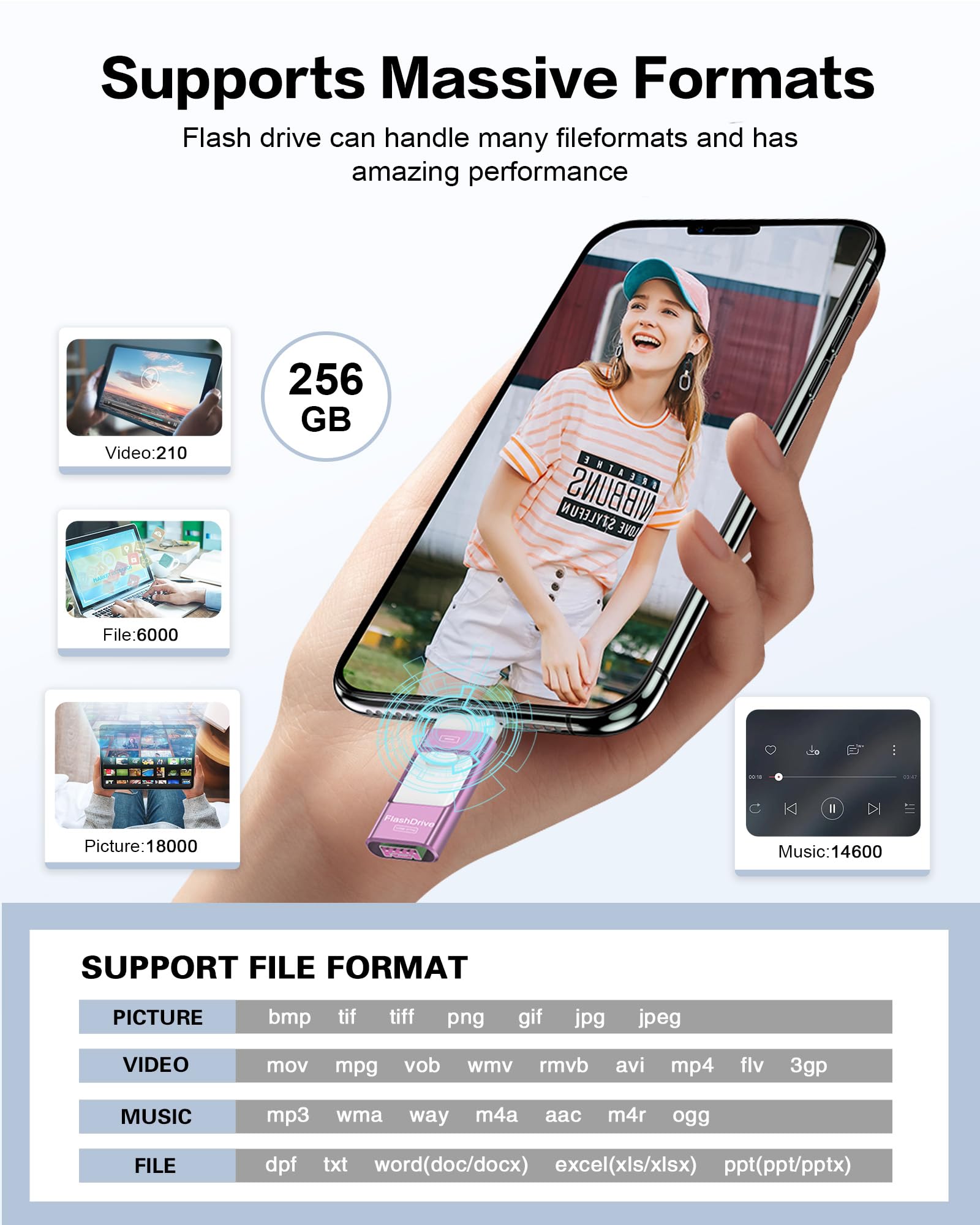
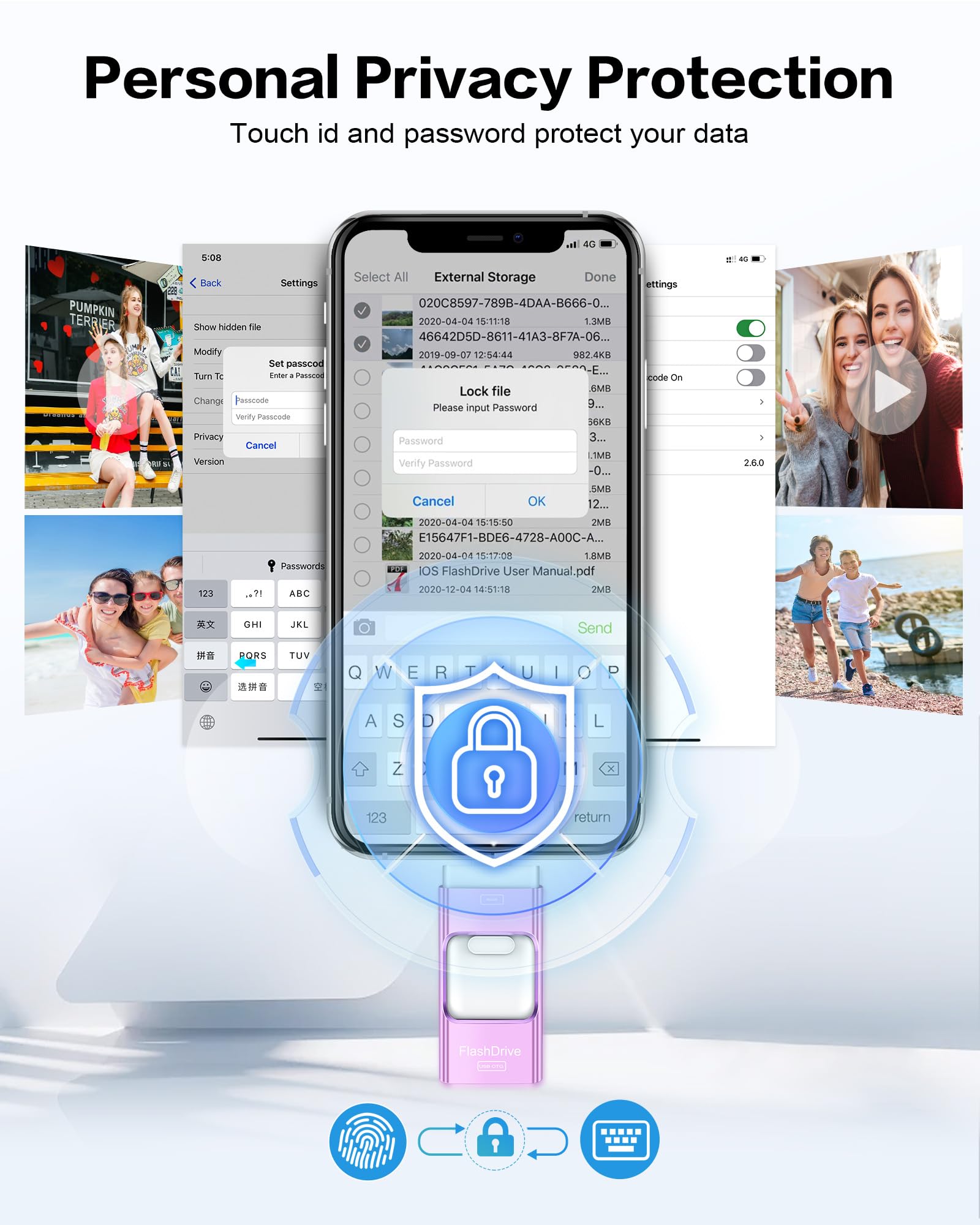
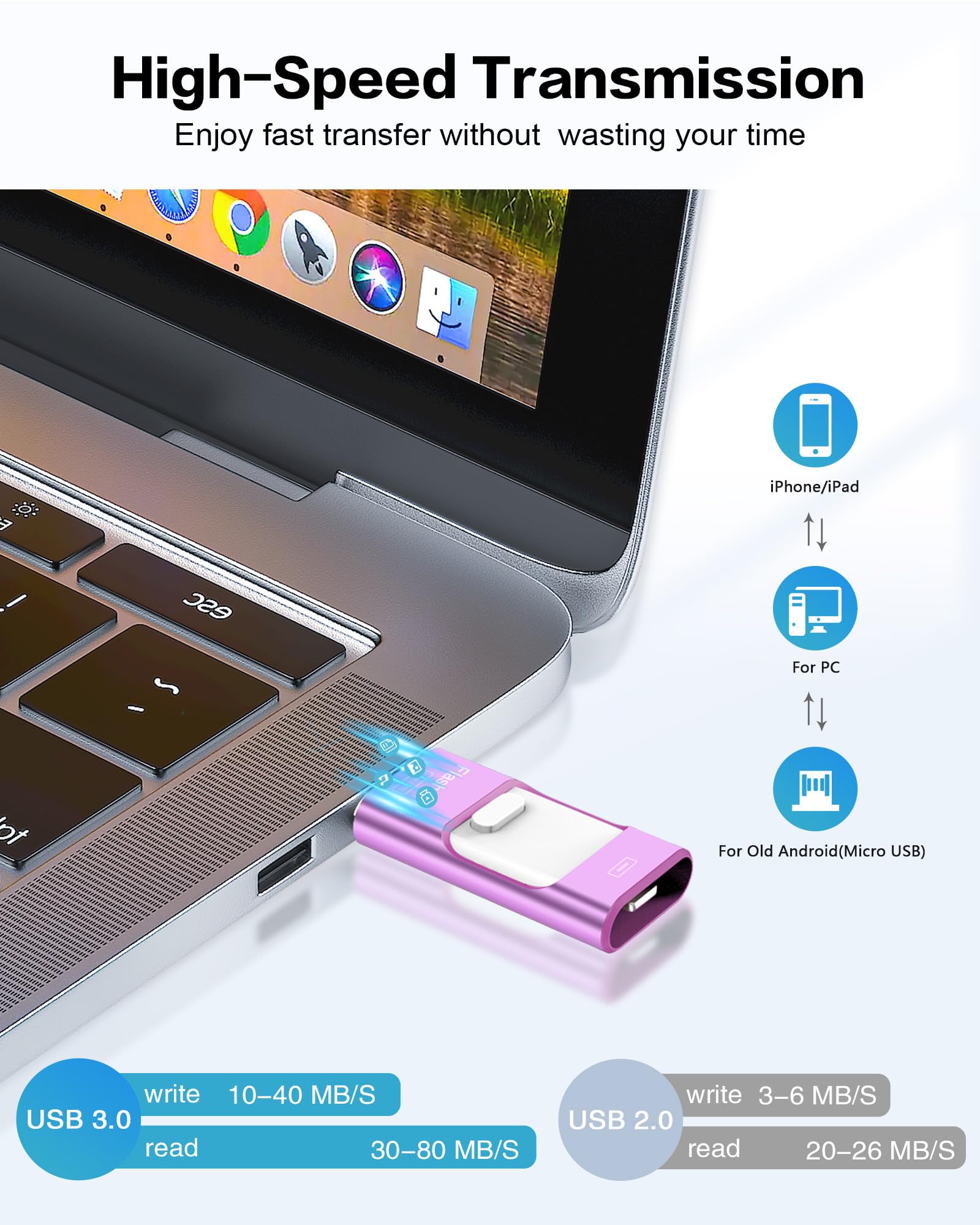
The ZARMST 256GB Flash Drive for iPhone offers massive external storage with ultra-fast USB Type A and C connectivity. Featuring up to 80MB/s write speeds and advanced Touch ID plus password protection, it ensures secure, quick transfers of photos, videos, and files. Managed effortlessly via the EASYFLASH PRO app, this sleek purple drive is your ultimate on-the-go memory expansion for iPhone, iPad, and PC.


| Connectivity Technology | USB |
| Color | C-Purple |
| Flash Memory Type | USB |
| Manufacturer | ZARMST |
| Hardware Connectivity Technology | USB Type A, USB Type C |
| Item model number | bca46795-0c1b-4af3-86db-79c4ee5d3861 |
| Item Weight | 1.13 ounces |
| Package Dimensions | 4.29 x 3.7 x 0.75 inches |
| ASIN | B0D1VJ6JMH |
| Date First Available | May 10, 2024 |
M**K
Easy to use!
Easy to use, plugged into my phone and offloaded pictures, great storage and super easy to view or transfer to other devices! I highly recommend. The price alone is worth it, way better than paying for cloud storage monthly!
M**E
Works great! Easy to use.
Easy to use. Works as described. Keeps all original meta data too.
A**M
Major Quality issues. Worst piece of electronic that I purchased in years.
Right out of the package, the time to copy a file 2.3 MB size to this drive was whopping 22 seconds from iPhone to this usb driveFormatted with various options such as NTFS, exFat, Fat32, with different options. I formatted more than 10 times. The USB drive write speed from iPhone to USB was staggering 22 seconds per each photo of 2 - 2.5MB size for different formatting applied. In one occasion formatted with NTFS with block size of 128K the fastest sustained speed I could get for the 2MB photo files was 10MB/s write, and 20M/s read (this test was using my laptop running Windows 11 with 48MB of RAM not from iPhone).The device locked up several times with error messages as shown in the above screenshots on the iPhone. Some time the copying will go on 10-25 files before locking up (I had to unplug the drive to recover, and in one occasion when I was getting my fingers crossed the total of 256 files were copied from iPhone to the USB drive before locking up. In the worse case just couple of files were copied and the USB locked up my phone. In one case it heated up my iPhone to very hot temperature as well as the drive itsslf. At the cover of iPhone (my estimate is over 120F for both drive and the iPhone 12). Then, the iPhone just shut off after heating up while trying to transfer files.This is the worst electronic product that I purchased, period. I also belive that the size of the drive (256GB) is in question. I have had other USB drives that over stated their actual capacity by sneaky means, but when trying to store more it simply died; I suspect this is the case here as well.I spend about 4 hours trying to get this to work. I wanted this to work, because I have to transfer the files from one iPhone to another before a complany imposed dead line. I could not even get the files from the iPhone using this drive, let alone get it to the second iPhone. I ended up using iTune account and copying piece meal fashion of the 25GB of photos from old phone to the new phone.BTW, I tried different number of files copying at a time, thinking that maybe there is a maximum number (or amount) that this firmware can handle. That was not the case. Sometimes the slwo speed of 22 seconds/file of 2 MB size appeared immediately.If you value your time, stay as far away from thie product as you can. I belive, this has to be a orchestrated and intentional bad product with hyped specifications that may only work if one or few files are processed if you are lucky. But, in my experience dictates that transferring more than 10's of files is out of question. I do not have patience to download photo files that numbers in thousands in increments of 10's. It is very very deceptive product which promises ease of use and delivers exactly the opposite.Stay away you are forewarned.
S**R
Needs better documentation
Used this device to transfer photo's from my IPhone to my computer. Worked great for photos but I'm still trying to get movies to transfer in a format I can watch.
J**N
So easy and convenient to use!
Very smart tool to use instead of getting frustrated using iTunes!
R**M
Expand Your Storage with the 256GB Flash Drive for iPhone
Need more space for your photos, videos, and files? The 256GB Flash Drive for iPhone is the perfect solution. Here’s why this photo stick is a must-have:Massive Storage: With 256GB of space, you can store thousands of photos, videos, and documents, freeing up space on your iPhone.Easy to Use: Simply plug the flash drive into your iPhone's lightning port and start transferring files instantly. No complex setup required.High-Speed Transfers: Enjoy fast and efficient file transfers, saving you time when moving large files between your iPhone and the flash drive.Versatile Compatibility: Works seamlessly with iPhones, iPads, and other devices with a lightning port. Also compatible with USB ports on computers for easy file sharing.Secure and Reliable: Keep your files safe with reliable storage. Perfect for backing up important data and ensuring you never lose precious memories.Compact and Portable: Small and lightweight, this thumb drive fits easily in your pocket or bag, so you can take it with you anywhere.In summary, the 256GB Flash Drive for iPhone is the ideal accessory for anyone needing extra storage space. Its massive capacity, ease of use, high-speed transfers, and portability make it a must-have for iPhone users. Expand your storage today.
S**R
Good While It Lasted
I ordered this to save storage in my phone. First issue, if I need space, how am I supposed to upload the app required to transfer the files. Once I figured that out and used it for a good 2 weeks, the usb connector broke and now I cannot load any additional videos and pics on the device. So it's now functioning as an external drive for my laptop and can no longer use it to transfer files from my phone.
B**S
Kinda frustrating
Keeps coming unplugged, constantly gives me errors & doesn’t keep track of what’s been transferred. Is faster than other options I’ve used when it actually does work. Isn’t the worst. Definitely isn’t the best.
Trustpilot
3 days ago
2 weeks ago