We remain fully operational. Our teams are working around the clock to ensure your deliveries continue safely.

DOWNLOAD THE APP


Customer Services
Copyright © 2025 Desertcart Holdings Limited
DOWNLOAD THE APP
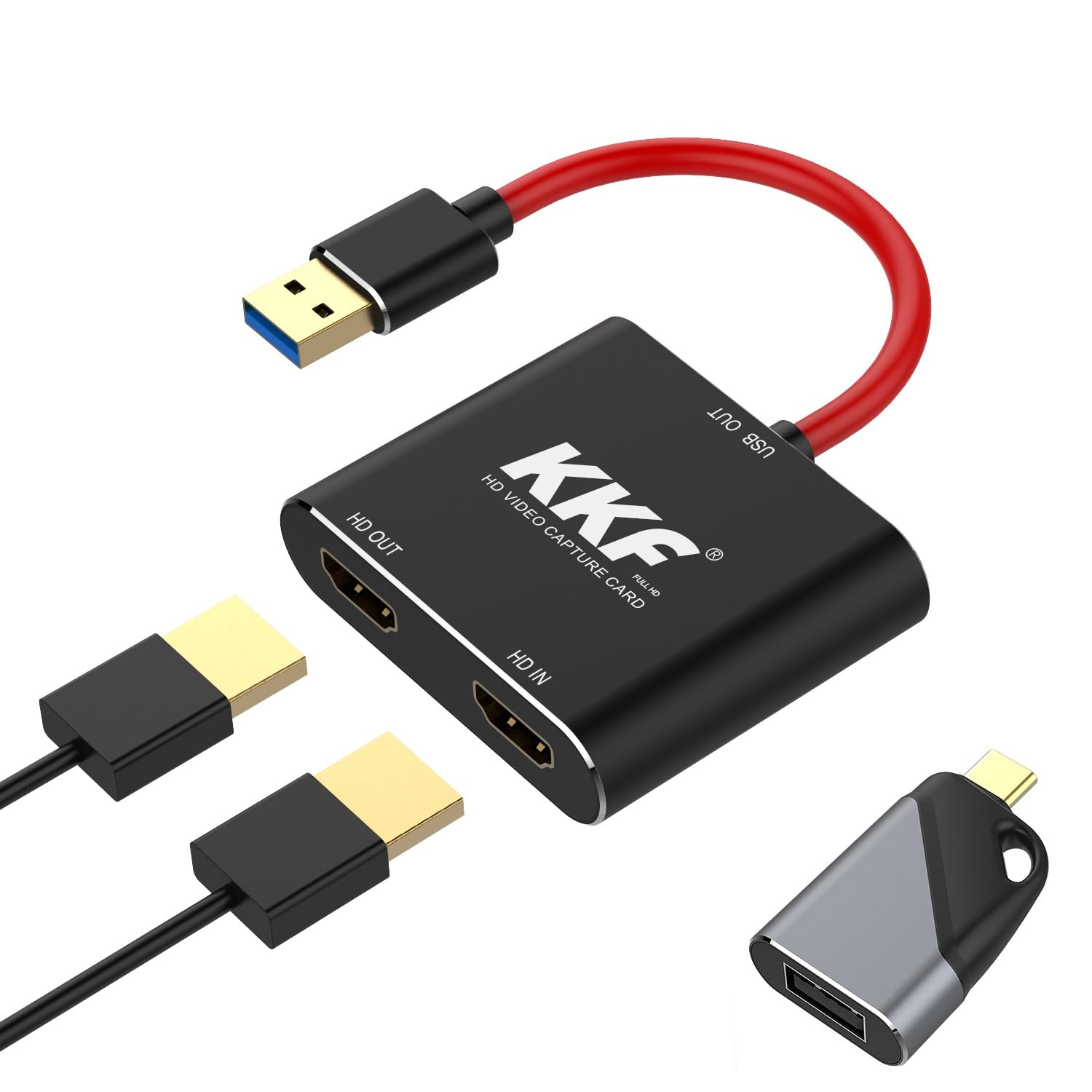
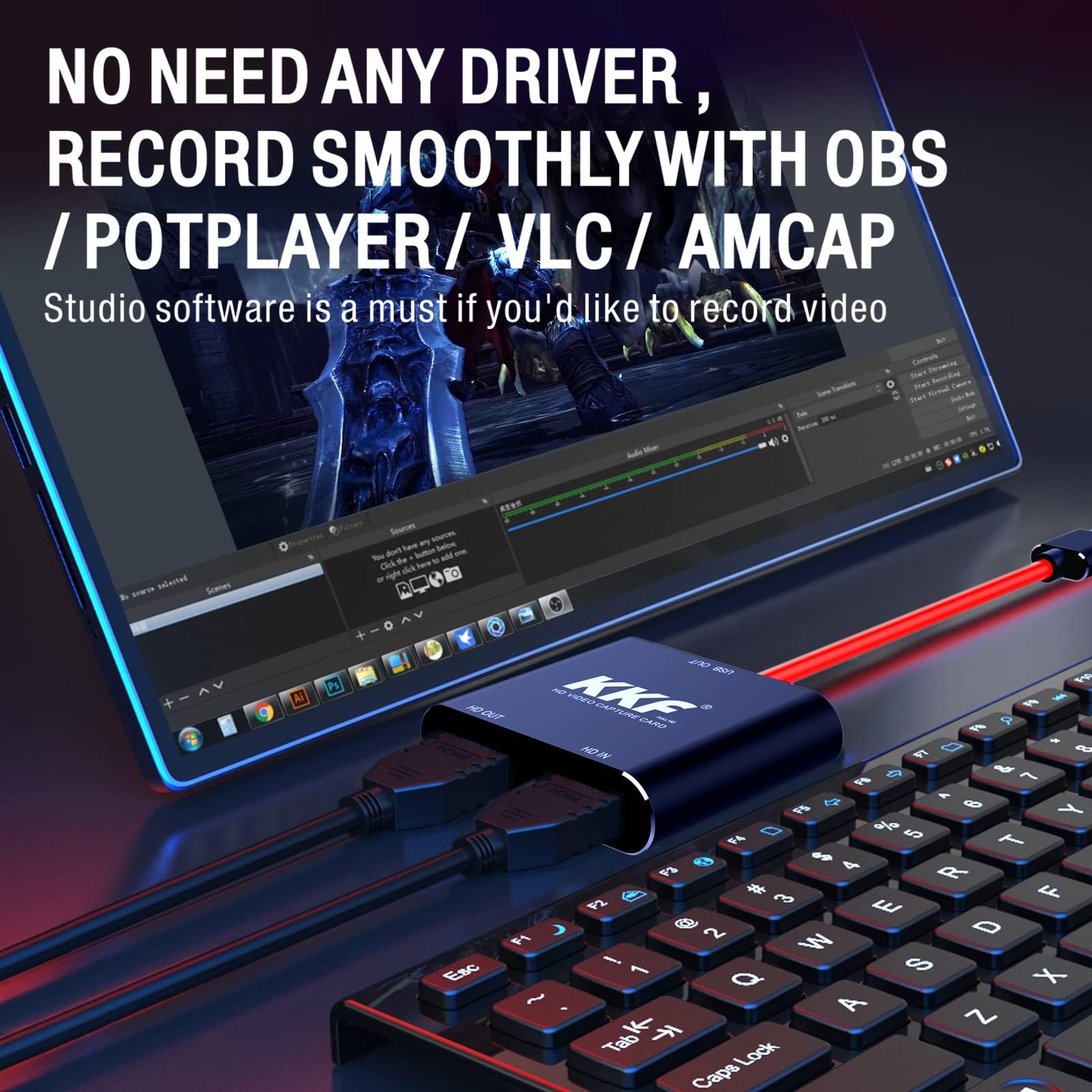

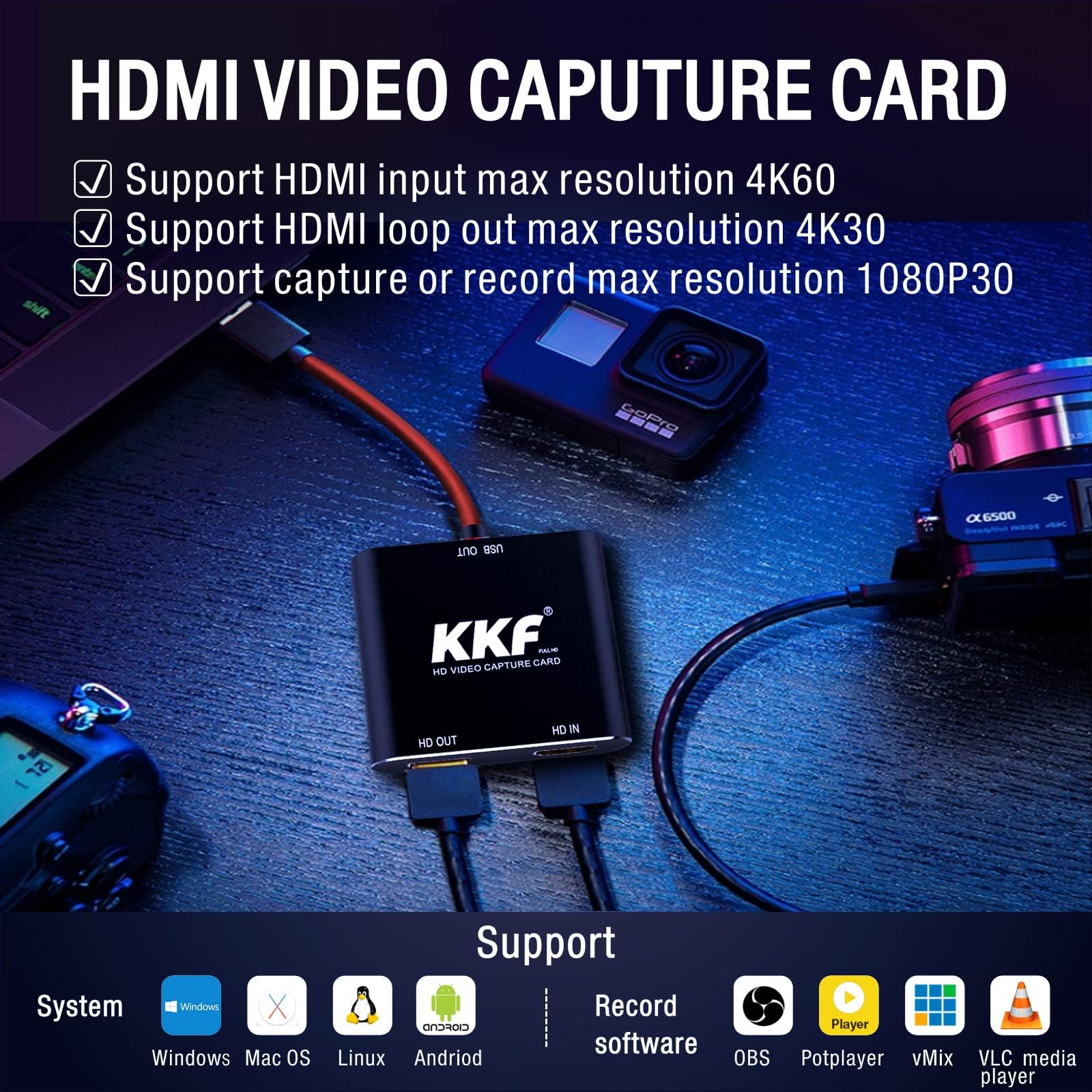
🎥 Capture Every Moment, Stream Like a Pro!
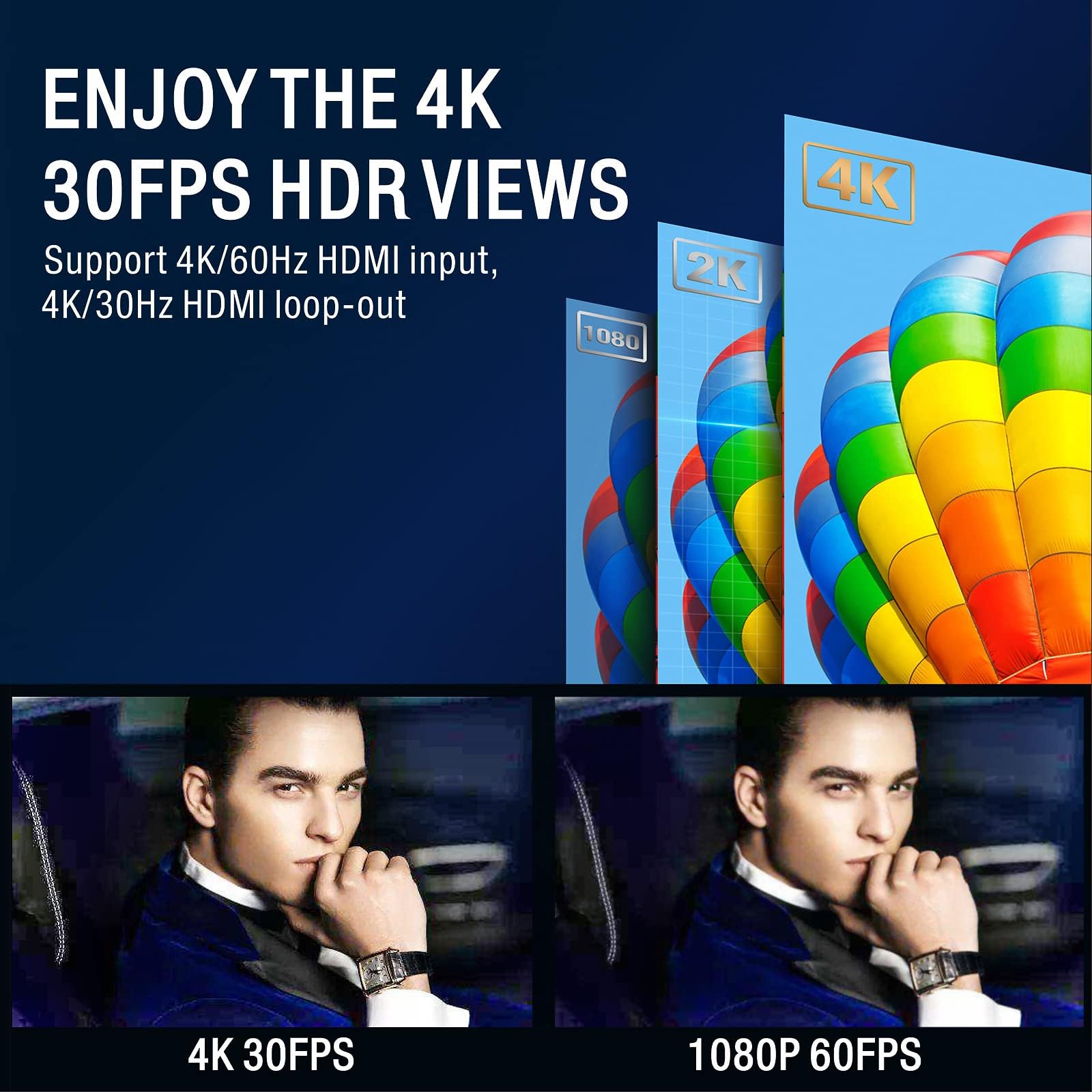
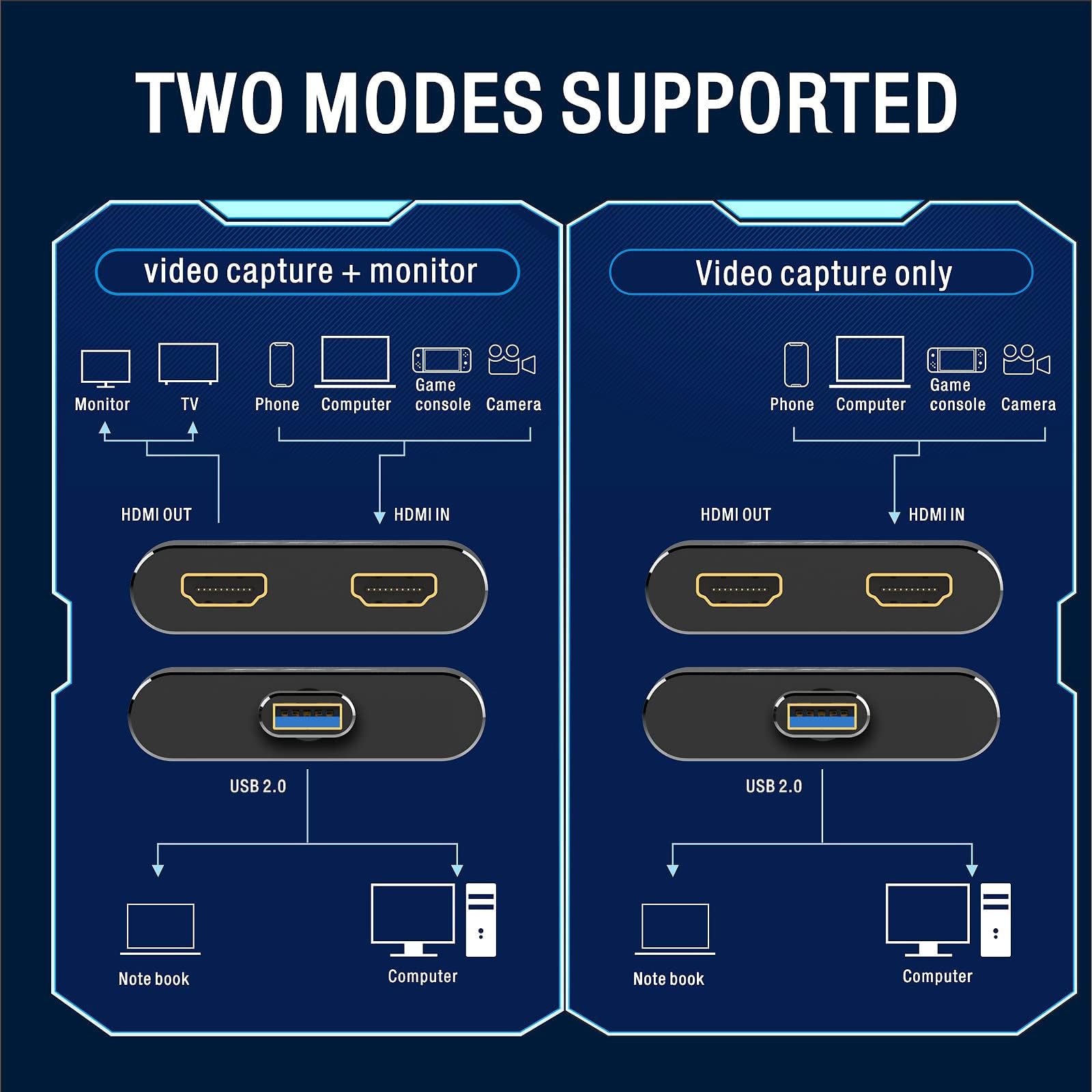
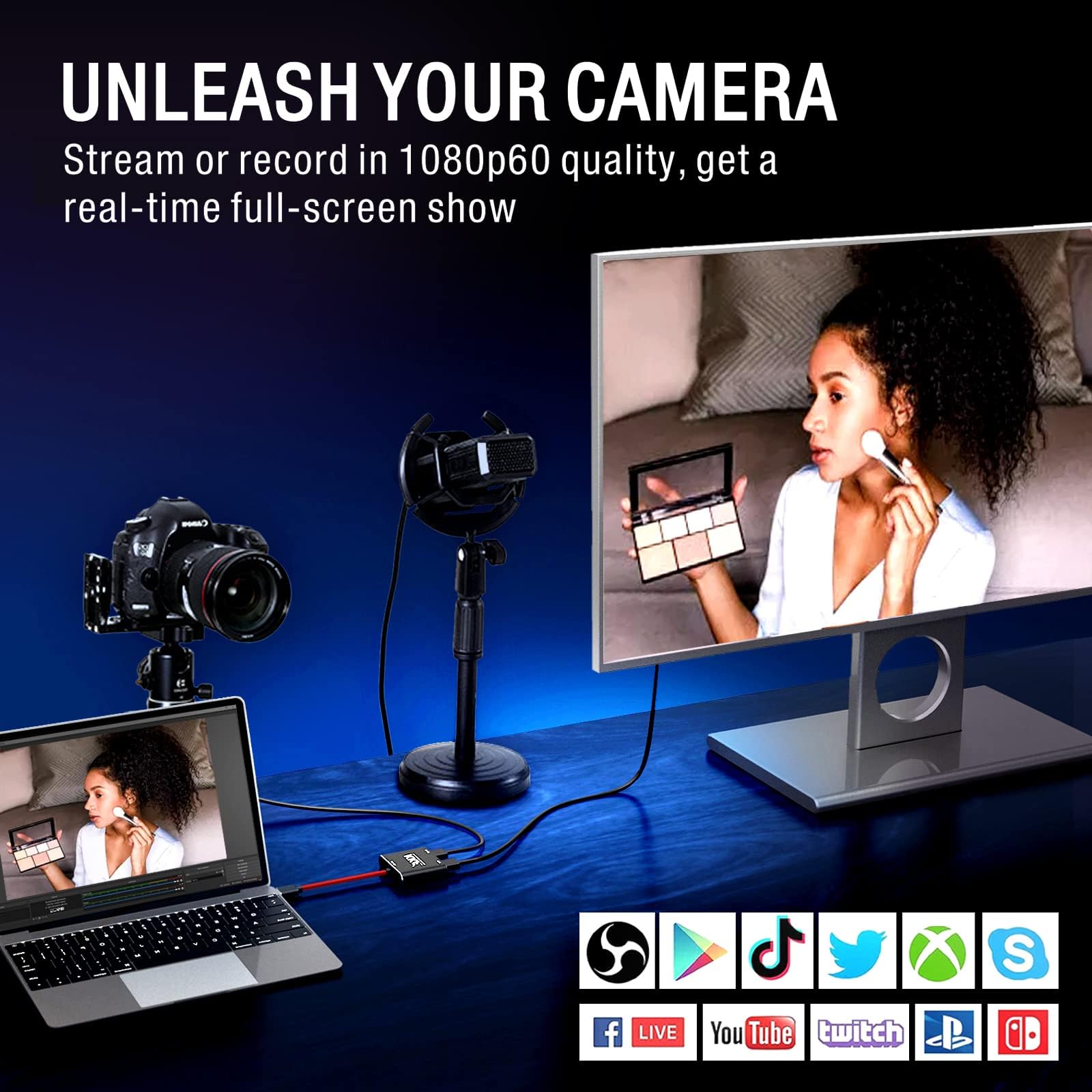
The KKF Capture Card is a compact, budget-friendly 4K HDMI to USB 3.0 device designed for seamless streaming and recording. Supporting 4K 60Hz input and 1080p 30fps output with ultra-low latency, it’s compatible with major consoles, DSLR cameras, and multiple OS platforms. Plug-and-play simplicity combined with professional-grade performance makes it ideal for gamers, educators, and content creators seeking reliable, high-quality video capture.
| ASIN | B0CN6WHSYC |
| Best Sellers Rank | #280 in Internal TV Tuner & Video Capture Cards |
| Brand | Kkf |
| Customer Reviews | 4.4 4.4 out of 5 stars (24) |
| Date First Available | November 13, 2023 |
| Item Dimensions LxWxH | 0.39 x 0.39 x 0.39 inches |
| Item Weight | 4.5 ounces |
| Item model number | Mini HD Capture Card |
| Manufacturer | KKF |
| Operating System | Linux, Mac OS, Windows 7, Windows 8 |
| Product Dimensions | 0.39 x 0.39 x 0.39 inches |
A**G
capture card
The KKF 4K HDMI Capture Card is a budget-friendly, plug-and-play device ideal for casual streaming and recording. It supports 4K input, records at 1080p 30fps, and works well with PS5, Xbox, Switch, and DSLR cameras. Users praise its ease of use and low latency, though it's not suited for high-end production. Great value for beginners.
P**Y
I am impressed
I am a former video capture nerd that in my teens had an Amiga back, a video toaster, and countless doo dads from then on that I sure wish I could go back in time and tell myself to not buy and get some Microsoft or Apple stock instead. I've been away from that for a long time working a regular job, raising kids, etc. I haven't kept up for a while. I did not know something this simple, powerful, and cheap. If it did exist, I presumed it was so locked down with copyright entanglements that it was quasi-useless. That does not seem to be the case with this thing. I did not torture test it and actively hunt for HDCP protected sources, but merely plugging in a streaming stick allowed me (via the free Open Broadcaster Software) to record whatever I wanted. There is a learning curve, and I am sure there are a lot of nuances to master, but I was up and recording in 5 minutes. At 1080p the video and audio quality was great. I'm a fan - glad I got it.
A**R
Works as advertised without OBS
One never knows when they might need to record some video and in the mood to be prepared I ordered this capture card. Initially, I tried connecting the capture card to a USB port on a new Dell Win11 desktop. Win11 did not recognize the card in VLC, where I was attempting to use VLC's Convert/Save function instead of OBS. So I bagged Win11 and went to test on my laptops. Note: After successful testing in Win10, I went back to the same Win11 desktop and tried the capture card again. This time I noted that the capture card showed up in Device Manager as both an audio and camera device AND VLC also allowed the card to be selected as a source for both video and audio. So, I assume all should work in both Win10 and Win11. I don't know why Win11 was finicky the first time. I did fully test it on the Win10 laptop and all was successful the first time using VLC to record. I used VLC instead of OBS because I already have it installed and it does a fine job of simple video capture without the need to install OBS. The capture card appears to be solidly build and simple to use and is a minimal investment for when you might need it.
R**5
Excellent quality video capture
I didn't have OBS software but downloaded it for testing this device. I tested with both a laptop as source and a Roku media player. Results were excellent with both. I first tested using the "Camera" app in Windows 10. That captured excellent video but no audio which caused me to get the OBS software. I don't have regular need to capture video but this will come in very handy at times. One very minor detail is that when the unit is plugged into a USB port with normal orientation, the short USB cable caused the unit to lay upside down when plugged into my laptop. I added labeling on the back side of the unit to overcome the need to twist the unit to determine the correct connector. As I said, pretty minor.
K**Y
Not a USB 3.0 device as promised, but meets its other specifications
This device is based on the MacroSilicon MS2109 capture chip. Since many devices use this, I won't dive too deep but this chip is USB 2.0 only, and not 3.0 as promised. Everything else is correct, but this device seems overpriced for its capabilities. Additionally, mine came branded as "LalaMax" but is otherwise visually identical. 1080p30 is possible in MJPEG mode, exactly as stated. If you want uncompressed YUV, you're limited to 5fps, but that's normal for these older MS2109 devices. Any 4K input will be downscaled to 1080p (or whatever your selected input resolution is.) HDCP works just fine, with the passthrough in use or without. HDMI passthrough/loop out is a nice feature, and appears to add zero latency on the output. I was able to get this to work with OBS on Windows just fine, as well as with Sony's built in External Monitor app and neXt Camera on my Android phone. It appears as a USB Video Class (UVC) device, like a webcam. Build quality is great. The device and the shroud for the USB connector are both aluminum, great for thermals. The cable is pretty stiff, but otherwise good. Overall, this is a pretty basic capture device based on an older capture chip. The implementation is good, and HDMI passthrough is a welcome feature. I just struggle to recommend this because of the price. You can get newer USB 3.0-based devices with better specifications for cheaper than the $50 asking price here. Still, aside from being a USB 2.0 device, this meets all of its provided specifications and is built pretty well.
C**C
Worked on Android! Captured a great signal from VHS, of all sources.
I was handed a box of old VHS tapes, that were converted from 8mm two decades ago. I had to go buy a VCR, and a coax to HDMI converter, and then this box, an HDMI capture device. I had intended to use a small cheap laptop nobody was using to do the capture, but it wouldn't boot. All those conversion boxes were taking up space and not near a PC, so I tried it with my phone. This device has a USB type A connector (Blue, USB3). I used an A-to-C adapter for OTG on the phone. An Android app called "USB Camera" connected to this capture device right away. That's a pretty good journey through adapters to finally get to a screen, and it looked great. I'm sure there's a dozen problems with fake EDIDs and other deep technical issues, but for the cost and my needs, it's absolutely fine. Now another generation of kids can watch family videos that are now 70 years old!
Trustpilot
5 days ago
3 weeks ago