
DOWNLOAD THE APP


Customer Services
Copyright © 2025 Desertcart Holdings Limited
DOWNLOAD THE APP
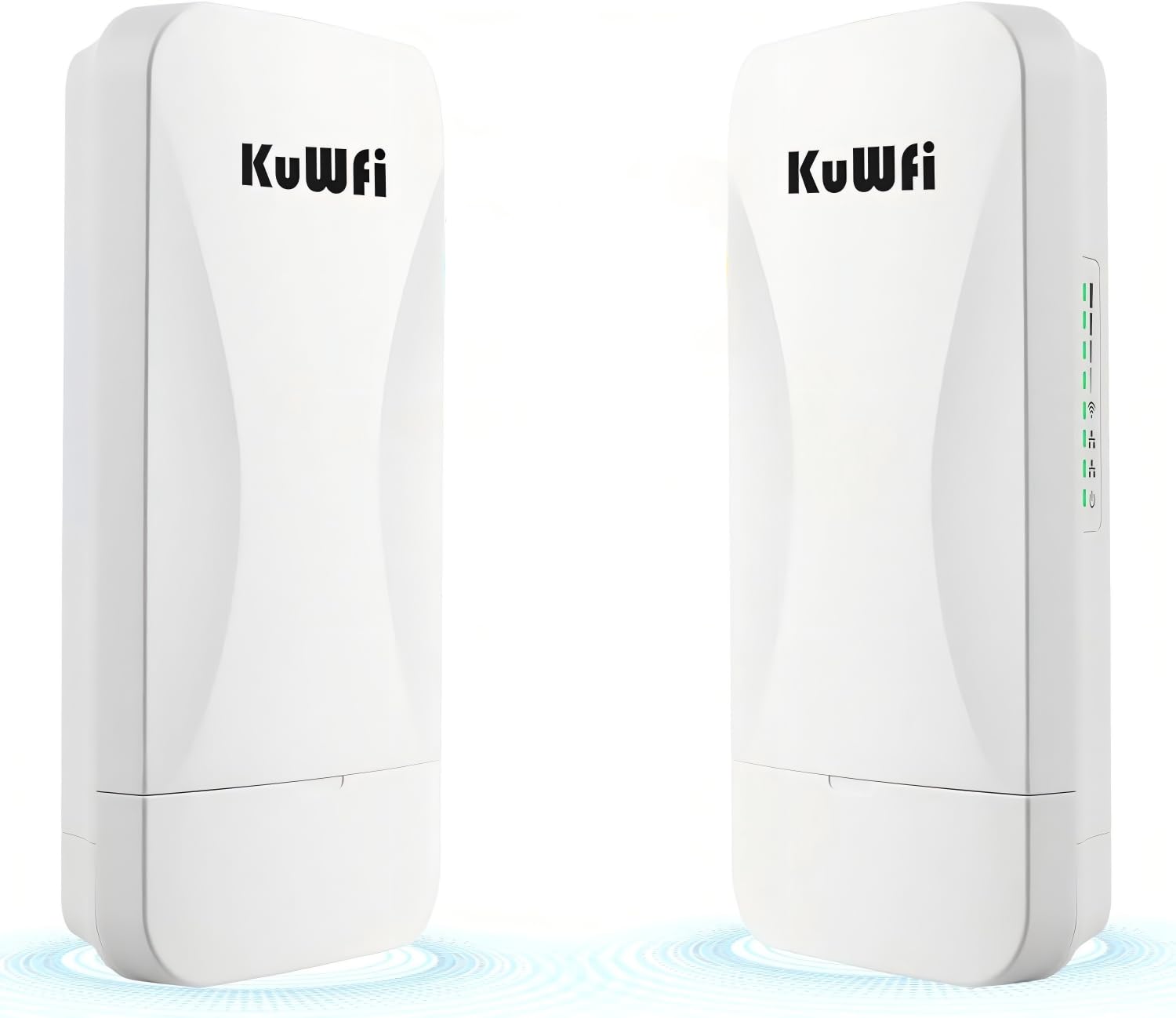
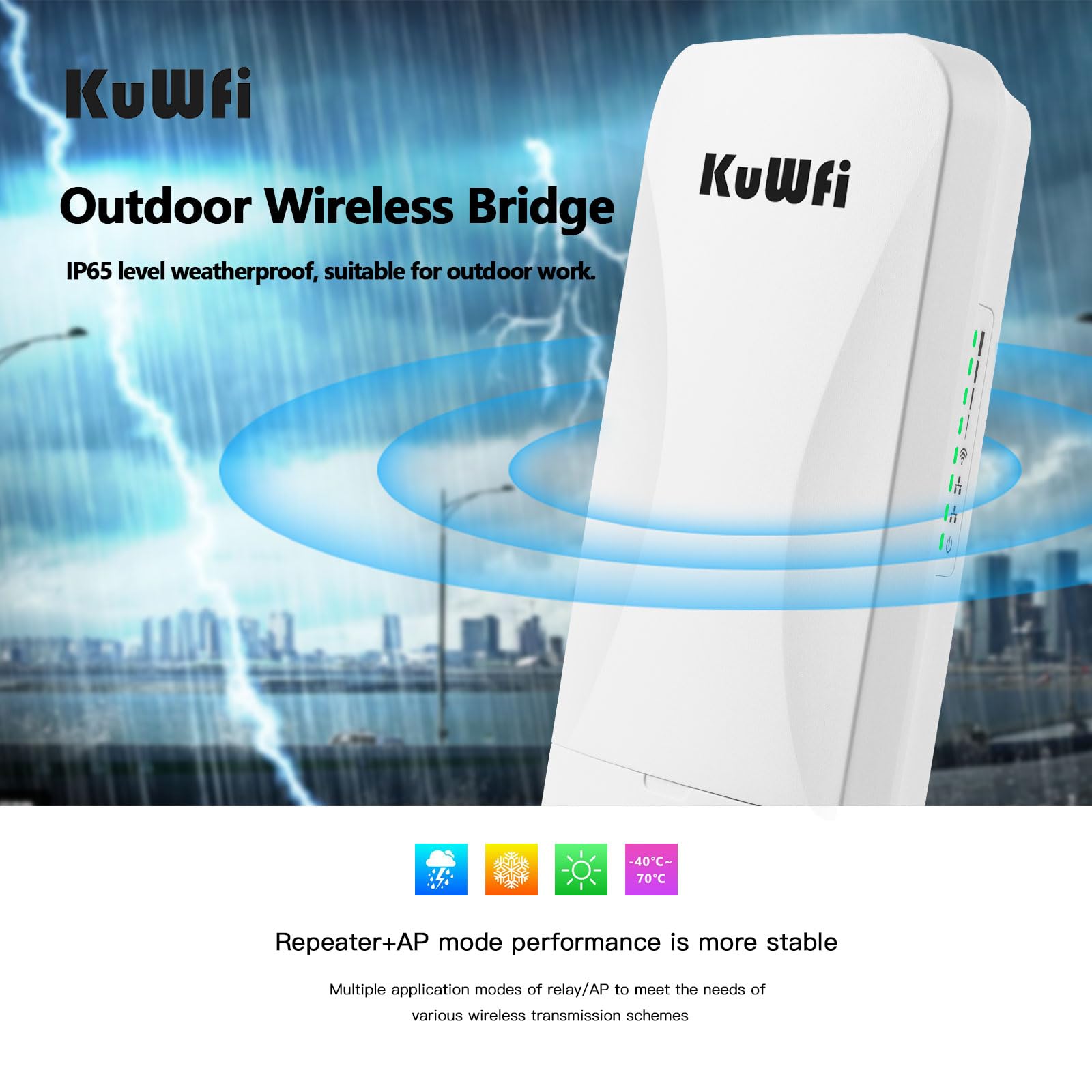
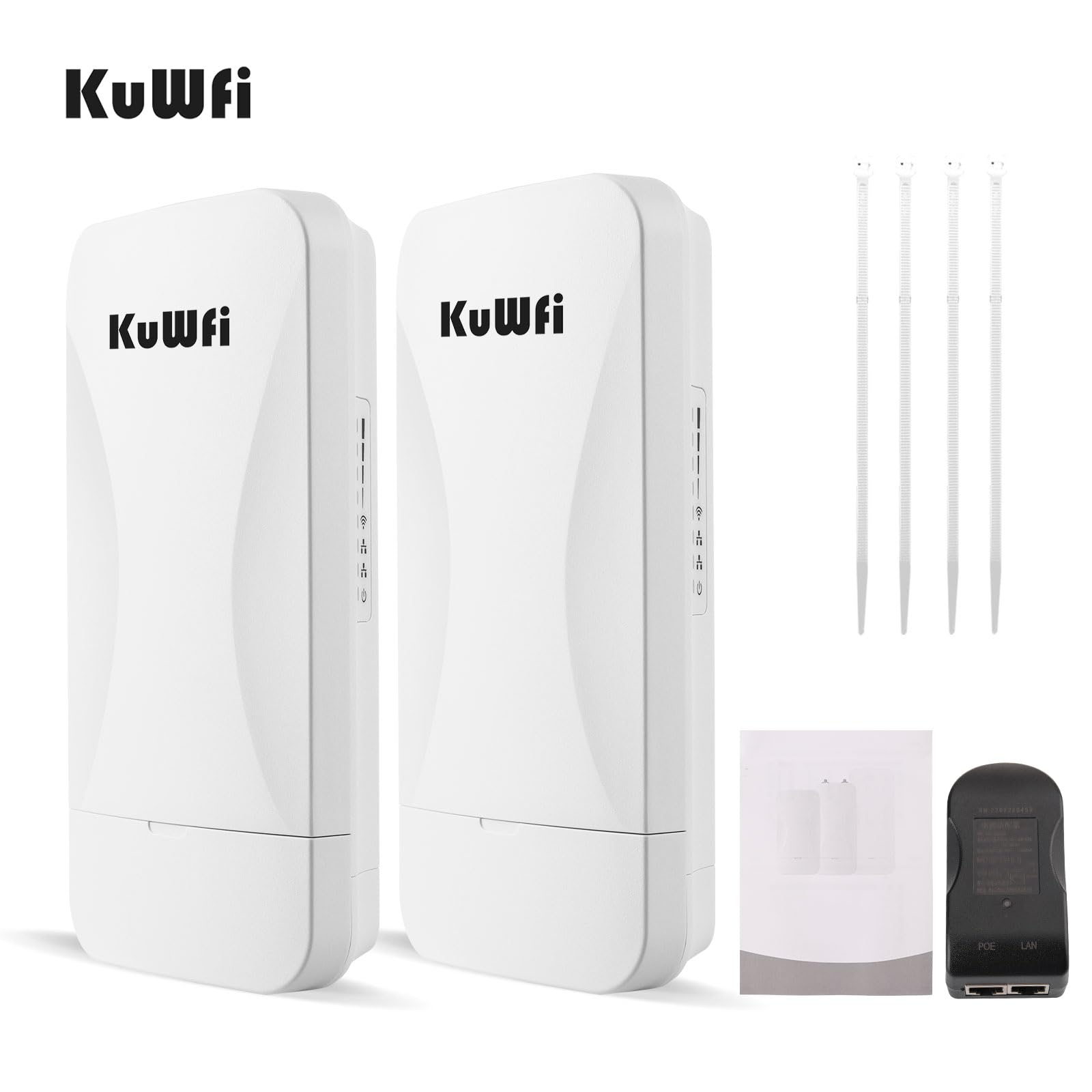


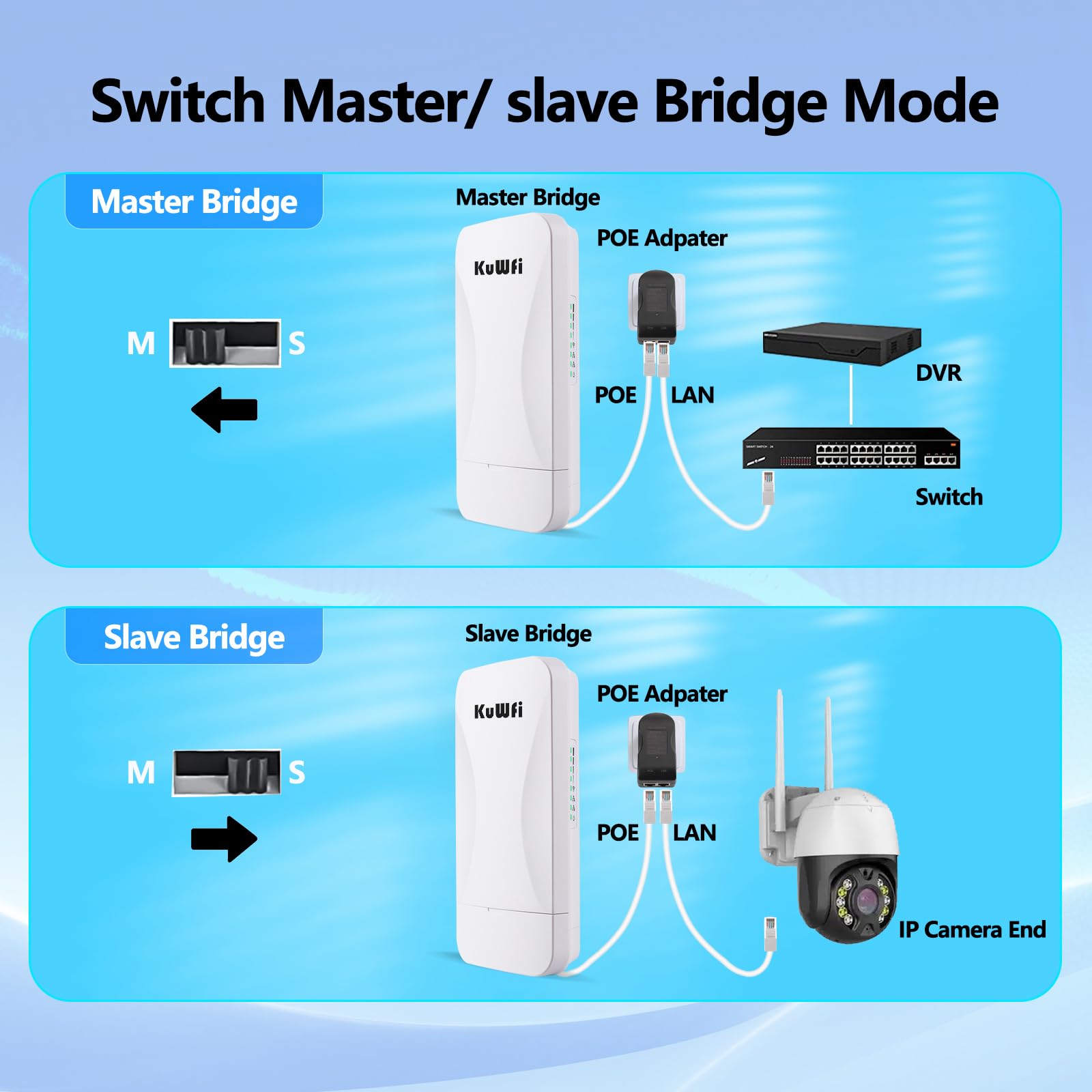
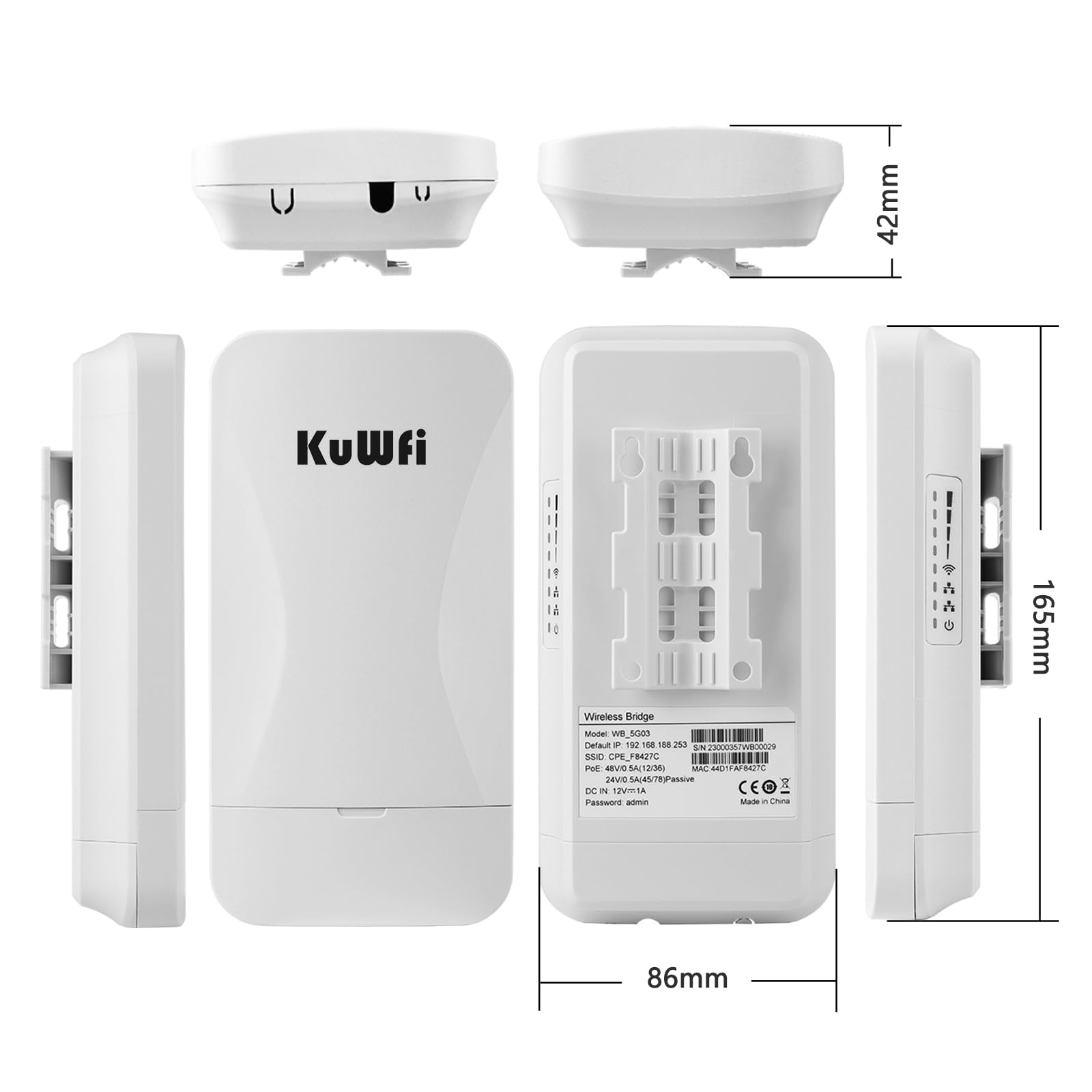
🚀 Elevate your network game with lightning-fast, bulletproof wireless bridging!
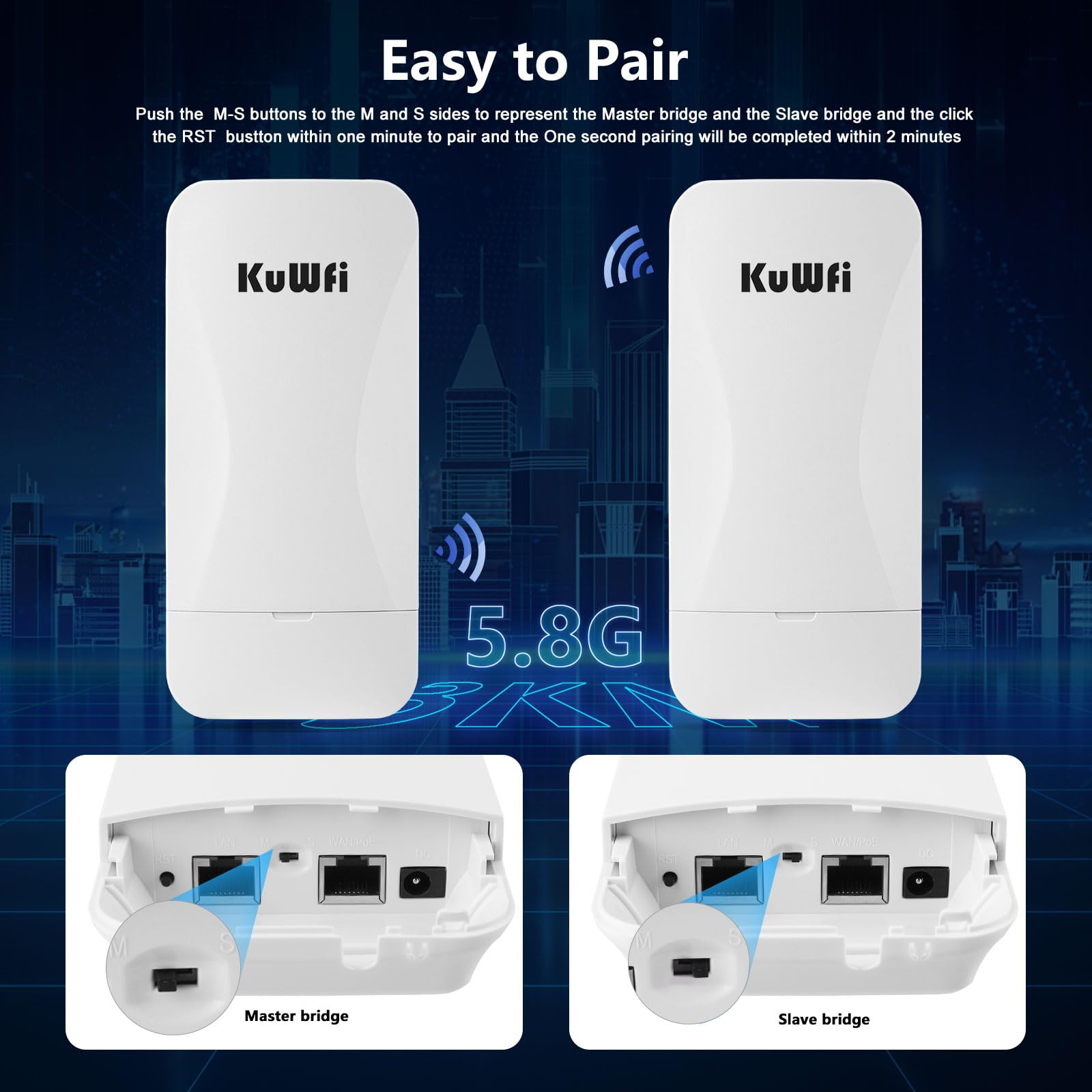
The KuWFi WB 5G03 is a professional-grade outdoor wireless bridge delivering up to 900Mbps bandwidth with dual 1Gbps LAN ports. Designed for long-range coverage up to 3KM, it features one-key point-to-point setup, cloud remote management, and automatic network recovery. Built tough with ABS waterproof casing and 4KV lightning protection, it’s ideal for extending networks across farms, barns, shops, and CCTV systems with reliable, high-speed connectivity.


A**W
Great long distance bridge and it's ready to go
CPE 5.8 KuWFI BridgeI had Chinese instructions which I can’t read, so I jumped right in and hooked them up. I picked one for a Master AP and one for the slave and they worked with no fussing over instructions. There is a 4-digit readout inside the cover of each unit which show a letter and “149”. I guess I got lucky picking the slave or possibly it just doesn’t matter. If you don’t get a connection, swap them out. There was no indication on the device label as to which one was the Master AP.I have 100 x 10 service from Spectrum and I’ve seen 112 x 11 once today. Right now with my laptop connected via WIFI to the 5.8 radio I’m only getting 67 x 11. That’s in the house.I ran 40 ft of ethernet cable from a wall jack and tied the AP so that it was approx. 10 ft off the ground. This area on my back porch facies a space that included some trees, a pond and pastures. I made sure that I had a direct line back to the AP even with trees close by. The slave unit (mounted on a pole) would end up being about 7 ft high out of the sunroof of my car.. I would not consider either height is acceptable for a solid test of this bridge (15 to 25 ft would be better and without trees).My laptop was connected to the slave and I turned the unit towards the AP unit. I made several tests of throughput using Speedtest.net at 75 ft, 600 ft and 1100 ft as measured on Google maps. I made 4 speed test at each distanceMy first test, 75 ft away, was off to the side of the AP (in my yard) and I measured 56 x 11 mbps. The 2nd test was at 1100 ft and I was able to achieve 47 x 11 mbps. That’s pretty good!! The 3rd test was at 600 ft and I clocked the speed at 51 x 11 mbps.. I went further away and beyond the pasture area to 1700 ft where I didn’t have a clear view and it appeared there was a slight hill between the devices. I was able to get 19 x 11 mbps with trees and other obstructions.My major use for this bridge would be to connect IP cameras from 400 ft to 1800 ft. This KuWFi bridge also has WIFI available on the slave unit so that more cameras can be connected at the remote location.Long distance test::I finally had time to make a large scale test today. I placed the units on opposite sides of a nearby resort lake. The distance as measured on Google Maps was 1.39 miles. I was skeptical but the results were 22.4 mbps x 11.8 mbps. As with the previous test, the master was tied up on a post near the lake at a height of 11 feet and the slave in my car was 6-7 feet. Optimal for both ends would be 25-30 feet. Unfortunately I will not be able to supply the in-house wifi number. This house has current Spectrum service (likely 100x10) but their very old Linksys router just wouldn’t spit out more than 17x10 on Wifi. I am pleased to see 22x12 over that distance because I got all of the upload and that’s what I need for security cameras.
P**E
Quick easy set up - work fantastic
We have a "cabin in the woods" that we rent out through AirBnB. Everyone wants high speed internet/wifi. Cable company wanted close to 7 grand to run service to it...and the phone company said no high speed, just dial up.... and I've heard all the horror stories about the cost of satellite internet.... I figured for under 100 bucks, this was worth a try. The hardest part was clearing the trees for clear line of site. Our cabin is one side of our "valley" and our main home is on the other. Our main home has Spectrum high speed. These things were a snap to get up and running. My advice, ignore the instructions except for the part about plugging them in. They "found" each other in about 10 seconds and we had 80mpbs going into the sending side and about 3000 feet away (give or take a 100 feet) at the receiving side, PLUS 150 feet of Cat 6 wire, was reading 75mpbs (Ethernet)...less than 5% loss and I am willing to bet if I cut down one more tree that I could get that to zero loss (not worth the trouble). We have had everything up and running for about a month now with no issues at all. They only extra thing I did (because they just don't appear to be water tight to me...although I could be wrong, they may be) was that I made sure I put the sending unit up under the eave of our main house to keep it out of the rain...but the receiving unit I had to put on a pole in the yard and run Cat 6 another 150 feet from there (couldn't get line of site to actual cabin), so I built a small "roof" just above help keep it dry. Bottom-line, I spent about $150 total, including wire and a cheap wife router with no added monthly costs....well worth the effort. If you can manage to get a clear line of site, I highly recommend this...but if you have trees and leaves in the way, you will need to do some work first.
D**E
STAY AWAY IF YOU WANT TO USE IF FOR BUSINESS.
The device does not login with default password. Support site itself is not HTTPS, unsecure site. Absolutely no documentation. Youtube videos by the seller are bizarre and as expected all thumbsdown.This device was not inspected. Admin does not login with default password "admin" and because of that cannot configure.EDIT: After pulling my hair 10000 times, I figured out the login could only be from the master unit.The device continued to show weird symptoms like unresponsive screen. If one of the devices is reset, the screen of the device disappears for 3-4 minutes. You need to unplug it and wait. Then next time you will try resetting with reset button of both devices.Few times pair was okay, then it stopped pairing again.There is a secondary number A253, when presssed S button after pair. God knows what it does, there is no documentation.The third screen mode is P, which I believe the dB noise and connection. When there is no connection, it is -95, when second device is on it is -3 (touching faces). So I concluded this is the dB noise. Not 0-100 signal quality indication.After login with password "admin" to the H device (master), I was unable to see the pairing.God knows how this thing works. Their website is unsecure, I do not know how to trust a machine from this seller for business purposes. I am not living in the mountain to share my home internet to my cabin. This device cannot be trusted because of the default wifi settings and all other things to be OVERRIDDEN by the user and USER MUST UNDERSTAND the entire wireless concepts. Documentation is just a few words, not explaining anything about the device. Poor chinese - English translation.I cannot make it work, the screen doesn't come on, when it does, it doesn't pair anymore and screen shows ERR message. Resetting no longer works, H device no longer connects to the other slave unit...Ubiquiti it is. Please stay away from Chinese products if you care about cyber security.
Trustpilot
3 days ago
2 weeks ago