Some deliveries may take a little longer than usual due to regional shipping conditions.

DOWNLOAD THE APP


Customer Services
Copyright © 2025 Desertcart Holdings Limited
DOWNLOAD THE APP


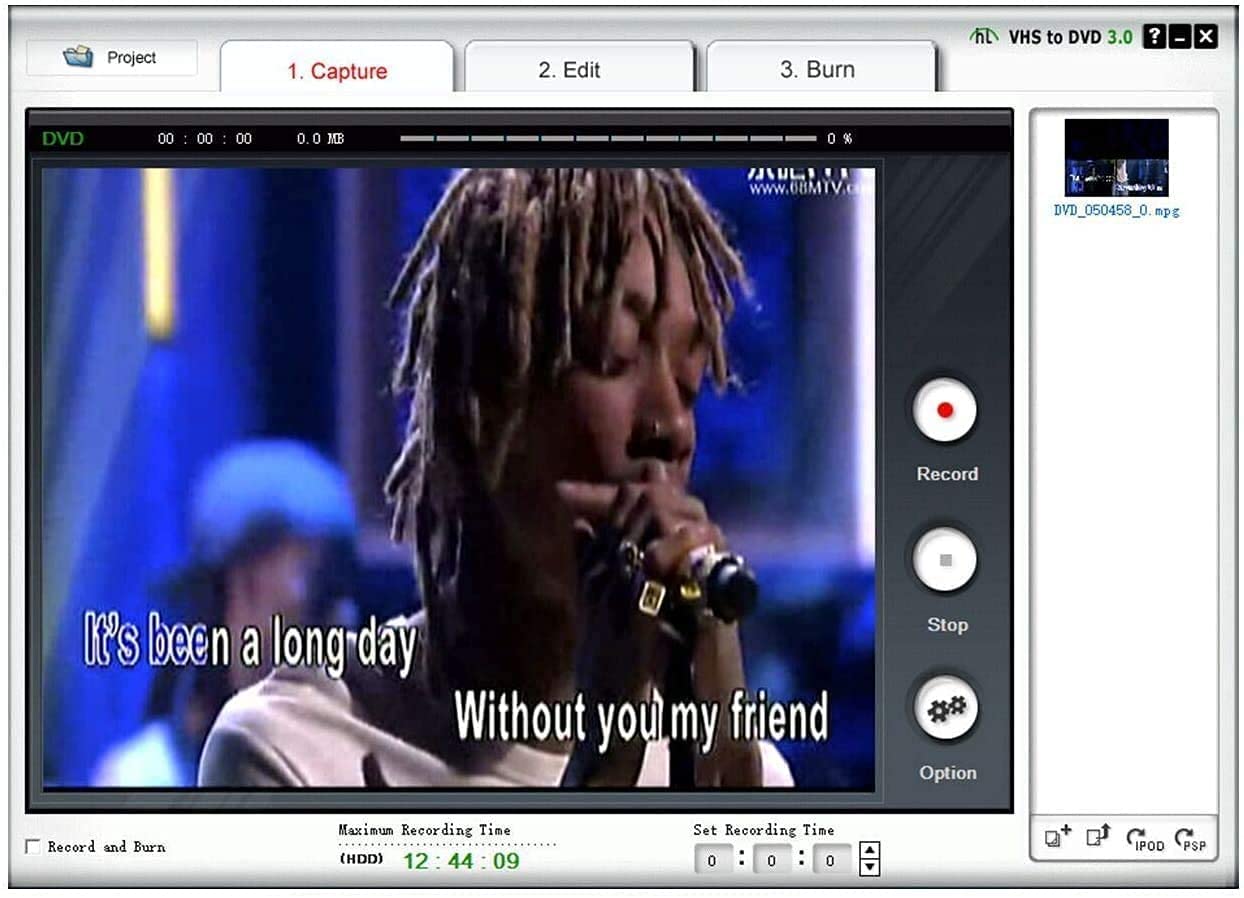
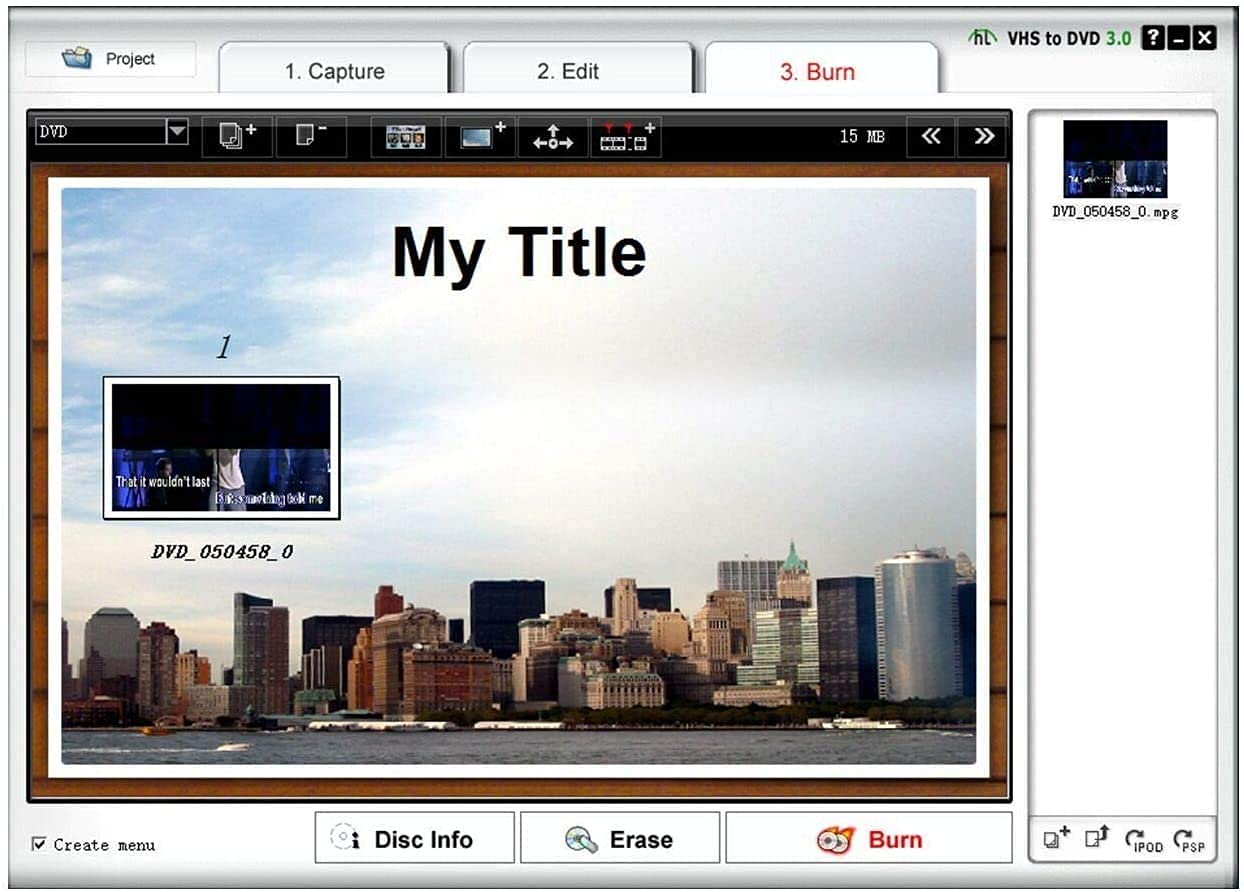
📼 Preserve your past, stream your future!
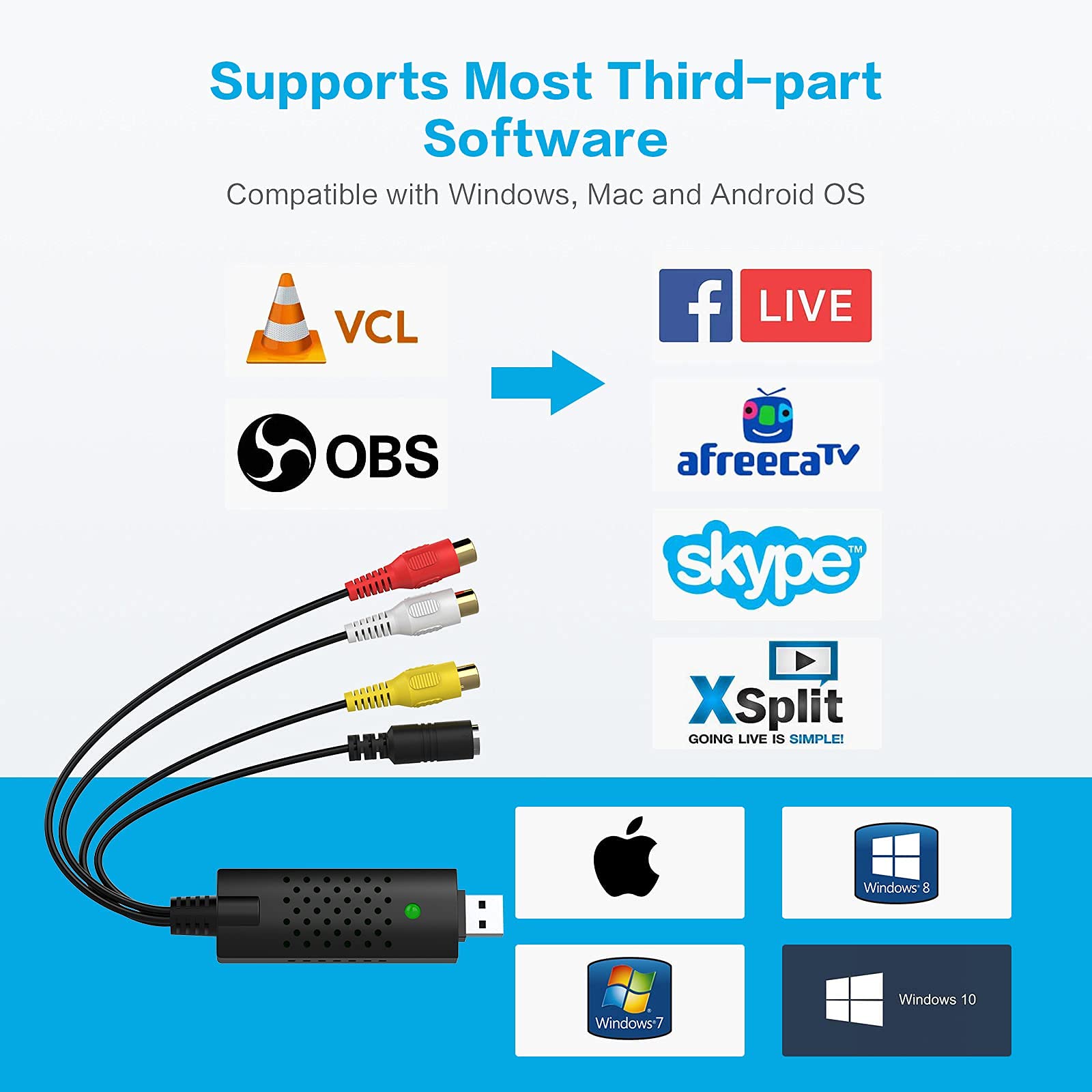
The DIGITNOW USB Audio Video Capture Card is a compact, USB 2.0-powered device designed to effortlessly convert analog VHS, VCR, and DVD footage into digital formats. Compatible with Windows and Mac, it supports multiple video inputs including RCA and S-Video, offers real-time video adjustments, and requires no external power. Ideal for professionals and nostalgia enthusiasts alike, it comes with free software, supports OBS integration, and includes 24/7 technical support plus a 12-month warranty.


| ASIN | B06XJKSJZ8 |
| Customer Reviews | 4.1 4.1 out of 5 stars (210) |
| Date First Available | March 1, 2017 |
| Is Discontinued By Manufacturer | No |
| Item Weight | 2.88 ounces |
| Item model number | BR116-US |
| Manufacturer | DIGITNOW |
| Product Dimensions | 1 x 3 x 0.5 inches |
E**S
Digitizing Old Memories Made Simple
Digitizing Old Memories Made Simple I picked up the DIGITNOW USB Audio Video Capture Card to convert a stack of old VHS and Hi8 tapes, and I’m glad I did. The setup was straightforward: plug the device into a Windows laptop, connect RCA or S-Video cables from the VCR or camcorder, and the drivers installed automatically. I used OBS Studio instead of the included CD software (many reviewers mentioned the same), and the capture worked smoothly with just a bit of tinkering in the settings. Video quality turned out as good as the source allowed—grainy tapes remain grainy, but clean recordings came through sharp and well-synced. Audio capture was solid, though I did notice one tape where video and audio drifted slightly over time. Switching inputs to S-Video improved the stability and clarity compared to RCA. The unit itself feels lightweight but held up fine through hours of transfers. I liked that it was truly plug-and-play with Windows 10, and it didn’t require any extra power supply. The price point is excellent compared to what a conversion service charges per tape. Things to keep in mind: * The included CD software works, but OBS or other free programs give you more control and fewer crashes. * Expect that quality depends heavily on your source tapes—this isn’t going to magically restore degraded footage. * You do have to capture in real time, so digitizing a collection takes some patience. Bottom line: This is an inexpensive, effective solution for anyone wanting to preserve VHS, VCR, Hi8, or DVD footage before it degrades further. It works best paired with better software, but it delivers exactly what it promises without much fuss.
L**E
Exactly what I was looking for
Needed something that could connect my old camcorder to OBS as a webcam, and this is it. The aspect ratio can get a little wonky, but it’s easy to adjust in OBS.
B**G
Good Value
This converter was easy to set-up with the included CD, and from there it was mostly self explanatory. So as far as converting the VHS media in to an electric format, that was pretty easy. Admittedly, I have not used the editing portion of the software that is included, I only converted my videos into MP4 files. The price was excellent as well. A couple downsides - when importing video clips to my computer, the program would shut down or not record at times. For example it would play through an hour of tape (and the program would indicate it is recording) but the clip ends up being a few seconds long and I would have to start over. Also when I would record a clip, then hit the record button again (to stop), the whole program would shut down. I would still have the footage I captured, but it became frustrating to have to restart the program each time I recorded a clip. As a couple other reviews indicated, there was a clicking noise that happened when converting the video (even after trying different cables), but it was not intrusive enough to ruin the video files in my opinion. When it is all said and done, I'm happy with the purchase considering the low price point.
N**K
Flashing frame when digitizing vhs tapes
Not sure whether its this specific model. But when attempting to digitize vhs tapes Im getting a flash frame that shows up on the bottom of the image. Did anyone else have this issue?
C**H
Works like a charm
I successfully converted a whole box of Hi8 tapes to MP4's without any problems. Like many of the other reviewers I did not even try the included SW or CD. The steps I took were 1) plugged BR116 into the computer - Windows 10 found and installed a good driver 2) Hooked up S Video cable and RCA audio cables to BR116 and my old Camcorder. 3) Started OBS software 4) In OBS selected AV to USB 2 as my video capture device 5) in OBS set USB Mic as my Audio Input Capture device. 6) Video quality was somewhat improved by changing OBS video setting to use Downscale Filter Lanczos (Sharpened scaling, 36 samples) and a FPS value of 29.97. 7) press play on the Camcorder and Start Recording in OBS. Most of the video was pretty good quality. I had some that in low light conditions was pretty grainy but you can't make something out of nothing. This was an excellent low cost device to convert old tapes to digital format. I can't comment on the included CD or SW. They are still in the wrapper. I did not try composite video compared to S video. I was satisfied with my results.
P**O
Easy to use! Intuitive device and simple included software disc
I saw a number of these type of devices on sale, and decided to order the cheapest I could find that had some good reviews. The included software worked very well. I cannot say for sure if a more expensive device would give better results, but given the limitations of the VHS medium, I think it is unlikely. The weakest link in this case is probably the source material. I am using this for home movies taken with a consumer VHS camera and for my purposes it works great. I am using the software included on the enclosed DVD and it works about as well to my eyes as a freeware open source program that is well regarded. Also the software is intuitive and easy to install and use. It works on my Windows 10 64 bit computer. One thing to be aware of is that two hours of recording at high quality settings can go over 100 GB of hard drive space. You can use free software to compress this down to 10 GB or so without much loss, but if you have a lot of tapes and want to archive the original files you may need a new hard drive.
V**R
Worked like a charm, had no issues, no problems. Not sure about others reviews, but I used the little disc for the drivers, took about a minute. Produced equal quality in a small file format. Not a lot for editing features, but I'm lucky to have an old Windows 7 PC with Movie Maker, the best I've ever used. Windows 10 editing features don't quite do it for me, but still give a lot of options to work with. I think it was under $20 and well worth it, all my 20+ year old VHS footage is saved !!
R**L
Works a treat. Great and simple instructions to follow along to. Unfortunately, need to watch the VCR in real time for the recording - however this is consistent across all USB recorders as far as I can tell. Great way to make your VCR digital.
M**N
منتج جميل وعملي
Z**A
Na
J**N
This USB capture card has been brilliant for preserving my old VHS family videos! The plug-and-play setup worked immediately on Windows – no driver hassles. The included software is straightforward and gets the job done, though I also successfully used OBS for more control. Video quality is exactly what you'd expect from analog sources – it faithfully captures what's on the tape without degradation. Audio capture is clear through both RCA and S-Video inputs. The compact size makes it easy to set up temporarily when needed. I've successfully digitized dozens of old tapes, and the process has been smooth and reliable. For anyone looking to preserve VHS, Hi8, or other analog video memories before they degrade further, this affordable device does the job perfectly. Worth every penny for peace of mind!
Trustpilot
3 weeks ago
5 days ago