🎥 Elevate Your Security Game with UltraHD Precision & Effortless Control
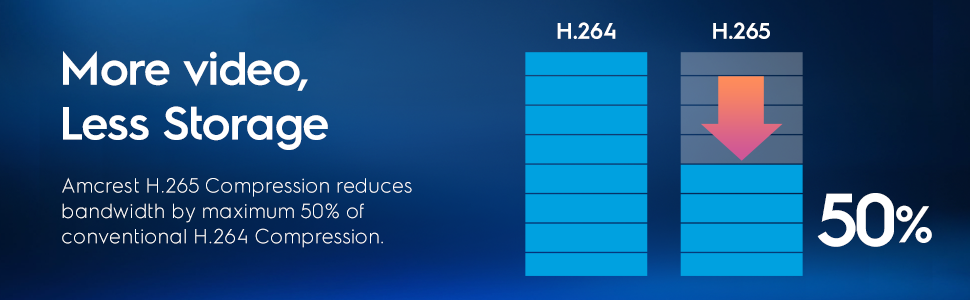
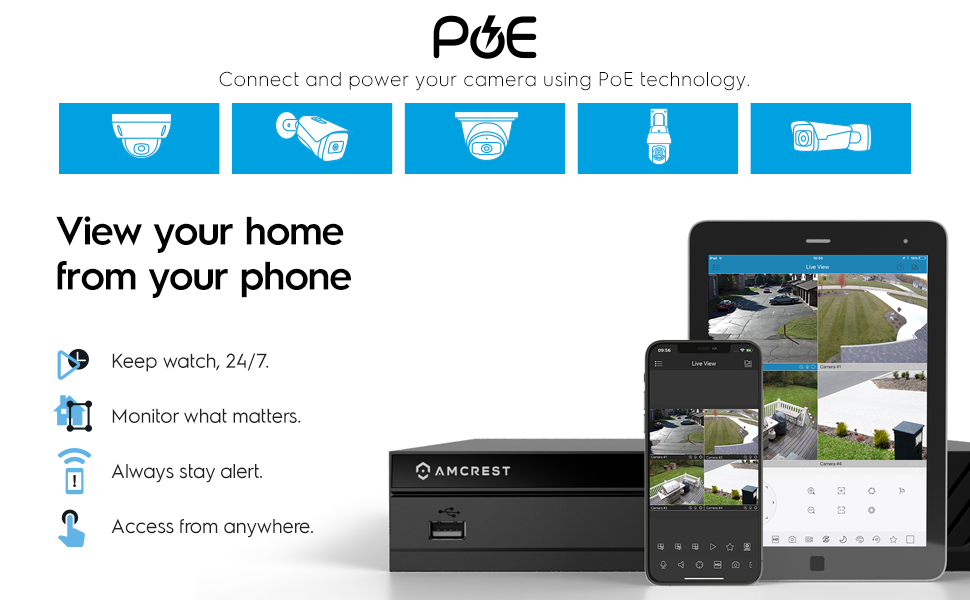
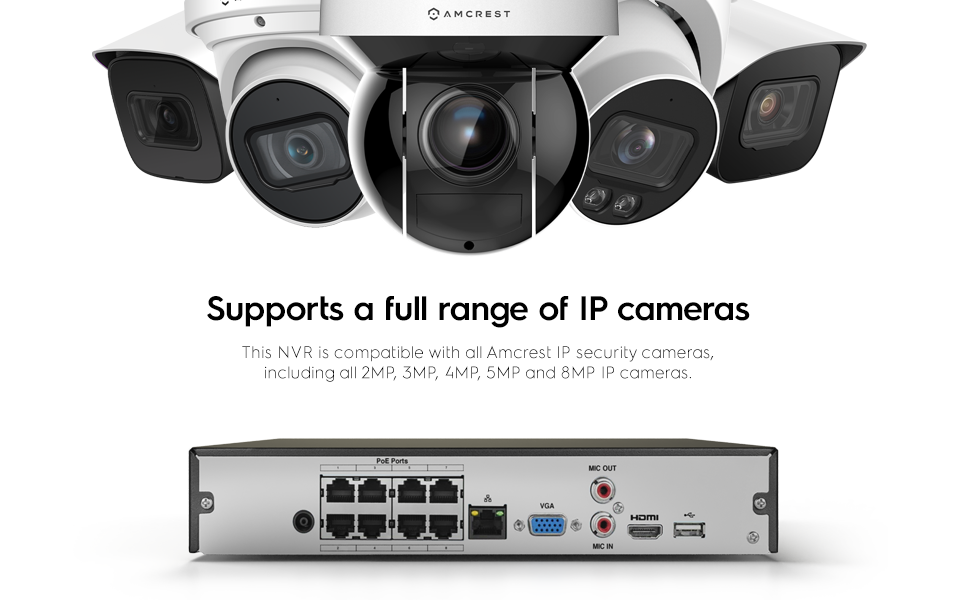
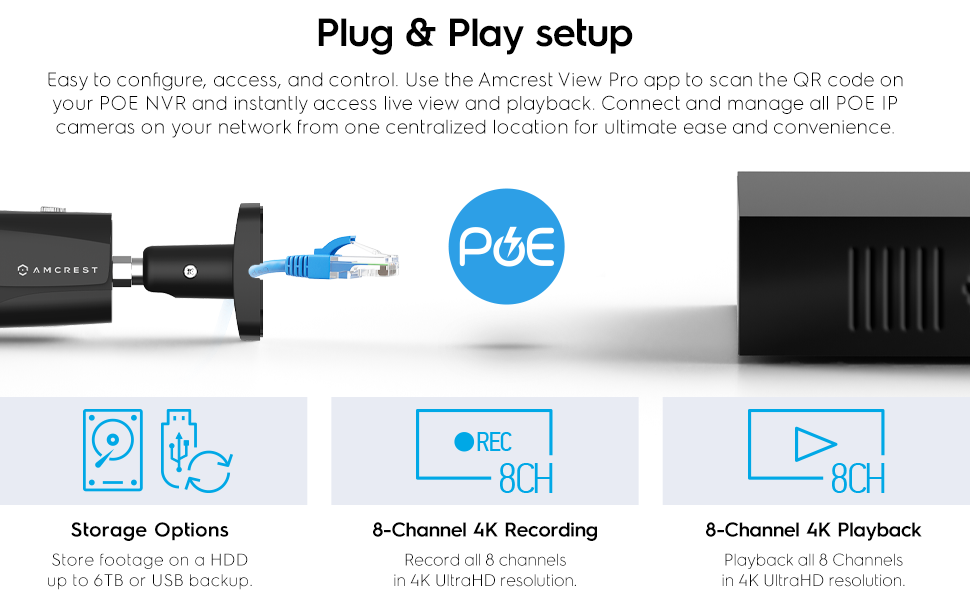
The Amcrest NV4108E-HS is a professional-grade 8-channel Network Video Recorder supporting up to 8 UltraHD IP cameras with resolutions up to 8MP. It features advanced H.265 compression for efficient storage, supports up to 6TB HDD capacity, and delivers real-time 30fps video streaming at 80Mbps throughput. Designed for easy plug-and-play setup with POE support, it offers remote access via the Amcrest View app and includes USB backup options. Ideal for users seeking reliable, high-resolution surveillance with scalable storage and seamless multi-camera management.


| ASIN | B0743WP62Q |
| Audio input compatible with the item | RCA |
| Batteries Included | No |
| Batteries Required | No |
| Best Sellers Rank | #381,586 in Home Improvement ( See Top 100 in Home Improvement ) #203 in Surveillance Video Recorders |
| Brand | Amcrest |
| Compatible Devices | Camera, Smartphone |
| Connector Type | HDMI, USB |
| Customer Reviews | 4.1 4.1 out of 5 stars (928) |
| Date First Available | 24 July 2017 |
| Hard Drive Size | 6 TB |
| Includes Rechargeable Battery | No |
| Includes remote | No |
| Item Dimensions LxWxH | 22.6 x 25.9 x 4.8 Centimeters |
| Item Weight | 2 kg 80 g |
| Item model number | NV4108E-HS |
| Manufacturer | Amcrest |
| Memory Storage Capacity | 6 TB |
| Model | NV4108E-HS |
| Product Dimensions | 22.61 x 25.91 x 4.83 cm; 2.08 kg |
| Total USB ports | 2 |
F**S
Pude conectar cámaras de 4mp de otras dos marcas. Las reconoció fácilmente gracias al protocolo ONVIF. Trae un procesador rápido , comparado con el de otras dos marcas que use. No deja usar la comprensión en formato H.265 desde el NVR, creo que depende de la cámara. No la he probado con una cámara 4k. Hace ruido , pero no es molesto. Tengo unas dudas en cuanto a la cantidad de energía que envía. Ya que en una ocasión envió “ruido” a las cámaras. No he logrado configurar las cámaras vía http desde la pc al NVR. Puedes configurarlas desde el NVR , pero solo cosas sencillas. Dentro del nvr hay un led de color rojo que está constantemente encendido.
S**D
I have had two POE Amcrest cameras now for just over a year. My biggest regret now is not having a reliable source of data-storage. Prior to having this NVR I tried several solutions to avoid "spending" more money. 1) Internal storage using the microsd. (These failed within a week...) 2) FTP storage - (SUPER unreliable, and EXTREMELY challenging to setup... Most FTP services only support one channel at a time! So imagine trying to deal with that...) Not to mention accessing these files means MANUAL WORK!!! 3) NAS - NAS solution was not bad, but still the same situation with manually accessing files... No decent UI to support these files being saved here... NVR is a game changer... DO NOT BUY CAMERAS without this being part of your shopping list. Buy less cameras and START with if you have to! 1) Setup pretty simple. I would suggest buying a different HD (I personally like Seagates...) Simply unscrew and place harddrive and screw into place... Plugin using the cables provided. 2) Hook up... POE ports make for less POE switches. 8 is plenty for my house... I would even say for "most" houses... Their is a cheaper model of this that seemingly does not have POE... I would say do not go with this, as you will later have to upgrade. This device also has HDMI and VGA output. I personally plugged this directly into my TV. Now I can stream all of my connected cameras to this... 3) Setup... Setup overall is pretty simple and easy to do... Biggest issue is understanding which windows and controls... Mouse can take a minute to get used to as left click triggers, right click exits... Various windows for managing each Camera can be difficult, but again once you get the hang of where things are... It gets easier. My cameras were mostly setup already so mostly just had to have my NVR log into each. 4) LIVE... Out of the gate the NVR is accessible via web browser, or app. I use the app more often... Now if you leave your home network you will need to have some basic Networking skills to do port forwarding. Having a DNS service is super helpful. Most routers now days have these built in, and just have to be configured. 5) Reviewing... NVR's make things SO much better. Yes its still a bit clunky. However, now I can go into any given date and pull up a feed. I wish I could scan faster, but maybe that will happen in the future.. Technically it would be better to just have it setup for alerts, but I prefer 24x7 recording. Much less chance of missing something. ---- CONS / Issues 1) The fan on the NVR is rather loud. I expect either it will "quiet" down over time. If not it appears to be a standard fan, so likely can be exchanged. Definitely do not use this without one as the POE, and harddrive will overheat... Especially if running multiple channels... 2) Interfaces - These are still a bit difficult to manage, but not impossible. Take some time getting used to where things are located. My preference is using the APP to manage each option set for the cameras. Even the Web Interface as then you can export/import much easier in my opinion. (templating makes this so much better to manage multiple cameras!) OVERALL Do not start into this path of cameras without an NVR. Period... It changed my whole setup, and is so much more reliable.
G**T
I bought this unit 6 years ago. I was a bit nervous buying this nvr. I didn't know amcrest and up until then I was living in the chinese greymarket hikvision ecosystem. It was the right choice buying it as this unit has been absolutely fantastic. It adopted a variety of non amcrest cameras without issue. I find the user interface to be better than hikvision. I had a problem with their software when I first started but after a call to customer support they pointed me to the VMS software by dahua. So I'm using SmartPSS as the remote administrator - very happy with it. This NVR has been plugging along since then without a single issue. I've read other reviewers who had issues with compatibility - not me.
M**R
Really happy it works with my new 4K Brillcam. I found out my GW NVR is not ONVIF compliant, even though the box said the GW NVR was ONVIF compliant - it was NOT, and I had to find an NVR that really was. Thanks
N**K
I had recently purchased a complete Amcrest system for my father, and after getting it setup for him, I decided I wanted one as well. I already had the cameras, just needed the NVR instead of just being able to watch the cameras, now I could record them as well! This fit the bill perfect, just had to pop in a drive I had handy, and off I went. Using the P2P feature is great, not having to manually poke holes through the firewall and simply being able to bring up the app and there's my cameras. The recording feature is pretty great as well. You can select any or all the cameras and see them on a single timeline, making it very easy to go through recordings. The motion detection is spot on as well, any time a car would go by, or a bicycle or someone walking it would capture it and even was able to set it up to email me! Setup was super simple, just hook it up to a monitor either over HDMI or VGA, and use the included mouse to go through the setup. I had it up and running and connected to my existing cameras in under 5 minutes. Speaking of which, this thing integrates with existing cameras seamlessly. Being able to use the 4 I had already setup before hand was great. The hardware itself works a treat too. I was able to sit and watch the streams with no hiccups, no blips just a nice crisp clear image. Recording was seemless as well, the only thing I had to setup that I didn't like out of the box is that it would take a screenshot every second. I set it to only take a screenshot when it detected motion, which made looking through alerts much easier. I've attached a few pictures showing the size of it compared to a standard flash drive, it's very compact! I also took a screenshot of the main page of the device showing some of options and the nice interface. All in all, if they would have had this a few years ago, I would have bought it then. I highly recommend this to anyone looking for an easy to setup and use NVR
Trustpilot
4 days ago
5 days ago