
DOWNLOAD THE APP


Customer Services
Copyright © 2025 Desertcart Holdings Limited
DOWNLOAD THE APP



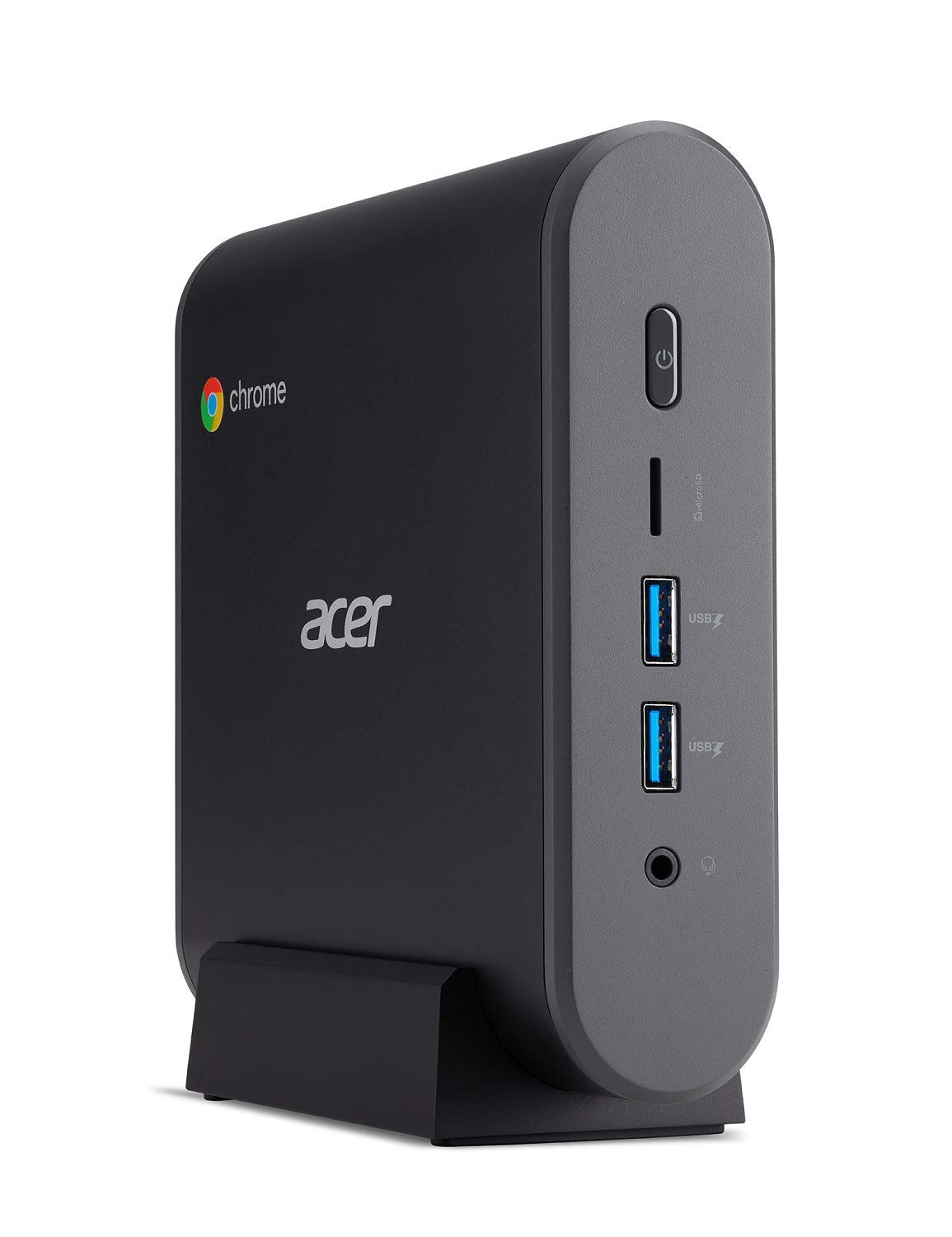
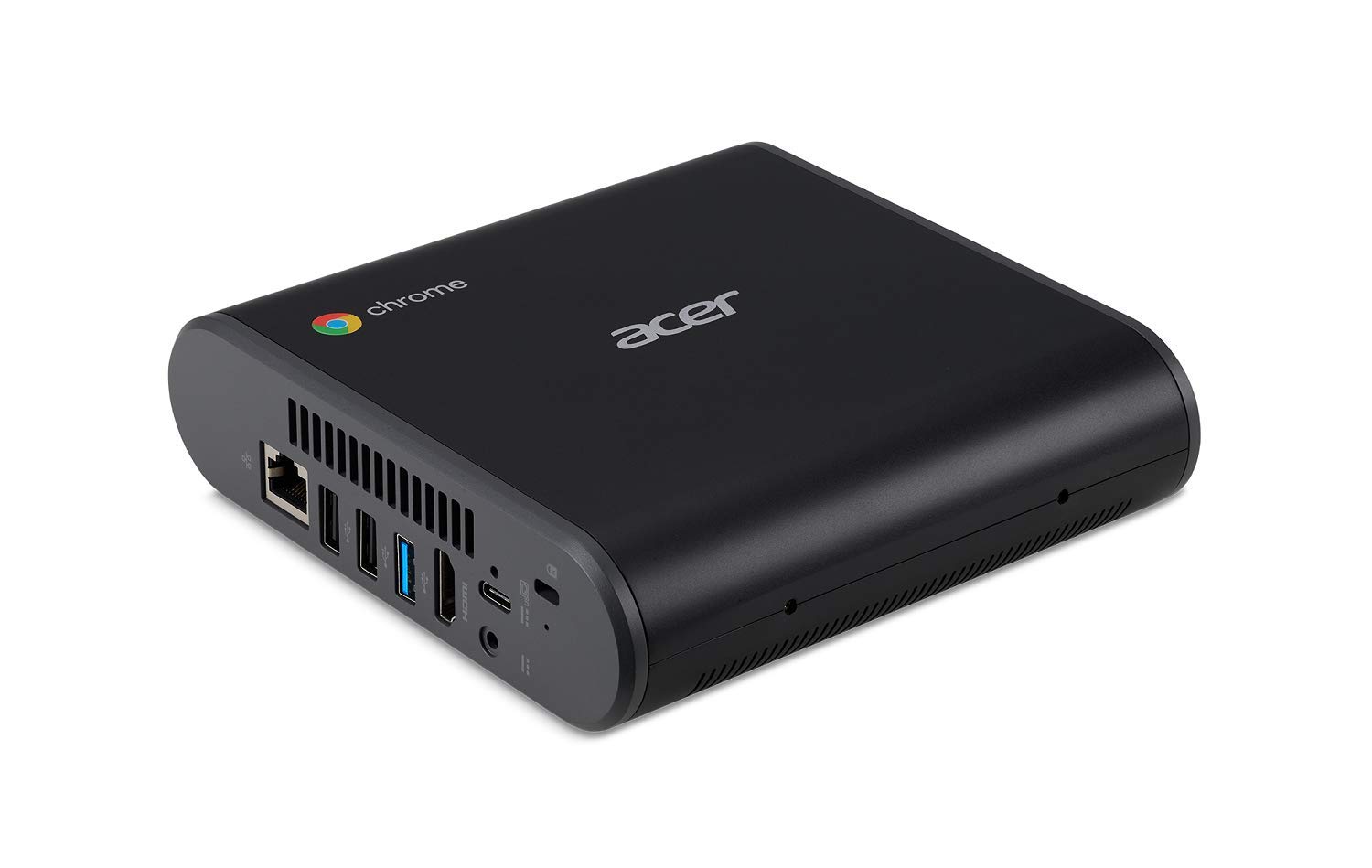
🚀 Compact powerhouse for the on-the-go professional who refuses to compromise.
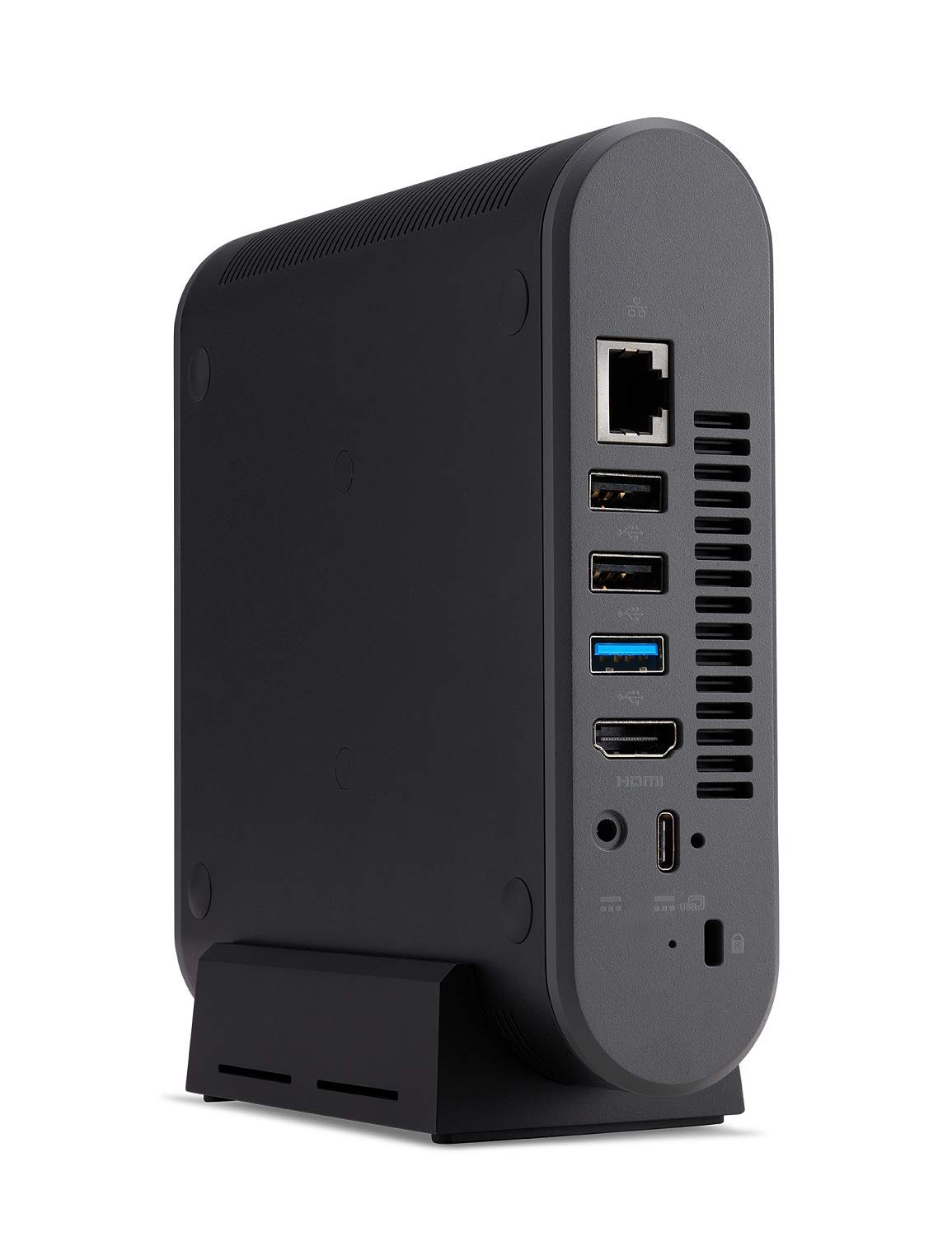
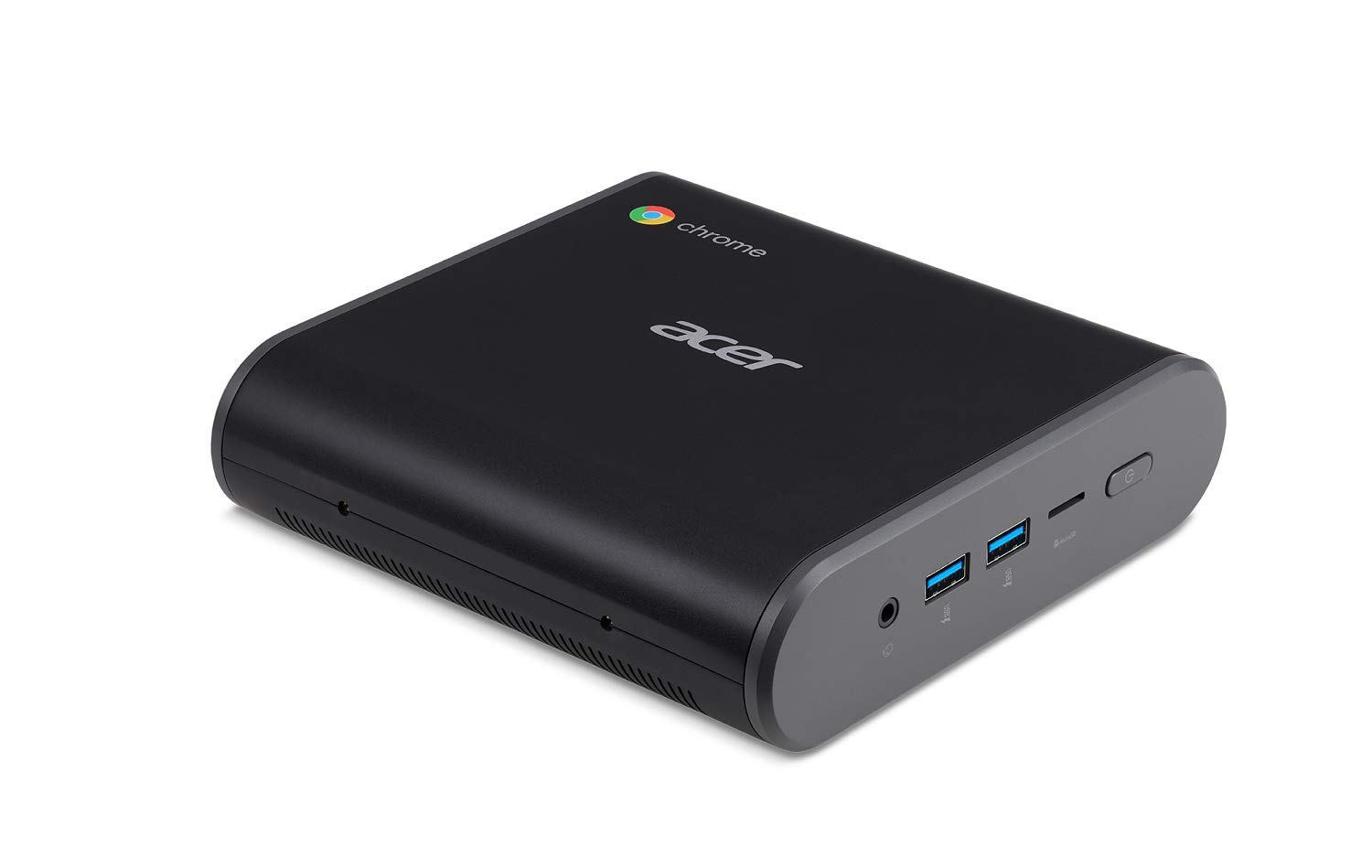
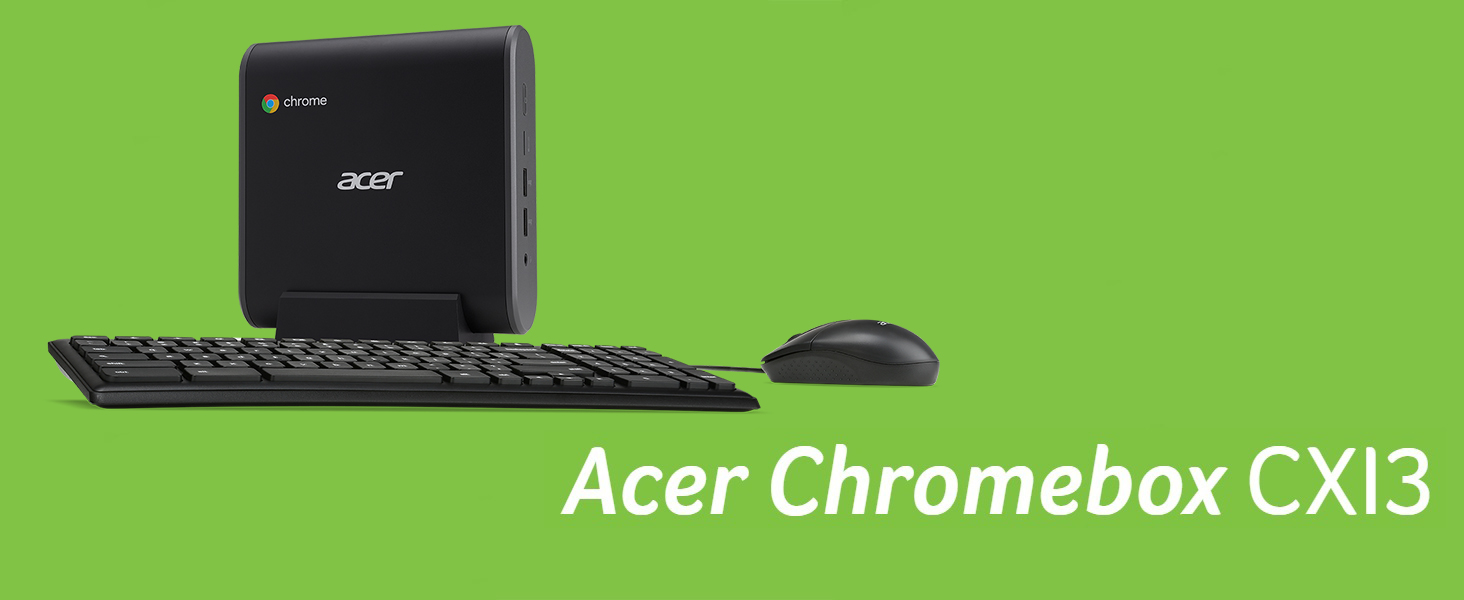
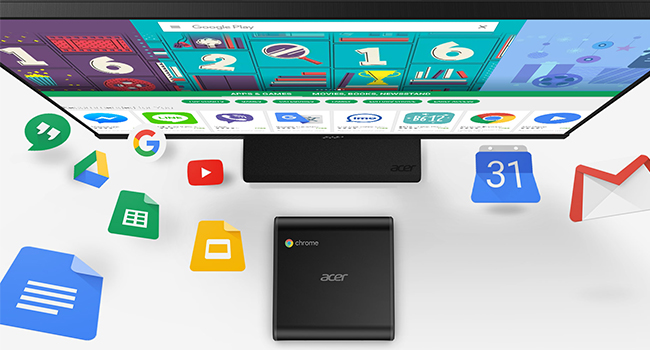
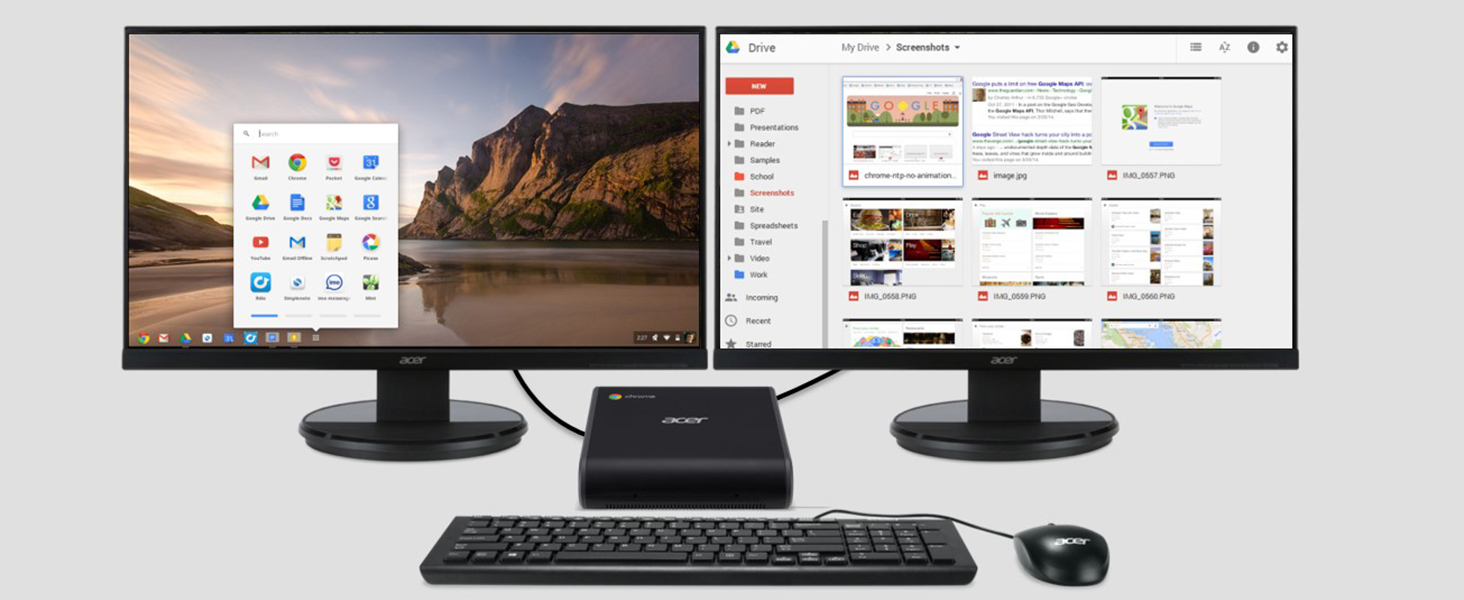
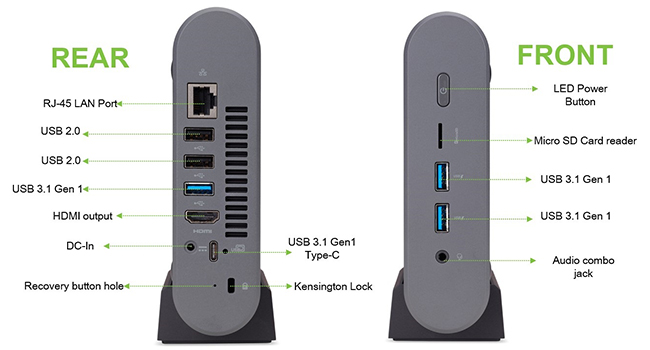
The Acer Chromebox CXI3-UA91 Mini PC combines a 1.8GHz Intel Celeron dual-core processor with 4GB DDR4 RAM and a speedy 128GB M.2 SSD, delivering efficient performance in a sleek, compact design. Featuring Chrome OS, robust connectivity options including Wi-Fi 5, Bluetooth 4.2, and Gigabit Ethernet, plus versatile USB-C and USB 3.1 ports, it’s an ideal desktop solution for professionals seeking a minimalist yet powerful setup with included keyboard, mouse, and mounting kit.



| Standing screen display size | 0.1 |
| Screen Resolution | 3840 x 2160 |
| Max Screen Resolution | 3840x2160 |
| Processor | 1.8 GHz celeron |
| RAM | 4 GB DDR4 |
| Memory Speed | 2133 MHz |
| Hard Drive | 128 GB SSD |
| Graphics Coprocessor | Intel HD Graphics 610 |
| Chipset Brand | Intel |
| Card Description | Integrated |
| Graphics Card Ram Size | 0.1 |
| Wireless Type | 802.11ac |
| Number of USB 2.0 Ports | 2 |
| Number of USB 3.0 Ports | 3 |
| Brand | acer |
| Series | Chromebox |
| Item model number | CXI3-UA91 |
| Hardware Platform | default_no_selection_value |
| Operating System | Chrome OS |
| Item Weight | 1.5 pounds |
| Product Dimensions | 5.85 x 2.22 x 6.24 inches |
| Item Dimensions LxWxH | 5.85 x 2.22 x 6.24 inches |
| Color | Grey |
| Processor Brand | Intel |
| Number of Processors | 2 |
| Computer Memory Type | DDR4 SDRAM |
| Flash Memory Size | 128 |
| Hard Drive Interface | Solid State |
| Hard Drive Rotational Speed | 0.1 |
| Batteries | 4 AAA batteries required. |
P**I
Get it you won't regret it....
This is an awesome device, after my laptop desided not to boot up after a windows 10 update I desided to get this baby. And for the money it was well worth it. So I set it up in the living room on a 55 inch T.V as a monitor it set up in 20 minutes accessing my Google account no problem. I also spent an extra $25.00 on a wireless mouse and keyboard (logitech) and it works perfectly. Now I can surf the web, read my emails play some games pay some bills, YouTube all from the comfort of a recliner...sweet😉👍..well worth the purchase and it boots up faster and opens up apps faster too, I'm so done with windows.....
K**S
Worth every penny
I love the chrome box, it is nice having it hooked up to my TV so I can do work on a big screen. I love the price and value and that I can do all of my work in google for education from home. My husband loves to use it too to shop online sometimes. The stand makes it take less space on my dresser so I can clean it easier. I didn’t try the mount because it doesn’t seem compatible with my TV but that would be the only downside is not being able to mount it on my TV. I do wish the box came with an HDMI cable so I hadn’t had to order one, or that the keyboard and mouse had been wireless. Now I have a wired keyboard and mouse sitting in a drawer that I’m not using so the wireless would have been more useful but still, can’t beat the product for the price!
A**R
Outstanding Value and Great Device; UPDATED 2024
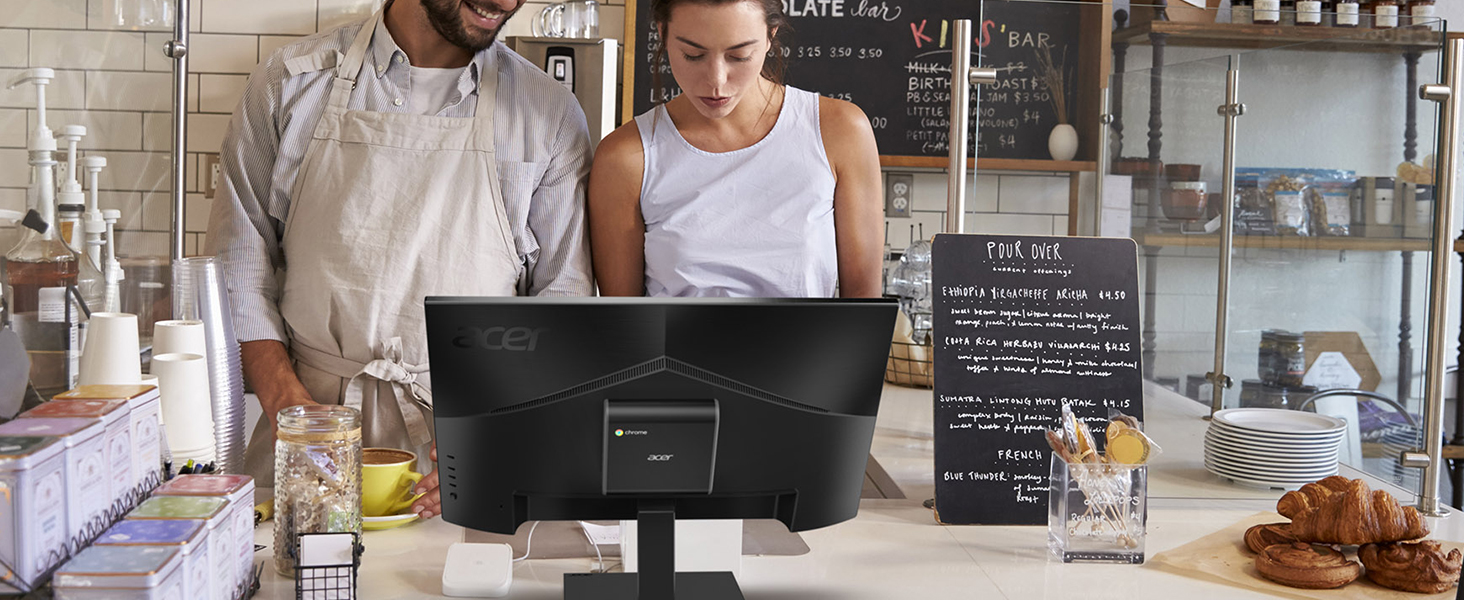
I made the jump from a PC/Laptop to Chromebooks in 2016, and this is the latest in my evolution on that path.Previous set-up was a chromebook with a USB-C hub to dual monitors, wireless chrome OS keyboard and wireless mouse. I wanted some more "permanent" that didn't take up desk space, so a chromebox mounted on the back of a monitor was the answer. Very happy with the set-up.I googled the directions for installing the mounting plate, mounted the chromebox, plugged in my hub and the power supply, inserted a 256 microSD card, plugged in the internet, and 15 minutes later, it's running better than ever. The box is faster than my chromebook.Extremely pleased with the device.I'd have liked to have paid less and not got the keyboard and mouse, but I'm pleased anyway.UPDATE: I moved the box to a mount under my desk to put the monitors on a dual monitor stand. After 3 years of use, the device is much slower than it used to be, and less efficient. I've went back to plugging in my chomebook into a hub I was using for the chromebox.
D**N
Works great with TV for web browsing and email
Due to eye issues wanted bigger display chromebook that I could sit farther from rather than staring at close screen. This works fine with my TV via HDMI for that purpose. Note - not trying to get sound thru TV, only video.Easy to set up and all my settings synced so I have bookmarks, saved passwords, etc.I'm using wireless logitech keyboard with trackpad - no problems. Wish keyboard/mouse weren't included.I have not hooked up speakers or webcam - I can use actual Chromebook for that.Its only been 2 days, but so far all is good.
D**S
Dead On Arrival
Ordered this Chromebox over a month ahead of the time when I actually needed it. This is the second Acer Chromebox I've ordered. We are still very pleased with the first one. This one is another story. Straight out of the box, Chrome ran an 18 minute update- no biggie. But after the update was complete, the computer never went past a blank white screen with "shut down" in the bottom corner. The only command it could complete was shut down. After phone support with Acer resulted in a "you should send it back" suggestion,I ordered a replacement for this dead-on-arrival chromebox. The second computer came mere days later and experienced the SAME ISSUE as the first. Two brand new computers, straight out of the box, dead on arrival. Acer is of no help, Google support says these models have experienced "occasional" issues like this. TONS of minutes on the phone trying to work this out, a lot of trouble taking them back and forth to my workplace to set up, take down, ship back, etc. Still a month later without a working computer at work and I guess I'll be going to a chromebook with an external monitor. Wanted to love this product so much - I am usually firmly placed in the Google fan club, but this one seriously let me down. Disappointed.
B**C
Best price I've seen for a new chromebox
I'm a huge fan of chromebooks and chromeboxes. This model is one of the few fairly new models available now, it is already a couple of years old and will go AUE (Automatic Updates Expired) in the summer of 2025. The choice is yours, this is a bargain at the current price as the new ones coming out later this year will be MUCH more expensive. Got mine yesterday, setup and running in a few minutes. Everything is great, took a while to update as, like I said, these are already a couple of years old. Mouse is fine, the keyboard could be better but is functional, otherwise an excellent purchase!
G**S
Love it!
My preference is for Apple products which I love- however some antiquated websites (my retirement site for one) don’t let you log in on an Apple product! Had an 11” Dell to help w/this and was ok, until I had to start working remotely and all the annoyances of Windows/Microsoft products and the Dell itself came to the forefront. Learned to use Google docs w/my large iPad w/keyboard & mouse to pretty much do everything I need for work. After liking the Google docs decided all I really needed to do web stuff can’t do on iPad would be a Chromebook. Bought the Chromebox because got good price on Prime Day, was cheaper than Chromebook and had more inputs- I really prefer to do financial transactions plugged directly into my router vs. wifi. I connected the box to my TV and have a huge monitor! The wired keyboard & mouse not really an issue since this is not my primary “computer.” If you will use exclusively, then purchase a wireless set. Very happy w/this purchase!!!
G**I
Only issue is power chord
My power chord don't work all the time. Hopefully it'll be replaced. Other then that I love it so far...... When the power chord works. Was easy to set up n super easy to use. Wasn't slow. Again my only issue so far is the power chord came that came with it don't work right. Messaged the seller, hoping for a quick resolution.
Trustpilot
3 weeks ago
2 weeks ago