Desert Online General Trading LLC
Dubai, United Arab Emirates
Desert Online General Trading LLC
Dubai, United Arab Emirates
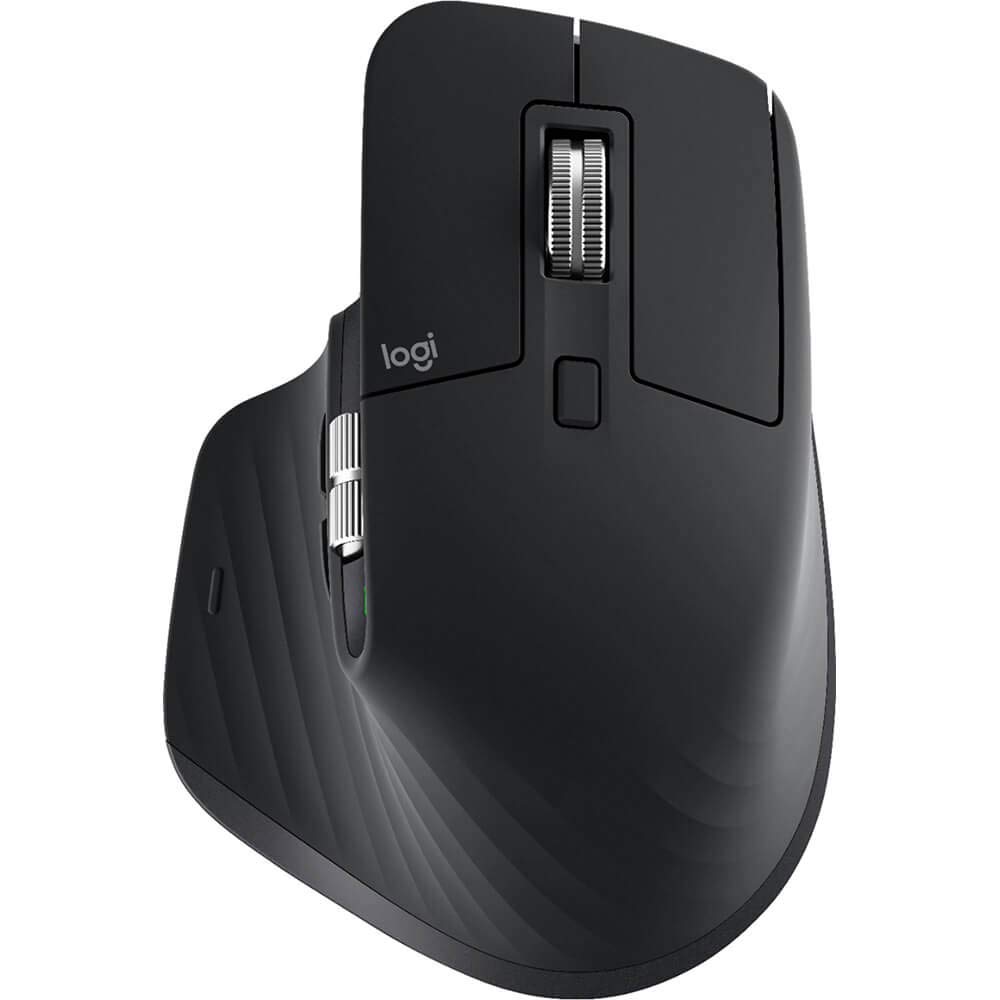


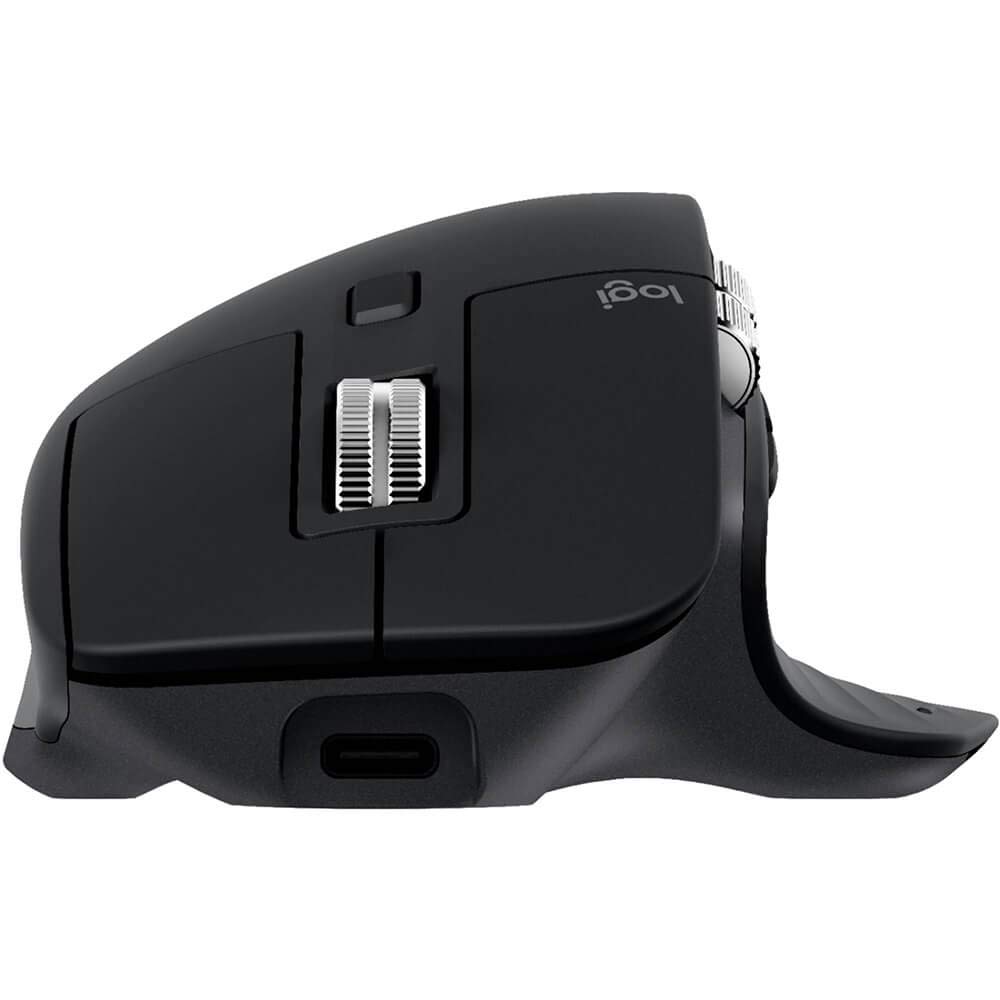
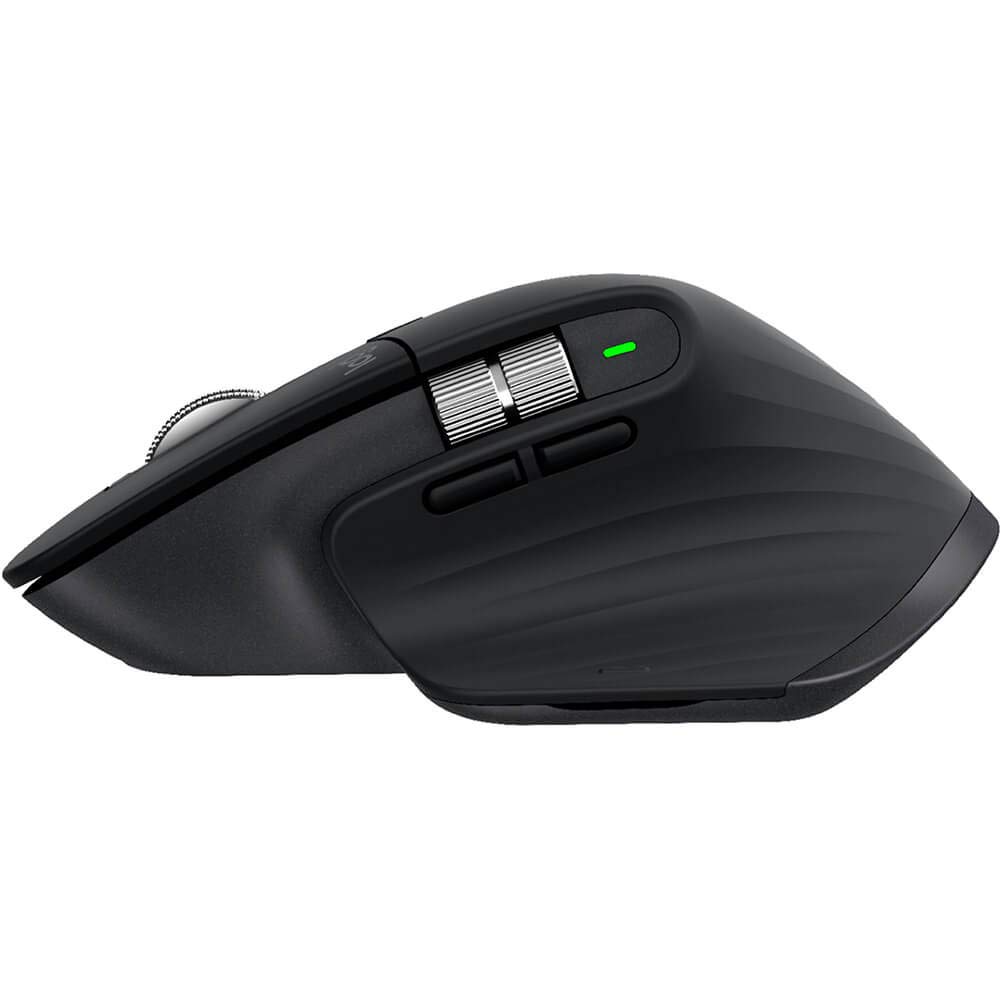

🚀 Elevate Your Workflow with Precision and Comfort!
The Logitech MX Master 3 Advanced Wireless Mouse is engineered for professionals, featuring ultra-fast MagSpeed scrolling, a 4000 DPI Darkfield sensor for precise tracking on any surface, and an ergonomic design that enhances comfort during extended use. With the ability to control multiple devices seamlessly, this mouse is the ultimate tool for productivity across various operating systems.
| Standing screen display size | 5.8 Inches |
| Wireless Type | 2.4 GHz Radio Frequency |
| Number of USB 2.0 Ports | 1 |
| Brand | Logitech |
| Series | MX Master 3 |
| Item model number | 910-005647 |
| Hardware Platform | Laptop, PC |
| Operating System | Linux |
| Item Weight | 5 ounces |
| Product Dimensions | 5.51 x 5.51 x 6.89 inches |
| Item Dimensions LxWxH | 5.51 x 5.51 x 6.89 inches |
| Color | Black |
| Power Source | Battery Powered |
| Batteries | 1 Lithium Metal batteries required. (included) |
| Manufacturer | Logitech |
| ASIN | B07XC2FWD1 |
| Date First Available | September 4, 2019 |
M**R
Great mouse if you are starting to have hand issues
I never thought I'd spend this kind of money on a mouse. After spending a large chunk of time behind the screen (as we all have been lately), I have begun to wonder, "What was I waiting for?"This mouse offers great comfort on the palm and wrist. I have very average-sized hands. The main wheel offers two different ways to scroll; with a click of the small button at the top of the wheel, you can choose between either a controlled, click-feel or an unabashed, literal free-wheeling scroll. I choose to use either option for different situations. I am an educator and sometimes I am scanning long texts (free-wheelin'), or other times scrolling a couple of lines at a time as I grade and give feedback (controlled nuance). I find that I really like to ability to switch between them depending on the project I am working on. The rest of the options you can gain from the Logitech downloads were pretty extensive. I don't use those options much (yet), but will update if I do end up using them. The other useful options with this mouse are the thumb button that allows you to pull up all your windows for easier desktop navigation.The only two downsides I find are that the right-click button is a little overly sensitive, and the really detailed app from Logitech. I generally have a light touch, and even while resting my hand, I sometimes trigger the right click with very little pressure. The app is really deep in that you can program the mouse (both wheels and most buttons) to do different things for most of your popular apps used today. I use a lot of the Office Suite, so the pre-sets were already mostly to my liking. I did click around a bit and felt slightly out of my pay grade for a moment or two (a few days). Not a huge problem on either account and I got used to both issues over time. Definitely not something to reduce a star as it was mostly just a new setup and system, and truly the more important issue, I've not had the ability to edit the function of my mouse in the past - so this is mostly all new to me! You may find it to be really simple and intuitive. For the most part, it was for me, too.Overall, this mouse is excellent and I recommend it to anyone whole is looking to increase your hand and wrist comfort while working long hours behind the screen - but keep in mind, you must be willing to give up a few dollars for this top-end product.
B**D
Love these things
This is the best mouse out there. Programmable buttons on the side that work with most programs. Comfortable in the hand and works great.
D**Y
Good Mouse
This mouse is awesome. I have been using it for a couple of months by now and it has been great. The software that comes with it needs to be updated though (it was making double clicks when pressing the forward and backward buttons, but problem got solved after updating it). I work with excel a lot and I thought it was going to be way much more useful.. Maybe I have not tried to squeez the power out of it yet but I have had noticed some weird behaviors in some specific situations that have push me back a little. For example, when I split one spreadsheet in two different windows and then try to scroll left or right, excel just doesn't recognize the action.. I'm not sure if it's because of the mouse or the MS Office version (2013 a little old). On the other hand, I loved the scrolling wheel (up and down), I can go from the top to the bottom of any database/webPage in no time.The gestures thing with the thumb button is excellent I loved it. And also loved to be able to set one specific configuration for each of the programs I work with. I recommend to keep it simple though, it can get a little trickier to remember all those combinations.I also liked the feature to move files between 2 different computers. I thought it was going to be a little bit more smoothly but it get's the job done. you have to wait for the mouse to switch from one device to the other, and it does it quite fast but not fast enough yet. At least not fast enough to be unnoticeable. Maybe in a further version but I have had to wait about half second or even one whole second in some cases (depending on the direction). If you have a multi-device logitec keyboard, you can make both keyboard AND mouse to switch simultaneously to another device with just the keyboard's switching buttons. In general 4.8-Stars because I feel there are some features that can work better than they do in this version. Nevertheless, I'm sure there's nothing better on the market right now.
B**S
Great mouse
Exceptional ergonomics and feel. Configurable buttons is a nice touch. Logitech app lets you use the mouse across platforms even. I had used it for Mac and windows at the same time. overall great quality item from Logitech
Trustpilot
1 month ago
1 week ago