Some deliveries may take a little longer than usual due to regional shipping conditions.

DOWNLOAD THE APP


Customer Services
Copyright © 2025 Desertcart Holdings Limited
DOWNLOAD THE APP
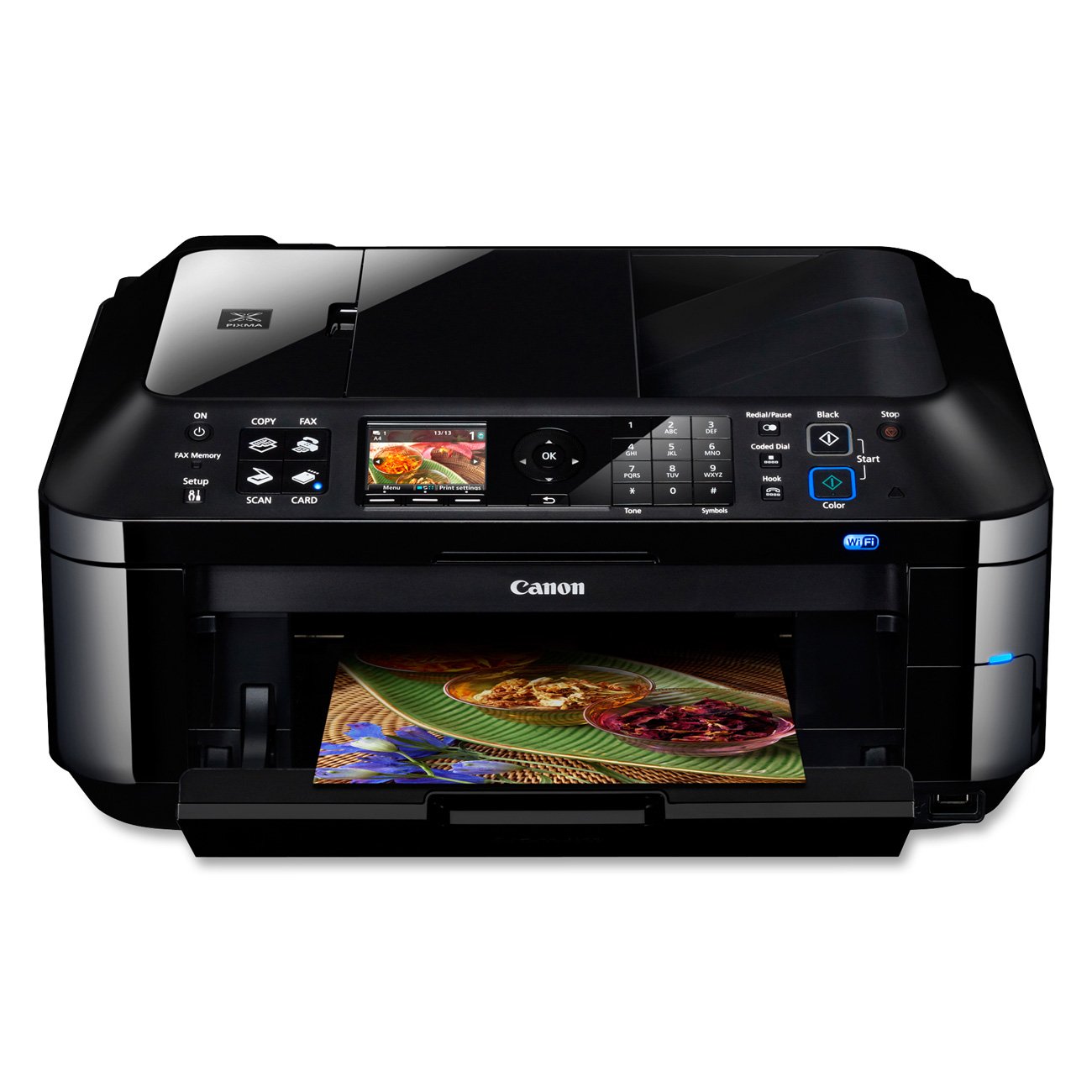


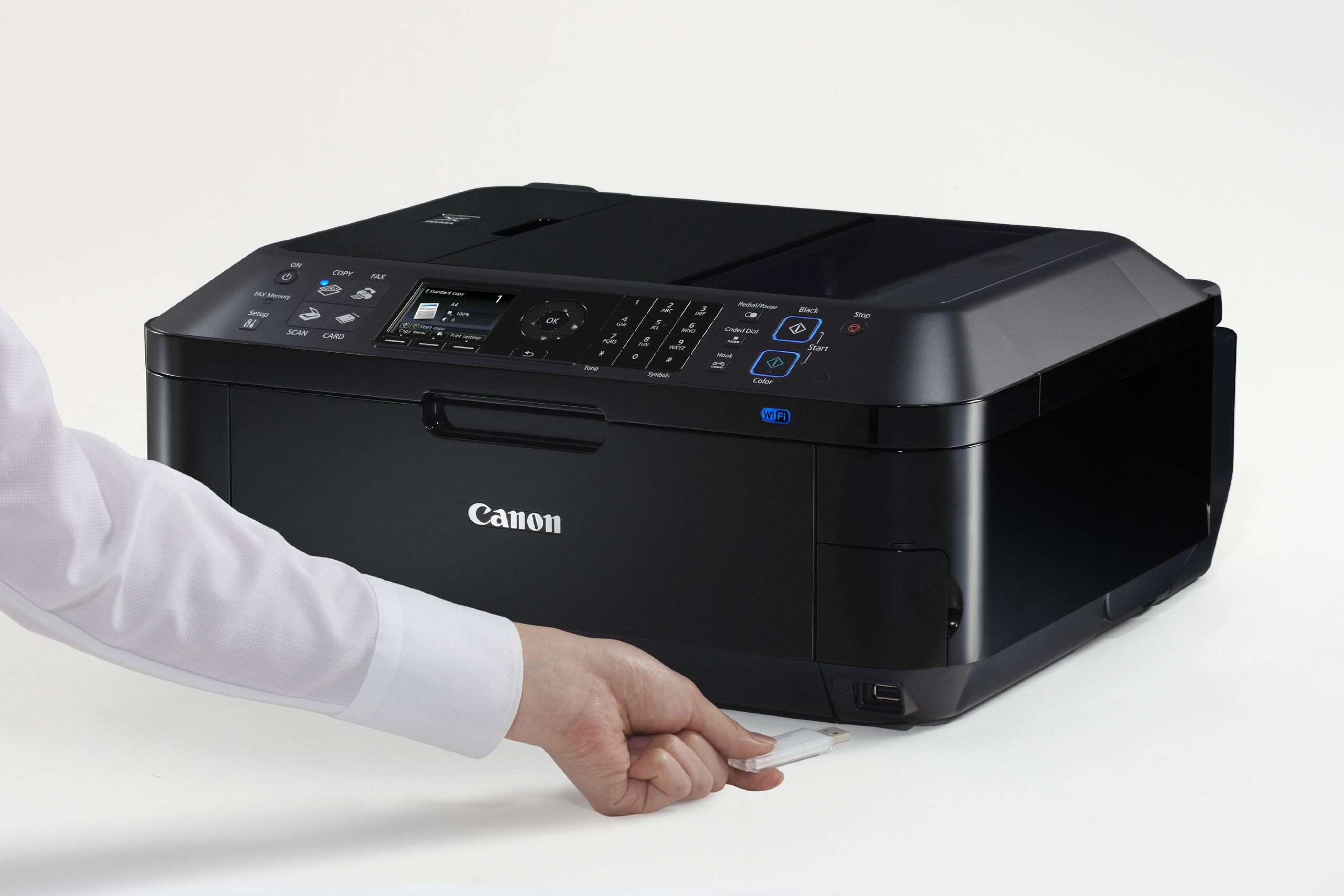
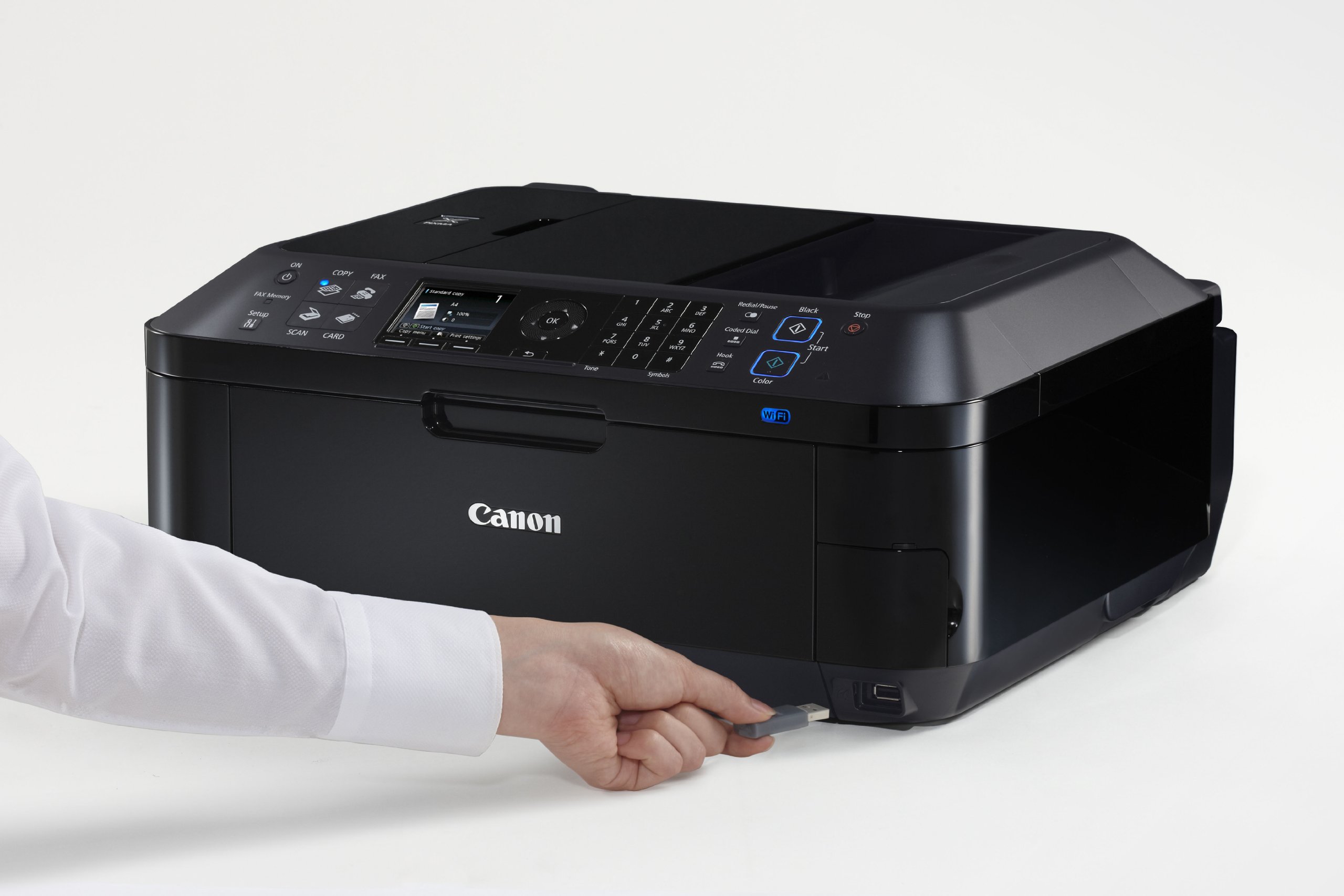
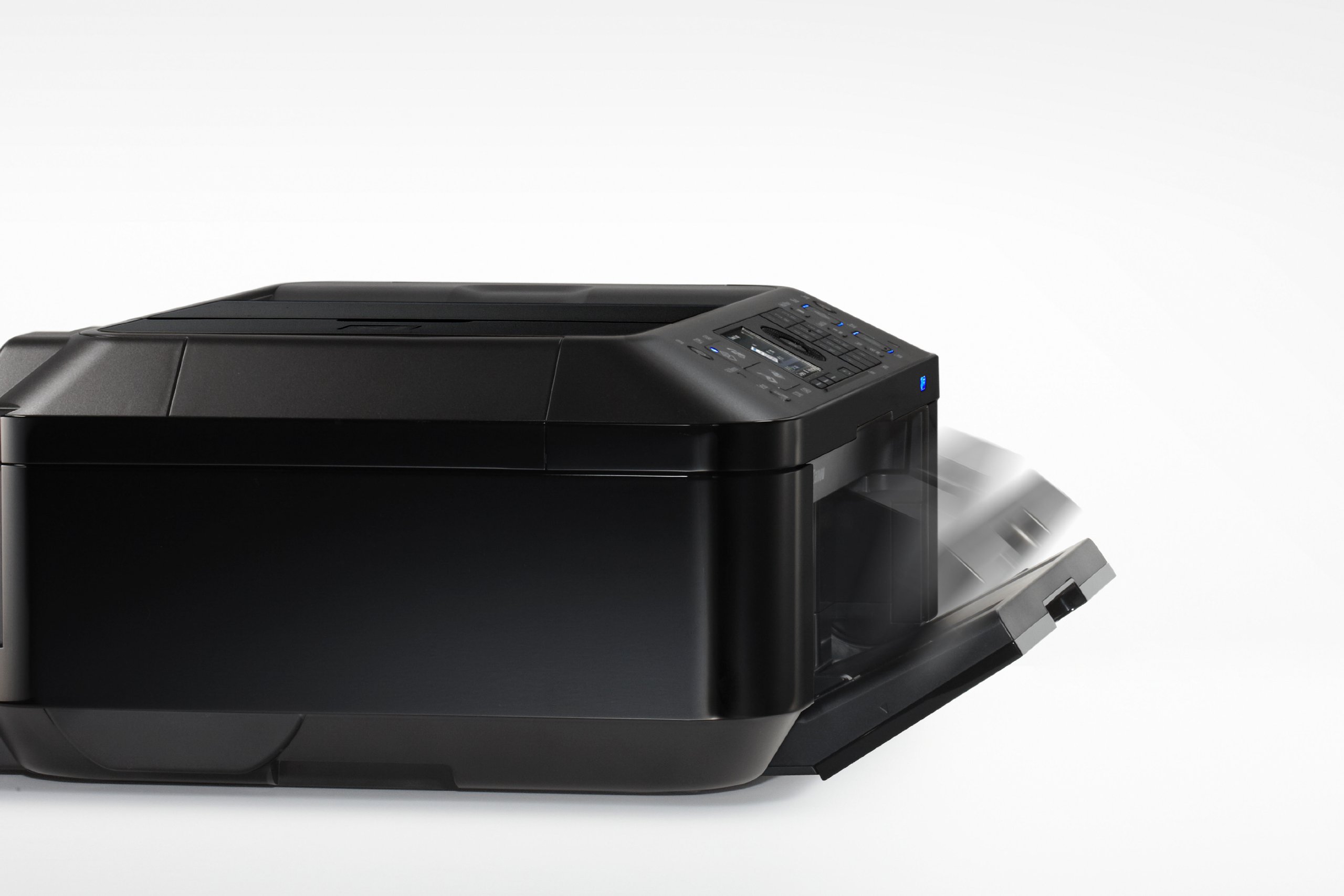
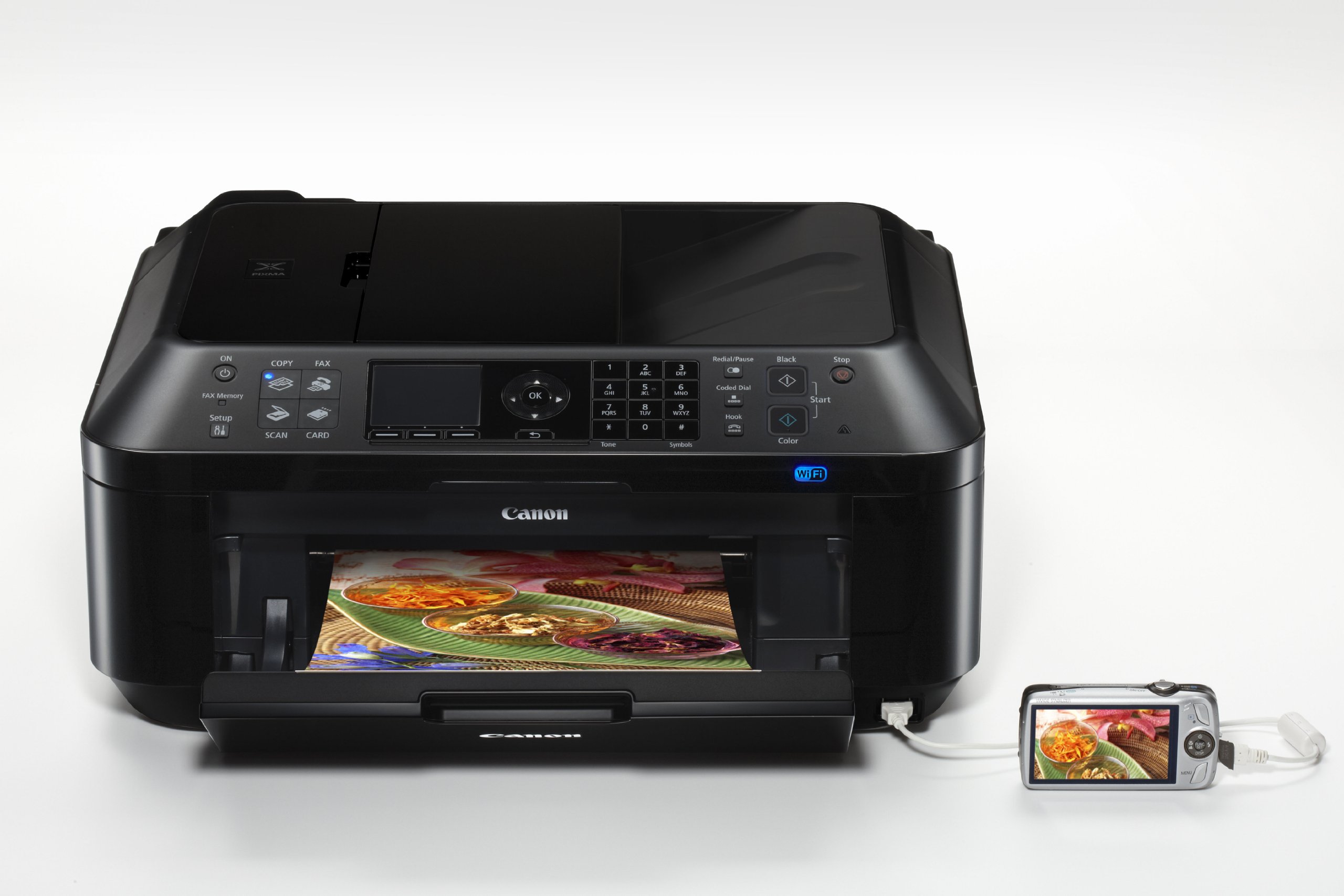
📠 Elevate your home office game with Canon’s all-in-one wireless workhorse!
The Canon 4789B018 PIXMA MX420 is a versatile all-in-one wireless color printer featuring a 30-sheet Auto Document Feeder, multifunction capabilities (print, scan, copy, fax), and Energy Star certification. Designed for home and small office use, it offers reliable wireless connectivity, high-resolution color printing up to 4800 x 1200 dpi, and cost-effective ink options, making it a durable and efficient choice for multitasking professionals.
| ASIN | B004HO58V6 |
| Additional Printer functions | All In One |
| Best Sellers Rank | #1,001,666 in Office Products ( See Top 100 in Office Products ) #296 in Desktop Photo Printers #1,626 in Laser Computer Printers |
| Color Depth | 1 bpp |
| Compatible Devices | Camera, Tablets |
| Control Method | App |
| Controller Type | Android |
| Customer Reviews | 4.0 4.0 out of 5 stars (172) |
| Date First Available | January 5, 2011 |
| Dual-sided printing | No |
| Duplex | Manual |
| Global Trade Identification Number | 00660685029903 |
| Hardware Interface | Ethernet, MicroSD, PictBridge, USB |
| Ink Color | Cyan, Magenta, Yellow, Black |
| Is Discontinued By Manufacturer | No |
| Item Weight | 19.3 pounds |
| Item model number | 4789B018 |
| Manufacturer | Canon |
| Manufacturer Part Number | MX420 |
| Max Copy Speed (Black & White) | 8.7 ppm |
| Max Input Sheet Capacity | 30 |
| Max copy resolution black-white | 4800 x 1200 dpi |
| Max copy resolution color | 8.7 dpi |
| Maximum Black and White Print Resolution | 4800 x 1200 |
| Maximum Color Print Resolution | 4800 x 1200 |
| Maximum Media Size | 8.5 x 14 inch |
| Model Series | PIXMA |
| Number of Items | 1 |
| Number of Trays | 1 |
| Number of USB 2 Ports | 1 |
| Output sheet capacity | 30 |
| Print media | Envelopes, High-resolution paper, Paper (plain) |
| Printer Ink Type | Color Ink |
| Processor Count | 1 |
| Product Dimensions | 18.1 x 16.4 x 7.8 inches |
| Scanner Type | Photo, Sheetfed |
| Sheet Size | 8.5 inches |
| Supported Media Sizes | Legal (8.5 x 14 inches) |
| Total Ethernet Ports | 1 |
| Total USB Ports | 1 |
| UPC | 778890586019 660685029903 |
| Warranty Type | Limited Warranty |
M**Y
First Multifunction Printer Experience
Negative reviews cling to me whenever I contemplate buying a product, so I did my research and took my time in deciding what multifunction printer I wanted to buy for home/student use. I went with canon because of the inexpensive ink and because my last color printer was a canon that lasted almost a decade. I was very pleased with this product. Set up was cake and I was scanning and printing in no time. The buttons are very intuitive, much more so than my mother's old all-in-one hp inkjet. I set up the wireless connectivity without a hitch and installed the drivers on a vista and windows 7 laptop. I chose the custom install option rather than "easy install," simply because there were some programs I could do without out (like the photo editing package). It as my first time setting up and utilizing a multifunction printer. I thought it would be a frustrating experience, but it proved to be fairly simple process. I was really quite enamored with its wireless connectivity (it's my first wireless printer). So far it has never lost connection. I can't comment of the fax feature since I don't utilize it. The print quality and speed is fairly decent as far I can tell (I haven"t owned many printers). I have not used it for photo-printing yet, but I have used it to print out color maps and such. I use this printer mostly for scanning/printing purposes and have no complaints. UPDATE: 9/10/21 It has been almost exactly ten years since I bought this printer and it still prints like it did when I first got it. Over the years I've gotten the urge to upgrade and buy a new, less bulky machine since this one is quite heavy. I bought a Brother printer and left this beast with my sister when I first moved. The Brother printer was horribly slow and the print quality left much to be desired. I ended up giving it away. My next printer was an Epson, and it was only marginally better. I gave that one away too. Eventually, I gathered my strength and lugged this beast back to me. Suffice to say I haven't strayed since. It's been a decade and the beast has survived six moves and my nephew's overzealous use of a Nerf gun (the paper output tray still doesn't stay closed). I'd say it's a quality product. Though I'm sure canon's newer models have a few more bells and whistles, I bought this printer for $89.00 in 2011. I'm going to stick with it until it dies.
J**P
Great Printer - Great Price
I researched this printer against higher priced HP printers at Costco. This printer had better ratings so I bought it. The first thing I noticed was the installation compared to my old wireless HP 6980 (which it replaced) was awesome. 3 Laptops wirelessly connected and a desktop usb connection all within 30 minutes. Just connect it to your wireless SSID with the password, put in the disk load the software and it works for XP, Vista and Win 7 (comes with a MAC disk but I am too poor to afford one of those) the disk software will find the printer for you and connect it laptop or whatever. Do try to do it in windows by adding a printer and browsing the network or by going to your router to add it, none of that is needed, in fact it probably won't work if you try to do it that way which I did by habit. I printed out test pages from each and the print quality was great. I don't plan on using this for photos, that's what costco online is for at 9cents a 6x9 who would be foolish enough to do prints on a Inkjet anyway? This mainly going to used for letters, printing from the internet, scanning and copying. Also the ink cartridges cost considerably less than my HP ones that are $72 bucks for a combo pack. HP is going to goodwill. Also you can load the entire installation CD on a thumbdrive or hard drive and keep it there so you don't have to hunt around for a CD or you can load multiple systems at the same time. I would give it 5 stars but it is a bit loud, no reason not to buy. I would recommend the printer to a friend.
P**7
The WORST printer I have ever purchased. A huge rip off.
I am a grad student. Needless to say, I use my printer a ton - whether it's printing out research articles or my own work. To that end, I know exactly what features I want in a printer and only consider those models that have all of them. With all that said, I can unequivocally say that this is THE BIGGEST RIP OFF OF A PRINTER I HAVE EVER PURCHASED. After 3 months I literally threw this thing into the trash and went out and bought a used model of the Lexmark I had prior to purchasing the Canon MX420. Here's why: I bought this printer on the basis of 3 requirements: 1) it had to print duplex, 2) it had to be wireless and 3) the ink had to be affordable. As advertised, the MX420 did all of those things. In reality it does none of them. Duplex: The MX420 is advertised as a printer that can print duplex (read: print on both sides of the paper on its own). This is a complete lie. The reality is, when you tell the MX420 that you want to print duplex, it prints all of the even-numbered pages first, then a dialog box pops up on your computer telling you to go to the printer, pick up the printed pages, flip them over, and put them back in the blank paper tray so that it can print the odd-numbered pages on the other side. Calling that duplex printing is just false. If the MX420 can print duplex, then so could my old HP printer I owned in 1992. Wireless: The MX420 is advertised as a wireless printer - you can print your documents from any computer connected to your WiFi at home without having to get up and connect to the printer. Unfortunately, because of the duplex issue (see above), you have to walk over to the printer every single time you print a document so you can flip over and re-feed the pages into the MX420. Oh, and did I mention once you have flipped and re-fed the pages, there is no way to restart printing from the printer itself? That's right, YOU HAVE TO WALK ALL THE WAY BACK into the room your computer is in and use Canon's software to let the printer know that the pages are ready to be printed on their opposite side. Imagine how maddening this is when you want to print 5 different documents, each 3 pages in length. Now imagine me trying to print 15 research articles from academic journals, each 10 pages in length. After trying to do this once, I permanently moved my workspace so that I could be plugged in to this piece of junk via a USB cable, because the good people at Canon actually managed to make using a wireless feature more inconvenient than having to sit tethered to a printer. Ink: Canon advertises that the MX420 ink cartridges are inexpensive in comparison to other brands. In reality, I spent more on ink with this MX420 than I have on any other computer. Here's why: the cartridges run out 3 times faster than other printers' brands (literally - I sat there and tested this because I was so angry about it). And I'm talking about the Canon-authorized ink cartridges, not the cheap 3rd party knock offs. And having to go to the store more often to buy more cartridges costs more in gas money and is a complete waste of my time. So there you have it - what you see above is why I threw this printer in the dumpster behind my apartment after only 3 months of use. Every single one of the features on which I based my purchase (and Canon advertised the MX420 as having) didn't work. - It didn't do 2-sided printing - Printing via wireless was made actually more inconvenient than sitting next to the printer - I spent more on ink than I have on any other printer in my life Avoid this model and this brand at all costs. I know I'll never buy anything made by Canon again. How could I? The chance that I'd get the actual advertised product is about the same as me getting a real Rolex from a guy selling watches from his coat.
L**W
Clunky Printer
The printer is able to print, but not unless everything is set perfectly. This would be OK if the settings did not reset, and the WIFI worked. I take my stuff in to work to print and scan now. I will only use this in emergencies
Trustpilot
5 days ago
2 months ago