
DOWNLOAD THE APP


Customer Services
Copyright © 2025 Desertcart Holdings Limited
DOWNLOAD THE APP

⚡ Power your productivity and play with G.SKILL Trident Z Neo — where speed meets style.
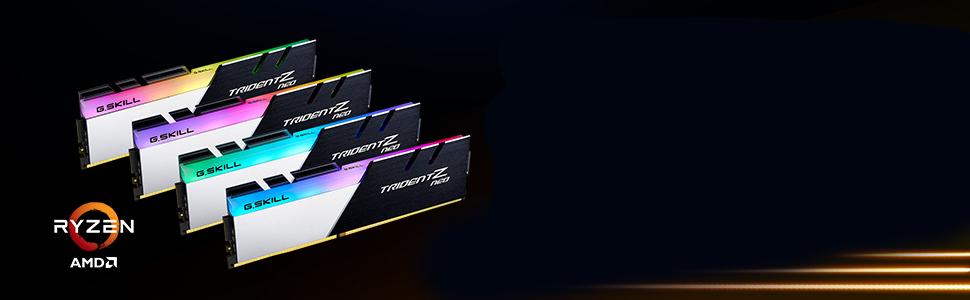
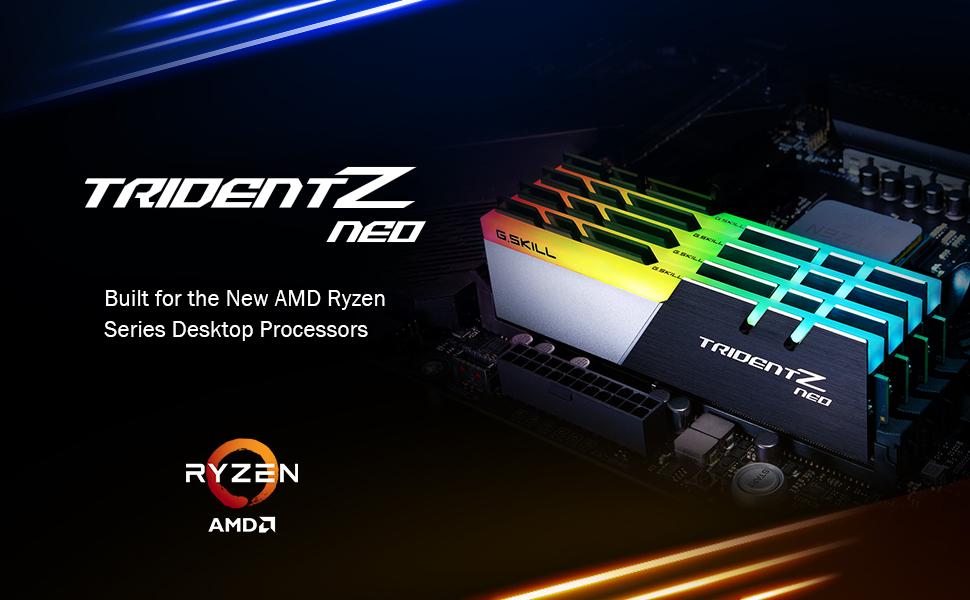
The G.SKILL Trident Z Neo Series DDR4 RAM kit offers 32GB of high-speed memory (4x8GB) running at 3600MT/s with CL18 latency and 1.35V voltage. Designed for desktop PCs, it supports Intel XMP 2.0 for easy overclocking and is optimized for Ryzen 5000 and Intel platforms. This matched quad-channel kit ensures stable, high-performance operation with customizable RGB lighting controllable via ASUS Armory Crate software.


| ASIN | B07WSTCHP2 |
| Additional Features | Intel XMP 2.0 |
| Best Sellers Rank | #1,465 in Computer Memory |
| Brand | G.SKILL |
| Column Address Strobe Latency | 18 |
| Compatible Devices | Desktop |
| Computer Memory Size | 32 GB |
| Customer Reviews | 4.7 out of 5 stars 303 Reviews |
| Data Transfer Rate | 3600 MHz |
| Form Factor | DIMM |
| Item Weight | 0.5 Kilograms |
| Manufacturer | G.SKILL |
| Memory Speed | 3600 MT/s |
| Model Name | Trident Z Neo |
| Number of Pins | 288 |
| RAM Memory Technology | DDR4 |
| RAM Size | 32 GB |
| Special Feature | Intel XMP 2.0 |
| UPC | 848354033653 |
| Voltage | 1.35 Volts |
| Warranty Description | Limited Lifetime Manufacturer |
J**C
Looks great and performs like it should. No more crashing while gaming.
I had issue with Corsair RAM being unstable when using the XMP/DOCP overclock. Games were crashing when running at the advertised 3600mhz speed with CL16 timings. If I turned off my DOCP profile the games would work. This RAM was advertised to work with Ryzen 5000 processors and X570 motherboards and was on the certified vendor list for my Motherboard (ASUS). I decided to give this memory kit a try and I am able to use the overclock to the advertised 3600mhz speed with no issues. The timing are a little looser at CL18 but I believe this is one of the reasons it is more stable than my old memory so I can live with that. THE RGB lighting is easily controlled through my ASUS Armory Crate software. It stays the color I have set and doesn't need to be messed with every time I restart the pc which is an issue I have had in the past with other brands. The only downside I have noticed is the actual base clock speeds of this kit is only 2133mhz until XMP/DOCP is enabled so make sure to set that through your BIOS after you install. Other than that installation gave me no issues, everything works like it should. This is a good kit of RAM for Ryzen and X570 boards. Highly recommend it if you are having issues with your current memory kit or building a new system. I normally like Corsair but apparently Corsair memory and ASUS X570 motherboards don't work well together in some builds, including mine.
A**R
Excellent 3600mhz 32GB RAM for X570p MOBO and Ryzen 5900x CPU
I needed to upgrade the stock RAM and tried using sticks from my old PC. The computer wouldn't POST. I found the QVL for the X570p MOBO and picked these out. Just to be safe, I set my memory to Auto in BIOS because I was concerned it might not POST if DOCP was still on. I popped these in, started my PC, and it ran perfectly. I accessed BIOS again, turned on DOCP, set the speed to 3600mhz and it's been running smooth ever since. I'm getting my max FPS on my games (I set a limit based on my 165mhz monitor) and the PC is fast + running stable. Couldn't ask for anything more. Excellent sticks.
A**H
Perfect ram
Used for 3 years now this is the best ram it runs really fast and cost less than most fits perfectly in my pc
H**Y
Great RGB RAM
I bought these for my gigabyte b550 motherboard and they look fantastic and the speed is phenomenal. Easy to load the XMPE profile and the RGB software is awesome.
J**C
MPG B550 GAMING EDGE WIFI
Working great on my MPG B550 GAMING EDGE WIFI with AMD 9 5900x. XMP profile #1 with manual voltage to 1.35 at 3600. Originally had Corsair that wouldn't run past stock without lot of errors/crashing. This is stable so far! Will update if any problems.
T**.
Awesome ram but very finicky rgb
I installed this ram on my MSI x570 Tomahawk Wifi and the bios saw the speeds without issue. I could not get the MSI Dragon center software to see this ram to adjust the rgb at all. I downloaded the latest version of Gkills lighting control v1.00.22 and it wouldn't work either after working on this for about 2 hours. I finally had to install one of the previous versions of Gskill lighting v1.00.17 and it picked up ram slots 1-3 but did not see the 4th. I shutdown and swapped the ram stick from port 4 to 1 and rebooted and it's now seeing all the ram and I'm able to adjust the rgb lighting. Other than the rgb issue the Gkills ram is amazing.
A**R
Recommended
Aesthetically pleasing to the eyes to have four ram sticks instead of two but when you talk about going from 16GB at 3200MHz to 32GB at 3600MHz, there's not going back to 16GB. Great for multitasking work stations and count in some gaming as well. Recommended +
B**R
Uh... They work
Perfect, from a great company. Fun fact of the day... Ryzen 5000 series chips have significantly improved performance with 4 sticks of ram instead of 2. Get a kit like this one.
Trustpilot
1 month ago
3 weeks ago