
DOWNLOAD THE APP


Customer Services
Copyright © 2025 Desertcart Holdings Limited
DOWNLOAD THE APP


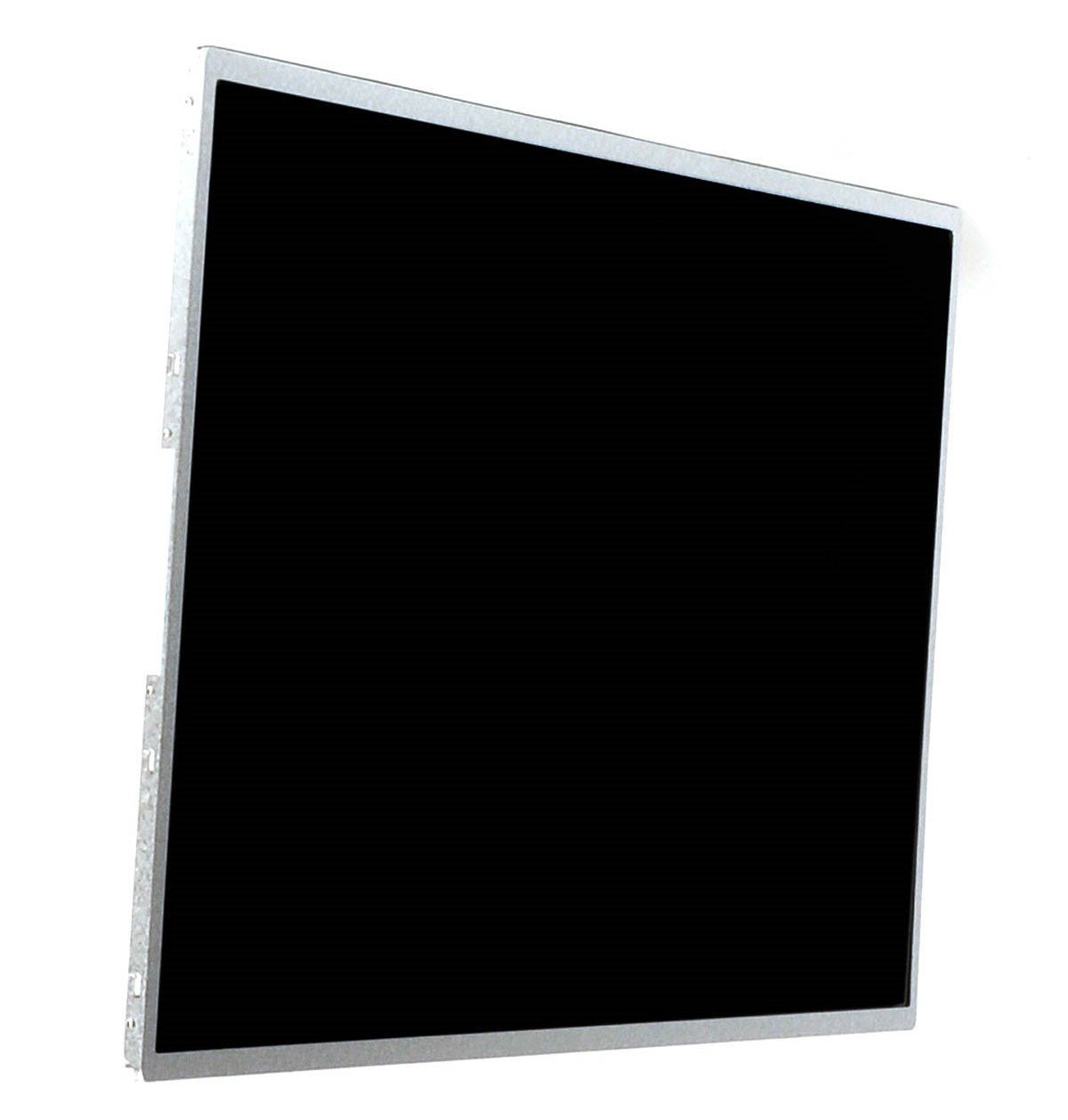
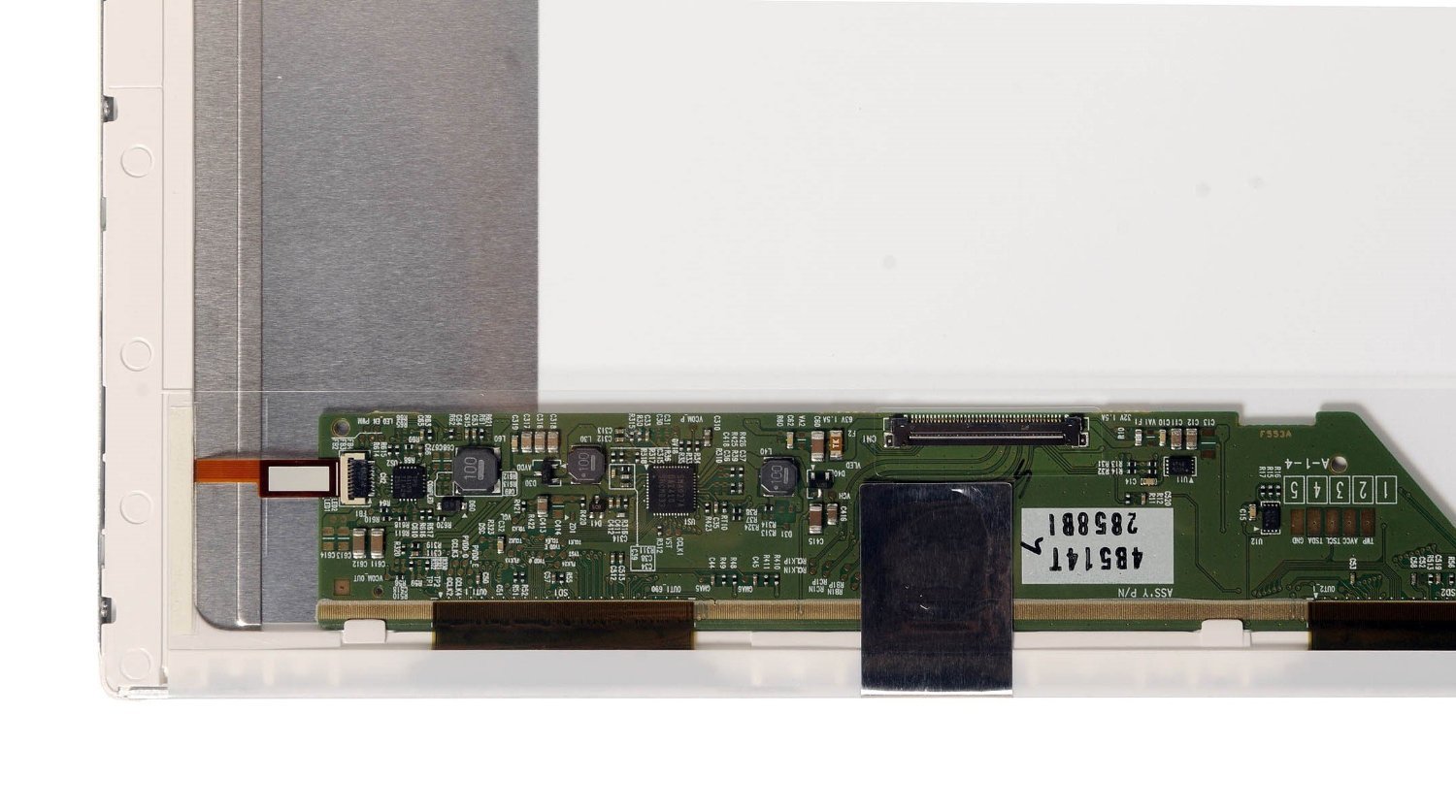
Compatible Replacement Screen Review: Theses worked great read my review for a few tips - My laptop screen looked like the one pictured, and I order 2 right away to fix both by son's and nephews laptops. The ones I received did not look like the ones pictured, but the item number on the back matched my item numbers exactly so I quickly wanted to replace the damaged screen to make sure it was compatible. And these worked for me. (TIP) Both were Compaq CQ58 laptops, but when ever you replace any part on a laptop, remove your broken piece and get the item number. Sometimes with laptops, when they are building them, if they run out of a type of part # they might start using an different part # and it should be compatible. Then again it also might have a different connection, or yours plugs in on the right side, and the new one, had to use a longer cable because it connected to the left side. I hate reading reviews where people ordered the wrong part, and give the seller a negative review. Check you item and part numbers, don't go by looks and you should be fine. I now have to go to my nephew's house and fix his laptop, I had all parts bagged and tagged, placed away. Maybe I should have taken it to my house for safe keeping. Crossing my fingers ... and remember you should not have left over parts once the item has been put back together, at times screws are the only parts left over, but I retrace my steps ... if you have never pulled a laptop apart then just wait, not only are there many screws but also different sizes either longer in length or in thickness as well. TIP when you remove 8 to 14 screws off the back cover, place them in a zipploc bag, glass baby food jar, and mark them with a piece of paper where they came from. If you look hard enough online most companies have a pdf file on how to remove parts to get to the part you need to replace, HP/Compaq has nice pdfs and on you tube you can sometimes find videos, again make sure you are reading or watching a video for your model. Review: Works perfectly-easy install - Perfect! They actually sent me the updated model instead of this one with a little note about the upgrade so that was nice. It installed in less than 15 minutes and works perfectly. This was an easy fix to my broken laptop screen that saved me an expensive tech visit. If you are even a little tech savvy you can do it yourself-the small connector screws can be tricky to keep hold of while you line everything up so a helper is required but it was no problem at all to hook it up and get back to work.
| Best Sellers Rank | #188,475 in Computers & Accessories ( See Top 100 in Computers & Accessories ) #16,652 in Laptop Replacement Screens |
| Customer Reviews | 4.7 out of 5 stars 130 Reviews |
N**N
Theses worked great read my review for a few tips
My laptop screen looked like the one pictured, and I order 2 right away to fix both by son's and nephews laptops. The ones I received did not look like the ones pictured, but the item number on the back matched my item numbers exactly so I quickly wanted to replace the damaged screen to make sure it was compatible. And these worked for me. (TIP) Both were Compaq CQ58 laptops, but when ever you replace any part on a laptop, remove your broken piece and get the item number. Sometimes with laptops, when they are building them, if they run out of a type of part # they might start using an different part # and it should be compatible. Then again it also might have a different connection, or yours plugs in on the right side, and the new one, had to use a longer cable because it connected to the left side. I hate reading reviews where people ordered the wrong part, and give the seller a negative review. Check you item and part numbers, don't go by looks and you should be fine. I now have to go to my nephew's house and fix his laptop, I had all parts bagged and tagged, placed away. Maybe I should have taken it to my house for safe keeping. Crossing my fingers ... and remember you should not have left over parts once the item has been put back together, at times screws are the only parts left over, but I retrace my steps ... if you have never pulled a laptop apart then just wait, not only are there many screws but also different sizes either longer in length or in thickness as well. TIP when you remove 8 to 14 screws off the back cover, place them in a zipploc bag, glass baby food jar, and mark them with a piece of paper where they came from. If you look hard enough online most companies have a pdf file on how to remove parts to get to the part you need to replace, HP/Compaq has nice pdfs and on you tube you can sometimes find videos, again make sure you are reading or watching a video for your model.
B**S
Works perfectly-easy install
Perfect! They actually sent me the updated model instead of this one with a little note about the upgrade so that was nice. It installed in less than 15 minutes and works perfectly. This was an easy fix to my broken laptop screen that saved me an expensive tech visit. If you are even a little tech savvy you can do it yourself-the small connector screws can be tricky to keep hold of while you line everything up so a helper is required but it was no problem at all to hook it up and get back to work.
B**B
Just what I needed!
My laptop screen had been broken for a while, and I had hooked it up to a desktop monitor. But I decided that I wanted my laptop to function on its own again. With the help of this seller who matched the correct screen (plus some YouTube videos), I was able to replace the screen myself. It works perfectly! The screen arrived on time and was carefully wrapped. It even had a nice note packed with it. I would trust this seller again.
B**A
Easy installation
Honestly I contemplated even purchasing at first but once I popped this sucker on to my once busted laptop 💻 I was like new, brightness was about the same and pixels were good
A**R
Hesitant to order
Easier to install than anticipated. Plenty of instructions on line. Perfect fit.
B**É
Good Quality.
Really Good Quality, installed it myself on my 2013 Hp notebook 2000 easy install just youtube Lcd replacements for your model pc it'll show you step by step how to do it, save money. Pc Shop estimated me $189 so i saved Big! Good luck on your journey of pc revival.
I**S
Perfect Replacement
Perfect new screen to replace a cracked one. It is identical to the OEM part. My customer is happy, that's what's important. I should note that the screws on the side of this are very tiny. Removing them is easy, putting them back requires a LOT of patience and perseverance! It's handy to have a strong magnet available. You WILL drop them repeatedly, and they're difficult to find. Sweeping the area with a magnet will retrieve them.
H**D
Perfect
I was wary about purchasing a screen online, but I figured for 40 dollars it would not be too much of a hit. So I popped off my old screen and grabbed the product number which led me here. I sat down and contemplated my decision for the regular amount of time that someone who is as advanced at procrastination as I am does. Meaning about 4 months. All in all the replacement took me about 14 minutes and honestly my only regret was not having done it sooner.
Trustpilot
3 days ago
2 months ago