Desertcart purchases this item on your behalf and handles shipping, customs, and support to South Africa.
🔥 Elevate your viewing game with Samsung’s 32” Full HD Smart TV — where style, sound, and security converge!
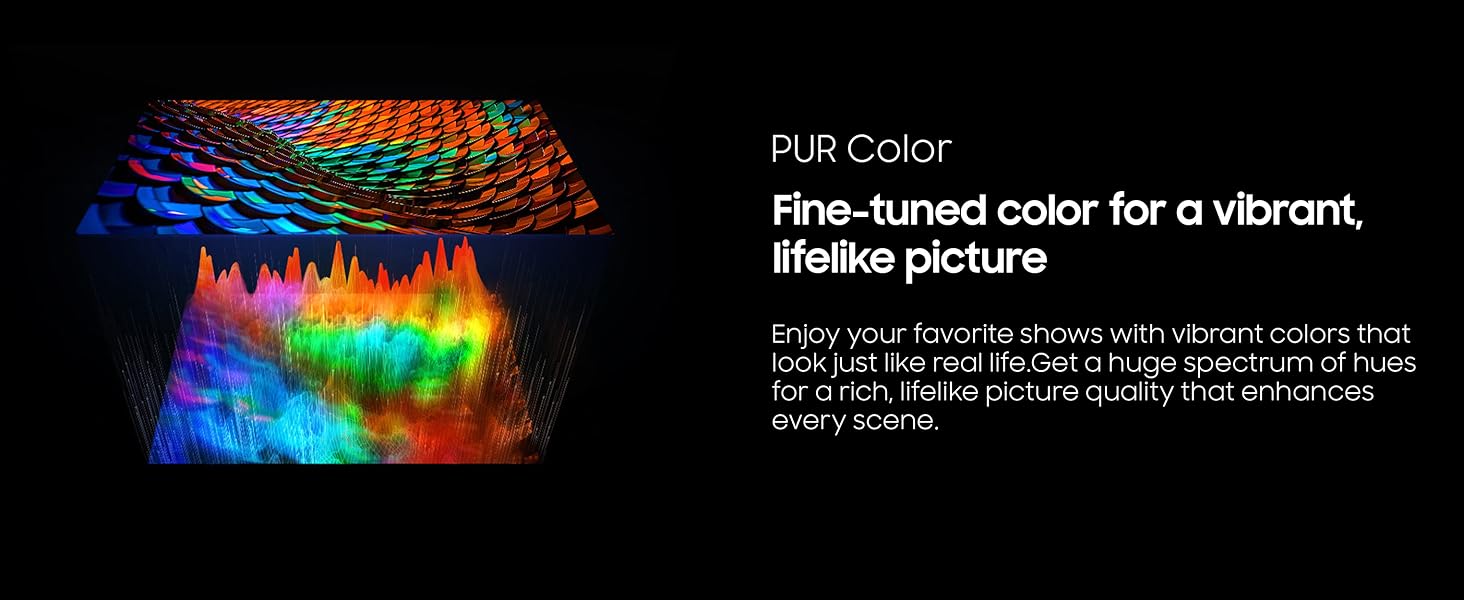
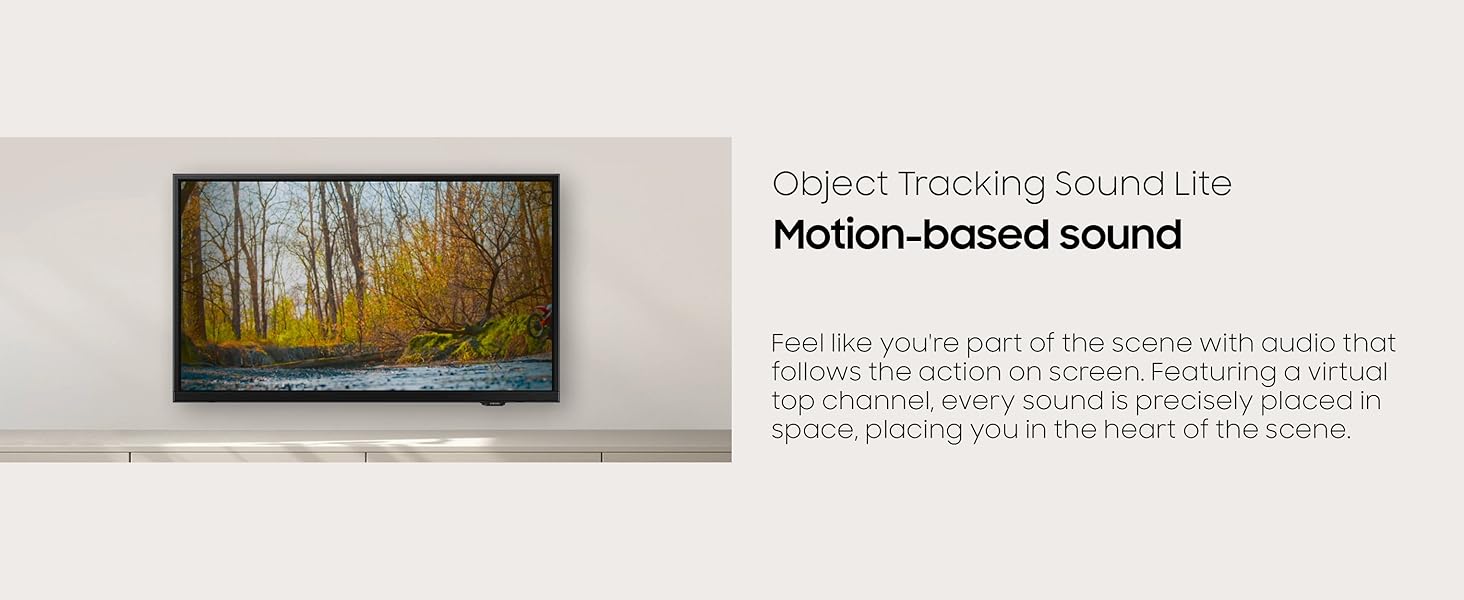
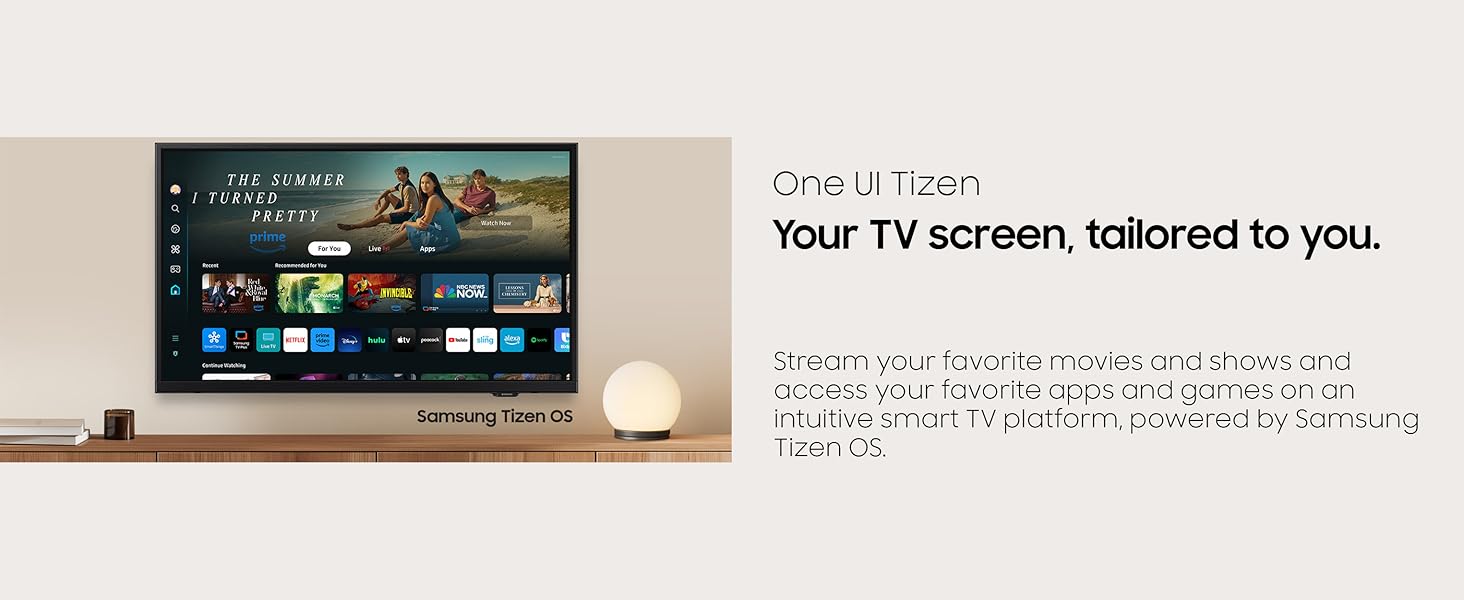
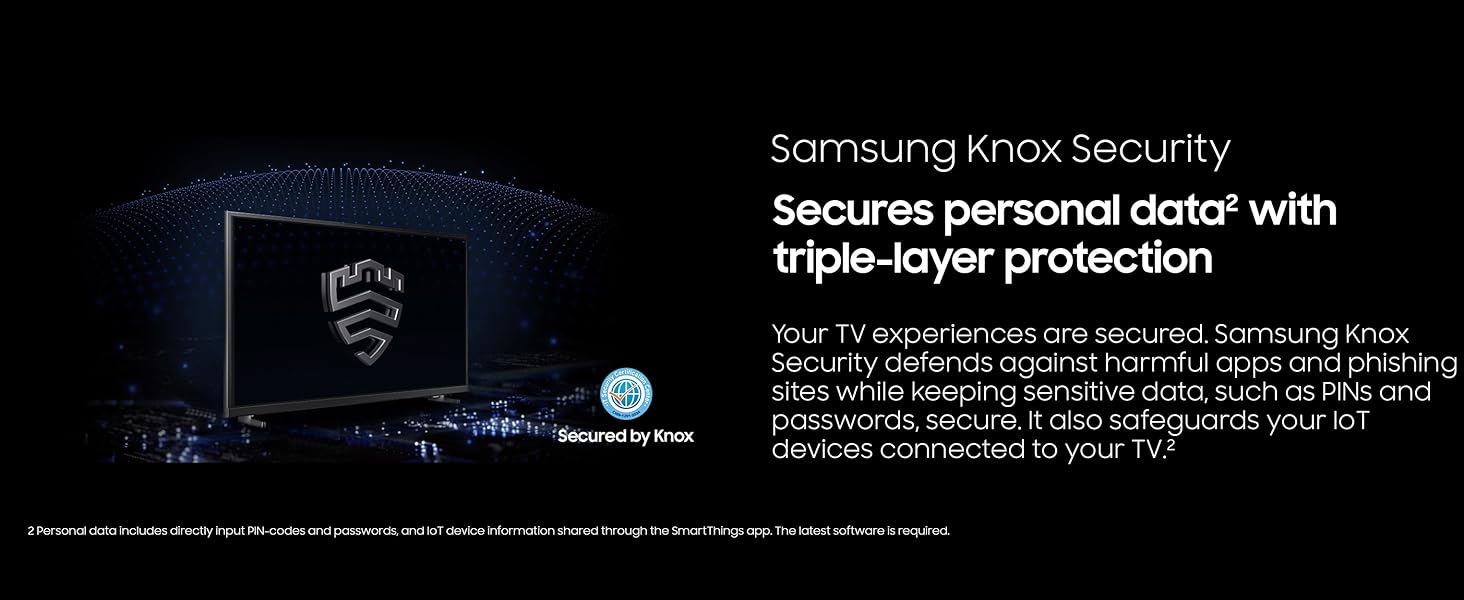
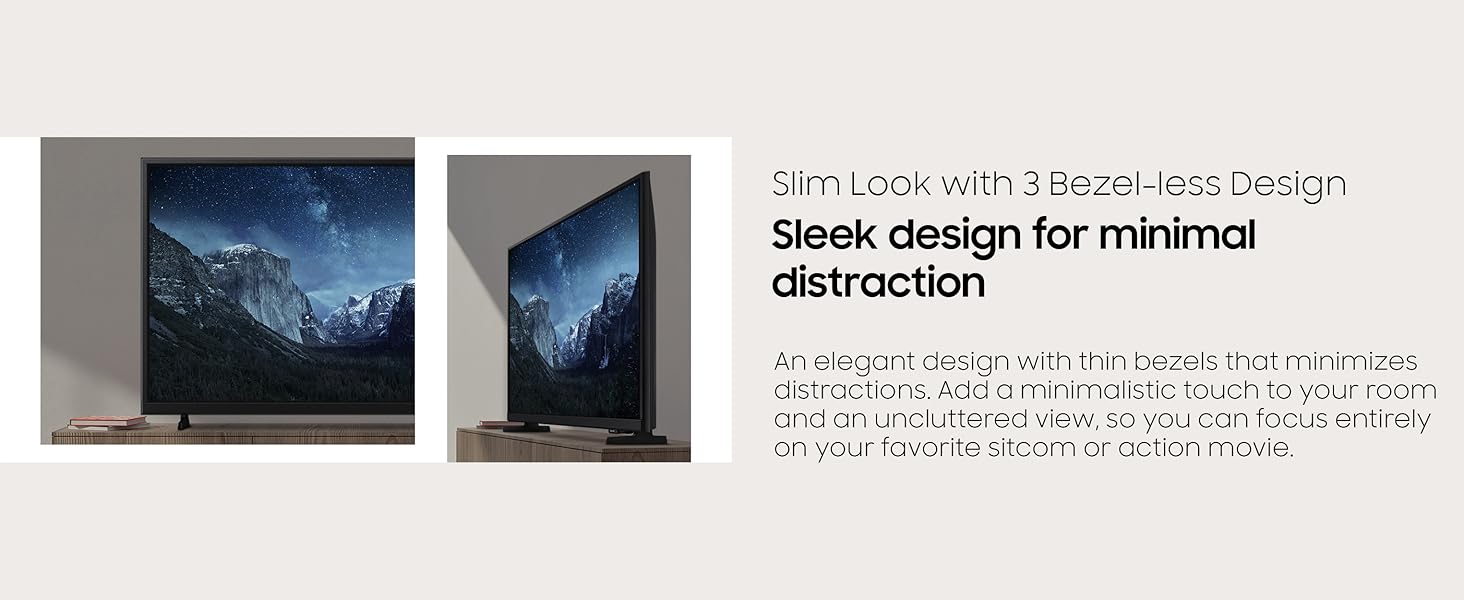
The 2025 Samsung 32-Inch Class Full HD F6000 Smart TV combines stunning HDR10+ visuals with Object Tracking Sound Lite for immersive audio. Featuring Samsung Knox Security, it protects your data and connected devices. Powered by the intuitive One UI Tizen OS, it offers access to over 2,700 free channels and a sleek bezel-less design that fits perfectly in any modern space. Ideal for professionals seeking a premium yet compact smart TV experience.


| ASIN | B0DXN3T1GD |
| Additional Features | Built-In Speaker |
| Annual Energy Consumption | 93 kwh |
| Antenna Location | Entertainment |
| Aspect Ratio | 16:9 |
| Audio Input | HDMI |
| Base Depth | 4.6 inches |
| Base Width | 23.7 inches |
| Best Sellers Rank | #365 in Electronics ( See Top 100 in Electronics ) #7 in LED & LCD TVs |
| Brand | Samsung |
| Built-In Media | Power Cable, Remote Control, Stand, User Manual |
| Color | Black |
| Compatible Devices | Smartphone |
| Connectivity Technology | Bluetooth, Ethernet, HDMI, USB, Wi-Fi |
| Connector Type | Ethernet, HDMI, USB |
| Content Sharing Direction | TV to Mobile |
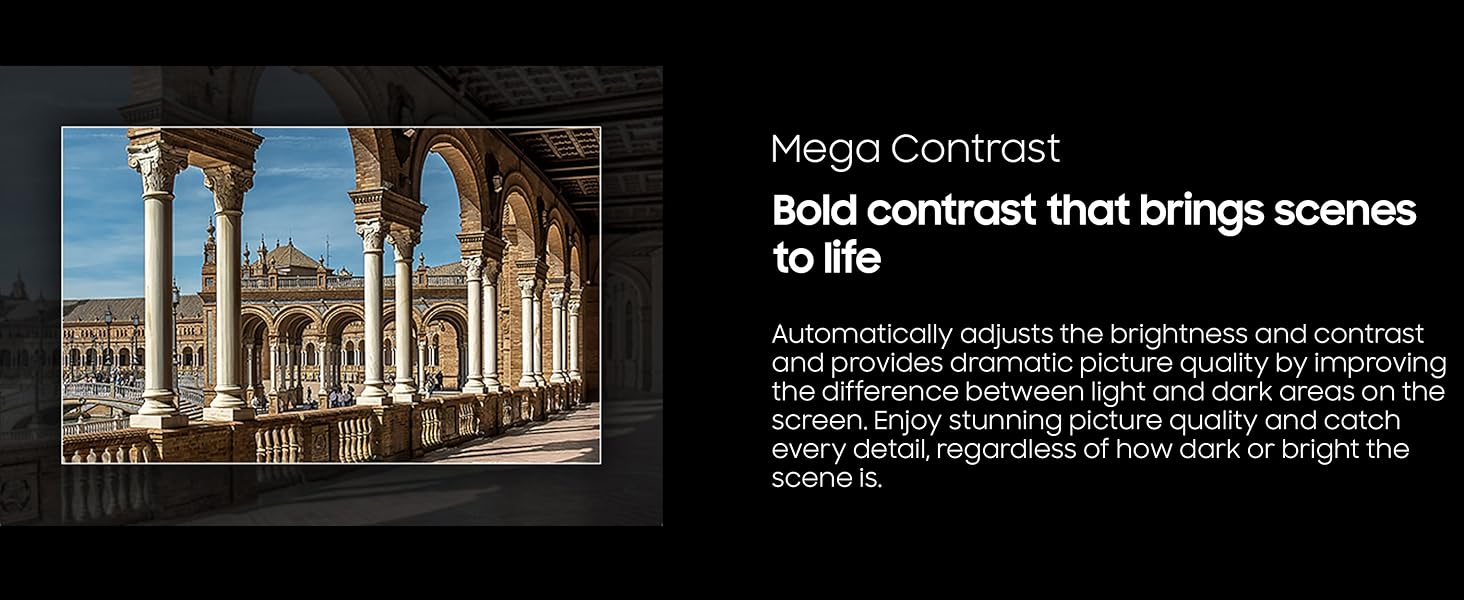
| Contrast Ratio | High |
| Control Method | Remote |
| Controller Type | Remote Control |
| Customer Reviews | 4.1 out of 5 stars 3,063 Reviews |
| Display Backlight Configuration | Direct LED |
| Display Backlight Setting | Micro Dimming Pro |
| Display Backlight Technology | LED |
| Display Language Options | English, French, Spanish |
| Display Refresh Rate in Hertz | 60 |
| Display Size Class | 32 inches |
| Display Technology | LED |
| HDR Format Supported | HDR10+ |
| Hardware Interface | Bluetooth, Ethernet, HDMI, USB |
| Integrated Surround Sound Format | Dolby |
| Internet Applications | Netflix, Prime Video, YouTube |
| Item Dimensions D x W x H | 5.9"D x 28.9"W x 17.8"H |
| Item Weight | 8.5 pounds |
| Item Weight Without Stand | 8.4 pounds |
| Manufacturer | SAMSUNG |
| Mfr Part Number | UN32F6000FFXZA |
| Model Name | SAMUN32F6000F |
| Model Number | UN32F6000FFXZA |
| Model Series | F6000F |
| Model Year | 2025 |
| Motion Enhancement Technology | True |
| Mounting Type | Wall Mount |
| Number of Audio Channels | 2.1 or 5.1 |
| Number of Batteries | 2 AAA batteries required. |
| Number of Items | 1 |
| Operating System | Tizen |
| Parental Control Technology | V-Chip |
| Picture Quality Enhancement Technology | Hyper Real |
| Power Consumption | 45 watts |
| Refresh Rate | 60 hertz |
| Remote Required Battery Quantity | 2 |
| Remote Required Battery Size | AAA |
| Resolution | 1080p |
| Screen Mirroring Technology | SmartShare |
| Screen Size | 32 inches |
| Signal Format | ATSC |
| Size | 32-Inch |
| Speaker Description | 2CH |
| Speaker Maximum Output Power | 10 watts |
| Special Feature | Built-In Speaker |
| Specific Uses For Product | Entertainment |
| Total Number of HDMI Ports | 2 |
| Total Usb Ports | 1 |
| Tuner Type | ATSC |
| UPC | 887276927541 |
| Unit Count | 1 Count |
| VESA Mount Standard | 200 x 200 mm |
| Video Encoding | HDR10+ |
| Warranty Description | 1 Year Manufacturer |
| Warranty Type | Limited |
| Wireless Technology | Bluetooth, Wi-Fi |
S**E
Huge value for a quality tv, 5 star values!
Bought one for our bedroom and another for our patio to update Samsung televisions that were 12 years old...and still worked great. We wanted higher resolution. Superb value for an incredible picture, sound and a great television overall. No downside. Samsung makes a solid product that lasts for years with zero problems. We have multiple televisions, all Samsung, and will continue to purchase them as they last a very long time! Crystal clear picture even with just an antenna. The brightness is adjustable and setting these up is a piece of cake. Easy to use and operate. Buy one, you wil be very pleased. Buy two at this price. 50% less cost than 3 years ago!
K**9
Great picture and sound!
I was looking for a Smart TV for a smaller bedroom that wouldn't break the bank but also have solid quality and sound. This 32 inch FHD Smart TV from Samsung is perfect. Most of the apps I use came pre-installed which was great, there were only two I had to install. They were easy to find in their app store and very easy to install them. I thought that some Korean and Asian apps would be hard to find, but they weren't. The app store is pretty well rounded. It was also extremely easy to set up my TV since I already have a Samsung phone. That is a great feature! I will recommend that you set your TV up, connect it to your WiFi/Internet, and then let it sit for 5-10 minutes (take a break to organize the shipping boxes, etc) before you try to download new apps. It does seem to need a few minutes when you first set it up to finish initializing everything. But after that first bit of time, I've not run into any connectivity issues or slow response times. The TV is in the budget range for price, but it is definitely feels like I bought a midrange one. I mounted it on a pedestal mount and it is extremely sturdy. The colors are vibrant. The picture is nice and clear. I've not noticed any issues with pixelation. The sound is perfect for the space. It was an excellent choice for a small bedroom (10 x 9).
J**A
40” F6000 Smart TV
I just got my new tv today. I got the 40”. First thing i want to say is i got the perfect size for the bedroom. I was very surprised on how easy it was to connect to the internet. It was easy to follow the on screen directions. I connected to all my streaming services with no problem. When it was time to watch my first show i was pleasantly surprised at the picture quality, the sound was perfect for the room. No need to purchase a sound bar. Very pleased with my purchase. I have a 55” Samsung in the living room so i know i made a good product choice. Very satisfied customer
P**A
A new TV should not make you feel stupid (Samsung F6000F 32" full HD 1080P, 2025 model)
OMG!! Where do I start. I've had this TV for a few days now. My first Samsung TV. Finally, got it to show over the air TV stations. I have never had a TV make me so frustrated and make me feel so stupid to get it to work. This TV is a Samsung F6000F 32" full HD (1080P) 2025 model. All I want is a HD TV (1080P) that will receive over the air TV stations and have 1 DVD player hooked up to it. Also, a decent sound come from it. I don't want all those apps. No Wi-Fi connection, no Netflix, nothing else. But, I had to buy a new TV with all those extras. Which I don’t want. 1) The TV response to the remote commands is extremely slooooooow. I put new batteries in twice. Read the negative reviews on this TV. Other customers are having trouble with the very slow speed (lagging). I would touch a button on the remote and nothing. Five seconds later I would touch another button on the remote. Nothing happened. Maybe a third button and then all of a sudden it responds to all 3 buttons and would take me where I didn't want to go on the screen. I need an emoticon.. 2) My TV would not hold the TV station that I left it on when I would turn the TV off. When I would turn the TV on again it would start as if I turned it on for the first time. Those color balls would be moving and then ask how I wanted to set up...my iPhone or remote. I would try "settings", "Home-picture of house" and "Guide" Nothing would happen. I do not have a "menu" button as my search on the internet said I supposedly had. Took a while to get to the scanning of over the air (free) channels. First time turning this TV on it took over 2 hours and I gave up. Tried the next day and finally got it to show all the DTV free stations that I get over the air ways. But, it still looses the info when I shut the TV off. Every time I turn the TV on I have to again...go through the set up procedures-those color balls moving around. The only way the "setting", "Home-picture of house" and 'Guide" would work is only after I scanned the over the air stations and I was watching a TV station. I have to do this every time I turn the TV on. Two to 6 minutes every time. I read up on what to do when this happens and I’m still having trouble. 3) Still trying to find the on/off switch on the TV. 4) Cheap stand. Two small feet you connect on the bottom of the TV. I live in California…uh, Earthquakes. 5) Now, I hate Samsung. I’m going back to Sony. Positive about TV: 1) The color is awesome. 2) The resolution is awesome. 3) Sound is good/ok for a small room. 4) The price was good. Now, I see why…oops! Did I say/type that out loud
S**.
You can dumb it down-mostly
Generally speaking, an good quality tv - if it were a 2013 level dumb, it would get 5 stars. 1080 tv, which I knew beforehand, and accepted 1. due to low price, and 2. concerns about upsampling quality (from 1080 to 4K). Set up was a 5 minute adventure, just pay attention to the four dots at the top of the screen. I was able to dumb it down by Googling, so 1. turn off smart hub, and 2. select "remember last app opened" ("app" can be a channel, or source (ex., bluray) ) Thanks Gemini/Google! Still, it took me awhile to undo the "muscle memory" of my fingers from my old Samsung tv! The channel guide was slow to pop up. The "Favorites" listing kept popping up out of order any time I lost a signal over the air and the signal came back, so I finally selected "Antenna" listings, then scrolled up to "Edit"; deleted by checkmark any channels I will likely never watch; and kept the listing for "Antenna" as my default, instead of "Favorites". Problem solved! No headphone jack, or RCA sockets. There are adaptors for bluetooth-to-RCA plugs available for a reasonable price. Instead, I chose a pair of JBL BT headphones, model "Tune 720bt"; great bass from my JBL phones, volume from tv is modest. Overall, an interesting experience. If you like smart tv functionality, then this is also likely a good deal.4 stars. Edit: Occasionally, the source for computer is not recognized, so I unplug the HDMI cable for a few seconds, plug it back in and everything is alright-except now my source name is changed to HDMI, instead of "Home theater system". Since my computer is 16x10, I need to have another name for source if I want to resize the image, ditto for my Blu-Ray player! To rename source, click "source" button at top of remote, choose source you want to rename, click the down arrow, click edit; click down arrow to a new name, click that new name from the list that pops up, down arrow to OK & click. I chose "Blu Ray" for player, and "Home theater system" for computer. Over-the-air TV source cannot be renamed. To resize, click "settings" button, then Picture/Picture size settings/Picture size/Custom(may take 2 seconds)/Zoom and Position. The squares on the left are Zoom for increasing and decreasing the width and height of the screen image; the ones on the right are for the positioning (I ignore position). Skip the "Close" button and just click "Return" button 4 times to return to screen. For my 16x10 computer, I do 12% for width, 10% for height. For my Blu-Ray player, I choose different sizes for different discs or movies. Whew!
M**K
Nice unit
Easy set up to my accounts, easy TV set up, clear picture. This item to replace a larger TV in my office, that wasn't a smart TV. Would recommend.
K**M
Great performance, at a great price….
This TV , wonderful. Vivid color , easily mated with my new internet system . I’m liking this purchase a lot. I’m older , can’t always heat the TV , this screen is big enough, the captions, are easy to read , so you don’t need the TV crazy loud . The price is excellent also .
J**S
This Samsung TV was Difficult to setup.
We have several Samsung TVs and really enjoy the quality. We purchased the model listed for our parents. We went to install it and it was a disaster. The feet of the TV do not snap in like all of our other Samsung TVs. The screws did not fit well and were more than difficult to get in. What should have taken 10 mins to unbox and get physically set up took almost an hour. Then we had to get the TV itself setup. Samsung requires you to have an account - this is not easy for elderly people. I created the Samsung account and tried multiple times to login - failure every time. I had to google what was wrong. You have to login on a phone or PC to complete the setup. Another 45 mins. What should have been so easy was extremely difficult. On the bright side the TV has a nice picture.
A**S
Excelente producto
Excelente producto, llegó un día antes de lo previsto en perfectas condiciones, la arme y programé con mucha facilidad, se ve hermosa 🤩 la recomiendo ampliamente
H**B
Easier to set up than some reviews would have you believe.
Got mine today and contrary to some of the reviews the TV was quite simple to set up. Perhaps because I have a Sangsung Phone, it just connected to that and automatically pulled the WiFi password. The only thing I had to google was hot to get letters; you just press return again after 'search'. You can then type slowly on the TV one letter at a time or follow the phone prompt to type the search quickly. Separately from that the picture seems very good and stable.
R**O
EXCELENTE
A buen precio la conseguí y sin duda alguna, Samsung no falla en calidad.
A**Z
Excelente relación precio calidad
Buen producto
A**R
Good choice for smaller room
Purchased item as completed Used like New for £149.00, was missing manual, but easy to set up via Samsung account. Good picture and sound
Trustpilot
2 weeks ago
1 month ago