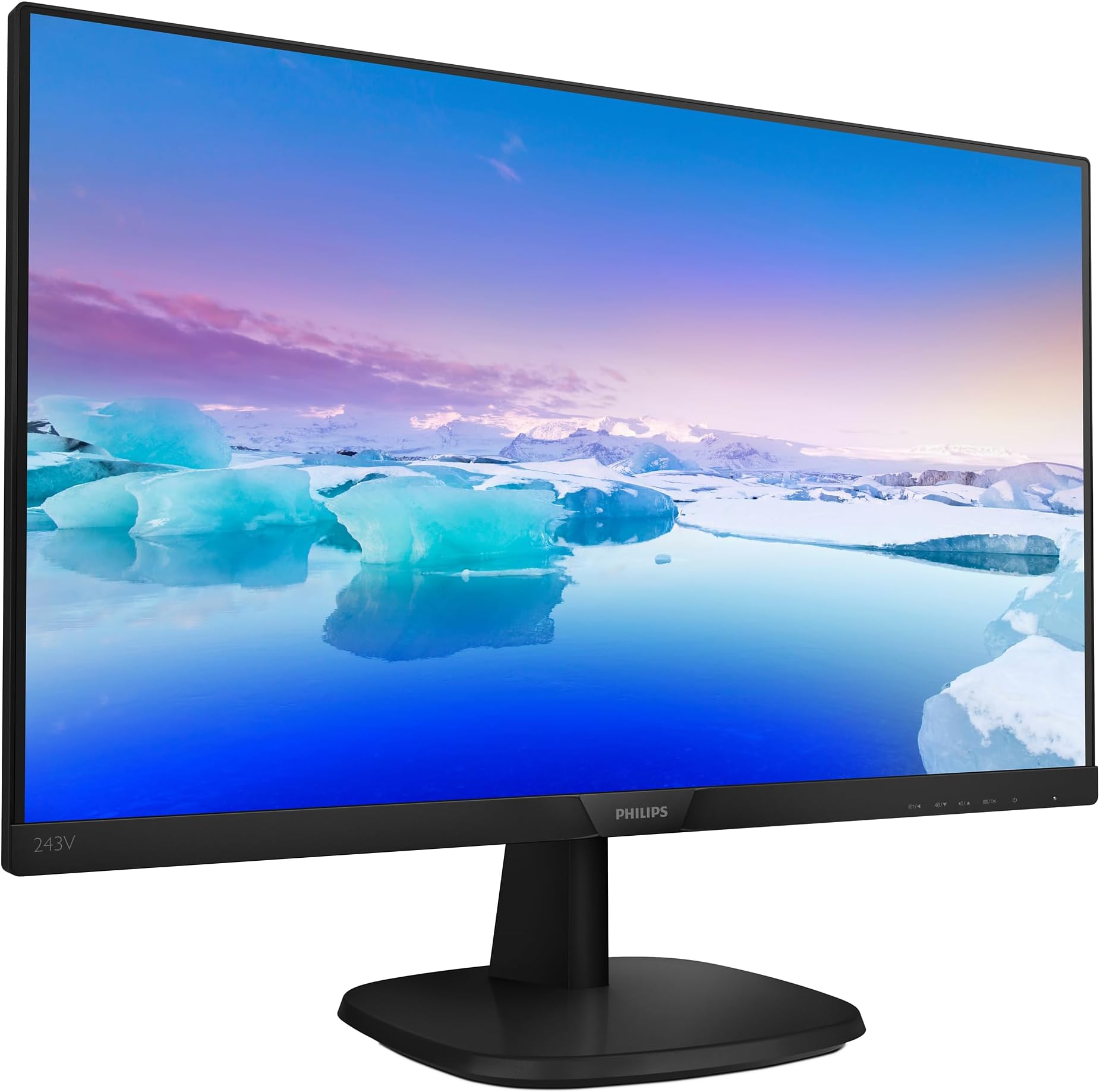
For most users, I think any price under £100 is pretty solid value for this monitor. I do however notice quite a few issues, but they may not necessarily be down to the cost, but just the way things are built cheaply these days. I’ll start off with the advantages. I got it for £69 which is a real bargain overall. When you have adjusted the OSD to get the colours about as accurate as possible, it certainly justifies it’s price and likely will be ahead of many others. The audio quality isn’t great, but it is perfectly acceptable and suitable for the odd video. With the way TVs and monitors have come these days, speakers are basically an addition and many users will expect to buy separates as they just don’t have the space in them to sound good. Many monitors don’t even come with speakers. I’m very surprised with the amount of reviews rating this and other monitors down 2 or 3 stars because of the audio! The build quality is excellent for the price. It doesn’t look that pleasing though. The bottom bar at the base of the display protrudes quite a bit from the surface of the screen and looks a little out of place given the rest is flush. But it is all really solid and doesn’t flex one bit. For this price, you would expect a compromise on build quality, which is the stand by the sound of it from others opinions. But I have it mounted on the wall and I frequently adjust the position of it and feeling the monitor elsewhere, the build doesn’t feel cheap at all, despite looking that way. The OSD menu is very advanced for a budget monitor like this. I’m used to OSD menus from DELL and while this one feels rather sluggish and a bit slow to respond, it does still have most of the options there. The first button on the left is a short cut to 8 different display modes: Easyread Office Photo Movie Game Economy LowBlue Mode Off These are all very simple to change for anyone who doesn’t want spend time figuring out how the rest of the menu works. Easyread entirely gets rid of the colours and pretty much makes it newspaper style which is more comforting for the eyes in some circumstances. Office, Economy and Off all are pretty realistic without changing too much of the default settings or colours. They more just focus on changing the brightness and sharpness. Photo, Movie and Game in my view are all horrible. They drastically over saturate colours which to many people’s eyes may be pleasing it they want things to stand out. It may even be helpful in gaming, but none of these options are remotely realistic in terms of colour accuracy. Low blue mode is a nice option to have that is very easy on the eyes. It has 2 levels when it is is selected, the higher number being more of a warm tone. Both of which are too warm for my taste, but if you don’t like looking at a very cold white screen, these are useful. There is a lot more that you can do in this menu, but that is the basics covered. In terms of image quality, when looking at most things in moderate lighting, It is outstanding for the price. Even several premium monitor models I tried that were far more expensive that this didn’t look a great deal better other than the resolution. I am used to a glossy display which is next to impossible to find these days, but for a matte finish, it is very sharp when sharpness is on full and there is very little to complain about for something that was well under £100. Even for around £90 which is is at the time of writing, it is certainly more than acceptable. Onto some of the disadvantages now. Due to how sensitive I am, I do notice a lot. Some of which won’t be much of a problem for others. Some of these may well be just because I’ve come from a more expensive monitor, but others certainly can be avoided. Back light bleed is easily the biggest problem with this monitor. IPS glow and backlight bleed can look similar, but there is a difference. I haven’t come across an IPS monitor that doesn’t have IPS glow. But all that is is a faint grey patch in the 4 corners when you are close to the monitor, and only when looking at very dark content usually. But at least it tends to be even. I’m used to this ever since first using an IPS monitor. There is a large brown blob in the centre on the top of the screen. Even worse, there is a more obvious leak from the backlighting at the top right corner, both on the top and right side. It is much more discrete, but there is also more from the other 3 corners, but at least this is only noticeable in extreme darkness. The top right corner and centre leaks are noticeable when watching widescreen films or 4:3 videos unless you have you room extremely well lit, which then partially ruins the content of the footage a little. This is highlighted by the picture attached, although you can’t make it very obvious by taking pictures. This backlight problem isn’t directly a criticism of this monitor more than others as loads these days seem to have this problem. I bought and returned a £350 dell monitor that had far worse backlight bleed than this. I think this problem is a consequence of most monitors no longer having protruding boarders around the edge. All my old monitors that had the more bulky design had no backlight bleed at all. This design that this Phillips and many other monitors have make them look nice and sleek being flush with the edge, but in my opinion introduces this which is quite a big problem. One other thing that Phillips don’t seem to have in their OSD unlike most other brands is to drastically dim the screen by turning the RGB numbers right down. On my Dell S2415h for example, if I turn them down, it both turns down those individual colours (which if you do equally for all three still has the same tone) as well as the brightness. So you can basically go well below the brightness that minimum suggests you can. This is incredibly useful when you are working on your PC late at night and you want the monitor to be extremely dim. Both with a premium Phillips monitor I had as well as this, turning these colours down doesn’t allow you to go very far. So minimum brightness isn’t actually that dim. It very likely will be fine for most though. I’m just pointing out that most other monitors are more flexible in that regard. Another disadvantage that I think is purely going to be related to the price and I do accept for this. The blacks and most other really deep colours seem to merge a bit too much for my liking. When gaming in dark scenes, it makes the slightly different shades very difficult to distinguish. It is also hard when I view some of my camera pictures to tell apart the different dark shades that I remember being a lot more obvious. This wasn’t too much of a disadvantage for me, but may be for others if they are coming from a monitor that had more accurate colours, contrast and other things out of the box. As I am critical of these things, I noticed that with the factory settings, this monitor needed quite some tweaking in the menu to look it’s best. The contrast between black and white was rather on the extreme side. I found it a bit difficult reading black text on a white background initially just because of the brightness difference. Turning contrast down to 25 rather than 50 helps with that. I also thought that some of the colours were just that bit too vibrant even when the quick menu was in the off position, especially red. So I went into the menu and selected user define and turned the red down from 100 to 90 and that has helped. Overall, I do think this monitor is incredible value for money, but I still am trying to find a better one. This was basically to use while I tried to find a better more advanced model, but it is surprisingly good, even with the issues it has. Update 05/01/21: I thought I may as well include the other weakness of this monitor that I've since noticed. It still isn’t really enough to reduce my rating for the price I got mine for (which was £69), but if it was still sold for over £100, I think I would drop 4 stars to 3. The other issue is the viewing angles, but not in the way people think of them. Typically, this would be how far you can view it from above, below or either side without the colours changing or the image messing up. In this area, the monitor is decent, but not the best. The issue is the first two rows of pixels on all edges of the monitor, but especially the sides. This is a display with totally flush edges, so this should not be a problem at all. But when you sit close to the screen (2 feet dead centre for example), the first row on the left and right and left of 1080 pixels becomes blocked. This is a really strange problem. To many it won’t be noticeable due to it being in the least important areas of the screen, but if say you sit in line with the right or left side of the monitor facing it, you can guarantee that at least one or two rows of pixels on the other side will be blocked. This is probably some defect in the design and there is some bent plastic that causes this effect, as it is very strange that you can see fine if you view the edges from the other side. Such as viewing the left side from far left of the display, it is then the right side that suffers and can actually make you miss up to 4 rows of pixels. The only reason why I noticed this was because Ubuntu has a theme where the boarders of windows is 1 pixel thick. And it became quite frustrating that moving your head would make the boarders come and go. Very distracting unless you work over a metre away and hardly move. But after changing the theme to have thicker boarders, it is tolerable, and due to the price, I can accept it. Just to give people an idea of what I’m on about, I have attached some edited pictures that explain the problem, and I do expect all these monitors to have this problem. I simply took a full white printscreen and put turned the first 2 rows of pixels red, then took pictures from several angles and explained them.