


Desertcart purchases this item on your behalf and handles shipping, customs, and support to South Africa.
🚀 Elevate your home network to warp speed with Deco BE85 — where cutting-edge tech meets seamless connectivity.
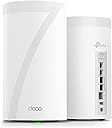
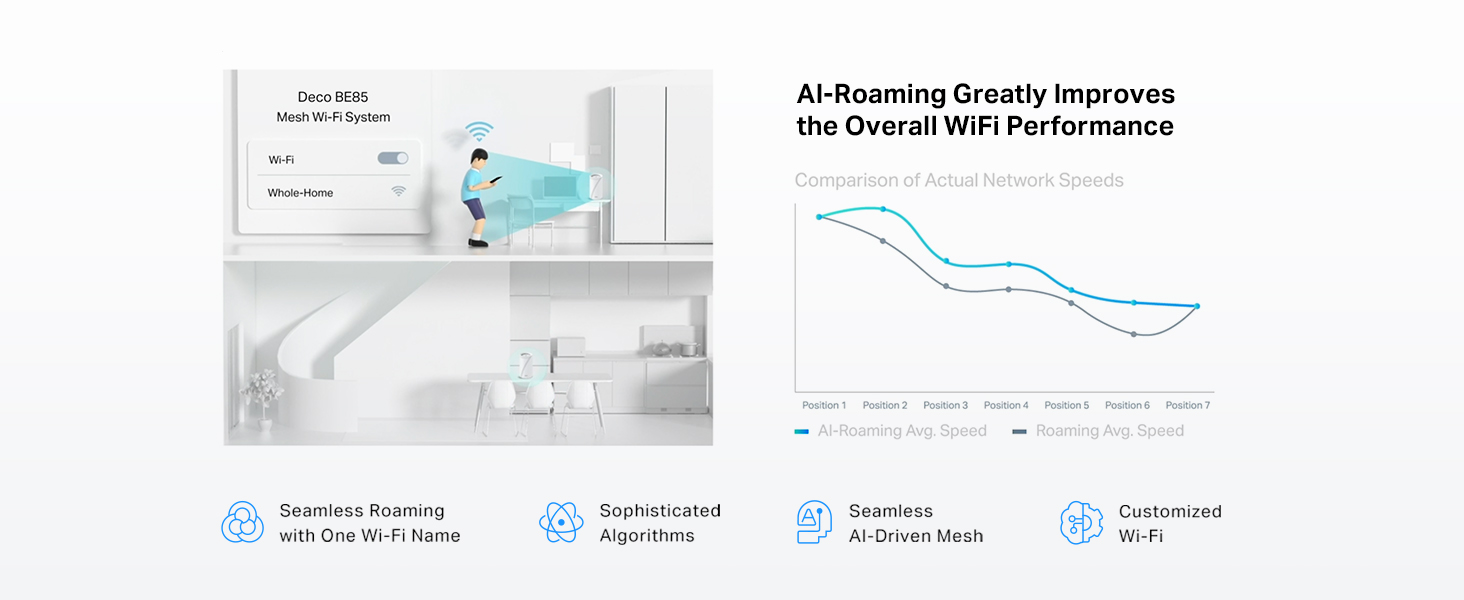
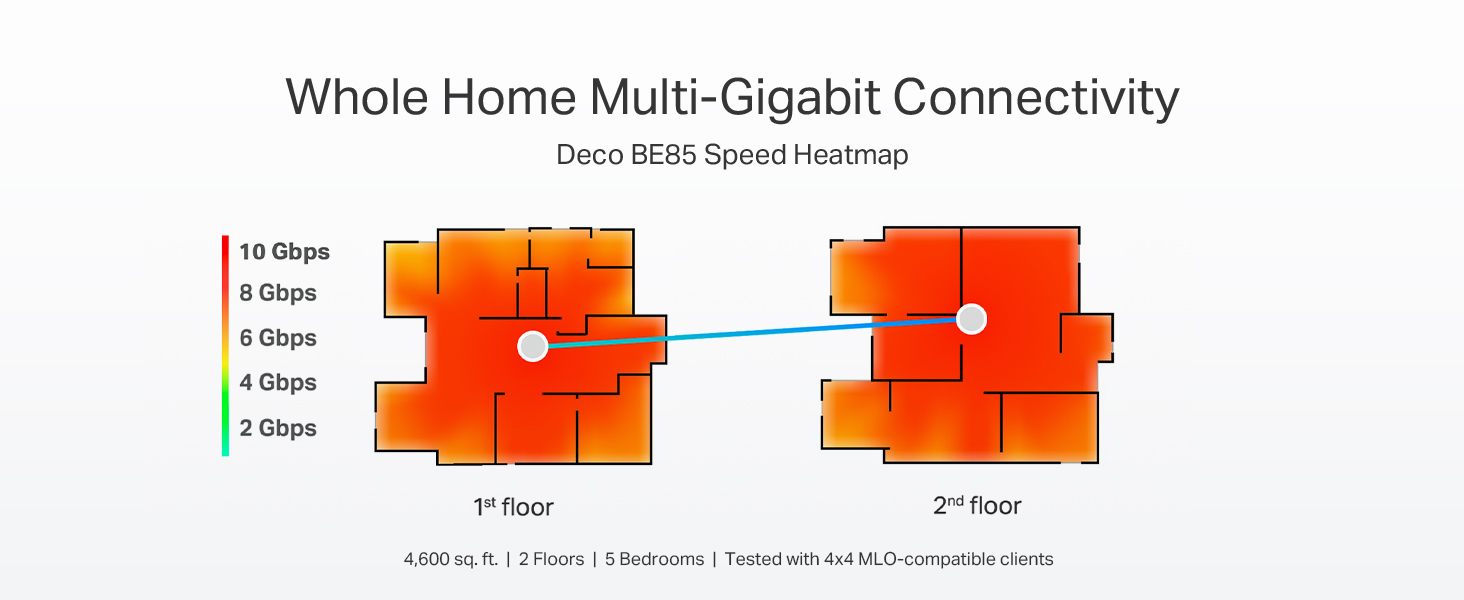
The TP-Link Deco BE85 is a premium WiFi 7 tri-band mesh system delivering up to 22 Gbps combined speeds with 8 high-gain antennas and dual 10G WAN/LAN ports. It supports simultaneous wired and wireless backhaul, AI-powered seamless roaming, and advanced security via HomeShield. Designed for large homes and heavy device loads, this 2-pack system future-proofs your network with flexible connectivity options and easy app management.





| ASIN | B0C4W1L4B3 |
| Antenna Location | Home |
| Antenna Type | Internal |
| Best Sellers Rank | #30,323 in Computers ( See Top 100 in Computers ) #109 in Whole Home & Mesh Wi-Fi Systems |
| Brand | TP-Link |
| Built-In Media | 1 RJ45 Ethernet cable, 2 Power adapters, 2x Deco BE85 units, Quick Installation Guide |
| Color | White |
| Compatible Devices | Smartphone, Tablet |
| Compatible devices | Smartphone, Tablet |
| Connectivity Protocol | Wi-Fi, Ethernet, USB |
| Connectivity Technology | Ethernet, Wi-Fi |
| Control Method | App |
| Controller Type | App Control |
| Coverage | House |
| Customer Reviews | 4.0 out of 5 stars 97 Reviews |
| Data Transfer Rate | 22000 Megabits Per Second |
| Frequency | 6 GHz |
| Frequency Band Class | Tri-Band |
| Frequency band class | Tri-Band |
| Global Trade Identification Number | 00840030706929 |
| Has Internet Connectivity | Yes |
| Has Security Updates | Yes |
| Is Modem Compatible | No |
| Item Dimensions L x W x H | 12.8L x 12.8W x 23.6H centimeters |
| Item Type Name | Mesh WiFi |
| Item Weight | 6.53 Pounds |
| LAN Port Bandwidth | 10000 Mbps |
| Manufacturer | TP-Link |
| Maximum Upstream Data Transfer Rate | 11000 Megabits Per Second |
| Mfr Part Number | Deco BE85(2-pack) |
| Model Name | Deco BE85 |
| Model Number | Deco BE85(2-pack) |
| Model name | Deco BE85 |
| Number of Antennas | 8 |
| Number of Ports | 4 |
| Operating System | TP-Link OS |
| Other Special Features of the Product | Access Point Mode, QoS |
| Router Firewall Security Level | Basic |
| Router Network Type | hybrid |
| Security Protocol | WPA3 |
| Special features | Access Point Mode, QoS |
| UPC | 840030706929 |
| Unit Count | 2 Count |
| Wi-Fi Generation | Wi-Fi 7 |
| Wireless Compability | 802.11.be, 802.11ac, 802.11ax, 802.11g, 802.11n |
| Wireless communication standard | 802.11.be, 802.11ac, 802.11ax, 802.11g, 802.11n |
P**R
VALE CADA CENTAVO!!! Tecnología de punta, velocidad superior -ningún otro producto ofrece
Es un producto realmente impresionante. Mi conexión a Internet es por 700Megas ahora simétrico. MI casa es de 110m cuadrados, pero tenía un WIFI-PowerExtender puesto que la señal inalambrica del modem no llegaba hasta las recamaras al fondo de la casa alrrededor de unos 10-15 metros del router principal y con más de 3 paredes entre ellos. El Wifi PowerExtedner (solución anterior) solo me daba 20 a 26 Megas en las recamaras de atrás como mucho y los aparatos WIFI allá tenian muchas desconexiones, era frustrante. Tiré ese sistema a la basura y puse dos antenas DECO BE22000 y tengo 700MB completos en ambas recamaras atrás y 700 completos en el estudio. Es verdaderamente impresionante que el Streaming e incluso el Playstation de la recamara funcionan como si estuvieran conectados directos por cable al router de salida. RECOMENDADO AMPLIAMENTE!
B**D
Good performance for a price (literally)
Bought this to replace my ageing Orbi routers. Throughout and coverage are good. Pricey though.
M**.
Super fast router, 180+ wifi devices connected with some extra work.
3rd update after 19 months: I am updating this again as the support team at TP-Link is just outstanding. I jumped through hoops to get my network reasonably stable adding more mesh units and changing out devices and eventually got it reasonably stable. TP-Link support spent a lot of time reviewing logs and providing me updated firmware. Eventually I got to a point where the 4-6 device dropouts were acceptable. Never did the TP-Link support group give up on my concerns when I reached out to them. I am updating this now as it has been 19 months since I installed the BE85s and I made the mistake of updating to the new firmware hoping that they had incorporated all my custom changes and new security updates. This was a mistake and the network went very unstable. I then found I couldn't go back to my old firmware. I reached out to the TP-Link group asking for help even though it was at the time 18 months since I purchased and I felt they could wash their hands of it. They did not and quickly worked with me to restore the old firmware. During this process I discovered that with my old firmware I could run just the two BE85s and my network was pretty rock solid. Apparently the additional nodes caused more issues than they helped and the custom firmware with just the two BE85s. The only downside is I had Very fast wired speeds in my office to one of the XE75s, around a 1GB downloads speeds. With just the wireless to my Mac it's around 500mb which is still good. I thanked the team and decided I would try to sell the XE75s and they offered a few options to help me still use them. So all said and done I have 180+ wifi devices running on two BE85s and it is now pretty stable. Between the routers performance which is super fast and now stable and the TP-link team I am adjusting my review. I hate that I spent so much time fighting all this to get here but I have to commend the team for sticking with it. 2nd update after 4 months: Revised after excellent customer support: TP-Link support contacted me as a result of my initial review and have steadily worked through my issues with this router. A firmware update has fixed the wireguard vpn connection along with steady back and forth troubleshooting to make the client and server vpn connections rock solid. The initial disconnect issues have resolved after the firmware update and the device connection list has improved. It is not to the point that I expect as I still have devices that do not show in the connected list but are online but it is significantly improved over how it was to start with. The support team is actively working that issue with me. This router is now performing as I expect and I am very pleased with the excellent customer support provided. I have update my overall rating to reflect the support and current performance. Original review: When I first set up this router with one mesh node it was blazing fast. After a little over 2 weeks installed the wireless speeds around the house have been halved. I have around 120 wireless devices and at any given time the Deco app only shows 60-80 connected even though most of them are verified connected. At the same time devices constantly disconnect and reconnect. This router replaced an ASUS AX11000 which constantly maintained the 120+ device connections.
R**.
Great
Turned out great.
C**R
Fantastic connection and Ethernet options
Pros Very easy to setup Ethernet ports available to use even in extender mode Anaheim advanced customization settings Dead quiet Nice looking Cons Advanced features require a subscription which should be included at this price Notes It will disconnect often and cause all kinds of havoc if you increase the width of the 5ghz channel. Turning this off resolves all the issues but the system should be able to notice this on its own and recommend it (I would run the wifi interference scan and the unit would identify congestion and change channels which didn’t help but it never recommended reducing the lanes) Request I would sacrifice a port to include MOCA for homes without ethernet to improve the range options for the units from each other. Mine are line of sight 20’ apart with 6ghz dedicated to back haul so I have no issues but if you’re trying to push through walls using 6ghz you will encounter huge speed drops.
Trustpilot
1 month ago
1 month ago