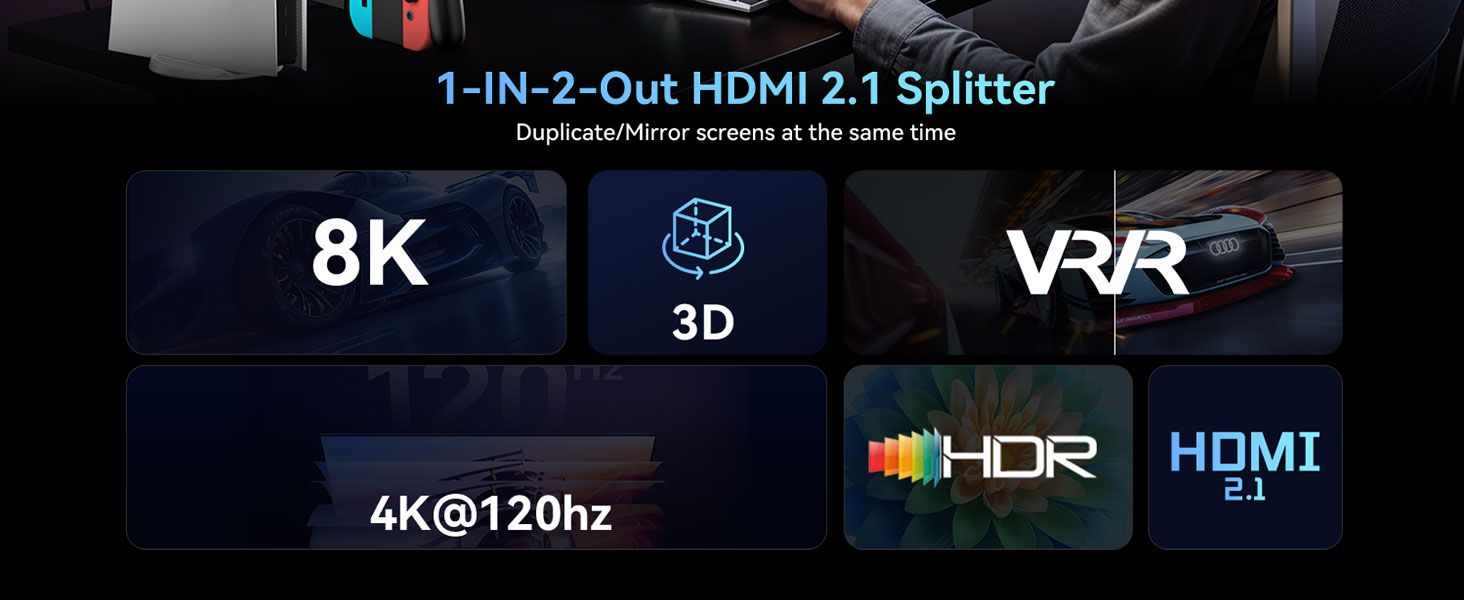
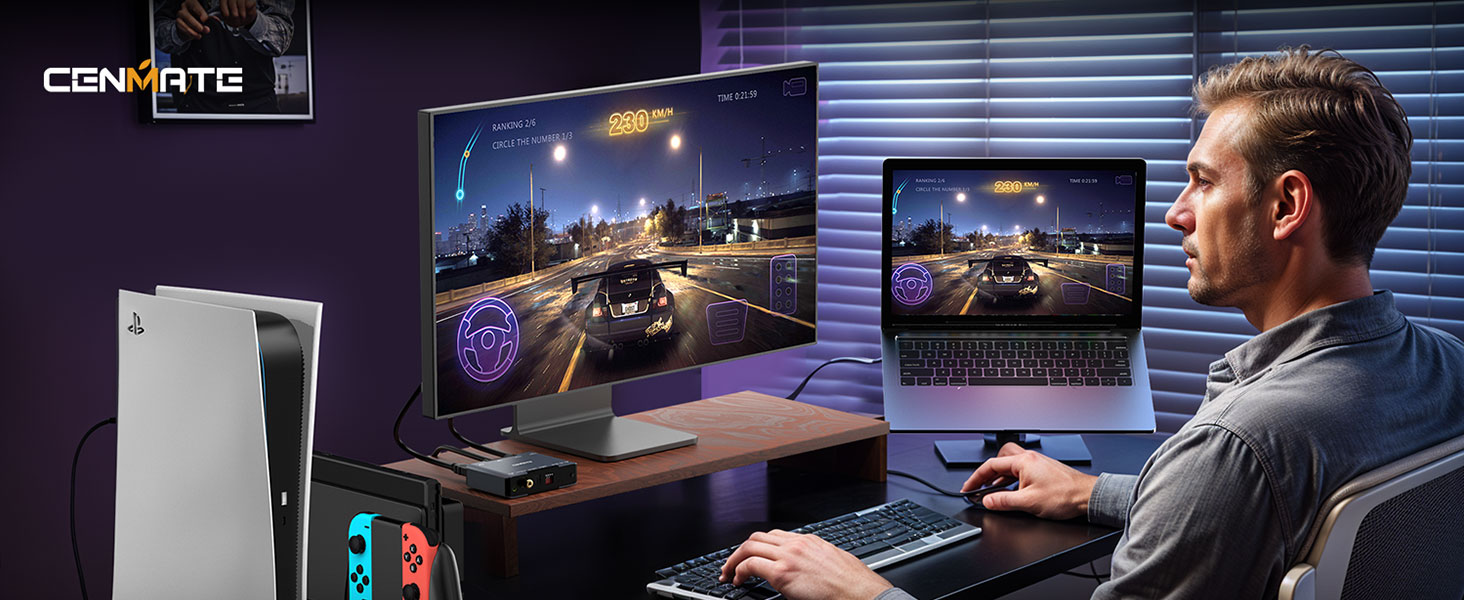
🚀 Elevate your visuals and sound — because your setup deserves next-level clarity!
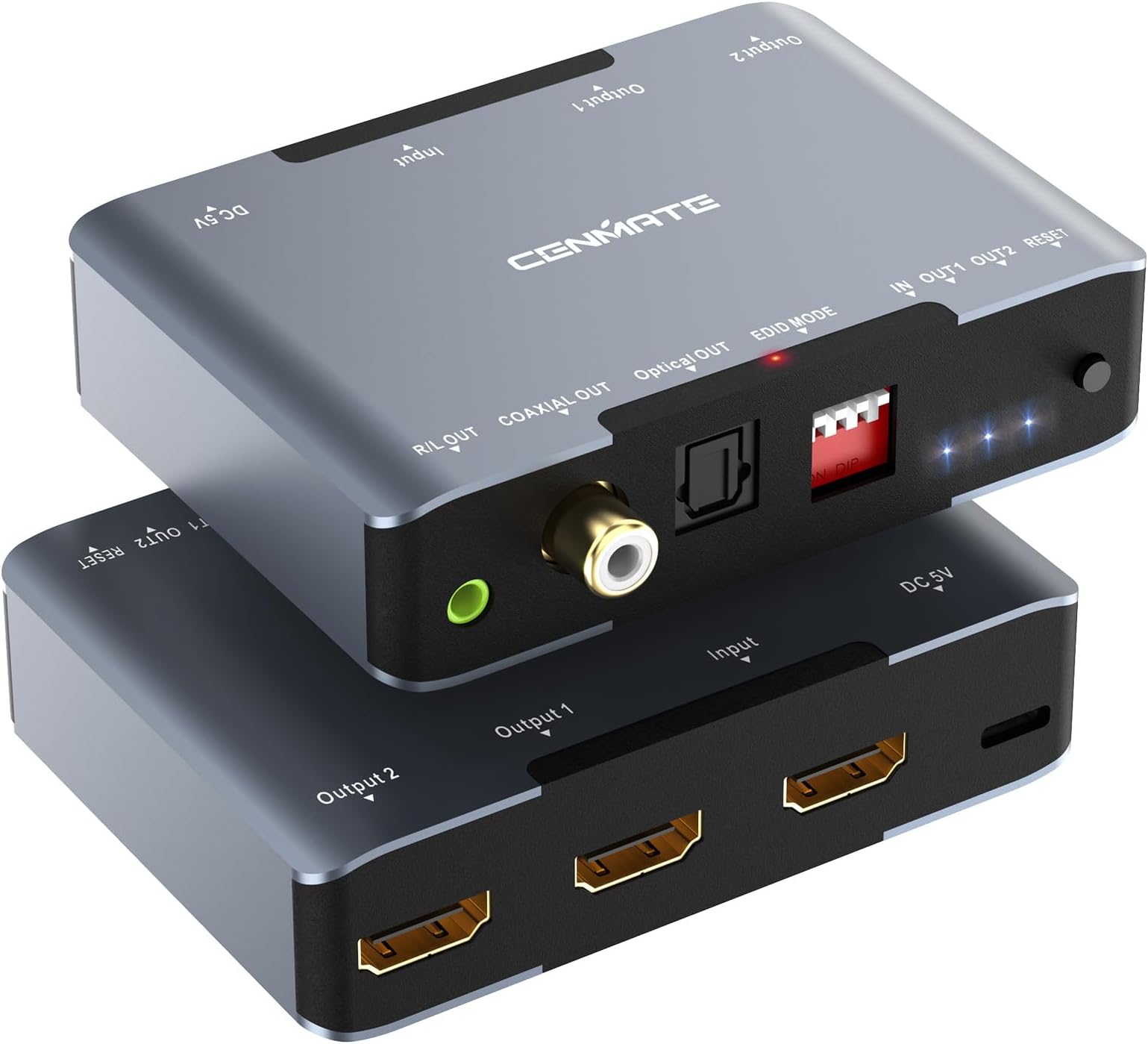
This 8K60Hz HDMI 2.1 Splitter duplicates one HDMI source to two displays simultaneously, supporting ultra-high resolutions up to 8K@60Hz and 4K@120Hz with 48Gbps bandwidth. It features advanced EDID management with 16 modes for optimal compatibility, multi-format audio extraction (SPDIF, Coaxial, 3.5mm), and a robust aluminum alloy housing for heat dissipation. Ideal for professionals and gamers seeking premium dual-monitor setups with HDR10+ and HDCP2.3 support.

| Asin | B0D148PJ82 |
| Best Sellers Rank | 92,257 in Electronics & Photo (See Top 100 in Electronics & Photo) 808 in Splitters |
| Box Contents | USB A TO C Cable |
| Brand Name | cenmate |
| Cable Type | HDMI |
| Color | black |
| Compatible Devices | Gaming Console, Laptop, Monitor, Television |
| Connector Type Used On Cable | HDMI |
| Customer Reviews | 3.4 3.4 out of 5 stars (115) 3.4 out of 5 stars |
| Manufacturer | CENMATE |
| Manufacturer Part Number | 8102SP8K60 |
| Model Number | 8102SP8K60 |
| Number Of Items | 1 |
| Number Of Ports | 8 |
| Product Warranty | 1 year |
User
Great bit of kit
I had a few problems trying to get it working but it was all my fault as I had the audio settings wrong, their tech support replied very quickly all good now, I'm very happy with this splitter I highly recommend this unit it does a great job.
User
Good then bad
First it interfered with the remote signal so I got that sorted out, now I have no sound from Amazon prime videos, a lot of money to pack up so quickly !! Does not look like I can return it as a faulty product!
User
Unclear description. Not what I needed, buyer beware, make sure it is what you need
Marking material is gobshizzleIf you need it for what it actually does it's probably OK.Good luck trying to figure out if it actually meets your needs from the "dial it in from my deathbed" product description
User
Seems to work well
No problems yet. Just plugged it in and started to use it.
User
Great EDID emulator. Make sure your cables are good. Has CEC issues.
UPDATED REVIEW: I found two issues. 1) the EDID copy works great, but the custom dipswitch modes just don't want to work for me. So if you need to use a custom mode and not just EDID passthru, you might have issues. 2) CEC from other devices gets hijacked by this device. My AVR turns off with the TV correctly only when this device is unplugged. I confirmed this by taping over HDMI pin 13 to block the CEC signal on this splitter, and it fixed the issue. So, removing a star for each issue.ORIGINAL REVIEWI needed an EDID emulator that allows my Windows 10 PC to think that my LG C1 OLED TV is always plugged in and powered, because otherwise I couldn't remote in to my computer via RDP or Parsec when the TV is turned off, even though they're supposed to fallback to virtual display drivers. I also needed an EDID emulator that handles 4k120 VRR HDR. Unfortunately, none of the little dongles listed anywhere seem to go up to 4k120 with VRR and HDR, at least not in their specs. This splitter, works great, no difference compared to having it directly plugged in. In fact, the video handshake is a bit quicker because the PC doesn't have to re-detect the display when the TV is turned on. I'm not using the splitter functionality, just the EDID copy from Output 1. Make sure you're using certified 48GB HDMI cables, otherwise the signal will drop, as I found out until I plugged in better cables. I added pics of the manual so that you can get specs/data from the horse's mouth.
User
Downscales to lowest supported resolution and hz
I couldn't get it to work. I have an xbox series x running at 4k 120hz. My tv runs at 4k 120hz. i have a Philip Hue Sync box that only runs at 4k 60hz or 1080p at 120hz. if i connect the output to my hue, my xbox gets limited to 4k 60hz. the splitter is downscaling to the lowest supported resolution... because of this, i had to return the device sadly..........UPDATE: I'm updating my review to 5stars. Customer service reached out to me, which I did not expect. They were helpful, and the product itself works well as intended, a simple switch that duplicates/mirror the output at the lowest resolution of whatever your device is able to output. For me, since I had a lower end device, all my highend device also went down. This is understandable. I'm just blown away by the customer service. Since it was at my own fault for not understanding how the device works, I can't downstar for my lack of understanding or oversight.
User
4K120Hz、HDR、ALLMなどHDMI2.1の機能はほとんど使えないようです。
これが仕様なのか不具合なのわからないのでとりあえずこちらに記入します。とりあえずの状況なので星1にしています。EDIDのすべてのパターンを試したところ、4K120Hzは出力することができませんでした。NS2とPS5をモニタに直接つなげたときは4K120Hzが使えました。■検証●NintendoSwitch2設定>ディスプレイ>ドックの出力情報・テレビの解像度で確認なお、4K出力はTVコピーモード(ITEM 1)のみ4K60Hzが可能でした。●PS5PS5ではNS2よりも詳細に確認でき、どのパターンでもALLM、HDRは非対応と判定されます。また120Hz出力も”対応していない”と表示されます。ITEM 1では1080p60Hzでしたが、ITEM 5~7のみ4K60Hzが使えました。■結果:ITEM スイッチ2 PS51 4K60Hz・WQHDは不可 1080p60Hz・4K非対応#1080p2 1080p60Hz 1080p60Hz3 1080p60Hz4 1080p60Hz#8K5 1080p60Hz 4K60Hz6 1080p60Hz 4K60Hz7 1080p60Hz 4K60Hz#4K308 1080p60Hz 1080p60Hz9 1080p60Hz10 1080p60Hz#4k60(4:2:0)11 1080p60Hz 1080p60Hz12 1080p60Hz13 1080p60Hz#4k6014 1080p60Hz 1080p60Hz15 1080p60Hz16 1080p60Hz
User
Hdmi problem
Outputs hdmi doesn’t support 2.1
Trustpilot
2 months ago
2 days ago