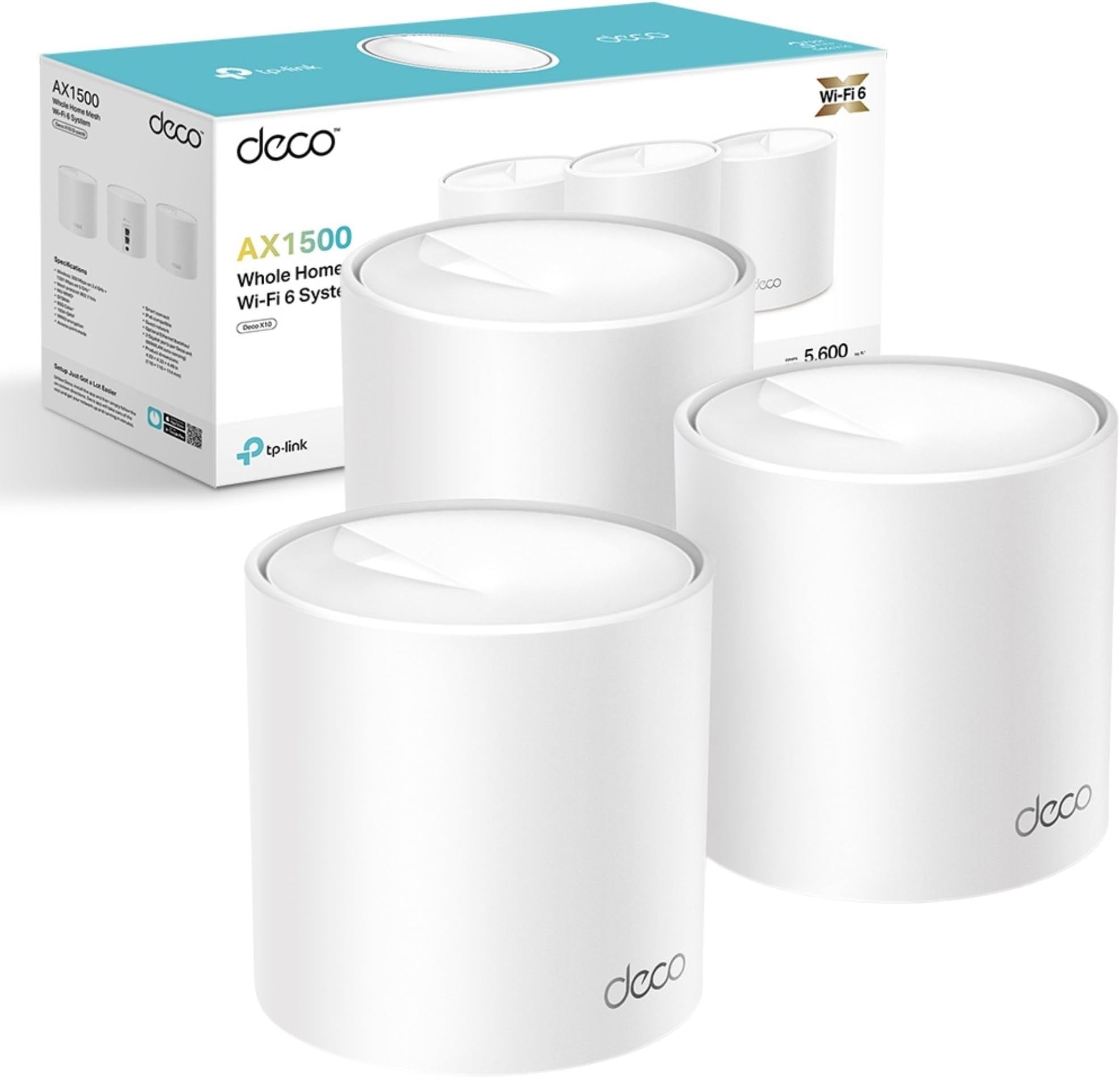
**** Overview **** I should be working, but I’m taking time out to write this elongated review of the Deco M5 X3 for good reason. Read on…. I purchased the Deco x 3 after reading a review here on Amazon stating that it worked great with Virgin Superhub 3. I carried out additional research and the Deco was listed as the best to buy on a few websites, especially for the price. I took the plunge and eagerly awaited it to be delivered 2 days later after suffering a seriously bad wifi connect for 2 months. In the past week, it became even worse and I decided I had to make the move to fix the issue. Packaging Upon receiving the package, I admittedly wasn’t particularly ecstatic to see that it was in its cellophane covered retail box without any Amazon other packaging. I usually save boxes for my gear and like them to be in good condition if I resell, but as luck would have it, there wasn’t any damage worthy of note. More to the point, I’ll be damned if i’m selling this any time soon due to it’s astounding performance! The box is well presented with the 3 ‘Deco’ nodes on the front with PC Pro ‘Recommended seal as well as Amazon Alexa and IFTT logo assuring that the product will work with those devices and service. There’s also a sticker on it which assures that the hardware will work with any broadband provider which definitely gives peace of mind. There a ‘HomeCare’ 3 year free service emblem too, which I believe relates to virus protection. Opening the box, you’re greeted with the 3 futuristic looking dish style ‘nodes’. Beneath this tray, is a row of 3 power adapters, ethernet cable and a Quick Start Guide. The presentation is immaculate and resembles that of Apple. It looks like quality and feels like quality which gives assurance of a quality product from the get go. **** Product **** Each node is a circular disc, around 2.5cm in height and 12cm in diameter with a small multicoloured LED in the centre. The nodes design suggests the form of a radar which I thought was quite innovative. They are fairly light, they look like part of the ‘Deco’. Ports on the back include power and 2 ethernet. Power adapters and cables are high quality, as is the supplied ethernet cable. **** Setup **** On the top tray, there is a clear, simple instruction to download the app from the Apple or Android store. A quick search and I had the app installed within a minute or so through my then slow wifi. The app is very basic and to the point. It requests the user to create an account (or login if you have an account) choosing email and password. You then confirm on that email address. After this, it prompts the user to plug one of the 3 nodes (it doesn’t matter which) into the modem / router and then plug it in using the power adapter. The light on-top of the node lights up and signifies its state: Yellow - Start up Blue Pule - Ready for setup Blue Solid - Setting up Green - All is well. Red - Issue The app shows a 3D plan of a property and prompts you to select one of three which matches your home best - one floor, two floors and 3 floors. The diagram shows how you should consider spacing the nodes too. After asking which room the node will be placed in, the app then connects to the node through your router / modem and the lights change according to the state. After going from all stages (apart from red) from yellow to green, it notifies the user that it’s successfully connected. The user is then given the option to name their network and apply a password to access within wireless devices. It then gives the user the option to add another TP Link product. In this case, there were two more to add so I added the second in the same way and the third. Each was a breeze just like the first. There was a notification for a firmware update, so I ran that and it installed and rebooted all devices within 4 minutes. Although the product comes with a Quick Start Guide, this wasn’t necessary. The app makes things simple. This setup process was a godsend, since i’m not tech minded and I always prepare for things like this to just fail to work. It was absolutely childsplay! Approximately 20 mins to unbox and set up! **** Speed & Coverage **** After installing the first node in my office (connecter to the router), I ran a set eager to see what effect it had and to my amazement, on my 100 mbs connection, after testing my wifi previously and getting a mere 8 mbs, I was clocking in 105 mbs- through the air! It’s clearly solved a huge problem with pertaining to Virgins Superhub 3! What’s more after installing the next two in the same way - one in the lounge and one in the kitchen at the rear of my flat, the speeds, as I moved around with my iPad (after connecting with new Network and password) were almost the same minus a few meg. Delighted! I reached for the TV remote for my new 60 inch OLED LG which was previously bottlenecking with it’s capability and my previous poor wifi, entered network and Password and booted dup Netflix. It painted the screen immediately with all content. I clicking into a movie and it played after a second and fast forwarding was done equally as quick. Despite it previously pixelating and buffering often throughout media, it is now working perfectly! General Internet browsing on iPad and iPhone is notably faster. Whats more….At the very end of a flight out stairs, outside, on a level below, I have full strength WiFi in my GARDEN which i didn’t have previously. RESULT! Streaming tunes in the summer! Full Strength literally everywhere where I will go throughout the vicinity of my entire 2 bed upstairs flat with downstairs remote garden. **** Experience **** Netflix, Amazon Video and Apple TV would take a while to load and the content would often be pixelated and buffer, however now it’s as slick as butter. General Internet browsing is so much more effective and enjoyable now too. I click and something happens - usually a near immediate download of a web page or stream of a video, stable as can be. **** Alexa **** To use Alexa with the devices, you need to install the relevant skill. This is not mentioned in the app, but I’m told it is mentioned in the quick start guide. Searching ‘TP-link Router’ within ’Skills’ in the Alexa app and clicking ‘Enable to Use’, the skill is downloaded. You are prompted to log in to your TP-link account to enable the skill. You do so, by clicking ‘Authorise’ once logged in. The Alexa app prompts to find new devices to which we accept. It then discovers the TP-Link router. Clicking ’Set up Device’ and ‘Done’, the Deco will be shown in ‘Devices’. You can then add it to any room Although I’m an ardent Alexa fan as an owner of a ‘Smart Home’ I wasn’t aware of how these devices would work with Alexa. Having searched for the skill however, the page informs us that Alexa allows us to: * Enable Guest Network when friends come over * Activate WPS to add new devices to the network * Turn off the routers (‘nodes’) LEDS at night * Check the Internet connection speed you’re getting from your provider * Prioritise online applications or devices at those important moments Primary commands (at time of writing): ‘[Alexa] Turn off the LED’s’ ‘[Alexa] Enable night mode’ ‘[Alexa] Enable my guest network’ * I haven’t managed to get Alexa to work with any commands as yet, but will report back. **** Summary **** As a Virgin Superhub 3 user, I’m over the moon with this! As an owner of a two bedroomed flat, I did consider that this package might be overkill. Seeing the performance, I could have possibly done with only two, but the pricing for 3 and the availability here on Amazon (x2 were only available for delivery in a few weeks) promoted me to buy the Deco M3 X 3. This hasn’t only changed the way I entertain myself, but also my actual work which pays for this kind of stuff. I can now work much more faster and more efficient. With this considered, it’s one of the best investments I’ve made in years. I wish I had of bought this much sooner. My fear of tech, error and complications always deters me, but as mentioned, this could not be more simple. It products like this that give me the confidence to spread my wings and buy more. Running circa 106 mbs - That’s a 98 mbs increase! Very pleased! Thoroughly recommended!