Buy anything from 5,000+ international stores. One checkout price. No surprise fees. Join 2M+ shoppers on Desertcart.
Desertcart purchases this item on your behalf and handles shipping, customs, and support to South Africa.
🎨 Elevate your digital canvas—create, connect, and captivate with Wacom Intuos Small!
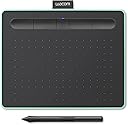
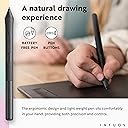
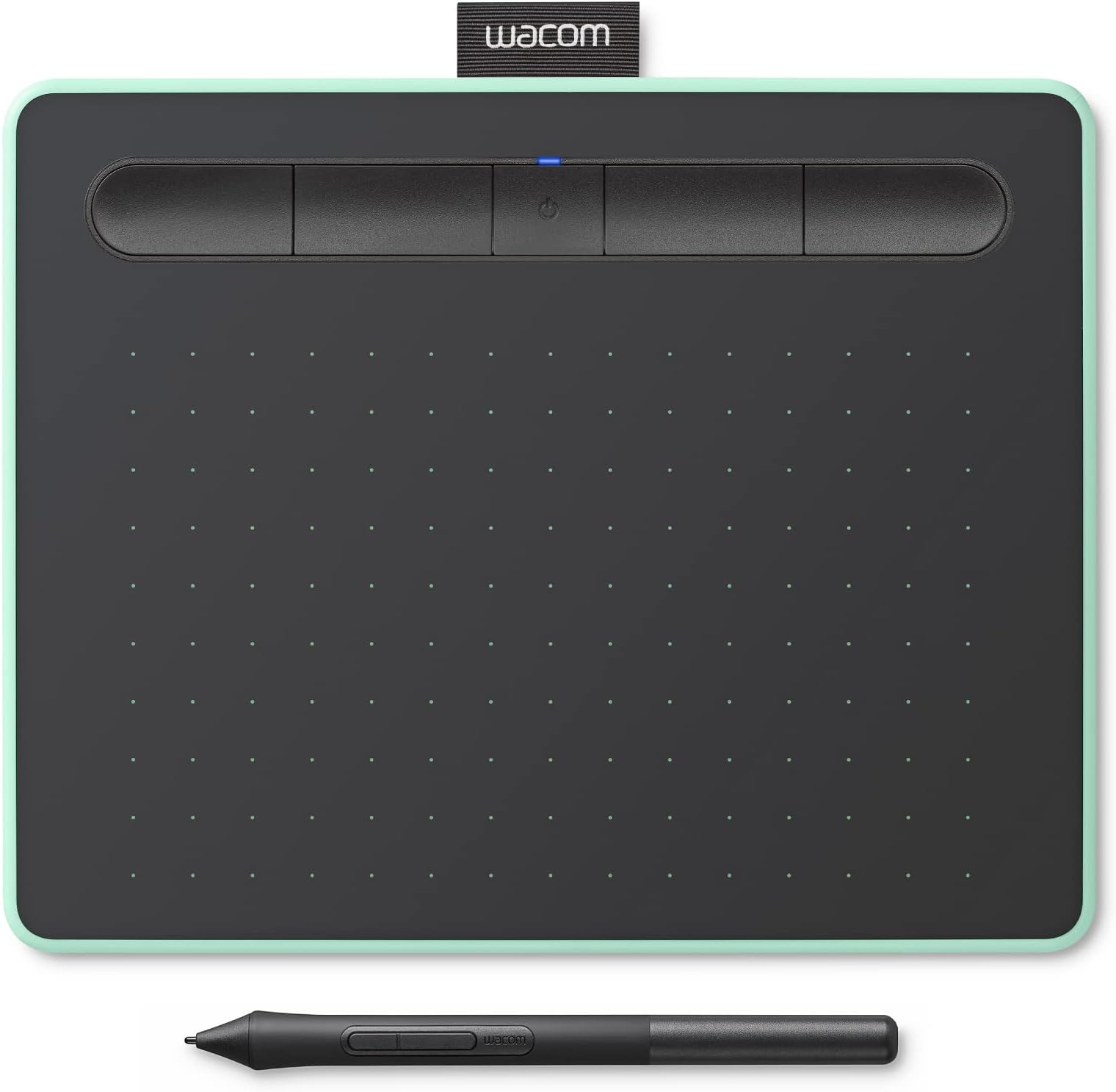
The Wacom Intuos Small Bluetooth Graphics Drawing Tablet offers a compact 5.98" x 3.74" active area with industry-leading 4096 levels of pressure sensitivity and battery-free EMR pen technology. Featuring wireless Bluetooth and USB-A connectivity, it supports Mac, Windows, Chromebook, and Android devices. With 4 customizable ExpressKeys and included creative software plus online training, it’s the perfect portable tool for students, teachers, and creators seeking professional-grade digital artistry and note-taking.


| ASIN | B079J7DCXN |
| Active Surface Area | 5.98" x 3.74" |
| Additional Features | bluetooth |
| Best Sellers Rank | #72 in Computer Graphics Tablets |
| Brand | Wacom |
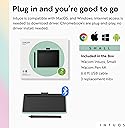
| Built-In Media | Pen tablet Small w/ BT Pressure-sensitive, battery-free Wacom Pen 4K PVC-free USB-A cable w ith cable tidy and L-shaped connector 3 extra standard nibs (located inside pen) nib removal tool on end of pen Quick start guide Regulation sheet Online User Guide and Important product information found in Wacom Desktop Center. |
| Color | Pistachio |
| Compatible Devices | Laptop, Personal Computer |
| Connectivity Technology | Bluetooth, USB-A |
| Customer Reviews | 4.4 4.4 out of 5 stars (2,780) |
| External Testing Certification | ID 00529-18-01796, ID 00529-18-01796 |
| Global Trade Identification Number | 00753218986856 |
| Item Dimensions L x W | 7.9"L x 6.3"W |
| Item Type Name | Wacom CTL4100WLE0 Intuos Small Bluetooth, Pistachio |
| Item Weight | 0.55 Pounds |
| Manufacturer | Wacom Technology Corporation |
| Model Name | Intuos S |
| Model Number | CTL4100WLE0 |
| Native Resolution | 4096 levels |
| Operating System | Android,Os,Windows |
| Pressure Sensitivity | 4096 Levels |
| Screen Size | 7 Inches |
| Specific Uses For Product | business, personal |
| Target Audience | Student, Teacher |
| UPC | 753218986856 |
| Unit Count | 1.0 Count |
| Warranty Description | 1 year |
T**Y
Perfect notetaking tablet for laptop
I’ve been using my drawing tablet for over six months now it has been reliable and replaces my iPad for taking notes. Honestly, it replaces my mouse as well a very economic one. When using a wireless mode, there’s a slight delay, but that’s to be expected and whenever I pull it out during class people ask what it is.
A**E
High quality and durability
I've been using it for about 5 years and it's worked perfectly. I haven't had to change the pencil tip yet, even though I put an acetate sheet on it to prevent scratching the surface and protect the tip. It's still practically new and doesn't interfere with using the pencil or the pressure I apply to the tip.
A**.
Reliable and Easy-to-Use Drawing Tablet
The Wacom Intuos Small Bluetooth tablet is perfect for beginners, teachers, and students alike. It connects easily via Bluetooth, and the setup takes just a few minutes. I like that the pen feels natural to use, lightweight, responsive, and doesn’t need batteries. The tablet surface has a nice texture that mimics real paper, making sketching or writing comfortable and precise. It’s compact enough to carry around but still large enough for detailed work. The shortcut buttons are handy for quick actions, and it works smoothly with most creative and note-taking software. A dependable, portable tablet that’s great for both digital art and classroom use.
S**_
Nearly perfect but bluetooth doesn't work at all </3
As much as I want to highlight all the good about this drawing tablet, I cannot give it more than three stars because of the bluetooth connectivity issues I am experiencing. I have tried everything from redownloading the wacom drivers, to troubleshooting and messing with bluetooth settings on my computer, but the tablet has never even shown up as registerable to connect for me. Using the USB cable to charge and plug it into the computer has worked perfectly, but this tablet is supposed to also work with bluetooth and I have had pretty bad luck in that aspect; which is a shame because I was very excited for it. Despite these issues, everything else is honestly perfect, specially since I'm a beginner using drawing tablets. The pressure sensitivity of the tablet is really nice, the feel of the pencil is lightweight and comfortable, and I personally love the small and compact size of it which also makes it very portable. The included software packs such as the free two-year Clip Studio Paint (and other bonuses) are amazing for beginners like me and a really good way to begin with digital art. As much as I really like this tablet and would've given it 5 stars, the main selling point of this tablet is the fact that it's wireless through bluetooth and I haven't been able to connect it even once as of yet unfortunately. I'll continue to experiment with somethings, but for now I'll just use it as if it never had bluetooth. Update! The bluetooth randomly worked and was able to be registerable to my laptop!
C**A
excellent product good seller
A**E
That convenient portability though :))
I previously bought the older version of this tablet, the Intuos Pen & Touch Comic (no Bluetooth & specific software packages). I love it still, but I'm on the go a lot and the Bluetooth version seriously saves my butt sometimes. When I'm stuck in lounges, I really don't want to have so many cords, you know? It's convenient and I heavily appreciate it. I haven't gotten used to the dip-in button system (kinda miss the old version) but I will admit that it's nice to rest my pen in it. The pistachio color changed a bit but I'm not complaining, it's still looks darn good. It's not much different from the old models, but I am rather sad that there's no removable pack panel anymore, it was convenient to have nib storage space back there rather than the pen itself. I know, I know, why don't I prefer the storage in the pen? Well, to put it simply: I usually place the pen in the Wacom logo's pocket slot (top of the tablet, like the tag on a t-shirt), or in my pencil case, which, too, has a similar grip-function. I don't like that I have to constantly worry about removing the end of the pen when I pull it out of the grip. Really, it's just a personal annoyance. Other than all of that, the drivers were easy to set up since I've done it before with my previous tablet, but Wacom really should have kept their old direction booklet. I suppose they changed it to a picture-explained set-up process to save money & effort to make a multiple-languages booklet? Probably. Also, Wacom really needs to make their nibs cheaper... Ouch. I will persevere! I will use my nibs until their absolutely unusable! ... I might watch those YouTube videos on how to make my own nibs, eventually. BUT! Other than those nit-picks there's nothing really wrong with the tablet. I would 10/10 recommend this one! Bluetooth? You got it. Portability? Pssshh, you can slip it into any decent-sized bag no-problem. Reliable? Absolutely. It may not be metal but don't expect for it to break on you any time soon. Wacom is also a widely-known brand so they WILL make sure that their products work for you. They've got a reputation to uphold, you know? ALSO: ... I don't see this is any of the reviews and this specific feature may be heavily annoying to some, but I actually really like it: When the tablet is not being used for a specific amount of time (a little while, don't worry), the Bluetooth feature disables. It's most likely to save battery life (the main reason why I like it). Long story short, if you find your tablet unresponsive while it's Bluetooth-enabled, don't freak out. Either the battery is drained or it just shut off to save battery life since you weren't using it for a while.
C**E
Overall
This is actually so good! Like I’m planning to use it for college and for notes. But overall, quality is so good but one con it does glitch if u move ur pen around sometimes and if ur using a MacBook buy A USB female to a C male cable, mine connects good! Overall all buy it cause it can last pretty well.
H**A
Best of the best as entry level
C**N
Excelente tablet!
A**A
Hace muy bien su trabajo, permite una interacción intuitiva y es excelente solución si uno no puede permitirse una tablet con display. Wacom nunca decepciona.
X**R
new user to writing pad. i had an iPad air and I am not really accustom to writing on the smooth glass surface. writing on this pad is better but still far from normal writing on paper. still trying to get used to this but the experience has been good so far.
A**Y
مهم جدا وممتاز
Trustpilot
2 weeks ago
2 weeks ago