


Desertcart purchases this item on your behalf and handles shipping, customs, and support to South Africa.
🎮 Level up your Xbox chat & control with style and zero lag!
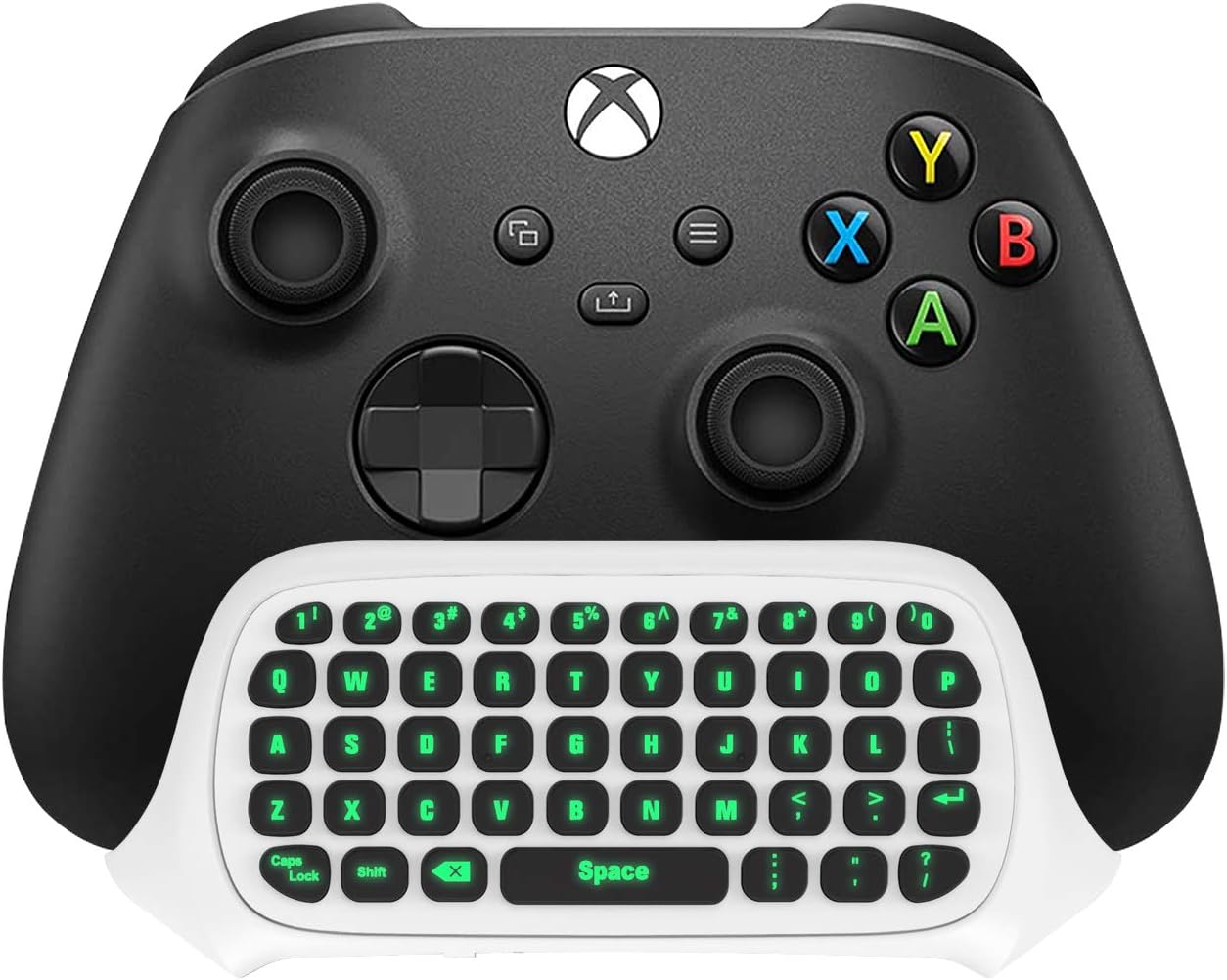
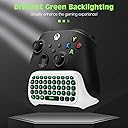
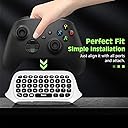
The TiMOVO Green Backlight Keyboard is a compact, wireless 47-key chatpad designed exclusively for Xbox One and Series X/S controllers. Featuring a brilliant green backlight, 2.4G wireless connectivity with up to 33 feet range, and a 3.5mm audio jack, it enables seamless in-game communication and enhanced control without the hassle of batteries or cables. Crafted from durable ABS material, it offers easy installation and powers directly from your controller, making it a must-have accessory for serious gamers seeking both functionality and style.



| ASIN | B08L6NFDDQ |
| Antenna Location | Gaming |
| Best Sellers Rank | #216,341 in Computers & Accessories ( See Top 100 in Computers & Accessories ) #901 in Gaming Keyboards |
| Box Contents | Keyboard, 2.4G Receiver, User Manual |
| Brand | TiMOVO |
| Brand Name | TiMOVO |
| Button Quantity | 47 |
| Colour | White |
| Compatible Devices | Gaming Console |
| Connectivity Technology | Wireless |
| Country of Origin | USA |
| Customer Reviews | 4.1 out of 5 stars 3,684 Reviews |
| Enclosure Material | Acrylonitrile Butadiene Styrene |
| Hand Orientation | Ambidextrous |
| Item Dimensions L x W x H | 14.7L x 5.3W x 4H Centimeters |
| Item Type Name | keyboard |
| Item Weight Unit of Measure | 2.5 Ounces |
| Keyboard Backlighting Color Support | Single Color |
| Keyboard Description | Wireless |
| Keyboard Layout | QWERTY |
| Manufacturer | TiMOVO |
| Manufacturer Part Number | P840156915021 |
| Model Number | P840156915021 |
| Number of Items | 1 |
| Number of Keys | 47 |
| Number of Packs | 1 |
| Power Source | Wireless |
| Product Features | Backlit |
| Recommended Uses For Product | Gaming |
| Special Feature | Backlit |
| Style Name | Modern |
| UPC | 840156915021 |
| Unit Count | 1.0 Count |
N**E
It works for FFXIV input alongside controller!
Here is what I did to setup the device for use with my Xbox Elite Series 2 controller. - Ensured the xbox controller was fully updated via the Xbox accessories app on the Xbox. - Turned the controller off. - Plugged in the chatpad until it made a good solid connection. (It does not click into place) - Plugged the 2.4GHz receiver into the Xbox. - Turned on the controller (the chatpad lit up solid green) and immediately pressed the sync button on the chatpad. - Tested the chatpad in game and it is working perfectly. ---------------------------------------- Now, onto the functionality in game. This chatpad is a literal USB keyboard. I bought this because I started playing Final Fantasy XIV (FFXIV). My hope was that this chatpad could act as extra inputs for regular hotbars alongside the controller cross-bars. I disabled the direct chat setting in-game and setup a hotbar on-screen. I then setup the keybinds on the chatpad that I wanted for the hotbar. Finally, I added the actions I wanted by using the virtual mouse to drag the actions to the hotbar. It works perfectly! I now have all the general actions I need set to the hotbar and bound to the chatpad. Meanwhile all my crossbars are setup for combat. It also still has the regular keybinds for keyboard, this allows me to still quickly use the chatpad for chat by pressing enter on the chatpad and typing out my message. --------------------------------------- The negatives. - The chatpad construction feels sturdy but while inserted into the controller it does have a slight flex if you press with a decent amount of force on the sides of the chatpad. As long as you don't slam down on the chatpad with a ton of force it should be ok. - It is going to decrease the battery life of the controller but not by much. The chatpad draws 40mA while the keyboard is lit but the backlight turns off after 6 seconds of no use. It also draws an extra 0.8mA when a button is pressed. Not enough to worry about for me. - The button inputs are momentary. You can't walk around continuously while using WASD input. That may be an issue for some users who want that. Overall, these negatives are not enough to be an issue to me. For some these may be dealbreakers. -------------------------------------- This chatpad is amazing for the price. I can see myself using it for a long time. I will update this review if I have any issues with it or if it stops working.
R**O
Highly recommended so far
I have only had it for a little over 24 hours but it works great so far! Love it! I just have a couple of gripes. - I don't like how the only thing keeping it still is the connection to the controller. Every time I push a button, I can feel it bending the connection. Though, I don't think there is a fix for this unless you want a massive attachment. - It does not feel durable and will last long. For one, cheap plastic. - Sometimes it won't register your inputs and other times it will overdo like pressing "f" and getting ffff I use it on the original 1st gen Xbox one controller. All in all, 20$ for this, assuming it lasts at least half a year, is fine. So, 15$ more isn't the worst.
A**A
Súper cómodo!!
Se acopla perfectamente al mando y es súper cómodo para poder hablar o buscar cosas en la xbox
W**S
Besser als erhofft.
Sehr einfach anschließbar. Tasten funktionieren ohne das man darauf zu fest drücken muss und die Beleuchtung am Abend ist super, nicht zu hell und nicht zu dunkel. Kann es nur empfehlen. Bin sehr zu Frieden. Preis Leistung ist super!!!
D**O
Funziona
Avevo la versione originale per 360 e funzionava bene ma per Series X non mi pare esista. Ho comprato questa perchè retroilluminata. Al tatto è più leggera dell'originale che non è detto sia un difetto se poi il prodotto si dimostra durevole. L'istallazione è facile e al test funziona tutto regolarmente, istruzioni non in italiano e non molto chiare, ma ci sono tutorial online. Inizialmente non mi andava giù che ci fosse la chiavetta usb wifi (che l'originale non aveva) ma, oltre al fatto che neanche si vede sulla porta frontale della Series X, va a proteggere la porta USB dalla polvere visto che, quando sono andato a inserire la chiavetta, ho notato che la porta ne era piena.
Trustpilot
2 weeks ago
3 weeks ago