💾 Unlock your data’s potential — fast, universal, and hassle-free!
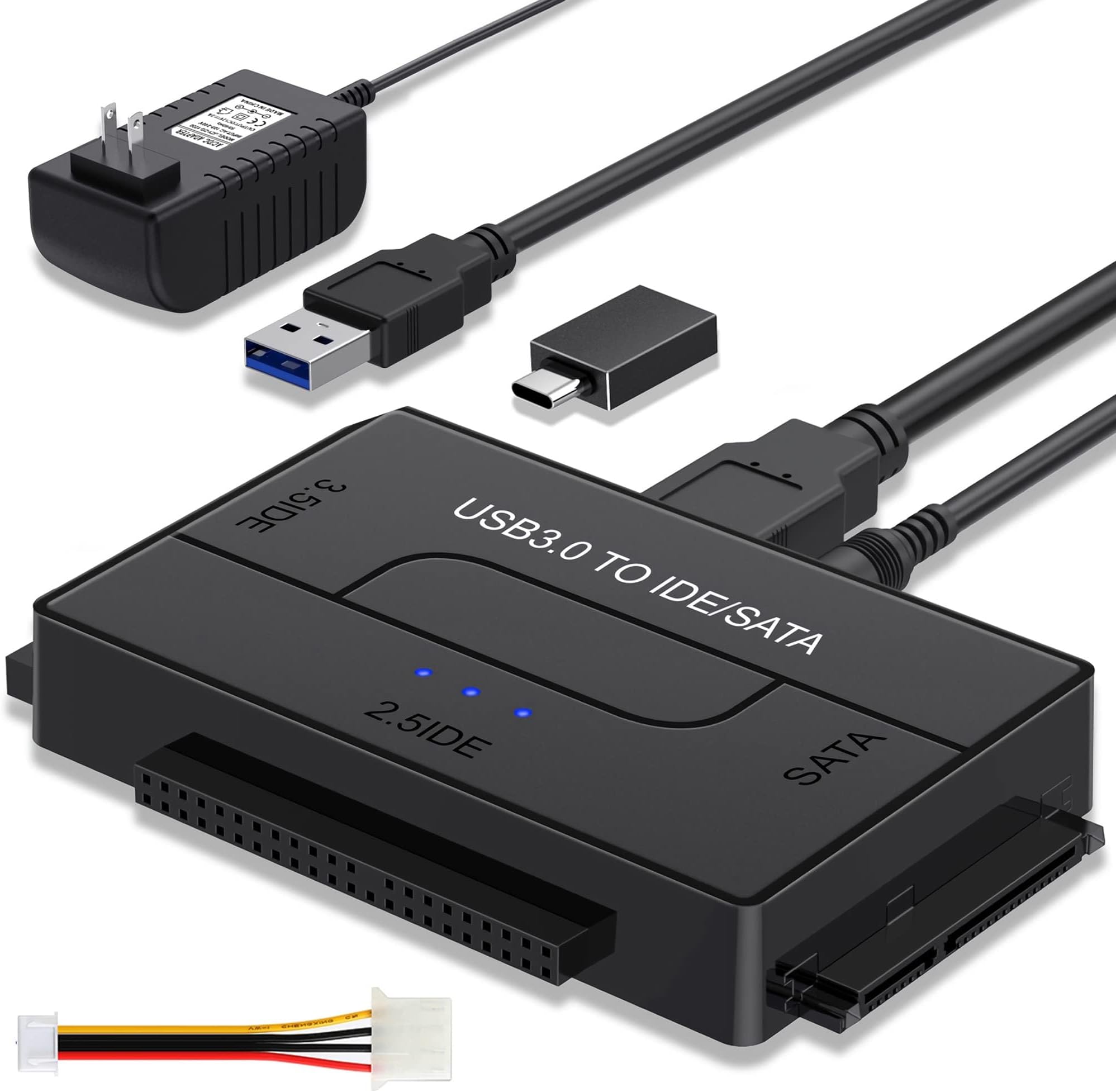
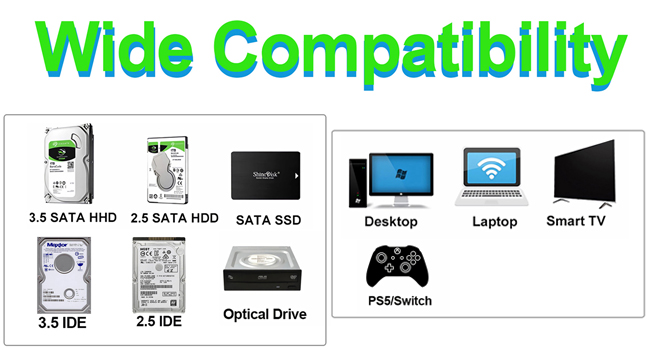
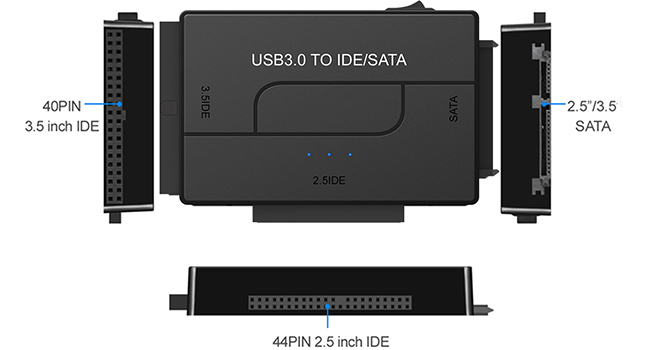
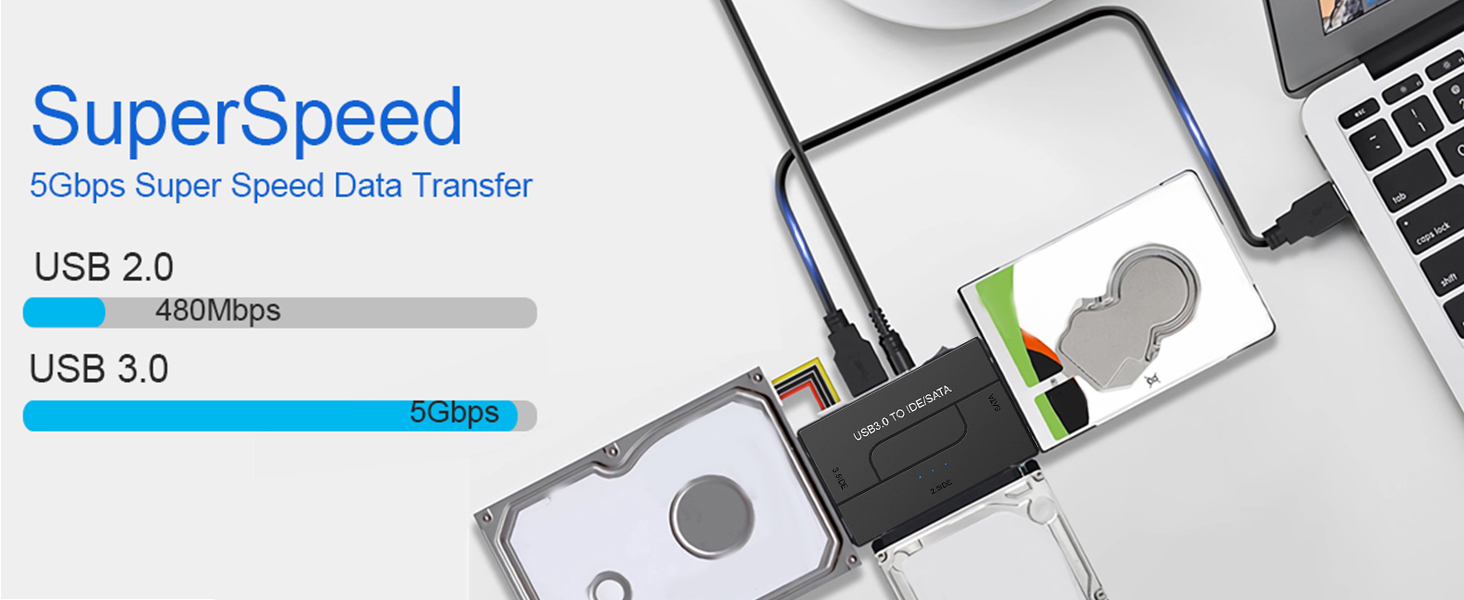
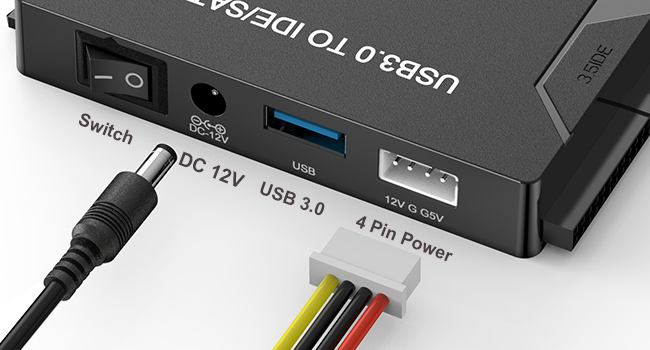
This USB 3.0 to SATA & IDE adapter is a must-have for professionals needing quick access to internal 2.5" and 3.5" HDDs, SSDs, and optical drives. Supporting up to 6TB capacity and delivering transfer speeds up to 5 Gbps, it features plug-and-play compatibility across Windows, Mac, Linux, and Xbox. The included 12V power supply ensures stable operation of larger drives, while LED indicators keep you informed. Perfect for data recovery, backups, and expanding your storage toolkit with ease.


| ASIN | B0969H82M2 |
| Best Sellers Rank | #58,553 in Computers ( See Top 100 in Computers ) #199 in SATA Cables |
| Compatible devices | ['Laptop', 'Desktop', '2.5'' SATA Hard Drive', '3.5'' IDE Drive'] |
| Connectivity technology | USB |
| Data transfer rate | 5 Gigabytes Per Second |
| Hard disk form factor | 3.5 Inches |
| Item model number | AE01-drive adapter |
| Item weight | 0.27 Kilograms |
| Manufacturer | EYOOLD |
| Material | Plastic |
| Max number of supported devices | 1 |
| Memory storage capacity | 6 TB |
| Product Dimensions | 9.4 x 5.84 x 1.52 cm; 272 g |
| UPC | 730951931886 |
M**L
The product is very costly. And not user friendly . Also you are not able to return the product. Worthless
B**M
I'm so glad I got this handy little tool. I have 4 hard drives and it was compatible with all of them.
G**D
I bought this to try to get the lost files off of my old Seagate GoFlex Home hard drive. It looked like it had the correct connector but it would not connect. It might connect if I torn the drive casing apart but I’m not prepared to do that!
A**R
This is easy to use and works great! Jlug the drive into the appropriate connector and attach the included Molex power cord if you're working with an IDE. No power wire is required for a SATA drive. Plug in the power supply into the wall and turn the power switch on. Then plug the included USB cable into your computer and the drive, if it's not dead it will show up ad an external drive, just like a thumb drive. Note that the drive will not actually turn on until the USB cable is connected to a computer. Once connected the folders on the old drive open quickly. Before you disconnect it be sure to go through the eject process, just like you would with a thumb drive. If you have any old hard drives kicking around this is the perfect inexpensive tool to consolidate all those old files onto another drive.
V**R
Not Working. Not even connected with on hdd.
Trustpilot
2 days ago
1 month ago