We remain fully operational. Our teams are working around the clock to ensure your deliveries continue safely.

DOWNLOAD THE APP


Customer Services
Copyright © 2025 Desertcart Holdings Limited
DOWNLOAD THE APP
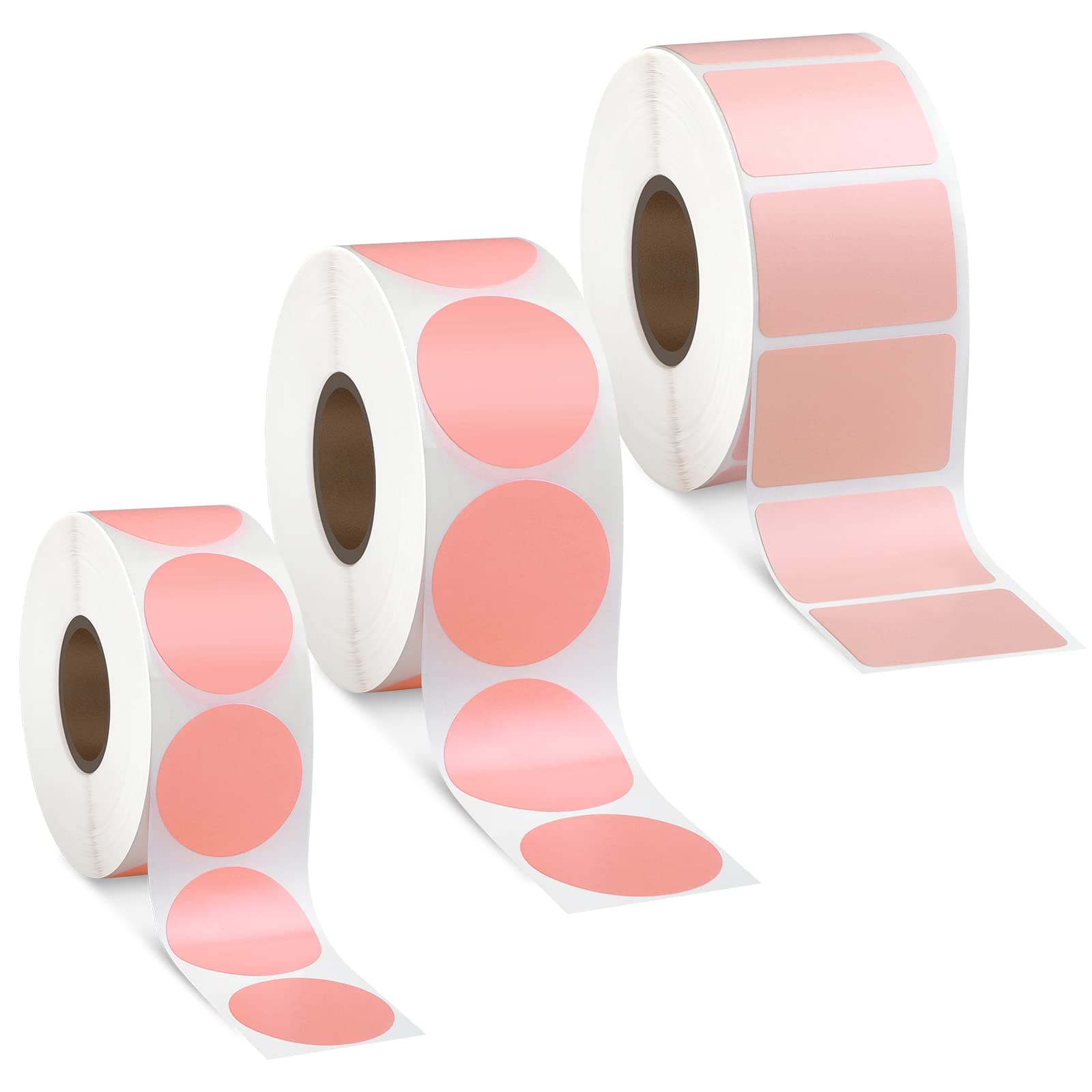
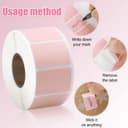
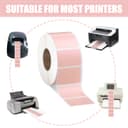
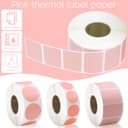

🏷️ Stick with the best: Label smarter, not harder!
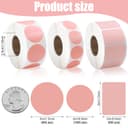
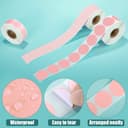
The Gersoniel 3 Rolls 2600 Mini Thermal Labels set offers a high-volume, versatile labeling solution with 2600 waterproof, tear-resistant self-adhesive stickers in multiple sizes and shapes. Designed for compatibility with most thermal printers, these vibrant pink labels are ideal for barcodes, shipping, inventory, and color coding, making them a must-have for efficient, stylish organization in offices, warehouses, and retail.


| ASIN | B09FT27RN8 |
| Best Sellers Rank | #380,442 in Office Products ( See Top 100 in Office Products ) #7,475 in All-Purpose Labels |
| Brand Name | Gersoniel |
| Color | Pink |
| Customer Reviews | 3.8 3.8 out of 5 stars (235) |
| Finish Type | Adhesive |
| Item Shape | Round, Square |
| Manufacturer | Gersoniel |
| Material Type | Coated Paper |
| Number of Labels | 2600 |
| Size | Small |
| Unit Count | 2600.0 Count |
K**R
They Work
I purchased this to make labels for my baked goods. They work very well. I have had no issues with printing on them.
M**O
Stickers for the kids
We use our Rollo printer to print these stickers to give to kids at our farmers markets
C**N
If you need labels this small buy them professionally.
The largest two sizes are the only ones that worked in my Munbyn Printer, the smallest size is a waste unless I hand print on each individual label. While the two larger sizes worked they were extremely scratchy and unusable.
M**S
Super tiny... like SUPER
My bad for not checking the measurements but the photos are misleading. The color is NOT like the photos. (Don't blame it on screen resolution, it's legit not the same) More of a salmon color rather than pink. If you push your Munbyn paper guide as small as it can go, the labels are STILL smaller lol
B**2
They Work but.....
works for what I need but needs some setting up Tutorial (Win 11) (May not work for you but it worked for me) 1. Hover over the picture you want to print and "Right Click" 2. Hover your mouse over to "More Options" (Only for Windows 11) 3. Click Print 4. Change Printer Type to your preferred printer. In the case, change it to your Thermal Printer and after that hover over "Options' and click it (as shown in picture) 5. hover over to "Printer Properties" click it (uncheck the box as shown before proceeding) 6. Click "New" 7. Rename Paper Format to your Preference (ex. Stickers) and hover to "Paper Size" and fill in the dimensions of the sticker 8. Repeat steps 1-3 and Click on Print
D**S
They don't print black
First, they're VERY peach, not pink. Being a thermal label, they should print black (every other label does on both my thermal printers) except these print washed out gray, no matter how much I darken the intensity settings. So they're either very poor quality or old (or stored in high heat/ light for too long). Also, I did realize they were small, but be aware, they're even a bit smaller than measurements. Wouldn't recommend.
A**G
Definitely small
The bigger circles can be utilized and they all came intact as pictured but they were definitely smaller than expected.
K**S
Poor quality don’t buy
Very unhappy with this purchase. Color and quality is nothing like picture. They are too small for my label printer. do not waste your money
A**D
لاصق جيد للمنتجات
C**S
This product was very poor quality, no perforation for tearing labels, color was not as listed and size was not as listed. wouldn't recommend.
Trustpilot
3 weeks ago
2 weeks ago