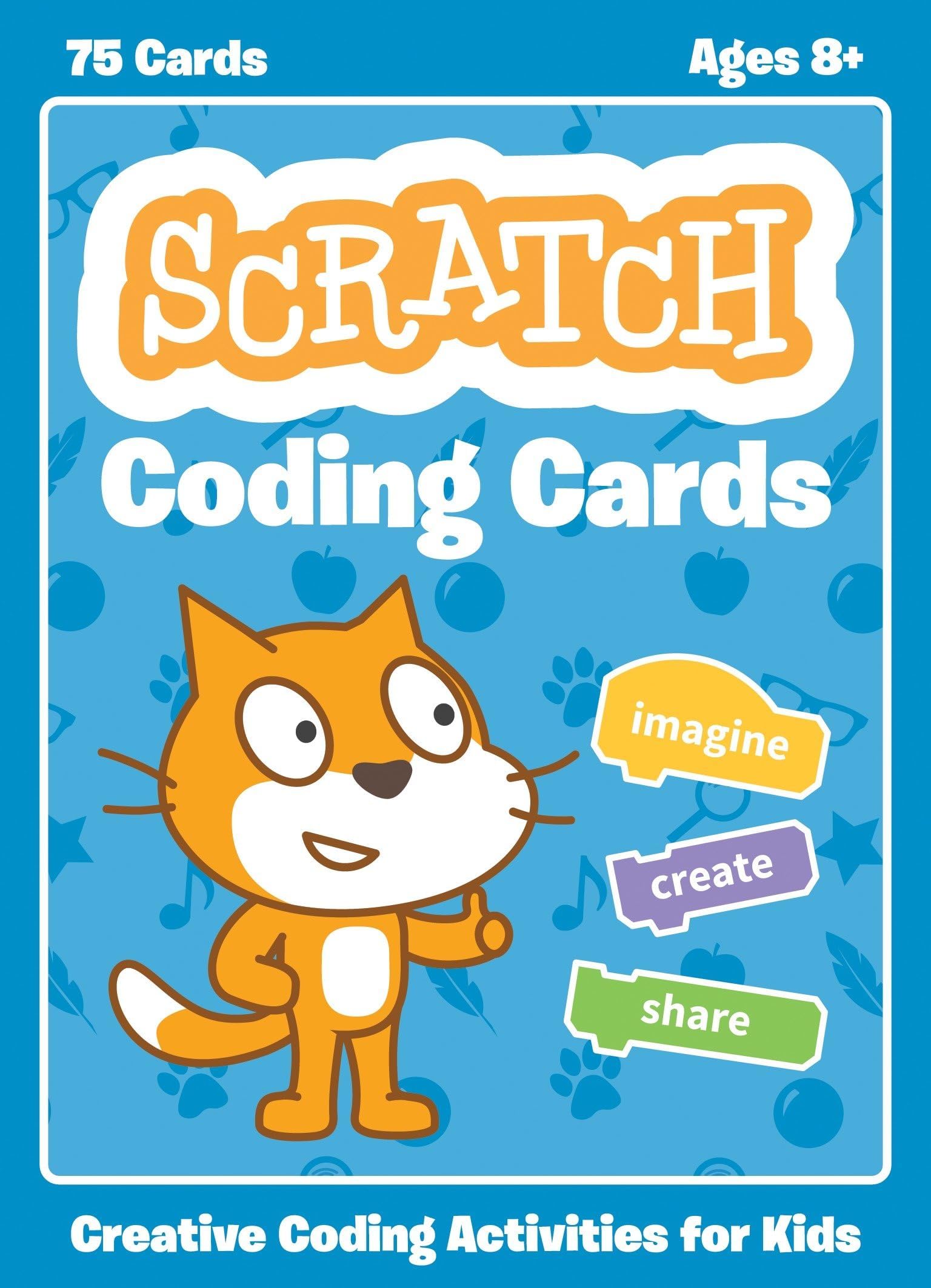
Scratch Coding Cards: Creative Coding Activities for Kids
Product ID: 36995388
Desertcart purchases this item on your behalf and handles shipping, customs, and support to South Africa.
Want to introduce kids to coding in a fun and creative way? With the Scratch Coding Cards , kids learn to code as they create interactive games, stories, music, and animations. The short-and-simple activities provide an inviting entry point into Scratch, the graphical programming language used by millions of kids around the world. Kids can use this colorful 75-card deck to create a variety of interactive programming projects. They’ll create their own version of Pong, Write an Interactive Story, Create a Virtual Pet, Play Hide and Seek, and more! Each card features step-by-step instructions for beginners to start coding with Scratch. The front of the card shows an activity kids can do with Scratch—like animating a character or keeping score in a game. The back shows how to put together code blocks to make the projects come to life! Along the way, kids learn key coding concepts, such as sequencing, conditionals, and variables. This collection of coding activity cards is perfect for sharing among small groups in homes and schools. Uses Scratch 2 Review: Great for classroom - Please note that these cards are free to download as .pdf file on the scratch website. You would need to cut, fold, and glue the cards together. If this if for home use, perhaps the free version is the best way to go. However, keep in mind that you will be using quit a lot of color ink. So which is cheaper in the long run...printer ink or just buy these cards that's already nicely precut for you in bright engaging colors? If you are an educator and will need cards for multiple students to handle, then I recommend these. Something to note, it says 75 cards but that does not mean 75 lessons. There are 10 lessons total, and groups of ~ 5-7 cards makes up for one lesson. For example, a lesson on animating a dancing sprite may consist of 5 cards or more. The cards are numbered and clear to follow but you do need to follow it in numerical order for that lesson. However, you can jump around on the lessons...although some are more advance then others. Review: Easy to use and students love it! - This is a great way to introduce the Scratch interface to my students. They love the tasks and are surprised with the control have over the Sprites. While they "play" with the Sprites, students are introduced to loops, variables, axis, and radius, to mention a few. I teach technology and have used this in a STEM camp and my classroom but these might also be used as a center in a math class.
| Best Sellers Rank | #3,031,815 in Books ( See Top 100 in Books ) #472 in Children's Programming Books #1,115 in Children's Books on Computer Entertainment & Games #1,318 in Game Programming |
| Customer Reviews | 4.6 out of 5 stars 88 Reviews |
S**Y
Great for classroom
Please note that these cards are free to download as .pdf file on the scratch website. You would need to cut, fold, and glue the cards together. If this if for home use, perhaps the free version is the best way to go. However, keep in mind that you will be using quit a lot of color ink. So which is cheaper in the long run...printer ink or just buy these cards that's already nicely precut for you in bright engaging colors? If you are an educator and will need cards for multiple students to handle, then I recommend these. Something to note, it says 75 cards but that does not mean 75 lessons. There are 10 lessons total, and groups of ~ 5-7 cards makes up for one lesson. For example, a lesson on animating a dancing sprite may consist of 5 cards or more. The cards are numbered and clear to follow but you do need to follow it in numerical order for that lesson. However, you can jump around on the lessons...although some are more advance then others.
B**P
Easy to use and students love it!
This is a great way to introduce the Scratch interface to my students. They love the tasks and are surprised with the control have over the Sprites. While they "play" with the Sprites, students are introduced to loops, variables, axis, and radius, to mention a few. I teach technology and have used this in a STEM camp and my classroom but these might also be used as a center in a math class.
L**N
Kids love these!
Using these in my 5th grade classroom and the kids took to them quickly and share what they learn with each other. "Hey, do you know how to ....?" "Use this card."
J**W
Free Online
These cards provide some nice introductory activities that kids may enjoy if they want some guided activities on Scratch. It's nice to have a printed version, but everyone should know these cards are available for free online.
A**R
Kids loved these cards
Kids loved these cards! It was a great way to introduce scratch to students who hadn't used it before. For the ones who were familiar with scratch, they used the cards and then expanded on the programing.
D**N
A good step by step way of teaching how to create ...
A good step by step way of teaching how to create a primitive video game using Scratch with children.I plan on using it with 4th & 5th grade students.
C**8
Cool Class resource
This was a great change up for my computer apps class. They "thought" the cards made the assignments easier.
L**A
... tried the projects in the coding card which very easy just following the instruction on each card
i tried the projects in the coding card which very easy just following the instruction on each card
V**R
OK
good book
C**N
Excelente producto
Cumplió mi expectativa. Las tarjetas son un apoyo visual para que los usuarios de Scratch desarrollen sus proyectos con una clara idea inicial, garantizando que el resultado que obtienen es funcional. Una vez que terminan un proyecto hay que guiarlos para que realicen cambios y puedan ver el efecto al modificar secuencias o agregar funciones. Es como el instructivo de los LEGOs, lo cual no limita que de un proyecto se puedan realizar N versiones distintas. Ojalá y también hubiera tarjetas para Scratch Jr
M**I
fantastic
prodotto ben fatto e molto coinvolgente. un modo semplice ma allo sesso tempo che non lascia nulla al caso. imparare divertendosi non è mai stato così piacevole
M**A
I highly recommend these cards for anyone with a child interested in ...
I highly recommend these cards for anyone with a child interested in learning to code or who wants to expose their child to STEAM activities. It is a great introduction to the concepts involved and each card in the box has a different project geared toward teaching them specific skills. My 7yr old can do this with minimal assistance from me, and my 14yr old dug them out to have a go, too, and was surprised at how much he enjoyed it.
K**R
Excellent coding cards
Good presentation and many practical projects for beginners to assimilate and for those who are moving from another programming language to Scratch so I will recommend these coding cards.
Trustpilot
2 months ago
3 weeks ago