We remain fully operational. Our teams are working around the clock to ensure your deliveries continue safely.

DOWNLOAD THE APP


Copyright © 2025 Desertcart Holdings Limited
DOWNLOAD THE APP


Buy anything from 5,000+ international stores. One checkout price. No surprise fees. Join 2M+ shoppers on Desertcart.
Desertcart purchases this item on your behalf and handles shipping, customs, and support to South Africa.
🛡️ Stay ahead of cyber threats — because your digital life deserves VIP protection!
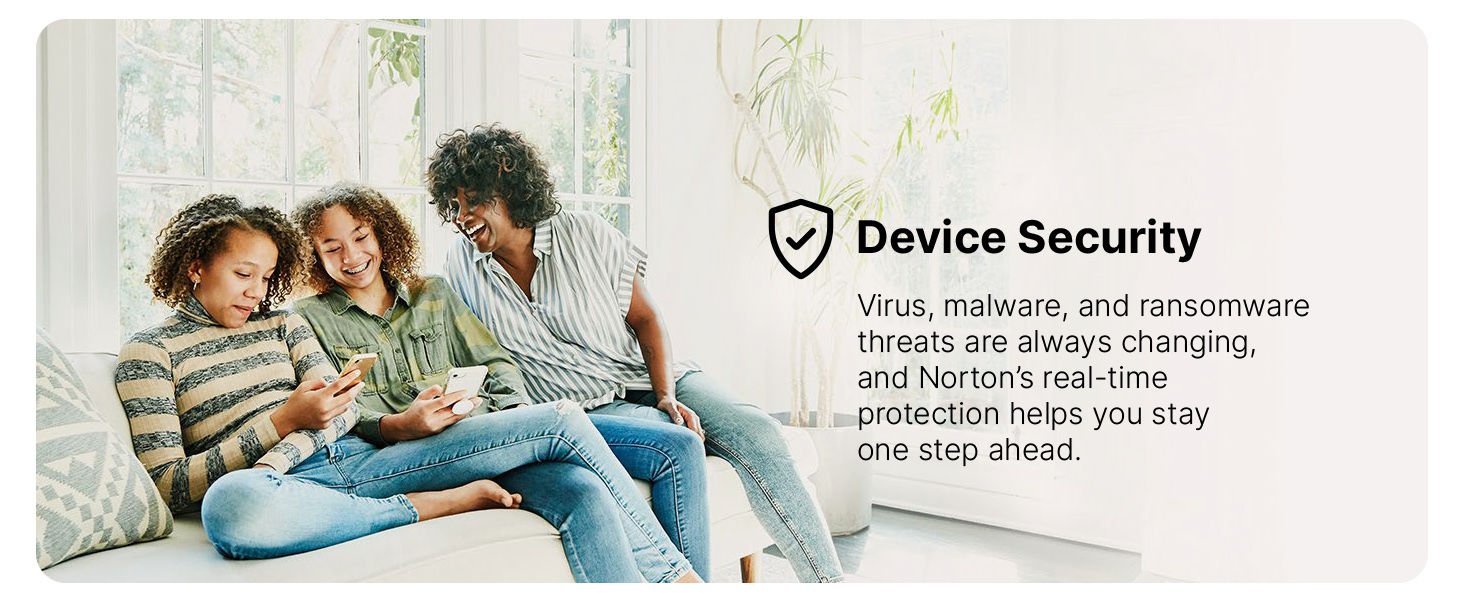
Norton 360 for Amazon 2024 offers comprehensive antivirus and malware protection for up to 3 devices across PC, Mac, iOS, and Android. It features real-time threat detection, a secure no-log VPN for anonymous browsing, 50GB of encrypted cloud backup, dark web monitoring, and a password manager. Designed for easy installation and seamless performance, it ensures your devices stay safe without compromising speed.





| ASIN | B085WWWH3C |
| Best Sellers Rank | #53 in Software ( See Top 100 in Software ) #25 in Internet Security Suites #32 in Mac Software |
| Customer Reviews | 4.0 4.0 out of 5 stars (3,155) |
| Date First Available | March 14, 2020 |
| Manufacturer | NortonLifeLock |
W**W
Easy install, don't complicate it
Since my Norton was running out, I decided to give this Norton 360 for Amazon -- a try. If you're having trouble finding it on your Amazon account go to Your Account here on Amazon, look for the box that says Digital Content and Devices and click "Digital Games and software". You'll see your Norton 360 there. Start the activation by clicking it. One of the first things you'll see is a link to turn the auto-renewal off. If you do that you'll avoid a lot of the problems others have had with the other Norton 360 products with auto-renewal. If you have Norton account it will ask you to sign in, if you don't have a Norton account you can register one. Since I had one, I just signed in and it took me to Norton's website. It sent an email to me with the link to redeem the license. I clicked it and it took me to my Norton account where it showed the Norton 360 for 3 devices. There's a hard to see (at least for me) download button. You click that and it asks if you want to download it to the machine you're using. It also had the option to download it to another machine or device. I clicked download to the computer I'm using. Now comes a strange problem. Downloading with my browser gave me a non-executable file called "downloads". I let my download manager download it instead and it was the Norton 360 exe file. No idea why the browser wasn't downloading an exe version. Once downloaded, it started installing and took maybe 2 minutes. From there, your choice on this, I ran the Live Update and it did update further, taking maybe 2-3 minutes. That was it. Installed, no auto-renew and works just like my previous Norton software. I hope the above part is helpful for those that tend to complicate matters. One thing I do see as a negative with Norton and it was the same way last year is the insistence on popping open a new tab in my browser to add all their extensions to my browser. There's probably somewhere to turn that off, but that part is still just a little annoying. It only does it ever so often (once a month or so). Otherwise, this package for the cheap price seems to be perfect for anyone with 3 or less devices. I also put it on my work laptop and my wife's laptop. Those were the only 3 that we needed it on and each installation was as easy as following those directions I listed above.
H**M
No Issues to Install, Great Price
Had Norton for years now through Comcast (provided at no cost) but free protection ended in December 2020. Norton had provided good protection, but even the special deals to Comcast customers were not great after a grace period. Could not touch the price at the time ($20) for this Norton for Amazon software and am happy with its performance (better than what Comcast provided as I now have added VPN). Read several issues with installation, but I had none. Installed on a Windows 10 laptop and PC using Firefox internet explorer. Downloaded and opened file with no problem, old Norton removed, new Norton installed. You do need to setup a Norton account if you don't have one and the renewal charge for the next year goes through Amazon for the same price as the first year. Not sure how many years they can hold to the purchase price, but will start shopping again if needed. For now great protection at a great price!
R**K
I can't control it.
I'm sure it works, but also blocks me from using my laptop and I can't control it!
T**N
Great at AV if you control it and VPN sucks Get Privado if poor or others listed.
The virus protection part of this is great. I'd turn off the VPN though, it is SO SLOW. I thought I was on Dialup again. Remember 300baud rate? 1200, 2400, etc etc forever. If you need a cheapo VPN go PRIVADO (fast, can configure malware/ad blocking easily) for $1.11 a month on a 2yr plan (3mo free so 27mo). Yeah that cheap and Switzerland. Used them for years. Not many VPN's I'd trust (should build my own...LOL). BLOWS away norton. Other choices usually switz, NORDVPN if you have the cash, probably one of the best but hits about $3.09/mo for 2yr (3mo free so 27mo). Others are SurfShark, Proton, Mullvad (maybe best? expensive at $5/mo, can buy with crypto, nobody knows who you are then), ExpressVPN, PIA, OVPN. Many of these have been to court or raided and never gave up user data AFAIK. I've done quite a lot of homework over the years on VPN, had PIA for quite a few years too. I liked their app. Also many on list are RAM ONLY, so no drives to take. Many SWITZ. Outside 5 eyes for the most part. Many say Norton slows down the machine, but I feel you can control that. Turn off all daily scans, no point just check on access or download etc. NO need to scan the crap out of your SSD/NVME's daily when you're not doing dangerous stuff. That is stupid waste of time, electricity etc. Not saying it isn't ok to scan monthly or something, but you really only need to protect from what is happening now all the time, and that doesn't take up much overhead. Norton shows 1% usually on my 5700G 8 core AMD. It takes nothing. But again, I'm not having it waste time in the background all day either. It's only there to silently WATCH, not WORK all day. If you protect your browser and keep Norton WATCHING, you'll be fine. Malwarebytes, Ublock Origin/lite, Privacy Badger and HTTPS everywhere for any chrome based browser and you're good to go unless you're absolutely doing stupid stuff (pron, warez sites etc maybe) you will be fine with nothing to fear. Other than that this product is great, just VPN sucks, but I knew that before I bought it, no packaged VPN is like a REAL one you pay for. A REAL VPN allows multi-protocols, REAL privacy, encrypted, already blocking malware/ads etc at DNS or other way before getting to you, so you have essentially TRIPLE layer protection while browsing. Seriously people don't believe the hype. There are many techs (experienced ones) who don't even believe you need AV beyond win11's defender and a great firewall with vpn from above. That's it. I don't have that much faith in MSFT so...LOL. But I say that as an old IT guy that was on the msft treadmill of certs and MSFT made win8-11. LOL. XP/7 were the best of the bunch. PERIOD. The rest can suck an egg and slow me down. I do a LOT of file management though so, I had to buy Xyplorer to replace this stupid thing the call windows explorer that is a total failure. That isn't file management (8-11 I mean, especially 10/11 completely worthless IMHO). It is almost as if they designed win11 to make you work like a turtle. I'm not joking. It's not about knowing the OS either, I just mean EVERYTHING takes more clicks, requires more effort, or is simply asinine in it's UI design. It is almost as if the engineers were trying to justify their jobs. When in reality they should have been proud to just say, hey, we didn't screw up what already worked in xp/7, you're welcome. ROFL. Note the win8 guy was FIRED the exact week it came out. Even MSFT knew it was worthless, and I know people who never ONCE installed it for themselves, work or anyone else they knew. It should have never been released. I really wanted another product, but AMZN had a great sale on 2yr and I knew I could tie Norton down so complaints about overhead meant nothing to me. Norton did get in the way once though when I was using Chris Titus app and doing a lot of setup stuff (powershell scripts etc), and I had to fix that so I could get my stuff done. Not a big deal, but it caught me doing mass admin stuff quickly, but his app should be FLAGGED as ok by default (he is a great guy, and checks his work before launching it). Norton tried to tell me I was infected..LOL on a brand new build/OS install? Please. I just disabled some stuff and finished, ordinary users might have an issue here and panic. Oh and Norton and Malwarebytes both try to scare you about your info on the web. But I know all my info so especially when checking Malwarebytes info they said hackers had on me, I just laughed. Malwarebytes is terrible for trying to scare you constantly into buying premium or whatever they have. Good luck people and GOD Bless to all. Hope this helps out the newbs or people who simply don't want to put in the homework. There you go, all secure now, sleep easy ;) I just got Privado so consider the homework I just laid out as THIS WEEK, as in Sept 2025. I JUST looked all that up for my OWN vpn replacement as I rebuilt all my PC's, new OS's, Office (all LTSC on both apps) and had to look up who the best VPN's were etc last week. Class dismissed ;) Oh yeah, for those that want to know above VPN's they have 256 AES or better, Wireguard or Openvpn and a few IKEv2. Most are 600mbps or better so far above most connections and allow install on ~10 devices and many have been Audited too. OK, I think I covered everything now probably more than most need to know. Experienced techs already know how to get this data and will likely confirm it themselves, this post was for newbs. I tried to cover every fear here so you don't have to stay awake all night for days trying to understand all this crap :) You can't hide on TOR anymore and VPN's aren't all they're cracked up to be anyway, but it's the best you can do without going even further into TAILS from USB or something for your browsing etc. But unless you're posting news or something from a country where they hate you for doing it, you're likely ok with anything above for your purposes. OK done.
T**Y
Norton is awesome!
I buy Norton every year for my devices, has never disappointed! When needed, I call tech support and they talk me thru it. I will continue to buy it, I know that with Norton, I am protected and that gives me, peace of mind! I recommend Norton to everyone! In case anyone is questioning my review, this is not a paid review, it's just my honest one
Trustpilot
2 months ago
3 days ago