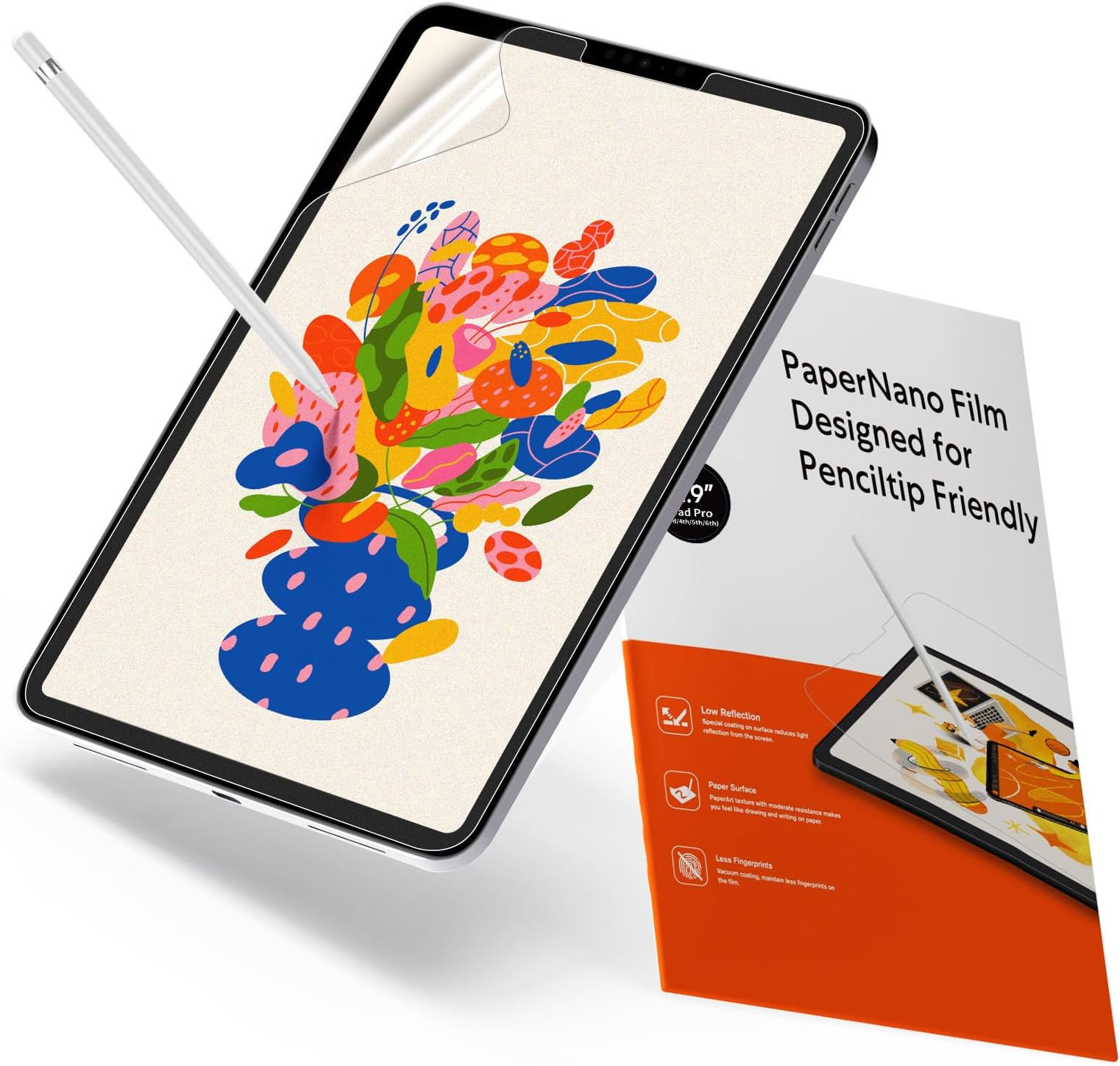


✍️ Elevate your iPad Pro to a paper-like canvas—draw, write, and create without limits!
The KCT 2 Pack Paperfeel Screen Protector is engineered exclusively for iPad Pro 12.9 models (2018-2022), delivering a matte PET film that mimics real paper texture for an enhanced drawing and writing experience. Its anti-glare and oleophobic coating reduce reflections and fingerprints, ensuring clear visibility indoors and outdoors. The included installation kit guarantees a bubble-free application, while the dual-pack offers unbeatable value for creative professionals and enthusiasts alike.


| ASIN | B0852LLFVP |
| Best Sellers Rank | #6 in Tablet Screen Protectors |
| Customer Reviews | 4.4 4.4 out of 5 stars (36,585) |
| Date First Available | February 23, 2020 |
| Item Weight | 0.529 ounces |
| Item model number | iPad Pro 12.9" (2018-2022) |
| Manufacturer | KCT |
| Product Dimensions | 11.02 x 7.87 x 0.5 inches |
| Special features | Paperfeel |
| Whats in the box | screen protector |
K**Z
Good, easy to apply, matte screen protector
Great quality, very easy to write on. I got a new iPad and needed a matte screen protector since I like to draw. Has worked perfectly. I am not great at the installing part but the instructions were easy and I managed to get it on pretty well. Only left a couple bubbles (but that was my fault). Cleans very well with a good tech wipe or just regular sop & water. It fit my screen perfectly, no space left uncovered. I had previously bought one for my old iPad and it always bothered me that a corner was not covered.
I**E
Easy Installation, Feels Like Paper
I took a chance on this product because I wanted to use my Apple Pencil for drawing on my iPad Pro and didn’t want to spend a lot of money. I was so impressed that I bought the product for my IPad mini also. Basics It comes with two screen protectors, non-skid pads to rest your iPad on during installation, stickers to act as a hinge for the screen during installation, cleaning supplies, and a squeegee. Installation: Easy Instructions are provided in the package along with a link to the video instructions. Definitely watch the video FIRST and follow them exactly for best results. I’m not good at installing screen protectors on anything larger than a standard iPhone and usually pay someone to install them on an iPad, but I was able to install this product on both an iPad Pro and iPad mini with no issues. The key is using the provided non-slip pads under your iPad and using the included stickers to hold the screen protector onto the iPad at one end, acting like a hinge. Once attached in this manner you clean off the screen and use different stickers to pick up any dust. Then with one hand, you begin peeling off the protective plastic to expose the adhesive to the screen, while using the provided squeegee with your other hand to lay it down and push out any bubbles. Some recommend installing in a bathroom with a hot shower running to reduce dust. Feel It definitely feels like paper. You will go through pencil tips more quickly if you do a lot of shading/coloring. I don’t have anything to compare it to so take that info account, I’m not a professional artist and just draw and color for funsies but I’ve done a fair bit of drawing and coloring lately and am pleased. I’ve only used it for 3 weeks so I can’t speak to its longevity, but with daily use it has held up well. I’m sure it will eventually wear out but it comes with two screens. Look It does make the screen have a matte look vs a glossy look. It isn’t extreme and doesn’t bother me when I watch YouTube videos or play games. It cuts down the glare a lot and makes it easier to use the iPad in sunlight. After using it awhile you will notice streaks or paths from drawing or shading, but cleaning takes these away. Apple Pencil It works great with the Apple Pencil and I’ve had no issues. You will need to replace your tips more frequently than using it on glass, especially if you do coloring or shading. Price I bought it for $7.99. Since it comes with two screen protectors it’s a steal. It’s nice to know that when the first one wears out I have a second one to replace it with. Overall I highly recommend the Paperfeel screen protector for the iPad. It is easy to install and makes the screen feel like paper. It works very well with the Apple Pencil for drawing, writing, and coloring. It cuts glare down significantly and has a nice feel to it. I’ve had it installed about 3 weeks and am very pleased with it. The price makes it an economical option if you don’t want to spend a lot of money or you’re not sure if you’d like a paper feel for your device.
M**P
Best Cover For Pen-to-Paper Feel
A similar sounding named product was ordered by my spouse and did not have the same look or feel. There was concern that the product had degraded - until I noticed the brand. I quickly ordered this one and relief and happiness was had by all! This has a high quality feel, fits perfectly, is easy to align/apply, and does not affect the screen clarity or color in any way. What it does allow for is a more real-feel like pen to paper vs nib to glass. Would buy again and would highly recommend to others.
C**N
Good quality and good value
The screen protector looks good and has a paper feel that I like. However, the paper texture does tend to get more noticeably dirty. It was a bit complex to install, but if the instructions are followed exactly it will go on perfectly.
T**S
Great Paper -Like Texture for Apple Pencil
I purchased the KCT 2‑Pack Paperfeel Screen Protector to use with my Apple Pencil. The texture gives just enough resistance to write comfortably without affecting the vibrancy of my iPad screen. One of the protectors started lifting, but that’s likely from my own application, so I’m glad it came as a two‑pack. Using the Apple Pencil feels smoother and more controlled, and the matte finish hasn’t scratched my screen so far. Overall, it performs well and makes writing much easier.
L**S
Not too bad
Read the reviews, learned that this screen protector have eaten away the nib of the apple pencils. Tried it anyway and bought extras just in case. So far, the cover seems fine for everything. I don’t press too hard when drawing, just enough to where it draws as intended. I do not notice any hard scratches yet either on the screen, which was one expectation at first. I think as long as a person doesn’t apply too much pressure, the materials will last a while. Though, I’m not sure if I’m using the iPad as much as some artists out there, I’m just noting my experience so far. I bought this months ago, and everything seems the same. There were bubbles though during application. But that’s my fault, and it really doesn’t bother me as long as I’m in the shade. It’s cool that the box had two protectors, not sure what it’s like when I need to replace it. But I’m trying to stretch its lifespan by using everything mindfully. Definitely cheaper than the popular brand “paper-like”? This does actually gives off a paper like control. No complaints so far. Another advice, try not to charge the iPad at 100% for long periods of time. It wears out the battery lifespan when using. I’ve heard it’s best not leave the techs at 100% charge for too long for the same reasons.
D**E
Good but very rough for Apple Pencil
This screen protector went on easily and fits my iPad well. My only problem is that I use my Apple Pencil to draw A LOT on my iPad and ever since I’ve had this screen protector, I’ve been going through pencil tips like crazy. For reference, I’ve used the same tip on my Apple Pencil for over two years, and ever since installing this screen protector less than a month ago, I’ve had to replace the tip 3 times. I even bought “special” pencil tips that are supposedly made for paperfeel screen protectors, and it’s still wearing down quickly. After having the screen protector on for a few weeks, it doesn’t feel rough to the touch anymore, but it definitely is too rough for the average stylus pen.
M**A
Good
Amazing feel somewhat confusing to put on using tutorial but overall great screen protector
M**.
منتج ليس كما بالصورة وسي للغاية والبائع غير امين بالمره
Y**I
too much grit, feels like sandpaper
L**A
Muy buena herramienta para aquellos que se dedican a hacer notas en su tableta. La mica es super fácil de instalar, viene con su kit de instalación. La sensación de papel es agradable y facilita la forma de escritura. Se siente todo más fluido. Recomiendo comprar puntas de aleación de titanio para su S Pen si piensan instalar esta mica. No se arrepentirán!
D**A
Increíble su sensación, cumple con lo indicado. Se me complicó un poco ponerla, pero todo bien. Me encantó y es súper relajante 🥰
M**A
ممتاز وسلس في الكتابة واحساس الورق رهيب
Trustpilot
1 month ago
2 months ago