Desertcart purchases this item on your behalf and handles shipping, customs, and support to South Africa.
🎶 Convert, play, and relive your music history—anytime, anywhere!
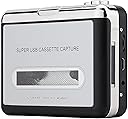
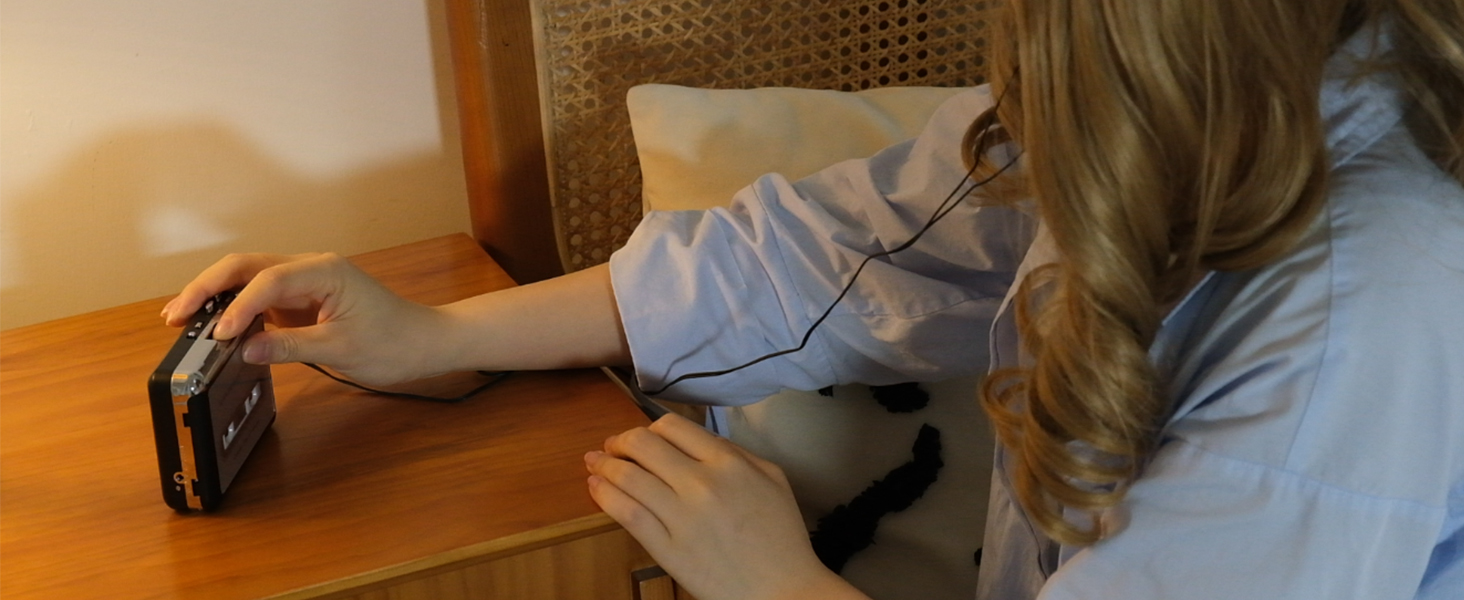
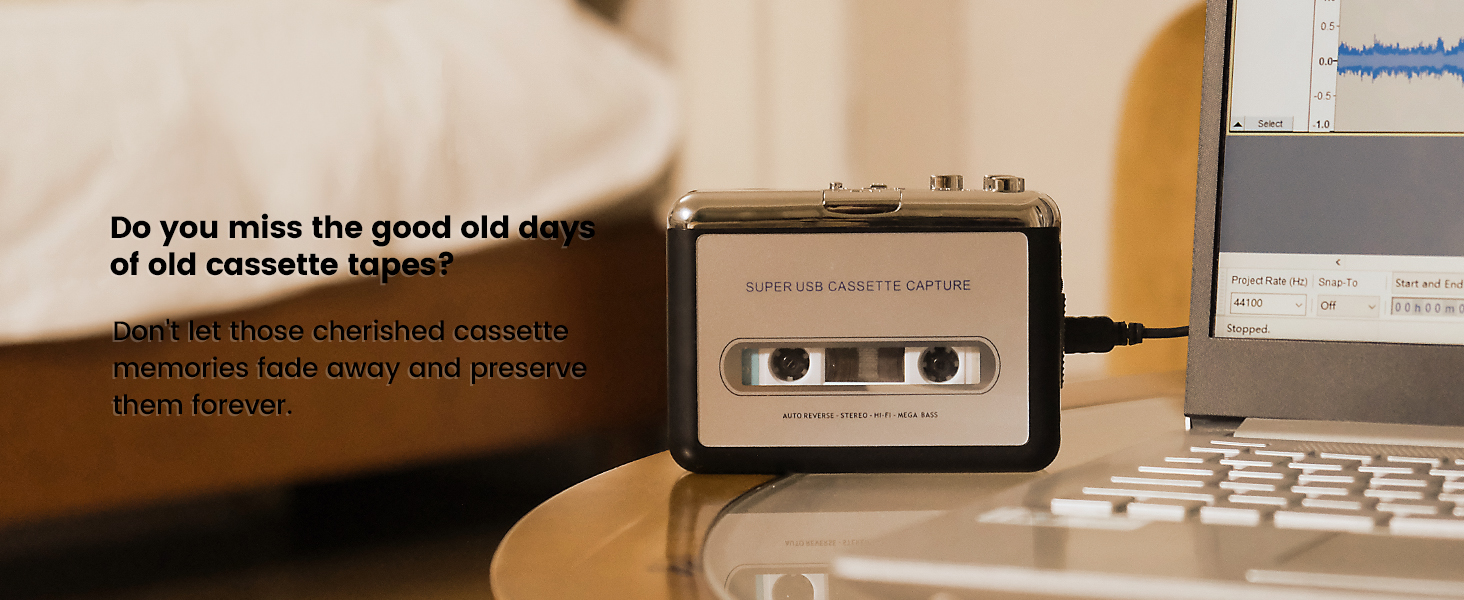
The Reshow Cassette Player is a sleek, portable device that converts analog tapes into MP3 files via USB, compatible with laptops and PCs. Weighing just 100 grams, it doubles as a classic Walkman with 3.5mm AUX support for versatile audio playback. Included software and accessories make digitizing your cassette collection effortless, delivering clear sound quality and a seamless retro-to-digital experience.


| ASIN | B018WBUJBS |
| Audio Output Mode | Stereo |
| Best Sellers Rank | 5,778 in Electronics & Photo ( See Top 100 in Electronics & Photo ) 11 in Portable Cassette Players |
| Brand | Reshow |
| Compatible Devices | Laptop, Personal Computer |
| Customer Reviews | 3.9 out of 5 stars 11,689 Reviews |
| Interface | USB, 3.5mm AUX |
| Interface type | USB, 3.5mm AUX |
| Item Weight | 100 Grams |
| Manufacturer | Reshow |
| Manufacturer Part Number | 1 |
| Material | Rubber |
| Maximum Supply Voltage | 5 Volts (DC) |
| Maximum supply voltage | 5 Volts (DC) |
| Minimum Supply Voltage | 5 Volts (DC) |
| Minimum supply voltage | 5 Volts (DC) |
| Model Number | R-CP18S |
| Number of Items | 1 |
| UPC | 750803024597 782890069946 782890070065 860002089232 |
| Unit Count | 1.0 count |
A**K
Amazing customer support
The first cassette player I ordered was faulty (played a bit fast) but I emailed the company to find a solution. They were so quick at responding and sent me a replacement right away. It works so well and the sound quality is great. It is easy to use and love that I can record my tapes onto my laptop. The buttons are sturdy and the whole thing fits in my pocket easily. Would highly reccomend this product especially for the price. Get to listen to all my old tapes :)
M**N
For the price this is a good machine.
For the price this is a good machine. You need to judge the sound quality with a NEW pre-recorded tape because older tapes do have they issues. I use both in this machine. I've bought two of these, the second was on a low price offer so I keep it for the future. The sound quality is good. What I would say is use some good headphone, a pair that gives good bass. The USB to power the machine works fine (take batteries out first). Transferring tape to digital also works fine. I use Quicktime to digitise tapes, it's quick and clean. I like that the door opens to one side, makes it easy to clean the tape head and rollers which I do every 4 or 5 tape plays. The two AA batteries last a good time, I use 2800mAh Rechargeables. If it helps these are the headphones I use: For travel/out and about Sony MDR-ZX110 don't let the price put you off the sound is really good. For at home use OneOdio A71 the bass is amazing and does raise the volume of the machine.
E**N
It works!
Cheap and cheerful but actually works as it says and the BEST feature is the auto reverse. To transfer a cassette is simple. (1) insert casette at the beginning of side 1 (2) Fire up Audacity (checking you have set the record device to the cassette (PnP mic or similar) (3) Check recording level - easiest way press play on cassette and record on Audacity - when satisfied level is ok stop and rewind cassette and abandon Audacity project (4) Record for real - press play on cassette and record on audacity (5) leave for duration of cassette (90 mins normally). Player will play first side then AUTOMATICALLY play second side. When time up then press stop on Audacity and stop on cassette player. (6) Then in Audacity file - export audio - mp3 (7) now you have the file exported and saved as an mp3 file you can edit the existing Audacity file to chop bits out etc if required It really is that simple. Press play - press record then go make dinner - come back save as mp3
D**N
For low cost listening good BUT for honest work for digitising cassette tape "disappointing"
I bought this for its main purpose, to digitise a large collection of old cassette tapes. As it will take much time and effort to transfer tapes, one would like to at least have a close to the original recordings on the tapes. Unfortunately, whilst the unit is easy to use, quickly recognized by my Mac laptop, after several attempts, I found the tape spooling mechanism/speed unstable. It is not noticeable with fast beat music, but when it comes to vocals or high pitch piano notes (jazz, blues), the singers would sound as though they can't sing with long pitch going off. This is an obvious issue of the tape spooling speed being unstable/inconsistent. Moreover, base portion of the sound spectrum comes right off, very tinny. I had to return it despite attempts. I have now bought a USB stereo sound grabber device instead and using it with my old JVC tape desk to do the same job; sorry to say sound quality is simply much much better despite being analogue. An honest opinion. For the low cost of the unit, its good as a cheap listening device or for the odd "not so important" cassette transfer; but definitely no for serious music recapturing.
C**E
I’d Gladly Pay Triple the Price for a Recorder that Actually Works
If anybody has experience with a Recorder that offers direct USB output (which delivers a much cleaner signal than one that goes through analog audio channel) AND works as advertised, I'd be very grateful. RESHOW RECORDER REIVEW 1. FLIMSY BUILD - ’Nuff said. 2. LABELS ON CASSETTE FLAP PRINTED UPSIDE DOWN. Making you think you’re playing Side A when you’re actually playing Side B. 3. CONTROL SWITCH LABELS UNREADABLE. They are small and lightly embossed in the cheap metal. You must hold the recorder up to a bright light to create shadowed letters that you can read with a magnifying glass. 4. REWIND SWITCH DOESN’T POP OUT WHEN REWIND IS DONE. Requiring you to peer closely (I have to use a flashlight) to determine if the spindles have stopped spinning. 5. REQUIRES 5 VOLT ADAPTER that’s not included. 6. Instructions recommend you download Audacity to capture the audio signal. The current version, 3.2.x, works brilliantly for high-end audio editing. It does not work so well capturing audio signals on older computers, even using Windows 10. Fortunately, I have an old ACER running Windows 8.1 and Audacity 2.1.2 that works brilliantly. 7. CONTINUOUS / SINGLE-SIDE SWITCH DOES NOT WORK. No matter how you flip the SINGLE SIDE RECORD / CONTINUOUS switch, the unit will not stop and will continue recording until presumably, there is no more storage space left on the disk. This is the deal breaker for me I would put up with the myriad shortcomings in the Recorder the digital signal was clearer than with my high-end Sony tape deck. Unfortunately, There is not enough time in my life to check and see when The A Side has stopped recording and flip the cassette over.
L**D
Helpful item
With the updating of old tapes to electronic Alternatives...ipod etc, this is a good way to do it. Tapes tend to wear out so this device enabled me to transfer my tapes to my PC where I could then move them on to my ipod. Easy to use once you get the hang of it. Helpful item.
G**6
It does work as an analogue to digital converter but tricky to use the first time.
Used to digitise 5 minutes of speech captured on cassette tape 20 years ago. This process wasn’t straight forward proving challenging. However, it did eventually work. It is quite inexpensive, so for the money is reasonable.
M**R
Mixtape nostalgia
With this great little product, I’ve been able to digitise all my old mixtapes that have been sitting, gathering dust, in my loft for decades. Sound quality is absolutely fine for my needs but what I did notice is that if the volume dial on the side of the device isn’t turned up to maximum, the recording is transferred quieter. So make sure it’s turned up full! The door to the device is a little flimsy so care would be advised when opening and shutting. Gentle hands, yeah. All in all a good little device that has brought me hours of nostalgia fun as I haven’t owned a tape deck in decades.
J**S
Walkman
Great sound with a good headphone
V**A
Odtwarzacz
Działa.
P**I
Ottimo acquisto
Dovevo tramutare tante vecchie audiocassette per me di grande valore in quanto avevo registrazioni di miei parenti che purtoppo ora non ci sono più, (cose vecchie di 30/40 anni che rischiavo di perdere per sempre in quanto i vecchi nastri non durano in eterno) in file mp3 sul computer per poi poterne disporre a mio piacimento. Devo dire che ero scettico che un apparecchio del genere e alla modica cifra di una ventina di euro potesse risolvermi tutto...e invece. Premetto che il registratore mi è arrivato nei tempi giusti ma senza dischetto del programma (si chiama "audacity) che bisogna installare ma che non è un problema in quanto lo si scarica facilmente dall'indirizzo che c'è scritto nella scatola. Altro piccolo problema è che le istruzioni erano solo in inglese, e per quanto facile sia usarlo se non mi fossi aiutato seguendo dei tutorial in rete avrei fatto un pò fatica. In pratica si connette il registratore al computer tramite il cavo in dotazione, si mette una audiocassetta e si spinge play, ovviamente dopo avere aperto il programmino nel quale poi basta spingere il cerchietto rosso (REC). Finita la registrazione si spinge stop nel programma del computer quindi in alto a sx in "file" si apre l' opzione "esporta file audio" e qui si può mettere il formato che si vuole, io ho scelto mp3 e si decide dove archiviarlo, più semplice eseguirlo che spiegarlo. Quando aprirete il pacco non vi spaventate per la non eccelsa qualità dei materiali, sembra un giocattolo e i tasti danno l'impressione di non avere una lunga durata ma l'apparecchio fa il suo dovere in maniera dignitosa e con poca spesa conserverete per sempre vecchie canzoni e vecchi ricordi.
星**一
あの時感じたことを思い出したいなら・・・。
47年前の文化祭と、41年前の米国旅行時のFM放送を残しておきたくてかいました。手軽につなげられるのがとてもよかったと感じています。まあ生きてるうちだけどね。
D**I
Kaset kaydı için CD drive yok ve nasıl kayıt yapılacak bilmiyorum
Kasete kayıt için Türkçe dil seçeneği yok Drive CD yok Kayıt yapmak için yardım istiyorum
Trustpilot
5 days ago
1 week ago