

Desertcart purchases this item on your behalf and handles shipping, customs, and support to South Africa.
🚀 Elevate your home network—fast, secure, and effortlessly smart.
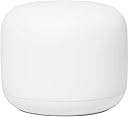
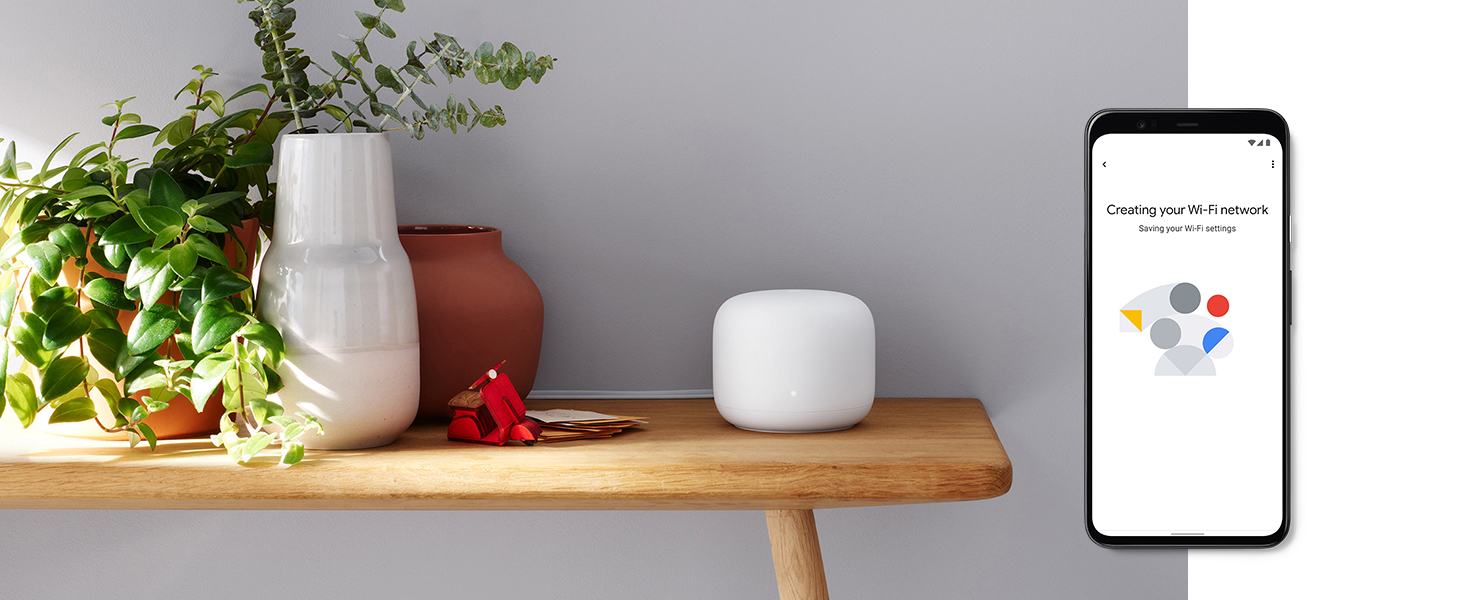
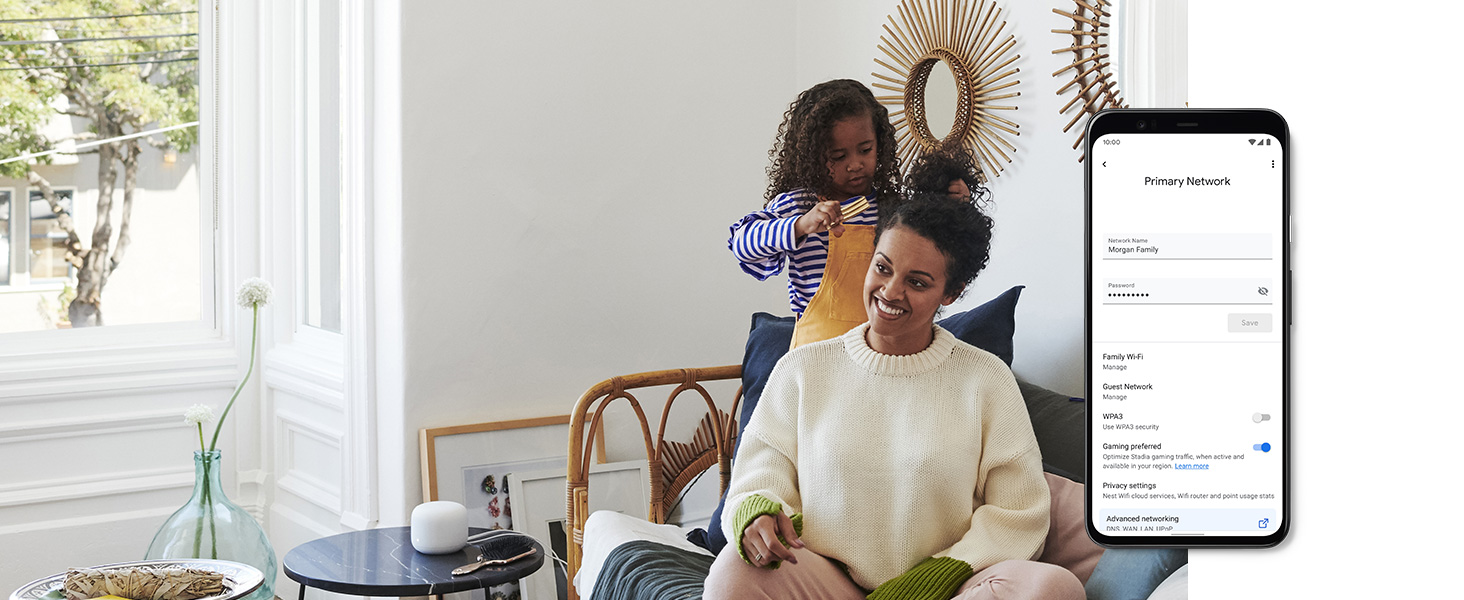
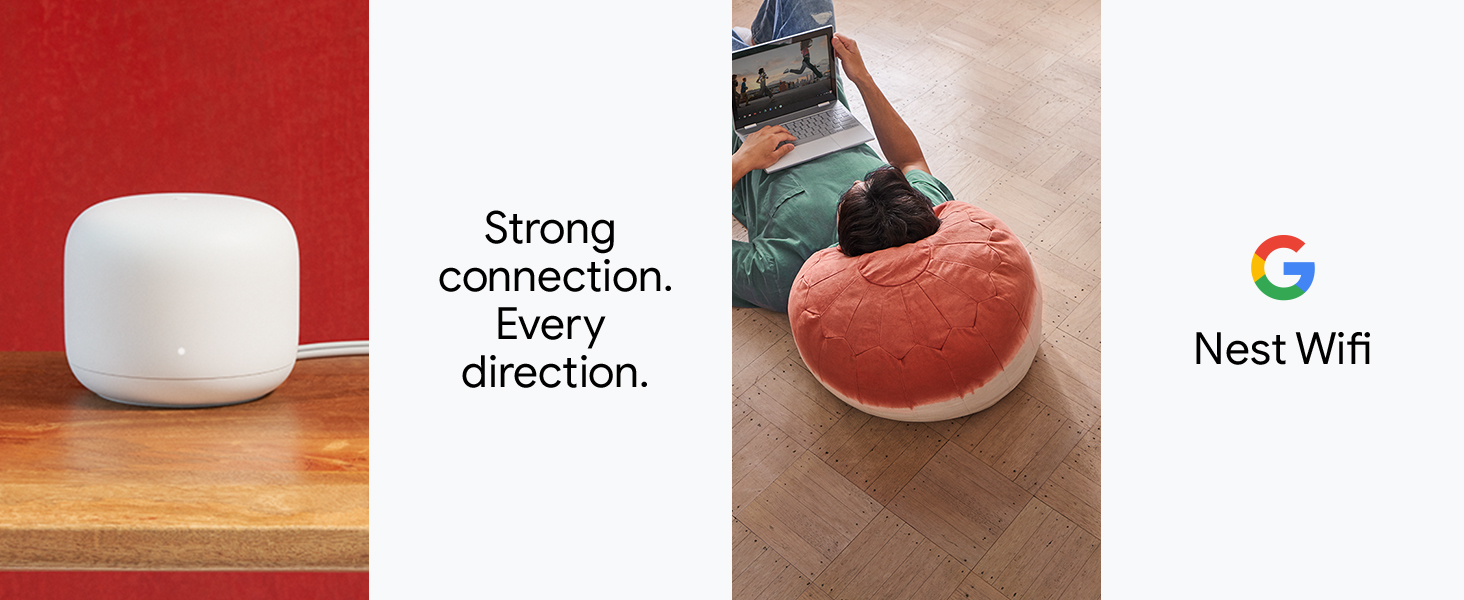
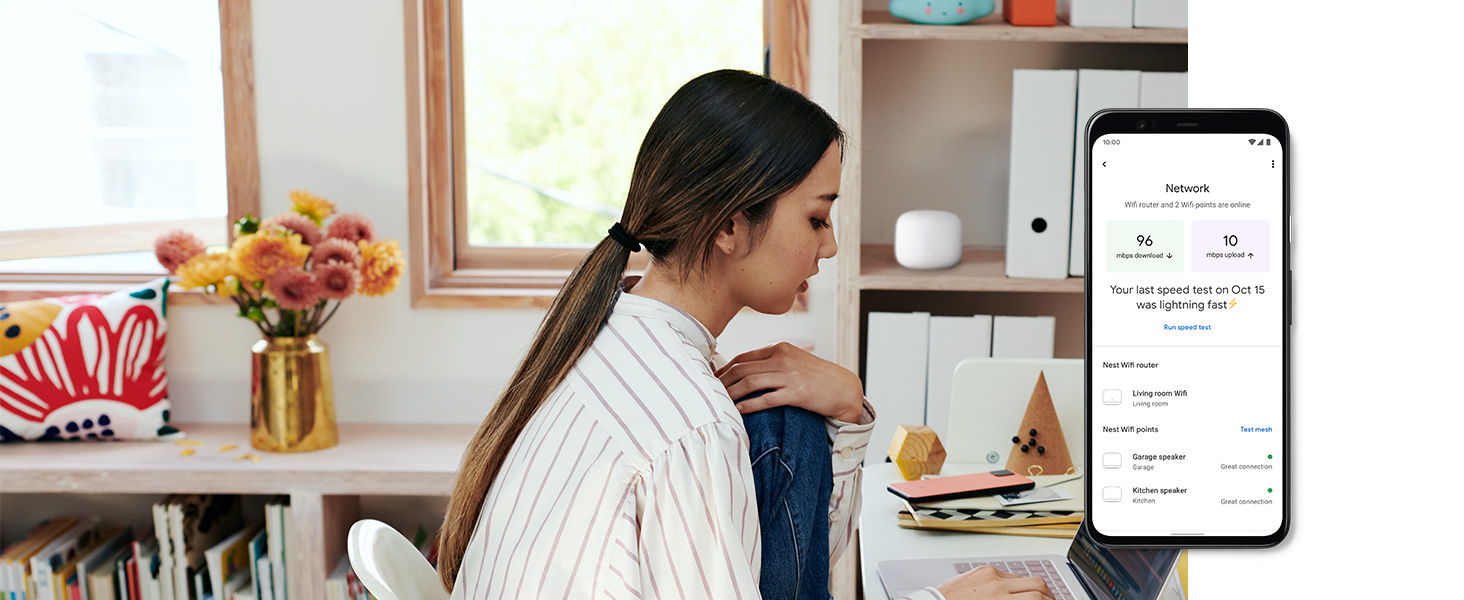
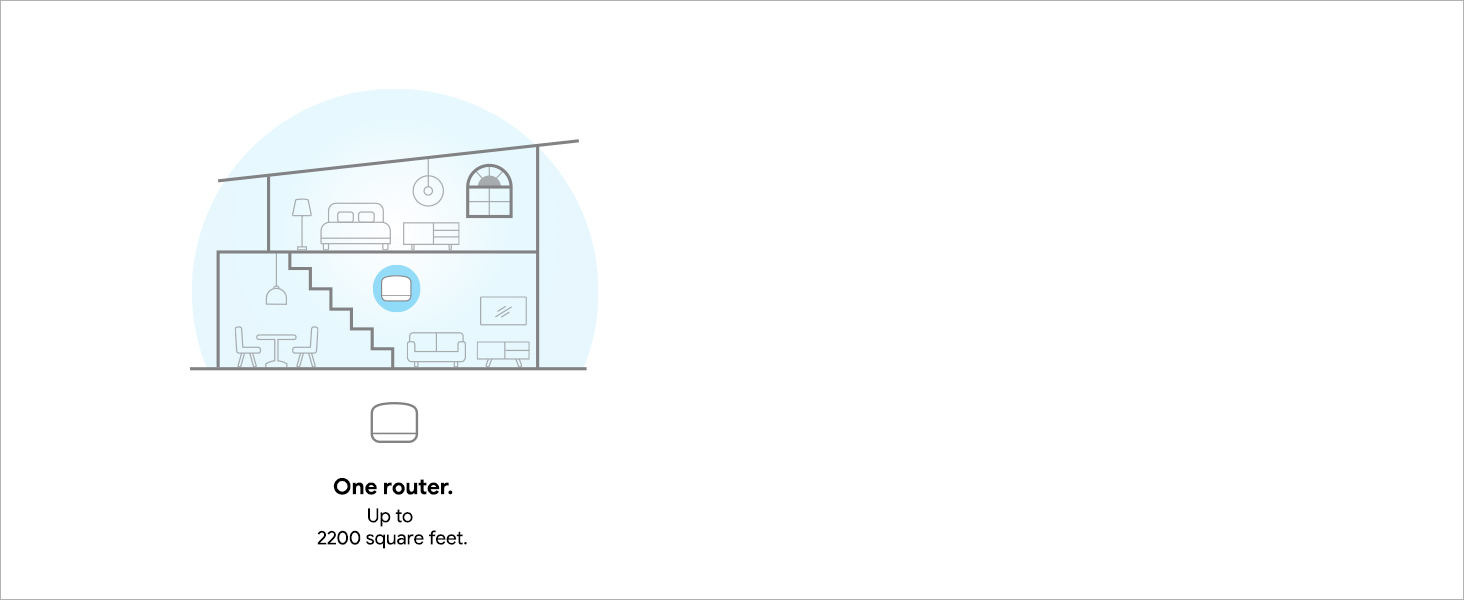
Google Nest Wifi AC2200 is a sleek, mesh Wi-Fi router delivering up to 2200 sq ft of dual-band coverage with speeds up to 2200 Mbps. Featuring WPA3 security, voice control via Alexa, and sustainable materials, it ensures a reliable, secure, and eco-conscious internet experience for modern homes.





| ASIN | B07YMKD6SM |
| Antenna Location | Home |
| Antenna Type | Internal |
| Best Sellers Rank | #218 in Computers & Accessories ( See Top 100 in Computers & Accessories ) #21 in Whole Home & Mesh Wi-Fi Systems |
| Brand | |
| Built-In Media | AC Power Adapter, Ethernet Cable, Quick Start Guide |
| Color | white |
| Compatible Devices | Laptop, Personal Computer, Smartphone, Tablet |
| Connectivity Protocol | bluetooth, ethernet, wi-fi |
| Connectivity Range | 2200 square_feet |
| Connectivity Technology | Bluetooth |
| Control Method | Voice |
| Controller Type | Amazon Alexa |
| Coverage | Up to 2200 sq ft per router, up to 4400 sq ft with multiple routers |
| Customer Reviews | 4.4 out of 5 stars 12,488 Reviews |
| Data Transfer Rate | 2200 megabits_per_second |
| Frequency | 5 GHz |
| Frequency Band Class | Dual-Band |
| Global Trade Identification Number | 00193575001593 |
| Item Dimensions L x W x H | 4.33"L x 4.33"W x 3.56"H |
| Item Type Name | Wifi Router |
| Item Weight | 16 ounces |
| LAN Port Bandwidth | 1 megabits per second |
| Manufacturer | |
| Maximum Upstream Data Transfer Rate | 1091 megabits_per_second |
| Mfr Part Number | GA00595-US |
| Model Name | Nest Wifi |
| Model Number | GA00595-US |
| Number of Antennas | 2 |
| Number of Items | 1 |
| Number of Packs | 1 |
| Number of Ports | 1 |
| Operating System | Linux |
| Other Special Features of the Product | Dual-Band 2.4 GHz/5 GHz Frequencies; Whole Home Coverage; Security; Built with Sustainable Materials |
| Router Network Type | mesh |
| Security Protocol | WPA2-Enterprise, WPA3 |
| Special Feature | Dual-Band 2.4 GHz/5 GHz Frequencies; Whole Home Coverage; Security; Built with Sustainable Materials |
| UPC | 193575001593 |
| Unit Count | 1 Count |
| Warranty Description | 1 year |
| Wi-Fi Generation | Wi-Fi 5 |
| Wireless Communication Standard | 802.11ac |
| Wireless Compability | 802.11ac |
R**T
The improvement is not where you think it is. Totally worth, so simple!
Tips: 1- Do not be affraid of installation, it was very simple. The routers and the points -or 2 routers in this case- create a mesh by themselves wihtout any user intervention. The app guides you through the process. As a tech guy, this was so easy I feel guilty :p 2- This mesh will improve your WiFi speed across the house for any internet service up to about 600-700 Mbps, I daresay. WiFi has its limitations, anything above that is wishfull thinking due to the harware constraints of our current phones and devices. But... the real improvement is not the "speed" itself (read below). 3- This is the 2 router pack, not the classsic "router" and "point/Google assistant" pack. I chose this one expressly since the routers have ethernet LAN RJ45 jacks (ports), which the "points" lack, because my house is already wired with LAN ethernet cable and I already have plenty of "hey google" things around =) Note: you will need proper harware to get anything above 50 Mbps, e.g.: Cat. 5e or Cat. 6 cable , and if you use an ethernet switch make sure it is Gigabit compliant, otherwise stick to the standasrd WiFi mesh, you'll be surprised: this WiFi mesh will be faster than a 10/100 cable or a "Fast Ethernet" switch. 4- It is fast, indeed, but take note: since the mesh talks in both directions, there will be a natural minimal speed loss when connected to a "point" (or the secondary "router" in this case). E.g.: when the mesh is connected wirelessly (pure WiFi mesh), I get 100 Mbps near the router and 50-70 Mbps near the "point"; but when wired (ethernet backhaul between the 2 routers) I get 80-100 Mbps near the "point". I think this is expected, completely normal due to the 2-way wireless communication between both mesh devices. 5- My ISP installed a coaxial Modem/Router combo unit in my house, I was affraid of the dared double-NAT menace, but to my relief they got allong surprisingly well. Actually, I kept my original WiFi network and the new nest mesh network up simultaneously for a couple days, while migrating everything (the easy and recommended way would have been to disable the old WiFi network and use the same SSID name and password on the new one, but I wanted to experiment a little). Anyhow, although they seemed to work fine together, I decided to turn off the ISP Modem/Router's WiFi radios to avoid any possible interference. WiFi can be grumpy when crowded. 6- I chose the newest "Nest" WiFi mesh routers over the previous "Google" WiFi mesh or the Nest points because they have: a) faster WiFi conection (AC2200 vs AC1200), b) bigger area coverage (205 m2 vs 140 m2), c) more antennas (4x4 vs 2x2) and d) the capability of transmitting data to multiple devices simultaneously (MU-MIMO vs no-nothing). THIS is paramount. The improvement is noticeable when the kids are watching video streams and playing games while I hold to that important zoom meeting. (Note: The Nest points do have MU-MIMO, too, but lack the extra speed and extra coverage of the Nest routers. In exchange, they double as Google assistant speakers, so choose your potion) 7- Get both apps, Google Home and Google Wifi. They seem to be migrating everything from Google WiFi to Google Home, but meantine get both! Google WiFi gives some extra options such as a speed test of all connected devices or information about the connection type between points, wired or wireless. In conclusion, the real "speed", the improvement over a standard WiFi network is not measured in Mbps by Speedtest, it's not even the extended coverage or the transparent, automatic handling of WIFi when moving around the house without hiccups nor the beamforming technology which sends the WiFi signal straight toyour device: it's how it handles devices and distributes bandwidth, making each device in my house faster individually, all at the same time, keeping my data transmission speedy and steady when the kids are squeezing the WiFi signal and my internet bandwidth. The only thing I would have wished for is WiFi 6 support (future proof). Otherwise well done, Google. I'm impressed. I have spoken.
A**R
Great Little Router
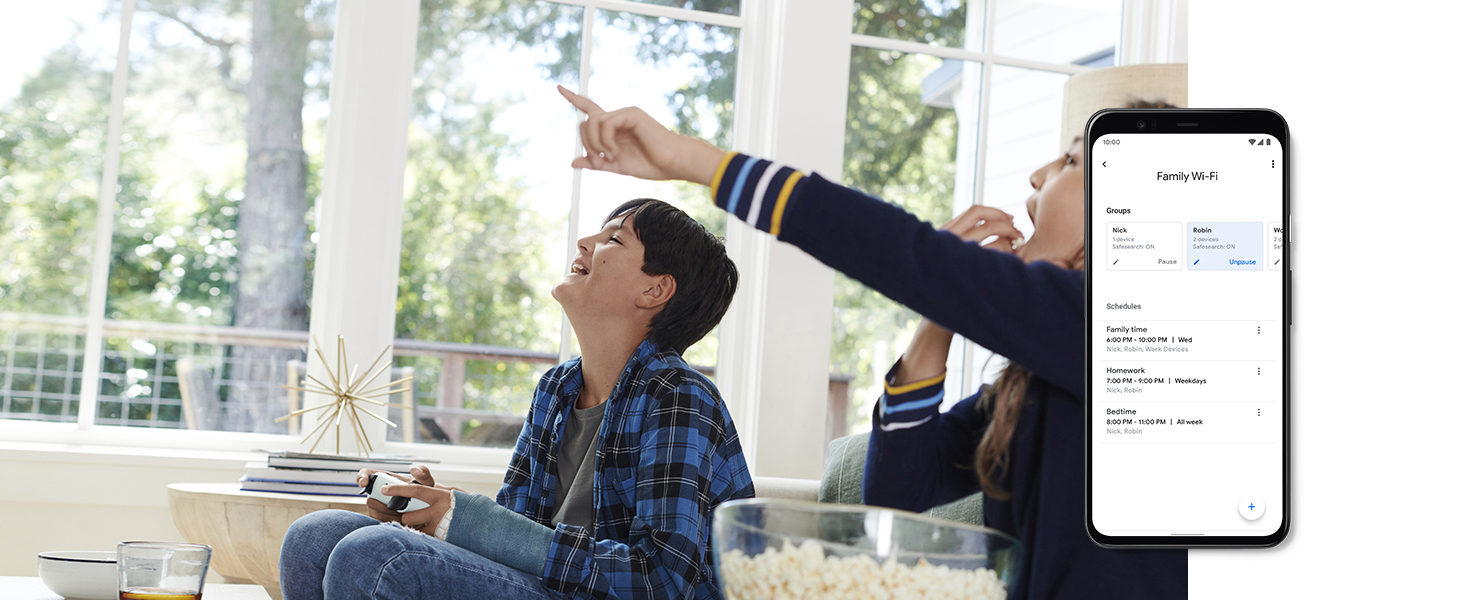
I purchased this after issues with my Netgear Nighthawk router. Set up was easy, and simple. Speed is excellent and range is great. To note I have an older home built in the 50's roughly total square ft space is 1200. So all I needed is just the router. I love that I can see every thing that is connected to the router (even when your not at home as long as you have the google app on your phone or tablet!! You can controll remotely as well!!) I love I can see how much data any given device is using. I do like that you can give priority to certain things connected to the router. Great for families with kids. Gives you the option to pause internet connectivity at specific times to specific devices! I had to call customer service because when I first installed it I was getting about 65mbps and have 300mbps internet. I spent probably about an hour with tech support trying to figure out why it wasn't getting over at least 150mbps. Finally after all the trouble shooting the issue was that the google router assigns which frequency to connect a device to. So most computers get assigned to a 2ghz frequency not the 5ghz. Cellphones and some tablets get connected to 5ghz. Your smart devices like TV, Android Tv Box will get 5ghz, and small wifi enabled devices connects at 2ghz frequency. Once I understood that it made sense and was working as it should. However, it would have been nice to be told this first before going through trouble shooting steps. It would have been a shorter support call if they had said that first. Hopefully other Google Support staff are more knowledgeable, and I just got a newbie. I do like that you can test the internet speed directly through the google app. Very convenient. One thing I do not like about it is that you can not choose which frequency to connect a device at. It automatically assigns the device to a frequency (2ghz or 5ghz). This is a little inconvenient when downloading a large file to your computer. It takes longer because it's only connecting at the 2ghz frequency. Hopefully they will add that feature with future updates. It's a small inconvenience for me though. All around I am very happy with the purchase.
D**O
Google does wifi well
The Google Nest Wifi is an excellent mesh router system that combines simplicity, speed, and integration with Google’s smart home ecosystem. Let’s dive into the details: Design and Setup: The Nest Wifi system is idiot-proof to set up. Just plug it in, follow the app instructions, and within 10 minutes, your mesh network is up and running. The design is sleek, and the range-extending Nest Wifi Points come in three colors (white, blue, and sand). Performance: Impressive Speeds: The Nest Wifi offers impressive top speeds and strong performance even at range. Stable Band Steering: It seamlessly switches between 2.4GHz and 5GHz bands for optimal performance. Google Assistant Integration: Each Nest Wifi Point doubles as a Google Assistant smart speaker. You get both the Nest Wifi Router and a Point with built-in microphones and decent bass. If you’re already in Google’s smart home ecosystem, this integration is a bonus. Price Considerations: The Nest Wifi isn’t cheap. For comparison: Amazon-owned Eero’s three-piece mesh system costs $249, which is less than a Nest Wifi setup with two devices. Netgear Orbi AC1200 mesh system (three pieces) costs $229 at Best Buy, significantly less than the three-piece Nest Wifi. However, if you’re invested in Google products, the seamless integration makes it worth the splurge......plus it's been on sale recently! The Nest Wifi is as easy to set up as a smart speaker. It spreads a Wi-Fi signal throughout your house, and each Point is a smart speaker. If you want a seamless and speedy connected home, the Nest Wifi is a worthy choice.
C**S
Great upgrade from combo modem/router but took hours to set up
So a full 6 hours of setting this up is insane and google needs better support when they launch a product. No instructions, and 2 hours on the phone with their tech support. Issue was the 2 routers vs the standard extra point (which would have been a simple setup). My first router plugged into my Motorola MG7550 modem with no issues, I disabled the wifi on it so that wouldn't be an issue. For some reason my speeds were not any better than the modems wifi though. I was really disappointed since I spent $300 on this setup. After resetting it a few times and trying to install the other point I started seeing the speed pickup (using third party app on phone). All of a sudden I was getting 230mbps wifi which is the same as my hard wired speed! I was getting 80mbps max on the motorola wifi. My home server movie files were too big to ever stream with around 50mbps in my bedroom but now its no issue as I am also getting over 200 there. The problem was the second point, which I needed badly in my office across the house, never got a good wifi signal but I have a hard line into there, so it was just annoying for phone use. Figured it would be simple, hook up the hard line (from a switch) to the second router, then since it has the extra port plug that into my computer to keep the hardline going. Yeah no such luck, kept saying "problem connecting to cloud" on the final step of setup, so the wifi networks wouldn't sync (even though my phone was picking up the second one, it was under a different name) and it wouldn't connect my computer to the rest of the network. Took an hour of explaining to google support until they finally understood there is a 2 pack of routers that only amazon sells (they kept trying to tell me I had 1 router and a point). Then they said it wouldn't work with 2 routers unless I wanted 2 wireless networks (which defeats the purpose of this). It turns out the problem was my motorola modem/router still wanting to act as a router, I unplugged everything from it except for the 1 cable going into the nest wifi, then had the witch going out from the nest wifi and even though I turned off wifi on the actual modem I also went in and changed the setting to be a bridge (not sure if that did anything, but goolge help person mentioned it). Then it picked up second router as new mesh point and connected but it was acting like a regular point and not a hard wired router, so the connection sucked. The whole point of me buying this 2 pack instead of the $269 one directly from google was having the 2 hardwired routers for better coverage. Well something finally clicked along the way not exactly sure what it was as we did so many things over the 2 hours on the phone, but its all working now. I have 2 routers hooked up, both hardwired and both sending 100% full strength signal as wifi even though they are completely across the house (where a regular non hard wired point wouldn't be able to communicate with a router). I am paying for 200mbps from cable company but getting 230-240 on all my tests, hard wired and wifi, which is amazing and anywhere from 3-5 times what I was getting. This is a better/cheaper solution than buying the 3 pack with 2 points unless you really want the google speaker functions (which I didn't care about). This would easily be 5 star with better support on hooking up multiple routers in mesh mode, and was so painful I almost gave it 3 stars, but the product simply works really well once setup and is easily managed along with all my other google devices and hue lights thru a single app.
H**D
Excellent... A "Wow!" Product
It is not often that I install a technical upgrade that is so very significantly better than what it is replacing. But this product really is a game-changer! I originally bought a Nest WiFi system with a router and three Nest WiFi points. I followed the pretty simple instructions, and the installation was amazingly simple. The whole thing is a paradigm change, since instead of the user worrying about wifi bands and various router parameters, these marvelous little router/points do the "worrying" for you -- and you end up with high-powered, very effective solutions. My initial installation was in a private house, where it replaced a single standard router. We had long suffered with relatively poor wifi when we were not near the router, but had adjusted to that as a fact of life. That was part of why we over-ordered the Nest WiFi points... we wanted the new system to be good! Installation was a breeze. The system did what it did all by itself, and in like ten minutes was up and functioning. Gingerly, out of curiosity, I unplugged the Ethernet cable from my "main" PC and connected it to wireless. The speed tests rated my wireless Internet speed almost as fast as my wired speed! My experience was good enough that I quickly decided I did not need the third Nest Wifi point at all. I then decided to buy this router and use the now-spare point in an installation in my parents' house. They had a Google Chromecast installed, so I figured the install might be more complicated, but it was just as quick and just as perfect as my initial install, with the same great results. For my initial install, I had ordered a low-cost Linksys switch, since the Nest Wifi router comes with only one available Ethernet port. I ended up not needing the switch, although I did install it (and it works fine). For my second install, I took a chance and didn't bother with a switch. The wireless reception was good enough that I had no need for a switch whatsoever. And the back of that house, which, with a TPLink extender had had only poor wifi, now had really good wifi access! The only problems I had with this was that I had a Sonos system installed in my first location, and Sonos and mesh networks didn't seem to get along well (depending on what connected to what, the Sonos apps couldn't find the Sonos speaker systems). Interestingly, there was some advice online that said something about letting it work itself out, and I just left it alone for a few days, and then it was working just fine! My Sonos apps could connect to any Nest Wifi point and still find the Sonos system! If you want to spend time tuning the innards of a router technically, this might not be the ideal system for you. But if you want something that installs very easily and is high-powered and just works (almost magically!) all by itself, this system is just marvelous.
A**J
Good design, easy set up, backhaul set up could have minor issues and use Google Home app for set up
-- 6/2/20 second cut with info So had issues using Google Nest Wifi routers with wired backhaul using Powerline (TP Link tp pa8030p, pa9020p) - it seems the issue was with 2.4Ghz 5Ghz bands on router and powerline adapters which seemed to work otherwise with older 2.4Ghz router but not with Google Nest Wifi. Once I removed PA8030p (which may not work with dual band router?) things seem to have fallen back in place and works much better now. Just an update. Routers are otherwise great and easy plug and play. Interesting with new powerline 9020p adapters I'm able to rely on Nest devices to connect on wifi and work. Hope others add on if they have similar config. -- old first cut of review Giving it 5 start (to start with), just for the ease of set up, information online/google/other sources about these to troubleshoot, and design/look and elegance of devices. For starters, I've set up 2 routers with wired connection (ethernet) at different floors and then using them as a mesh. Will downgrade as necessary if any issues persist. Word of advice for anyone using wired backhaul and setting up (connect different floor routers as wired connection) -- connect them wired at the time of set up (1. set up first router by itself using google home, 2. In that given set up, add/power up and connect via ethernet output from 1st router to input/lan of 2nd router before powering on -- give each device 1-2 mins [white blinking light indicates it's coming on/working through]). Google Home app is great (I downloaded both google home and google wifi but ONLY needed google home for all the set up (including password and mesh/speed tests) Potential issues - - If you move 2nd router (acting as wired point), Google Home app shows old info about strength of signal in new set up (doesn't refresh after few attempts). So that information can be misleading. - With modem in between (optimum broadband coming in the house) - it drops wifi for 10 or so secs every once in 3 to 4 hrs.. apparantly some DHCP or DNS disabling with the router (? - don't know yet, will try to figure out).. can't blame google nest routers for this it looks like. Other connected extender/router also show similar issue - It's hard to know if 'mesh' set up with wired backhaul between 2 router devices is working as I expect it to (i.e. 2nd device is the 'point' rather than it's own router?) -- hard to know and detect. Only can check the 'mesh' strenght which is still great.
J**B
Surprisingly Crappy Equipment from Google.
My Google AC1200 Mesh Wifi Router finally died. I went through two weeks of it dropping wired/wifi connections. First if was just in the late afternoon (due to heat from afternoon sun). As the days went by, it became more random until I was needing to reset the router every few minutes. Turns out it's recommended to replace the Google routers/points every few years. SIgh. So I order a new AC2200 Mesh Wifi Router to as a replacement. The first "head-smacking" moment came with the Google Home app (iOS). There was no option to delete the old router which interfered with setup up the new router, so I was force to "Delete House" with my other devices (second router, Nest Thermostat, Chromecast speakers, etc) and start from scratch. The next realization of poor design came when I went to add the device. I had unpacked it and plugged in power, the cable from the Google Fiber jack, and the cable to my cables switch. The Google Home app wanted a picture of the QR code on the router. Turns out they've now made the QR code smaller and put it UNDER where the cables plug in. So I had to juggle unplugging the cables, holding the router, holding the phone, and trying to get it all steady enough with enough light to snap the QR code. It took many attempts. Plugged the cables back in and setup said I had good internet connection. I had internet through my wired connection. Let me say that again: I had good internet connectivity through my wired connection with the new router. The next step in the install process was to setup the Wifi network. This seemed really simple with entering the SSID/Name and password (used my old one) in the Home app. Things were looking good. The app then said it needed to "configure the Wifi network" and started "working". At that point, the *wired* connectivity stopped (!!!). The Home app then announced that the wifi was configured. I could see the SSID for the network and could log in with my phone and laptop -- but there was no actual data transferred. It showed that the Wifi connection was good but the devices were not able to connect to the Internet. And none of the wired devices had internet connectivity either -- even though they did prior to "configuring" the Wifi network of the router. I repeat the steps several times. In my research, I found TONS on online complaint about connectivity issues with the Google routers. I've decided to give up on this Google AC2200 and go with a different brand of mesh routers (TP-Link). I work from home so good networking is critical to me. Since I need to have the network working tomorrow for my job, I'm going to buy replacements from Best Buy (even though it's more expensive than Amazon). I was not encouraged about the Google produces when *all* the Google stock my local Best Buy had on the shelves were "Refurbished" and "Open-Box" components. Going with a different brand is definitely the way to go. Google, I'm surprising disappointed. Your other "products" seem so good.
A**D
This works perfectly out of the box no matter what anybody says
Attention to all those who were SCARED OFF from the reviews!!! This was a very easy install. If you’ve read the reviews a lot of people are complaining that it’s two routers instead of a router and and point. People are saying it’s very difficult to install since it’s two routers it’s all nonsense. I’m gonna take you through my install. All you do is download Google Home and you plug the first router into your modem and set it up. Then you take the second router into whatever room you want to be in for me it was upstairs and you plug that into the power only. Then on Google Home you click set up another point (which is the default so you just click the NEXT button). At that point you just wait until it sets it up. I had an error the first time but then you just click find again and it finds it. The reason is it takes about one minute for the router to warm up and I didn’t wait. No biggie Once you do that it creates a mesh and it’s perfect and works perfectly. The idea of having two routers instead of a router and the point is what is scaring people off due to the reviews but you really don’t need to be scared. It’s also a better deal in my opinion since the 2 routers covers more area than a router and a point does. Bottom line is if you have a problem you can return it to Amazon and get all your money back but I installed it all in less than 10 minutes and it’s been phenomenal ever since. I rarely write reviews but the reviews scared me and I took 2 hours to commit to the buy after reading review after review and researching different mesh systems. I wanted people to know just buy it it’s going to work exactly as you want it to work and it doesn’t matter that it’s two routers, it will create a wifi mesh. Just buy it and enjoy don’t waste your time over researching like I did
H**S
Overpriced and quite hopeless in terms of range; not a good buy for India
1. Ridiculously overpriced for the performance. My Netgear R7000P works much better. 2. "intelligent" switching between 2.4GHz and 5GHz means you *cannot* choose it yourself. 3. Meshing between levels probably works in countries with wooden floors, but with concrete in India, it doesn't work well - horizontal range is less 50 ft between two levels. 4. Doesn't show devices connected unless you agree to the "cloud" option where it will log every single device and probably its activity. 5. No configuration options for power (of the radio), access-control using MAC, etc. Please don't buy this if you're in India.
Y**N
Great product!
Been using this product about a year now. It’s pretty awesome! My apartment wasn’t really set up well for me to run an Ethernet cable to my PC, but this still gives you great speeds for whatever you need it for, without the need to run wires. Very happy with the purchase after a year. Plus troubleshooting is really easy with the google home app. Would recommend!
N**A
رائع
اشتريتة قبل 5 سنوات ممتاز جدا
A**.
Feels Great to be always connected every corner at home
Got it on time, set up is easy, looks cute, 2 device good cover enough for my 2000sqft concrete walled apartment. I am subscribed to 1GB broadband service which earlier i got 150mbps download speed and 40mbps upload after setting up Nest my internet got a real good boost to 250-280mbps download and 80+ upload speed instantly. From my learning, I strongly recommend to replace your 4+ yrs old router to attain the max provided speed.
P**I
Excelente
Muito fácil de configurar. O sinal do Wifi, principalmente com os dois roteadores, fica perfeito em todos os ambientes da casa. Agora consigo trabalhar dentro do escritório com a porta fechada! OBS: O produto veio com o padrão de tomada americano (pino chato). Sorte que tinha adaptadores aqui. Na imagem dá a entender que o segundo roteador é o modelo com caixa de som. Mas não é. São dois roteadores iguais, com uma entrada e uma saída RJ45 e entrada pro CA. Mas isso não diminui em nada a qualidade. Cada um já vem com um cabo de rede.
Trustpilot
1 month ago
2 months ago