Desertcart purchases this item on your behalf and handles shipping, customs, and support to South Africa.
🚀 Upgrade your workflow — speed, durability, and space in one sleek SSD!
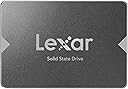
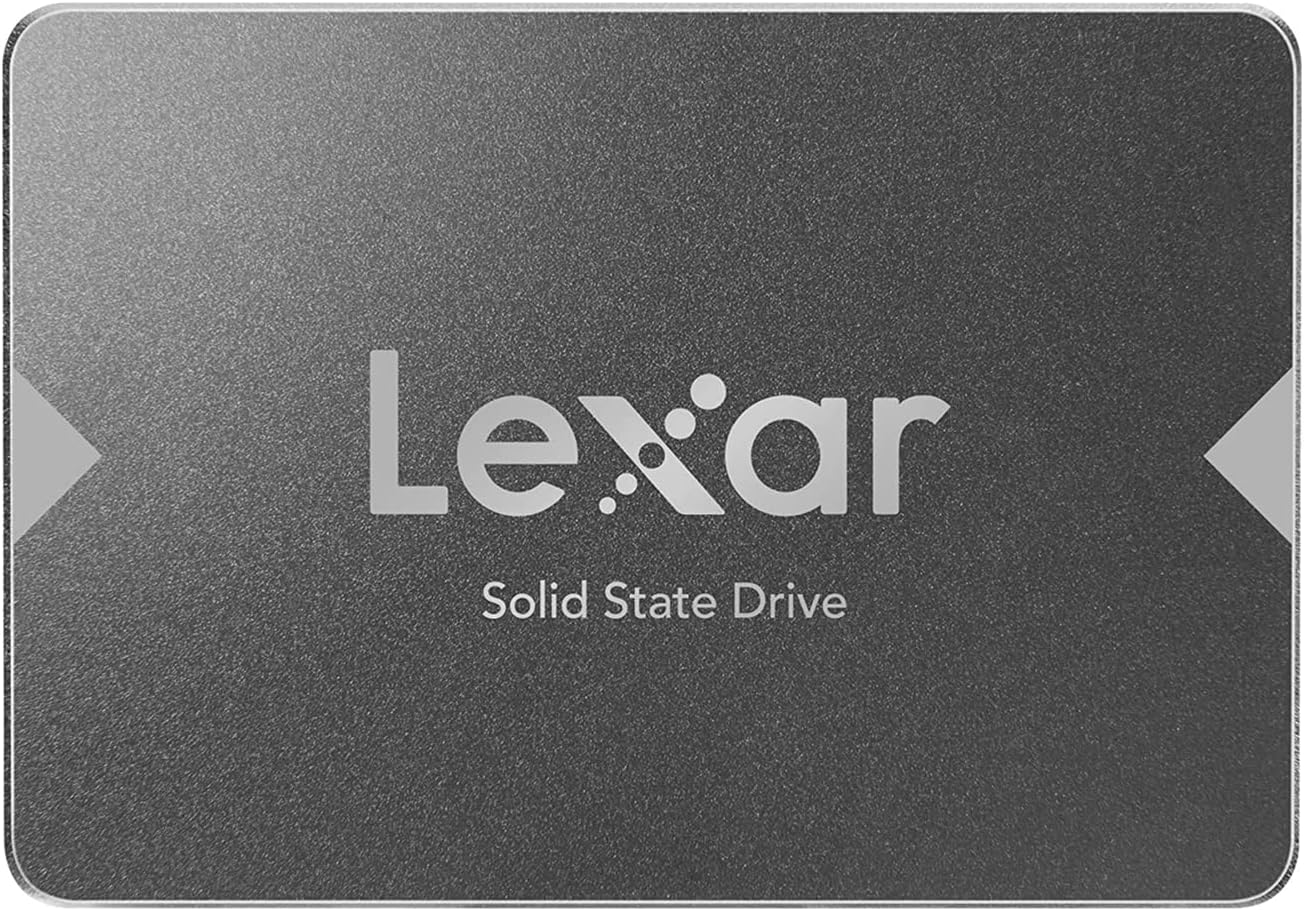
The Lexar 512GB NS100 Internal SSD is a high-performance 2.5" SATA III drive delivering up to 550MB/s read speeds. Its shock-resistant, no-moving-parts design offers enhanced durability and quieter operation compared to traditional hard drives. Ideal for laptops and desktops, it provides reliable, fast storage with a 3-year limited warranty, making it a smart upgrade for professionals seeking speed and stability.


| ASIN | B07TQSYBPH |
| Additional Features | Shock Resistant |
| Best Sellers Rank | #68 in Internal Solid State Drives |
| Brand | Lexar |
| Built-In Media | SSD drive |
| Cache Memory Installed Size | 1 |
| Color | Gray |
| Compatible Devices | Desktop, Laptop |
| Connectivity Technology | SATA |
| Customer Package Type | Standard Packaging |
| Customer Reviews | 4.7 out of 5 stars 9,377 Reviews |
| Data Transfer Rate | 550 megabits_per_second |
| Digital Storage Capacity | 512 GB |
| Enclosure Material | Plastic |
| Form Factor | 2.5-inch |
| Global Trade Identification Number | 00843367116232, 04895217903086 |
| Hard Disk Description | Solid State Drive |
| Hard Disk Form Factor | 2.5 inches |
| Hard Disk Interface | Serial ATA-300 |
| Hard-Drive Size | 512 TB |
| Hardware Connectivity | SATA 6.0 Gb/s |
| Hardware Platform | PC, laptop |
| Installation Type | Internal Hard Drive |
| Item Dimensions L x W x Thickness | 3.94"L x 2.75"W x 0.28"Th |
| Item Weight | 34 g |
| Manufacturer | Lexar International |
| Mfr Part Number | LNS100-512AMZN |
| Model Name | Lexar |
| Model Number | LNS100-512AMZN |
| Number of Items | 1 |
| Read Speed | 550 |
| Special Feature | Shock Resistant |
| Specific Uses For Product | Multi-Purpose |
| UPC | 791350395402 791392167036 843367116232 |
| Warranty Description | Three-year limited warranty |
P**P
Good HDD replacement for old laptop
Affordable small drive for a older laptop HDD... I tested it, cloned the HDD and swapped it without any problems and it's work fine. It boots a little quicker and seems to be responding faster but the improvement is minimal for the old laptop running a couple of old specialized applications. All of that will be phased out by the end of the year so I don't know what it will be doing in six months!!
D**.
Lexar 512GB SSD: The Ideal Quality-Performance Upgrade for Your Notebook
This Lexar 512GB SSD offers a compelling option for those seeking a balance between quality and affordability. After extensive research, this SSD stands out as an ideal choice for upgrading notebooks, providing both performance and reliability. Known for its solid build and reputation, the Lexar 512GB SSD helps minimize potential commercial disappointments or returns, making it a smart choice for both individual users and business purchases. With competitive pricing for its capacity and consistent quality, it’s a valuable investment for anyone looking to enhance their system’s speed and responsiveness without overextending their budget. "Second Time Buying (2 pcs) - The Perfect Upgrade Gift for Boosting Any Notebook!" Purchasing the Lexar 512GB SSD for the second time on Amazon, I can confidently say this drive is an ideal gift for anyone looking to breathe new life into a laptop. These SSDs pack powerful features that make them excellent upgrades, especially for family or friends who want a faster, smoother experience without a complete system overhaul. With read speeds of up to 550MB/s and impressive write speeds, the Lexar SSD drastically reduces loading times, making it perfect for both productivity and everyday use. Technically, the Lexar SSD is designed for durability and reliability, ensuring data stability even under heavy usage. Its lightweight, shock-resistant design adds to its longevity, providing an extra layer of protection for mobile users. Installing it into a notebook is straightforward, and it’s compatible with most standard laptops. Once upgraded, the SSD improves boot times and file access speed, giving an aging laptop a significant boost without the need to invest in a new device.
L**P
Lexar SSD Review
Rating: ⭐⭐⭐⭐⭐ (5/5) The Lexar SSD is a powerhouse storage solution that seamlessly combines speed, reliability, and durability. As an avid tech enthusiast who demands peak performance, I recently had the opportunity to test the Lexar SSD, and it did not disappoint. Performance: ⚡⚡⚡⚡⚡ (5/5) The standout feature of the Lexar SSD is its lightning-fast performance. With read and write speeds that exceed expectations, this SSD significantly reduces load times and accelerates data transfer rates. Whether you're working on large multimedia projects or gaming with high-quality graphics, the Lexar SSD ensures a smooth and responsive experience. Reliability: ⭐⭐⭐⭐⭐ (5/5) Reliability is a non-negotiable aspect of any storage device, and the Lexar SSD excels in this regard. The drive's robust build quality and advanced error correction technology provide peace of mind, making it an ideal choice for professionals who cannot afford data loss or downtime. The SSD's consistent performance over time is a testament to its reliability. Durability: ⭐⭐⭐⭐⭐ (5/5) The Lexar SSD's durable design stands up to the rigors of daily use. Its shock-resistant construction ensures that your data remains safe even in challenging environments. This durability, coupled with a sleek and compact form factor, makes the Lexar SSD a portable and dependable storage solution for users on the go. Compatibility: ⭐⭐⭐⭐⭐ (5/5) Lexar understands the importance of compatibility, and their SSD is no exception. The drive supports a range of devices and operating systems, providing flexibility for users with different setups. Whether you're a Windows, macOS, or Linux user, the Lexar SSD seamlessly integrates into your workflow. Value for Money: ⭐⭐⭐⭐⭐ (5/5) Considering its top-notch performance and reliability, the Lexar SSD offers excellent value for money. While it may come with a slightly higher price tag, the benefits in terms of speed, durability, and peace of mind justify the investment. The longevity and performance of this SSD make it a wise choice for those who prioritize quality. In conclusion, the Lexar SSD is a stellar storage solution that ticks all the boxes for performance, reliability, durability, compatibility, and value for money. Whether you're a creative professional, a gamer, or a tech enthusiast, this SSD is a worthy addition to your setup, providing a high-speed marvel that elevates your computing experience to new heights.
L**N
Great replacement drive
Bought this to replace a mechanical hard drive in a laptop. After installation it made the laptop run significantly faster and makes none of that mechanical drive noise. Great to bring life back to older hardware.
Z**N
Good value (but there’s a price for that !!!)
Purchased a bunch of these to install in my older laptops, made a huge difference; windows and programs loading much more quickly. Went with the 128GB but would recommend 256GB minimum (or go higher depending on your budget). The only reason I wouldn’t give five stars is I had a bear of a time finding [free] software to clone/migrate the drives - most of the “free“ software that’s available (EaseUS, MacriumReflect, Acronis) disables the cloning feature unless you pay more than you paid for the drive to activate ! No proprietary utility software available at the moment either. To make things more interesting, some of my HDDs were MBR and others were GPT ! In the end I used “AOMEI Backupper Standard” for the MBR drives and “DiskGenius” for the GPTs. I usually go with Sandisk but these were priced very well when I purchased. If there’s not much of a cost difference when you’re buying you might want to consider Sandisk as it comes with free cloning software (by Acronis) as well as a utility. Message to Lexar: you’d probably sell more of these if you charged a dollar more and provided software !!! Still happy with my purchase and would recommend to buyers who are a little tech savvy and can troubleshoot.
A**I
Extremely reliable SSD – 3 years of heavy use!
I have been using this Lexar NS100 SSD for about three years now, and it is still performing perfectly. The speed and write speed are excellent, making my computer boot up and load apps much faster than a traditional hard drive. Even after years of use, I haven't experienced any data loss, which shows its great reliability. The heat resistance is also impressive as it stays cool even during long work sessions. It was very easy to install thanks to its standard mountability. The storage capacity is exactly as advertised and perfect for a system drive. If you want a durable and fast SSD for the long run, this is a great choice!
G**N
Great SSD as an external drive to install a portable system such as Ubuntu
I almost returned it because I thought it was defective. But it was not. I wanted to use this as an external drive to install a portable system such as Ubuntu. So I put it in the external SSD case and connected it to the PC using USB. But the computer failed to recognize the drive. So I thought it was defective. But when I checked under Disk Management in Windows 11, it showed that the drive was recognized, but it needed to be initiated. It is easy to initiate once you're in Disk Management. But the fact that the system did not automatically recognize it still puzzled me until I realized what was happening. Normally, the SSD drives are used in two different forms. One is an internal drive mounted on the motherboard. The other is manufactured as an external USB drive. In the former, the motherboard BIOS would recognize an internal drive automatically without requiring initiation. In the latter, the drive is shipped in an initiated state, and there is no need to initiate it manually; therefore, the system automatically recognizes the drive once it is connected using a USB cable. But the way I used it is a mixture. This used an internal raw SSD drive as an external USB drive. Therefore, manual initiation was required. It is normal, and it should be expected. And this for only $20 is incredible. I remember buying a 256 GB SSD for over $200 about seven years ago.
D**R
Just what an old ThinkPad needed
I spend most of my time in front of a desktop machine which serves my needs splendidly. But I also like to breath new life into old macines. Such was the case for a Lenovo X130e ThinkPad. It came with Windows 7 Pro and was absolutely lethargic - it had a 320GB Hitachi 'spinner' I got it from someone who had wiped the W7 and tried putting Linux Mint on it. Almost worthless. I got it for $35- including shipping and power supply. Removing the old drive was easy - 3 screws to completely remove the bottom case shell, and 3 screws to release the HDD. I reassembled it, inserted a real MS consumer release Windows 7 Home USB and booted. I have it the entire 512GB. About an hour later I had an operating W10 (first release.) I didn't need to enter the activation key, the installer found the OEM license key on the motherboard. I put a 21H2 upgrade flash drive in, and launched SETUP. About an hour later it was installed and getting additional updates. Next morning (1/16/24) appears to be a 'Patch Tuesday' so it did some more updates and has settled down. I am mow loading my usual stuff and I am impressed by its responsiveness. You can go to YouTube or various web sites to get all sorts of benchmarks etc. I just go with simpler sthings. For example, I wiped the HDD drive of Mint and GRUB etc. and did a clean install of W10 home. That install had none of the usual (expletive deleted) software that is often bundled on a manufacturer's install. It took 93 seconds to go from power-on to entering password and being able to click the Windows START button. That wass original release of W10 from MS USB. I decided to put the SSD in as described. Cold boot to PIN is now 28 seconds followed by very few seconds to get to the start button. I don't need to know that there might be something that is 1.015% faster than something else on a sector fetch, I am just happy that I won't need to make excuses for using a 10-year old notebook on the few occasions that I venture out.
E**I
Gut
Guter Zustand,preiss top, funktioniert ohne Problem.
M**D
Excellent Product
The SSD looks really nice and has respectable speeds and would be a great upgrade from any Hard Disk Drive. Though I wasn't really fascinated with the packaging, but it serves it's purpose as needed.
R**N
Awesome SSD
For the price it's worth purchasing it. It's been a month now since I've purchased and installed it in my 7 year ASUS laptop and it feels like a brand new laptop. I've also upgraded the memory RAM so everything runs smooth and the bootup time is about 5 seconds. No more lags and waiting for webpage to open up. I think newer laptops and desktops should be replaced with SSD's or M.2 drives over the HDD. But...they are way more expensive. My advice for everyone....if you purchase a new laptop or desktop that still has HDD in them...replace it right away. Use the SSD for your OS and bootup time while you use your HDD as a storage drive. It's something to think about folks! POWER ON!
S**R
Le disque dur SSD
Mon ami de mon père qui voulait changer le disque dur. C'est un ordinateur portable, son disque dur en ce moment HDD à 7200 tour à minute, il est long attendre au démarrage du Windows ouf!. J'ai remplacer la nouvelle disque dur SSD Enfin!. On vois très bien la différence avant et après. Quand je ouvre le portable je vois la lecture un peu plus rapidement. C'est moins long attendre par la suite. Il vas directement des programmes , logiciel et courriel sans attendre longtemps. Il est très satisfait et il dit merci beaucoup.
J**.
Great item
One of the best but sold at alibaba for 5$. But in west much more. Why not the same.
Trustpilot
2 weeks ago
5 days ago