Buy anything from 5,000+ international stores. One checkout price. No surprise fees. Join 2M+ shoppers on Desertcart.
Desertcart purchases this item on your behalf and handles shipping, customs, and support to South Africa.
🚀 Upgrade Smarter, Clone Faster, Stress Less!
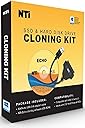
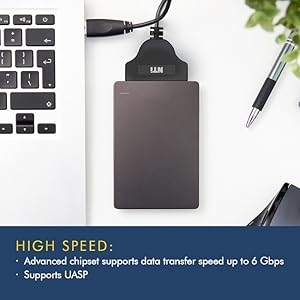
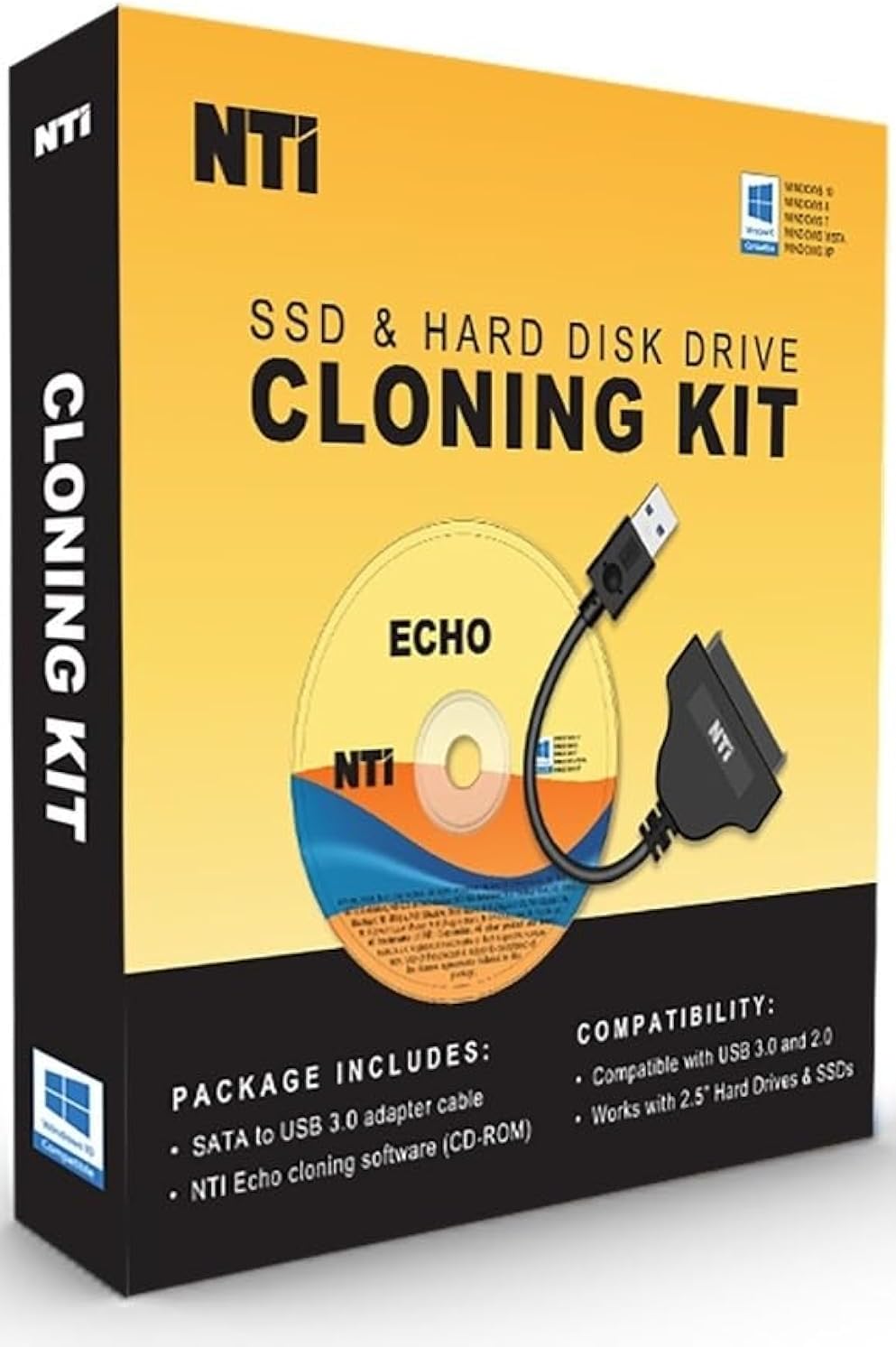
The NTI Cloning Kit V6 is a professional-grade cloning solution designed for seamless SSD and HDD upgrades. Featuring a high-speed 6Gbps SATA-to-USB adapter and advanced Dynamic Resize technology, it supports cloning across Windows, Linux, and Mac partitions. With a one-time perpetual license and compatibility from Windows 7 through 11, this kit transforms your PC into a powerful cloning station, enabling fast, reliable data migration and backup without subscription fees.


| ASIN | B07SW211KV |
| Best Sellers Rank | #259 in SATA Cables |
| Brand | NTI |
| Built-In Media | Download Instructions, SATA-to-USB adapter cable |
| Color | Yellow |
| Compatible Devices | PC |
| Connectivity Technology | SATA, USB |
| Customer Reviews | 4.0 out of 5 stars 876 Reviews |
| Data Transfer Rate | 6 Gigabits Per Second |
| Enclosure Material | copper |
| Hard Disk Form Factor | 2.5 Inches |
| Hardware Interface | Solid State Drive |
| Hardware Platform | PC |
| Item Type Name | Upgrade Kit |
| Manufacturer | NTI Corporation |
| Material | copper |
| Mfr Part Number | 8819-K |
| Model Number | 8819-K |
| Supported Devices Quantity | 8 |
| UPC | 684473080105 |
| Unit Count | 1 Count |
S**E
It works great! But, with one caveat
MAKE THE BIOS CHANGES BEFORE RUNNING THIS PROGRAM! I bought this cloning kit for the obvious reason: My C:\ drive was full. I had to constantly move or remove programs and/or data to clear space for updates, new programs, etc. I even extended the C:\ drive to combine with another drive. This was not recognized by some programs. Alas, what to do? During searches for solutions I stumbled on the NTI Cloning Kit. It promised an easy three step way to clone the original C:\ drive to a new larger drive. I purchased a two terabyte drive to replace the original 250 gigabyte drive. After installing the NTI disc, the program scans your computer in order to detect any possible conflicts. In my situation it found two conflicts in the BIOS. It gave specific instructions to reconcile the conflicts. Therein lies the caveat! I have always followed instructions to the letter all my life. That is generally the best way to go. Not in this case. I printed out the instructions and proceeded with the installation...the computer froze! The instructions say to start the program and it will stop to let me know to change the BIOS. When I hit the button to start the program is when the PC froze. There was nothing I could do to get a response from my PC. I called NTI. I spoke to Heather at customer support for about an hour. Heather was very thorough but we could not solve the problem as the PC was frozen despite several times attempting to reboot the system with a Windows thumb drive. I gave up for that day. The following day I spoke with my Grandson about this. He knows the workings of a computer better than I. We finally got the PC to turn on. He accessed the BIOS and made the changes specified in the program. With no prompting from me, IMMEDIATELY the NTI Cloning program continued and completed the process successfully! The moral of this long story: Make the BIOS changes BEFORE attempting to run the program. I heartily recommend the NTI Cloning Kit. It did a fantastic job.
D**E
Truely amaizing how well it works (many times)
There have been so many questions about this product that I am updating my review (again). I have used this a lot. I am now writing my second revision. If you bought the CD, you might want to download the newest version from the website. You can do this using the code that came on the sheet of paper in the box. The newer version is even more stable than the older one. To people using Windows 10. Windows 10 is so fragile that any change to the system may crash it. I added a blank solid state drive to a windows 10 computer and it crashed. Each version of Windows 10 will behave differently. Some may not work well with any new software including NTI. NTI will not damage anything unless you terminate the cloning prematurely. NTI does not work on a Macintosh or any apple product. Only Windows (any version from XP on). The adapter that comes in the kit is made for a solid state drive. It works great for that. You can clone almost any other drive if you have a USB to IDE/SATA Converter Hard Drive Adapter (available on Amazon). This allows you to run almost any hard drive from the USB port unless the drive is really really old (from the early 1990's). The program will also clone or back up to a flash drive as long as the flash drive is big enough to hold the data. It calculates this automatically before you run the backup. This program can BACK UP any part of any hard drive it can see whether internal or external. It can backup TO any hard drive it can see, internal or external as long as there is room. The program will NOT clone to another computer through the USB port. The program will not clone a Linux hard drive unless it is solid state. You cannot do it with a USB to IDE/SATA Converter. This is because Windows cannot see a Linux file system. The NTI solid state adapter seems to get around that issue. You can convert a non solid state hard drive to a Windows file system with a Linux computer and then you can use it to clone to. This product not only cloned the hard drive I bought the product for, it did it at 350 MB per second so it took very little time. The new drive was five times the capacity but it booted up and worked perfectly. The really great thing about this product is when I used it on a new solid state hard drive that was completely inaccessible by any computer. I had tried windows XP, windows 10 and Linux. Nothing had worked. I used the NTI cloning device and when it finished there was a message saying "the cloning had failed". THE CLONING HAD NOT FAILED. The hard drive worked perfectly after that. I cannot explain it but it saved the drive.
A**Y
JUNK adapter ...
Ordered NTI cloning kit to replace 500gb hard drive with new 2tb hard drive. Loaded software as instructed. Software would not find new drive. Screwed around with it for several hours (a 10 minute job). The hard drive/usb adapter that came with the software kept showing up as a DVD drive and kept telling me to put a DVD in the drive because it was empty. SO ... I had a generic hard drive/usb adapter from days gone by and so I tried it and it worked flawlessly. The software then found my new drive and cloned my old drive to it without any issues. The cloning package came with instructions that stated that if any issues with the package were encountered to call their tech help line. I did so and NATURALLY, when the number was called there was no one there to answer the phone or offer any assistance of any kind. All I got was voice mail that stated that I should "leave a message" and they would get back to me. No deal, because their voice mailbox was FULL and could not accept any more messages ... What a lame way to treat purchasing customers ... SO, if you order this package throw away the included adapter and use your own hard drive/usb adapter and you will be pleased as the software seems to work well ... Paul
V**R
Need to upgrade your hard drive to an SSD or larger hard drive / SSD ? This tool is perfect
1. buy this product and install it on your computer, then download and install the latest update 2. buy the new hard drive / SSD drive / larger hard drive / SSD drive (whatever) - I used this to upgrade my 250GB SSD drive to a 1 TB SSD... 3. plug in the new SSD drive (or hard drive) using the USB connector 4. run the program ... select the old drive to transfer from, and then select the new drive to transfer to 5. the program will reboot your computer and show you on the screen the transfer (cloning) process, and when finished, you'll be prompted to press "ok" to shut down the computer 6. once the computer shuts down, remove the old SSD drive (or hard drive) and install the new drive (freshly cloned) in its place ... then turn on the computer and it turns on as though nothing has changed (except you're using a newer/bigger drive now) So easy - worked perfectly the first time - very impressed.
J**R
It works, but there was a problem that required attention
This is a good product and I'd recommend it. That said, it did NOT just work straight out of the box with a brand new Samsung SSD. The clone process stopped with an error that the EFI partition was full and Linux could not copy the boot files. It relies on Linux to run the app when you are cloning a Windows drive. A new out of the box doesn't have any partitions so the error message was wrong but at least led me to try creating that then retrying the app. It then worked and was a smooth process. Cable is good combining power and data unlike the older similar devices I've owned.
G**.
Works very well, but there CAN be issues, be patient and ask!
My older Dell running Windows 10 came with an 80GB hard drive, it was 90% full and we all know that’s dangerous...so ordered a new 1TB drive and this cloning package. I bought a 3.5 inch drive as that’s the size in the machine, didn’t want to change TOO many variables. While some of the reviews state they had no problem using this cloning kit with a. 3.5 hard drive (the box says 2.5 hard drive or SSD) it would NOT work for me; Echo software did not “see” the drive attached to USB with their cable. NTI Tech support replied by email same day, said the USB cable would not power a 3.5, apparently they need more juice than a 2.5....theY suggested a fix - I removed my second (data only) hard drive, put the new drive in it’s place, the software saw it easily and the cloning took about 1/2 hour. I then removed the cloned drive, installed it in place of my C drive and put the 2nd drive back in it’s regular place - booted right up! Only issue was my Quickbooks desktop would not run, couldn’t find the required license file in the right place. Quickbooks has a tool hub program that fixed the issue in about another 10 minutes.
W**Y
Works, BUT!
IT does work If you buy the full kit, you get a nice HDD or SSD adapter, BUT, the company is non-responsive if you need help. Just as important, PAY ATTENTION TO INSTRUCTIONS REGARDING THE USE OF THE SERIAL NUMBER. DETAILS: You get x number of uses for your serial number. it is not limitless. If you save the codes with the disk or USB you are using, there won't be an issue. If you don't read the instructions, as I didn't, you may use up the ability to use your purchased software. Pay attention. If you have issues with this software of any kind, you may get support by contacting them through their website. Possibly not! My strong suggestion is to move on, look for another solution and save yourself a possible headache. When it works, its smooth as glass, when there are problems, I warned you. bbb
B**G
Hard drive cloning
Worked as described. Didn't have any problems cloning hard drive
Trustpilot
1 month ago
2 weeks ago