Desertcart purchases this item on your behalf and handles shipping, customs, and support to South Africa.
⌨️ Elevate your workflow with ergonomic precision and style!
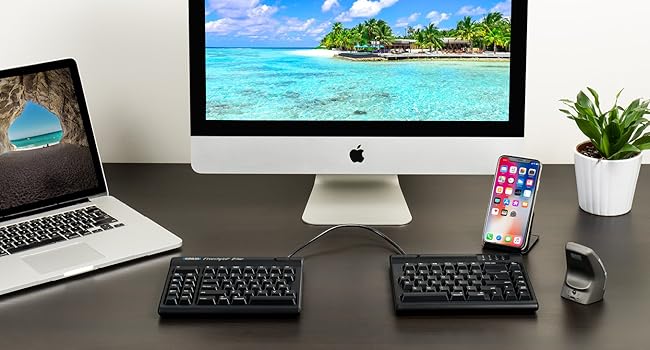
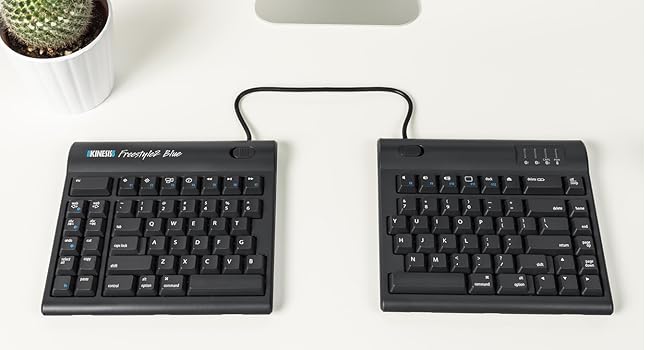
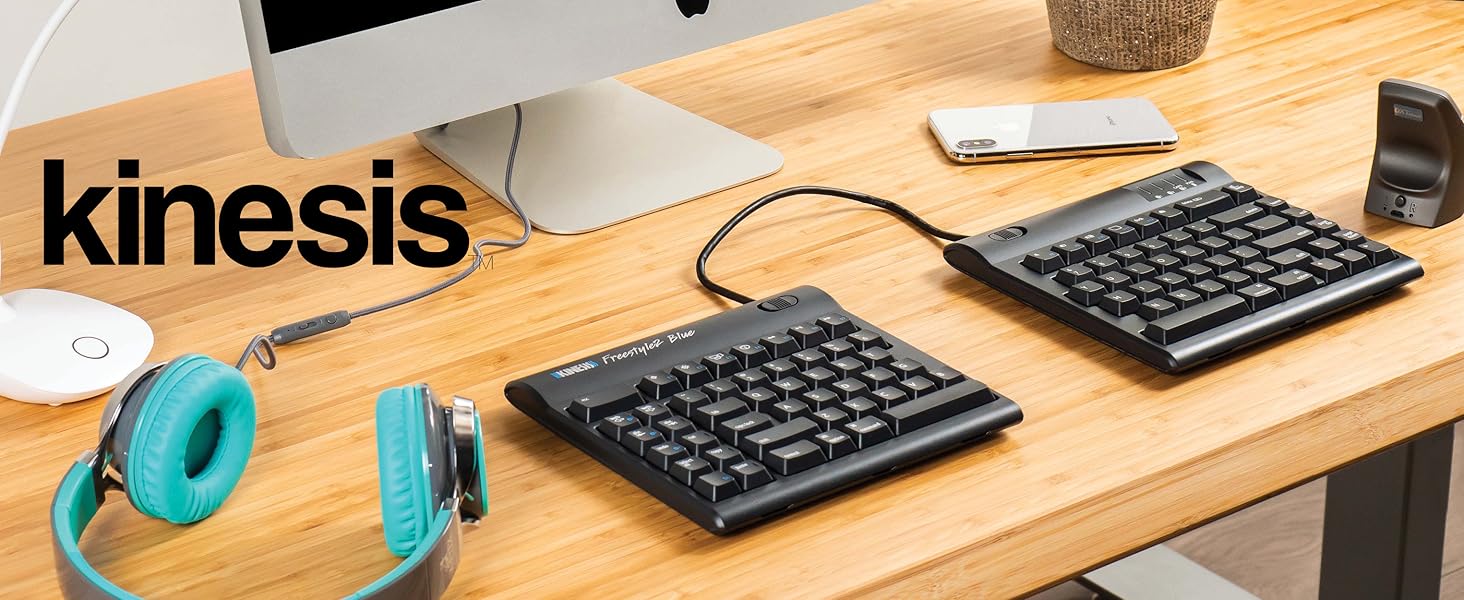
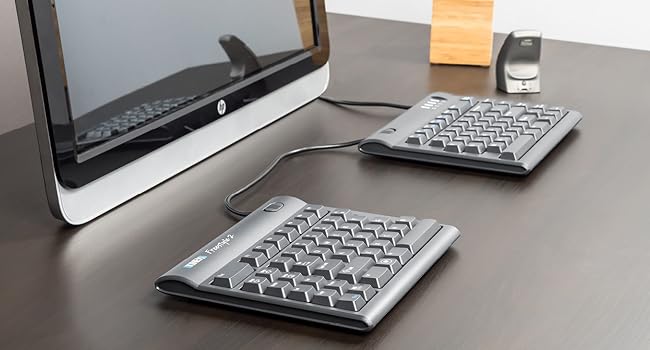
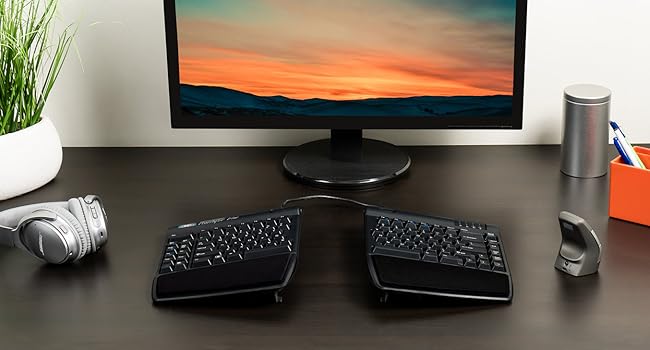
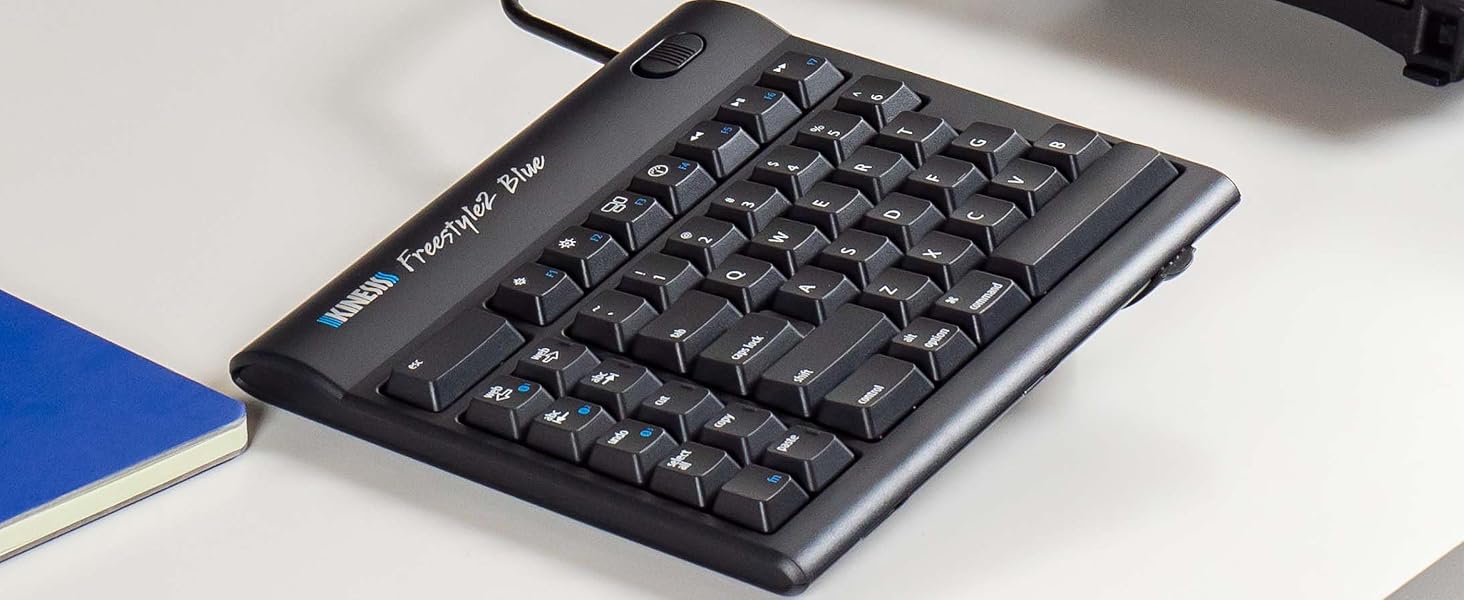
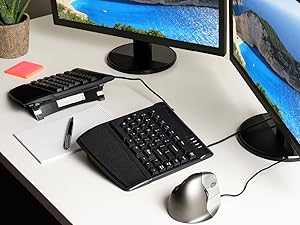
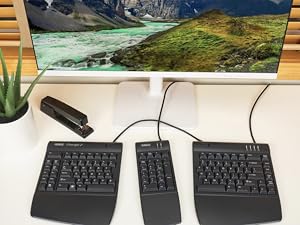
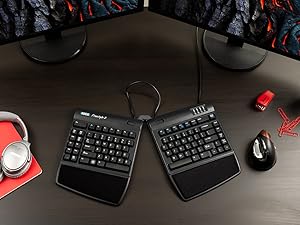
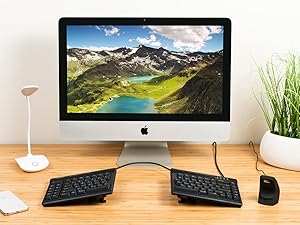
The KINESIS Freestyle2 USB-A Ergonomic Keyboard features a unique split design with up to 9" separation and VIP3 lifters offering adjustable tenting angles (5°, 10°, 15°) for optimal wrist and forearm posture. Equipped with 94 low-force tactile membrane keys in a standard Windows layout, it boosts productivity without the need for extra software. Lightweight and ambidextrous, this keyboard is engineered to reduce strain and enhance comfort for professional users seeking a healthier typing experience.


| ASIN | B0089ZLENA |
| Antenna Location | Office |
| Best Sellers Rank | 19,312 in Computers & Accessories ( See Top 100 in Computers & Accessories ) 292 in Keyboards (Computers & Accessories) |
| Box Contents | adhesive cushioned palm pads, detachable pivot tether, 2 x Ergonomic Keycaps |
| Brand | Kinesis |
| Brand Name | Kinesis |
| Button Quantity | 94 |
| Colour | Black |
| Compatible Devices | PC |
| Compatible Operating System Family | Windows |
| Compatible Tablet Computer Models | AAUB P30 |
| Compatible devices | PC |
| Connectivity Technology | USB-A |
| Connectivity technology | USB-A |
| Customer Reviews | 4.3 out of 5 stars 566 Reviews |
| Enclosure Material | Silicone |
| Generation | 2nd Generation |
| Global Trade Identification Number | 00607998820025 |
| Hand Orientation | Ambidextrous |
| Item Dimensions L x W x H | 48.3L x 31.8W x 8.9H centimetres |
| Item Weight | 2 Pounds |
| Keyboard Backlighting Color Support | Single Color |
| Keyboard Description | Ergonomic, Split |
| Keyboard Layout | QWERTY |
| Keyboard description | Ergonomic, Split |
| Manufacturer | Kinesis Corporation |
| Manufacturer Part Number | KB820PB-US |
| Mechanical Keyboard Switch Model | Sax |
| Minimum Required Operating System Version | Windows 10 |
| Model Name | Freestyle2 for PC with VIP3 Lifters Pre-Installed |
| Model Number | KB820PB-US |
| Number of Keys | 94 |
| Number of Sections | 2 |
| Power Source | USB Powered |
| Product Features | Ergonomic |
| Recommended uses for product | Office |
| Series Number | 820 |
| Special feature | Ergonomic |
| Style Name | PC Layout |
| Switch Type | Scissor-Switch |
| Theme | RGB |
| UPC | 607998820025 607998882009 |
| Unit Count | 1.0 count |
| Water Resistance Level | Not Water Resistant |
C**E
KINESIS Freestyle2 USB-A Ergonomic Keyboard
Perfect, thank you
N**N
Keyboard perfection
I've had a Kinesis Freestyle Pro split keyboard for years but managed to spill half a cup of tea over it and it completely failed, which was disappointing. To save a bit of money I went for the Freestyle2, it's great, I actually prefer it to the Pro, it has a really great feel, is quieter though still has good feedback and the build in raisers are great.
C**N
This is comfortable to use with RSI
Aside from later delivery than first notified, the product seems to be doing a good job following a severe wrist injury this was purchased based on good reviews. It states to start flat but I went all in full tilt and my only issues so far are as follows but bear in mind it's just a matter of time. So found the function button by accident and started typing the numbers to which I hadn't spotted so I'm happy the key pad exists though in fairness due to the delivery delay, I unpacked it in a rush and had to go out. The keypad is American printed but as a touch typist, I don't have an issue remembering where the @ symbol is etc. Biggest issue is trying to reach the B key with my right index finger and it's on left side. Perhaps I got in a bad habit but I'm not so sure. Set up was easy and I've yet to use QR code to get the information re QR code. Ultimately, together with my new ergonomic mouse, I anticipate less RSL. Now just need to find a labourer to do the house work for me 😜
D**I
Good one
Really helps me with my current RSS
J**M
keys feel cheap, poor performance when typing at speed
this keyboard has a couple of major issues 1) it doesnt register keypresses when speed typing, i dont type particularly fast maybe 50 wpm but i keep having to go back on myself to input the missing chars, something that i absolutly shouldnt be doing on a premium keyboard at this price 2) the keys are im assuming linear but they feel spongey and cheap, again at this price range this is an unacceptible comprimise, all the buttons do what they are labelled to do, im not a fan of layering but it was easy to disable i hate to say it but it feels like i paid for a gimmick of a split keyb, not a premium keyb as the price would suggest, i have a logitec ergo which is better in nearly every metric, and is also nearly 80 quid cheaper, i would not recommend
V**P
Great product in use since 2014 and still working fine
I've been using this keyboard at work (software testing) since 2014. It pretty much cured severe forearm and wrist pains. During the pandemic lock-down brought it home and used it since for work and personal computers. Now that I'm spending more and more time at the office again, started noticing discomfort while using a conventional keyboard there. So, bought a second one to keep there. In 11 years that I'm using the first one, gave it a couple of complete clean-ups, removing all keys, and putting them back. No noticeable wear on key labels. Easy to change keyboard inclination and rotation, if someone else needs to use it. Very pleased with this product.
H**R
están fuera de serie
No tiene límites para usarlo a la medida de nuestras manos
A**N
A great ergonomic keyboard
It took a little bit of time to get used to this layout, but this is a very good keyboard for those looking for ergonomic equipment. It takes a bit of time to get used to the design, but practice and regular use will make it easy to adjust. The keys feel great and my fingers have never ached after prolonged use. Changing width and tenting angles are both great for adjusting the keyboard for optimizing comfort. I also really like that this keyboard has separate keys for Cut, Copy, Paste, and Undo. They make those actions much easier. I haven't used the web home, back, or forward keys very much since my mouse already has back and forward buttons. My main disagreement about the design is that the B key is on the left section. I strongly think it should be on the right. The Fn key can be confusing because it stays active after pressing it. I'm used to Fn only being active while the key is held down. The Delete key can also take some getting used to because it's the same size as the Backspace key and the keys are very close to each other. I've had a few experiences where I've tried to use Backspace but ended up hitting the Delete key instead. These issues haven't been enough to hinder my experience, and overall I'm very satisfied with this keyboard.
山**仁
高さ調整するとよいと思う
使いやすい。私は中央に本をかさねてさらに高くして使っている
K**4
Only works partially on Linux
Without digging into xmodmap this keyboard will have some dead keys like "PrntScr", "Copy", "Paste".
Trustpilot
1 month ago
2 months ago